Blueair is one of the big names in the air purifier industry; it has been designing and manufacturing air purifiers since 2016.
Since 2016, the company has been owned by Unilever; as of this year, it is now a Certified B Corporation. Since the sale, Blueair has been rapidly bringing out new units, and this Pure Fan Auto is their first attempt at an air purifier and fan combo.
Previously the “fan + air purifier combo” market has been dominated by Dyson with their HP04 and HP03 that bring air purifier functionality to heaters, fans and even humidifiers.
The Pure Fan Auto combines the features of an air purifier with a fan and is aimed at capturing some of the markets that Dyson has built.
We liked the Dyson fan + air purifier combos but felt that the air cleaning performance could be improved, so we were excited to see how the Blueair Pure Fan Auto performed.
The lowdown on the Blueair Pure Fan Auto
“A powerful air purifier that is perfect for problems with pollen or dust but is slightly let down by the fan performance and its lack of activated charcoal filter.”
If you prefer a quick overview of the Blueair Pure Fan Auto, these are the key takeaways.
What we really like
Powerful air cleaning performance — it cleaned our test room in 26 minutes, which was only two minutes less than the IQAir Healthpro Plus.
Design is much better than what you usually see with air purifiers and could be a conversation piece.
Low long-term running costs.
Much smaller and easy to live with compared to other air purifiers with this level of air cleaning power.
What we think could be better
Lack of activated charcoal means it will not do anything for odors, gasses or VOCs.
Fan performance is much weaker than the Dyson combo units.
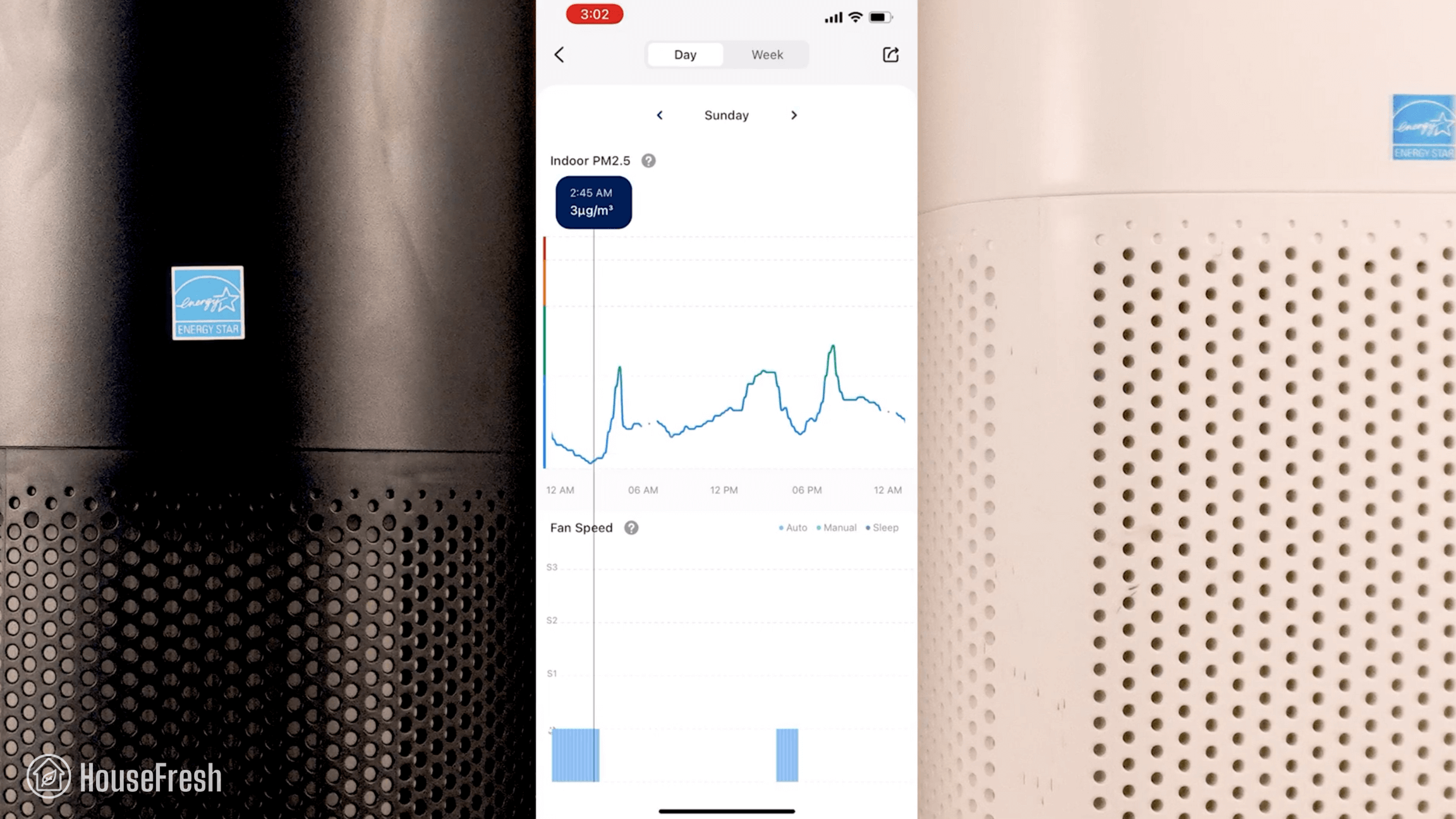
No app support or smart features beyond the auto-mode.
The specifications
The Blue Pure Fan Auto brings a high level of CADR without the usual high energy usage and sound generated that we see with units like the IQAir Healthpro Plus or Mila Air Purifier.
See the full specs for the Blue Pure Fan Auto below:
HouseFresh Rating:
★★★★☆
Time to clean our test room:
26 minutes
Air purifier technology:
HEPASilent™ filtration technology
Recommended room size:
326 sq. ft.
Clean air delivery rate (CADR):
Pollen: 250 CFM Dust: 220 CFM Smoke: 210 CFM
Dimensions (in inches / in cm):
15.5 x 12.9 x 11.2 inches (39 x 33 x 29cm)
Weight (in pounds / in kg):
11.6 lbs (5.26 kg)
Filter life:
Pre-filter: 4 weeks Max2 filter: 12 months
Noise level in decibels (measured from 3 ft. away with a sound level meter):
Speed 1: 37.8 dB Speed 2: 47.9 dB Speed 3: 59.6 dB
Electricity consumption in watts (recorded with an electricity usage monitor):
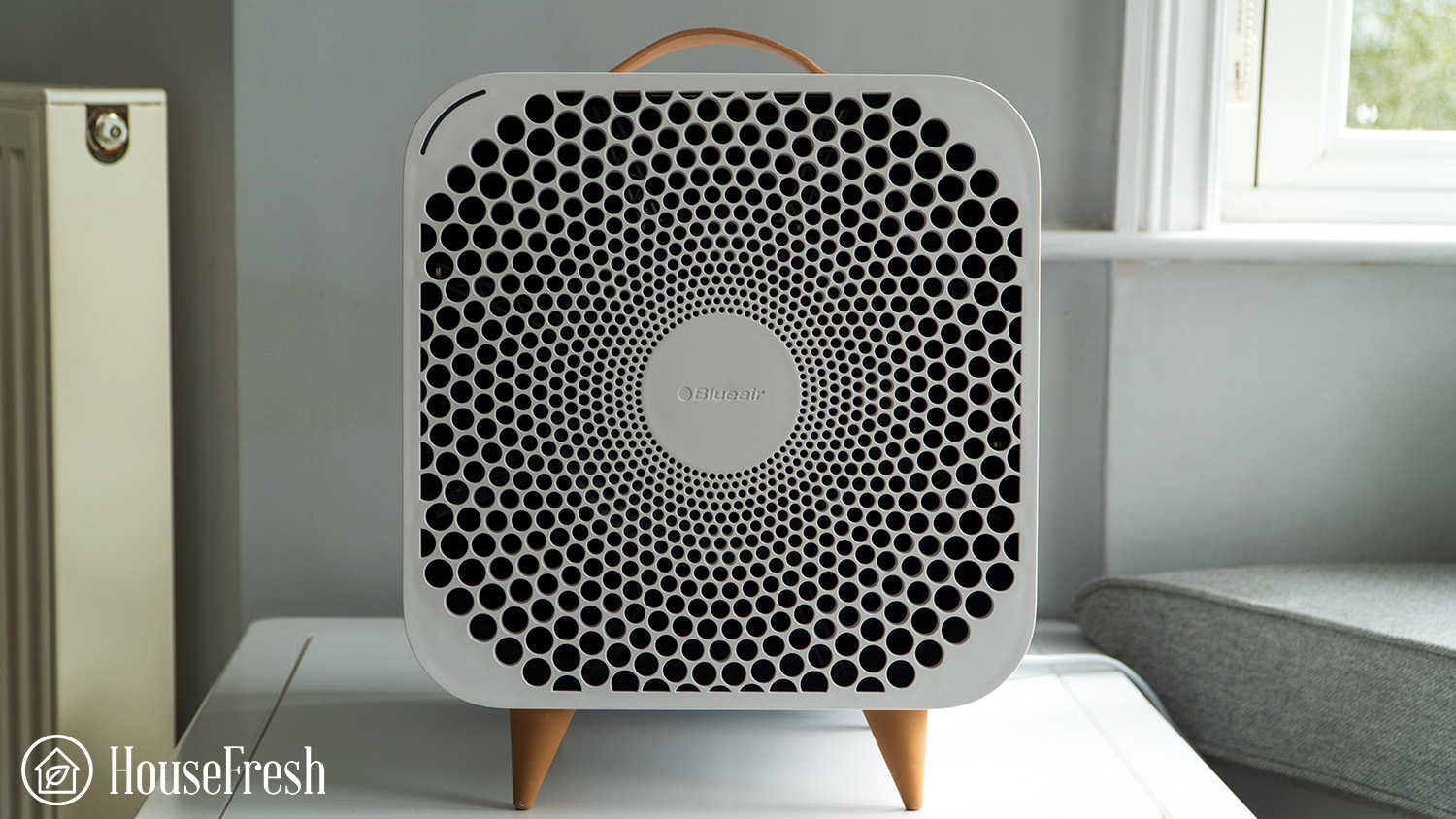
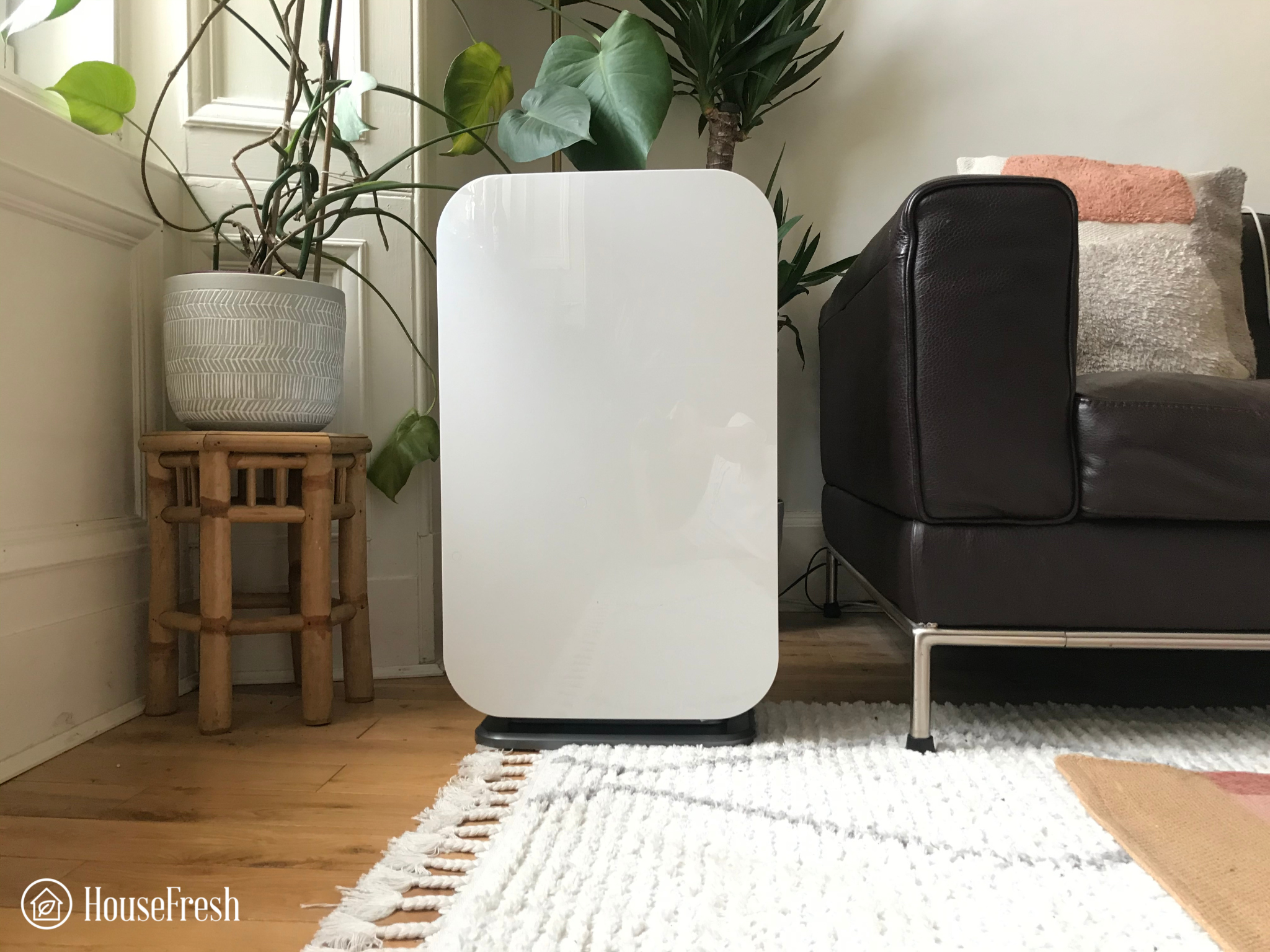
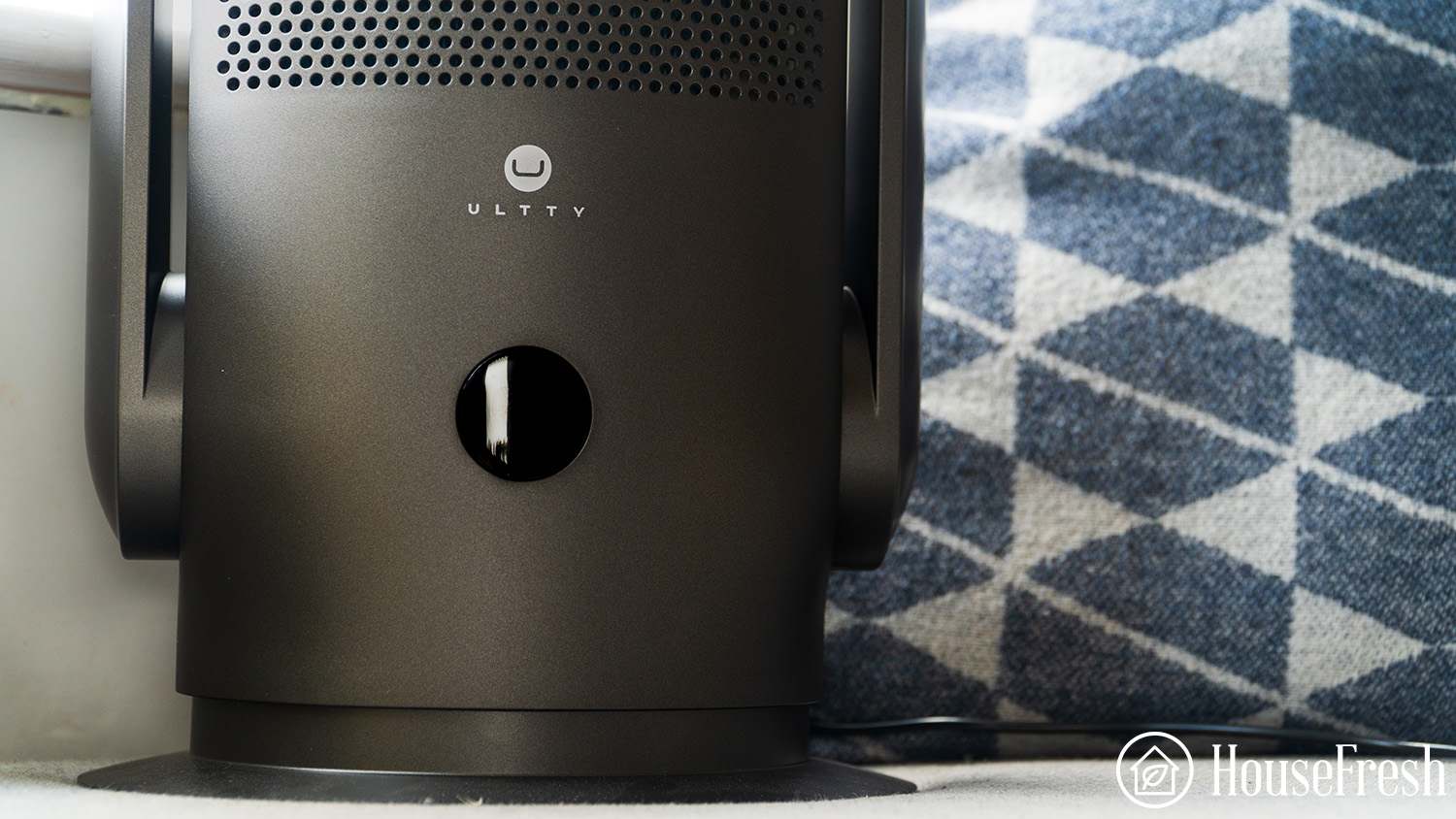
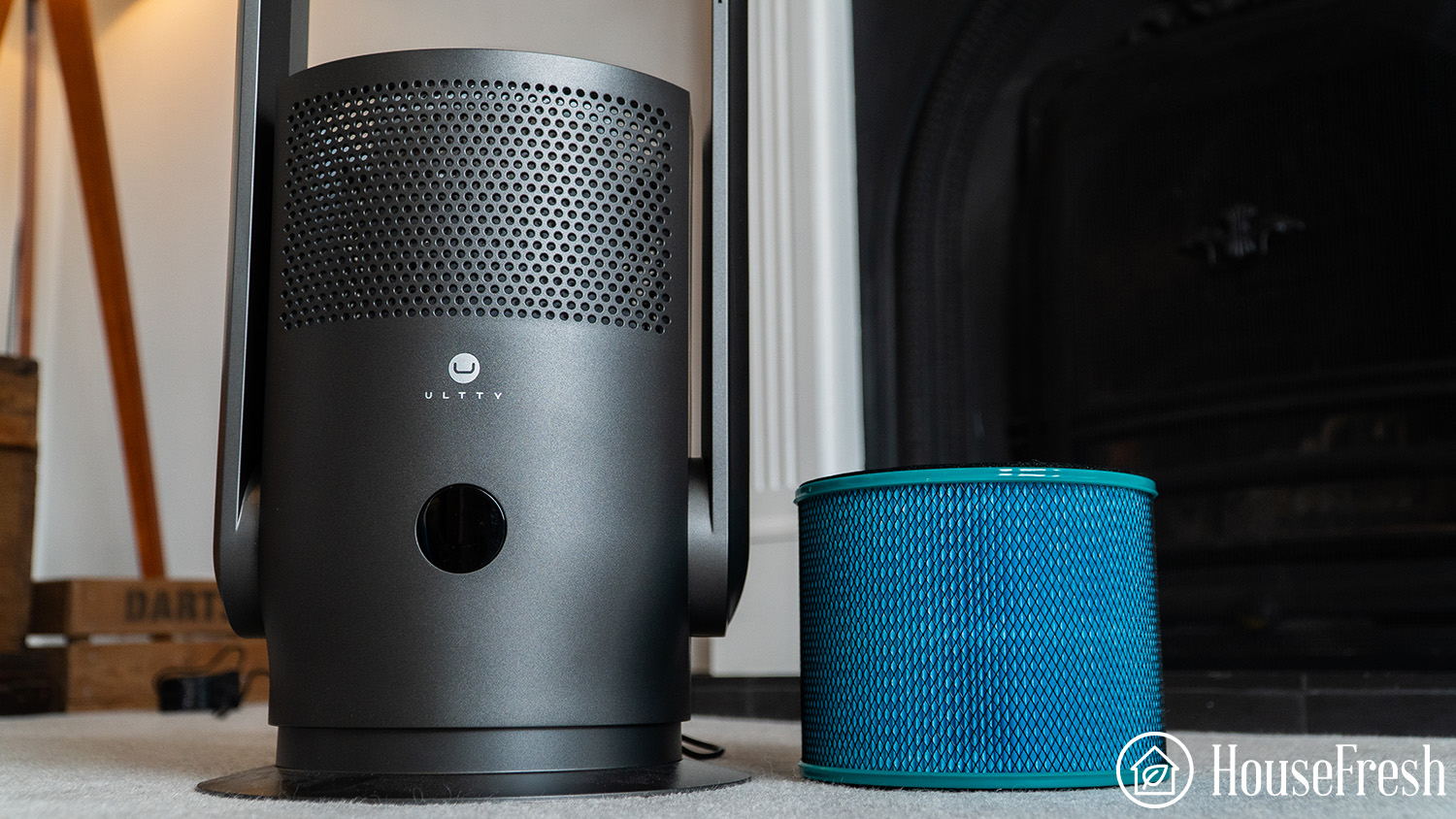
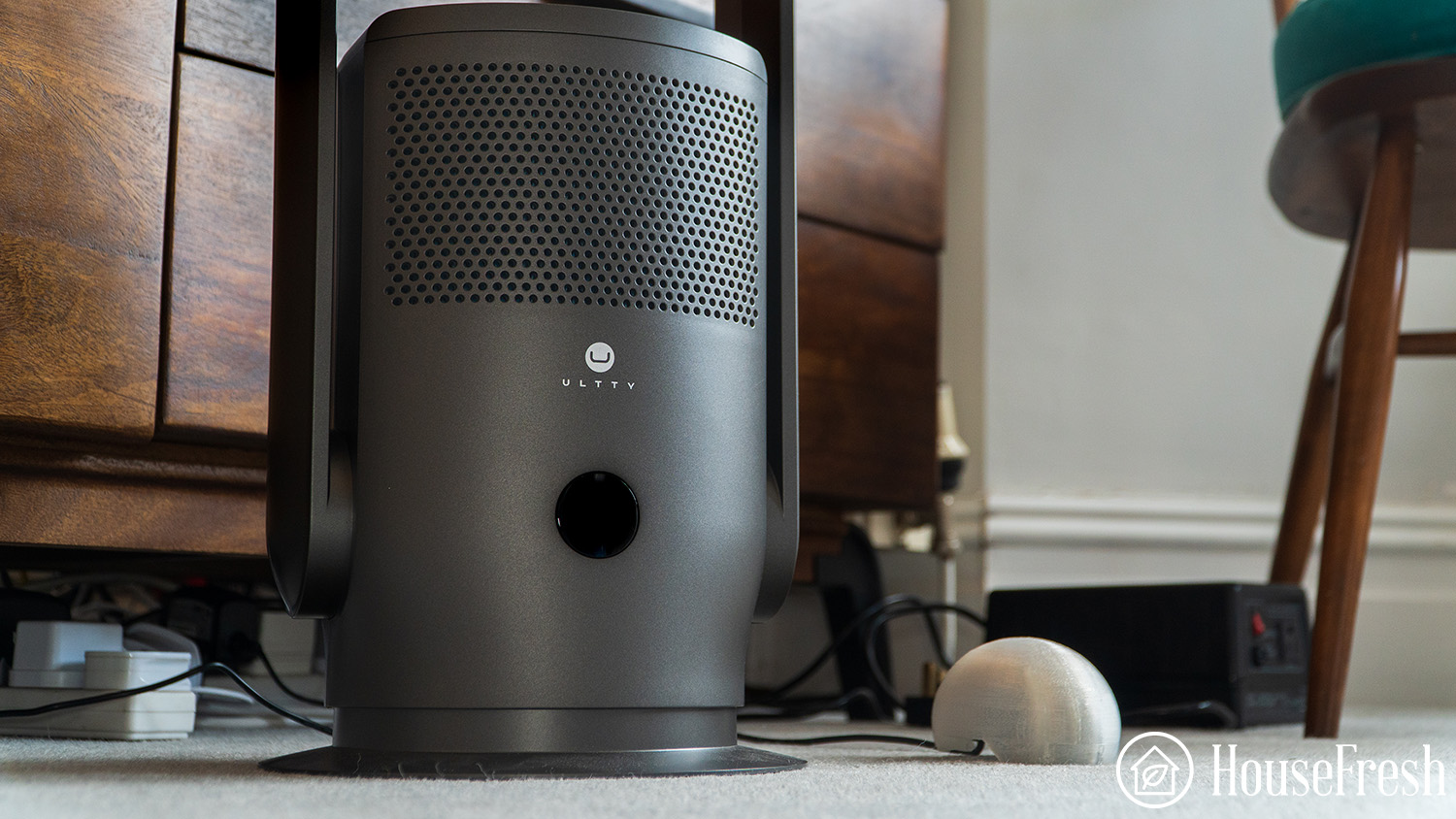
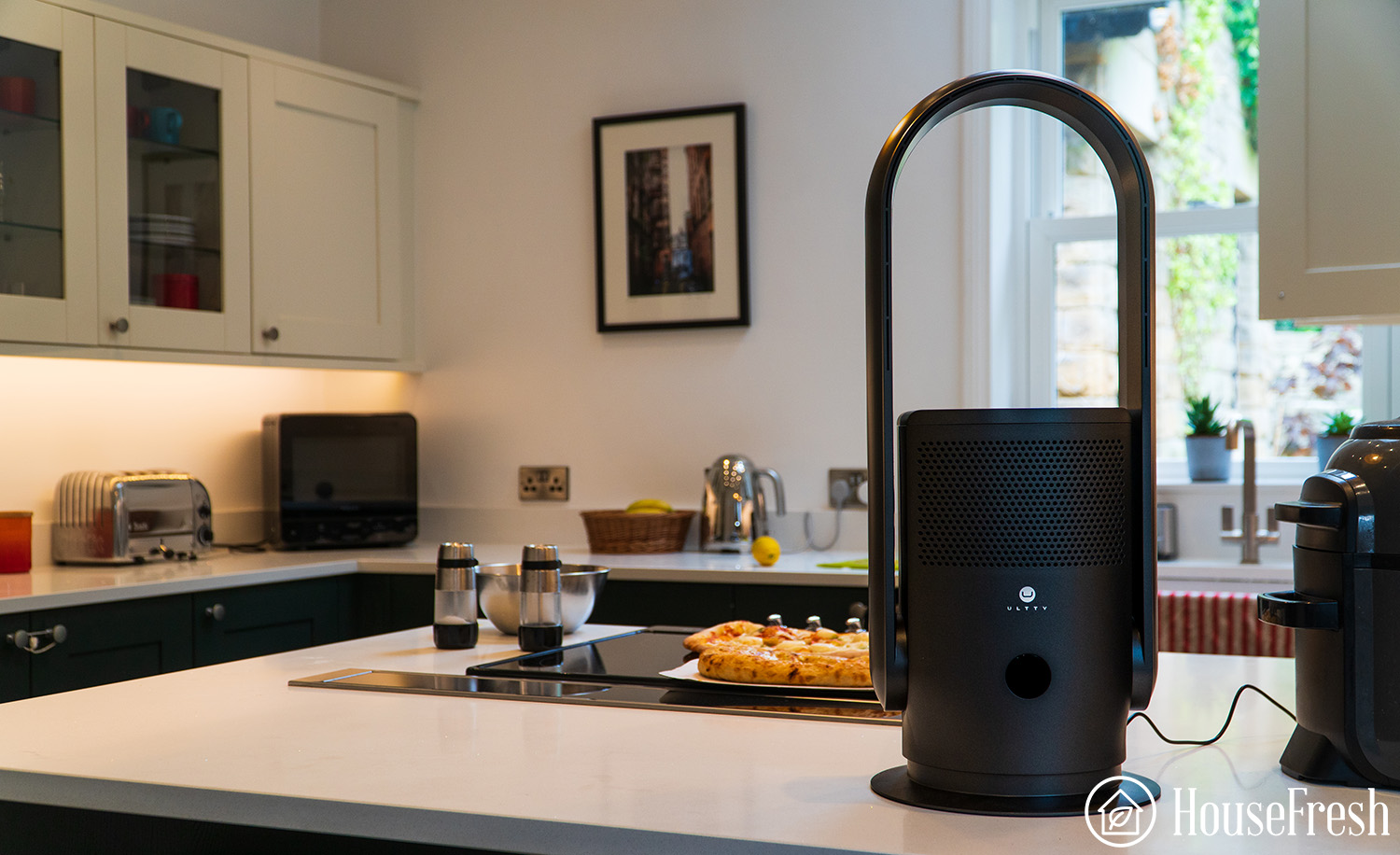
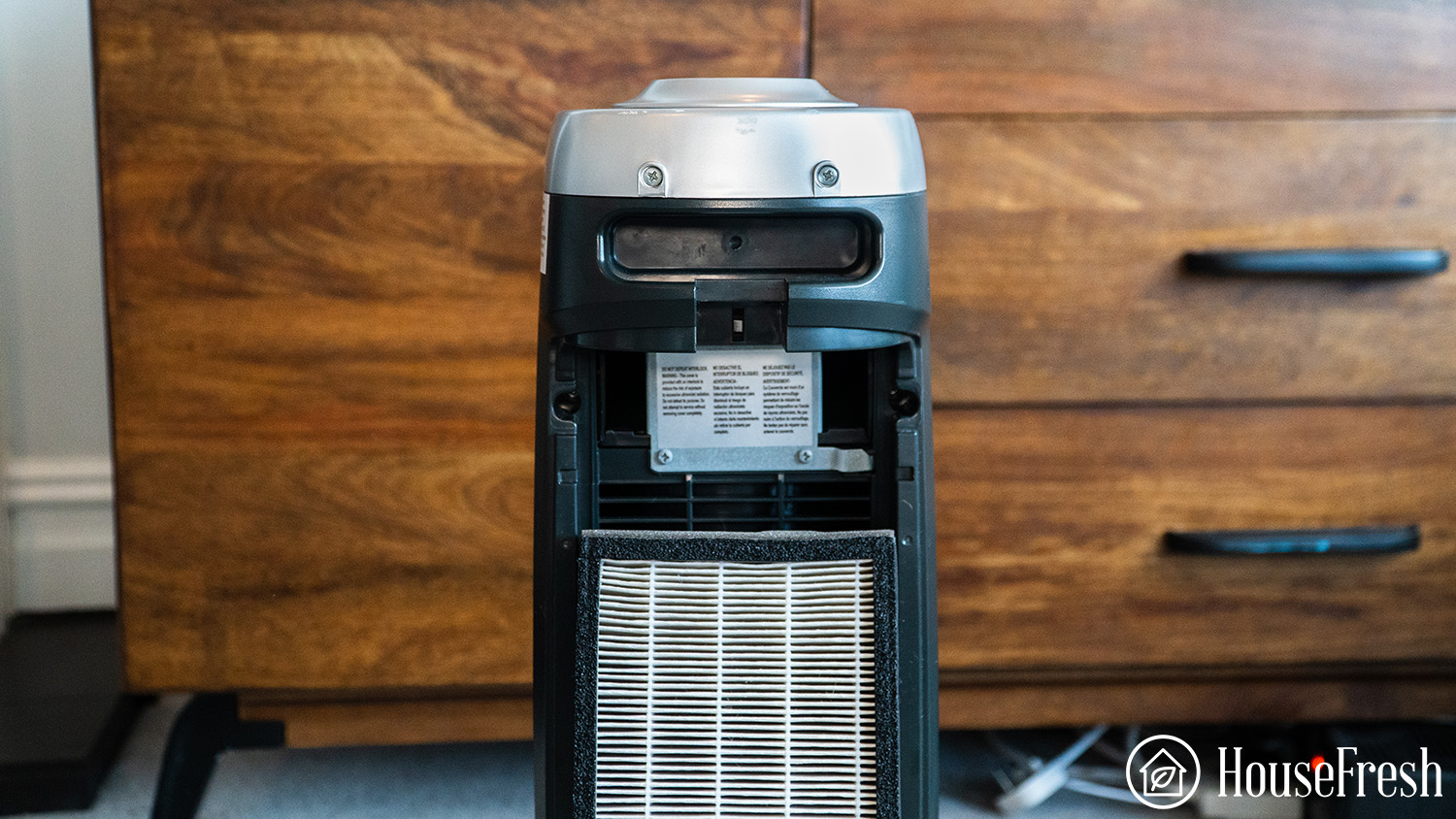
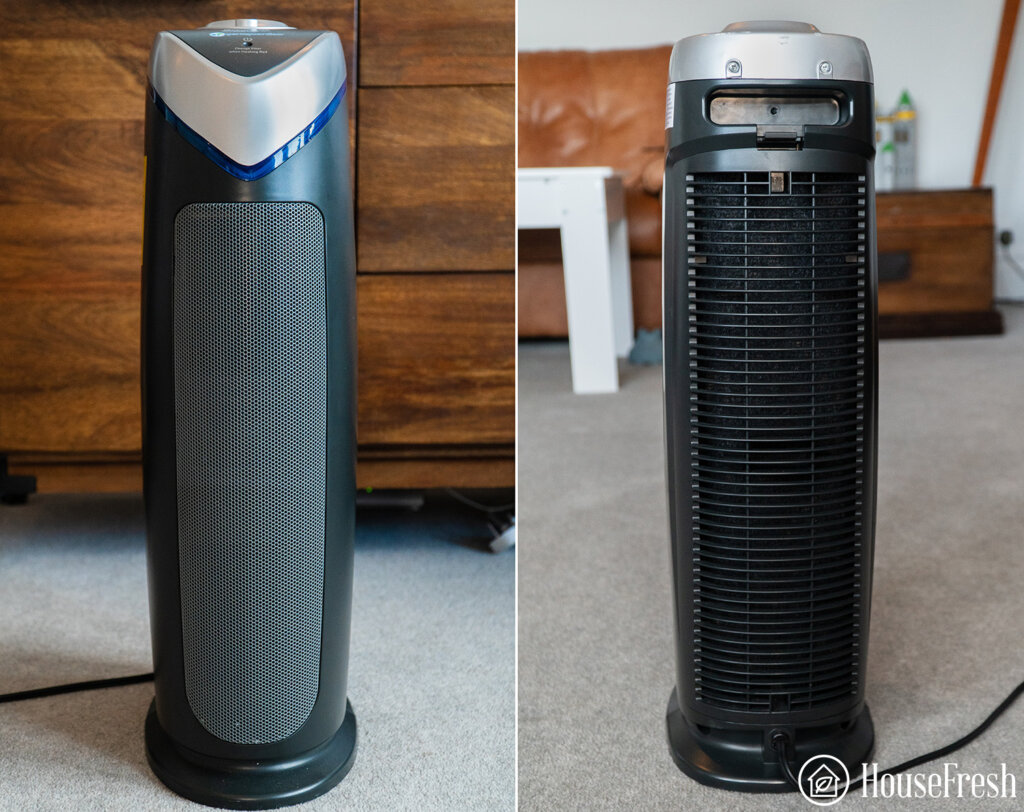
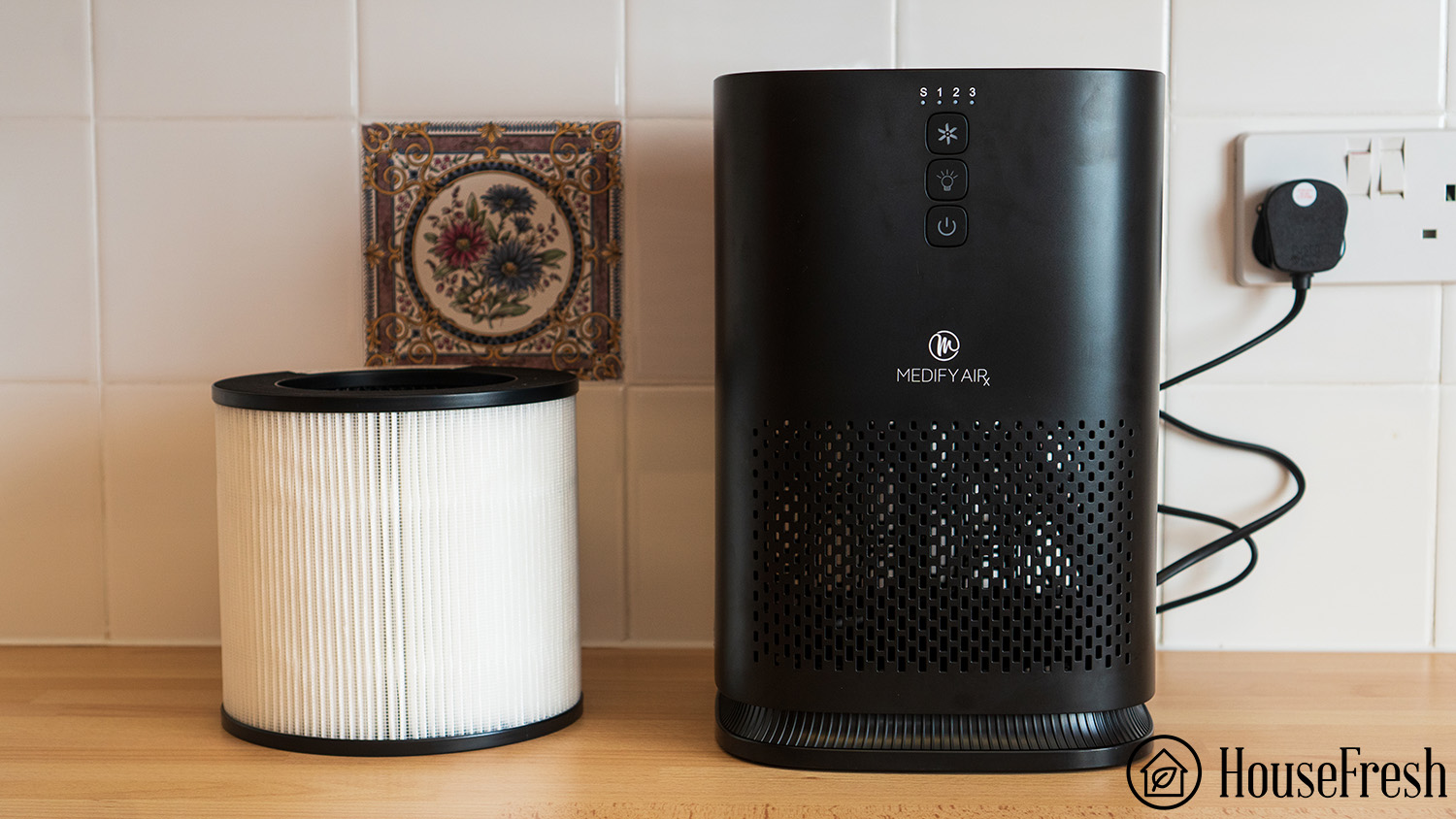
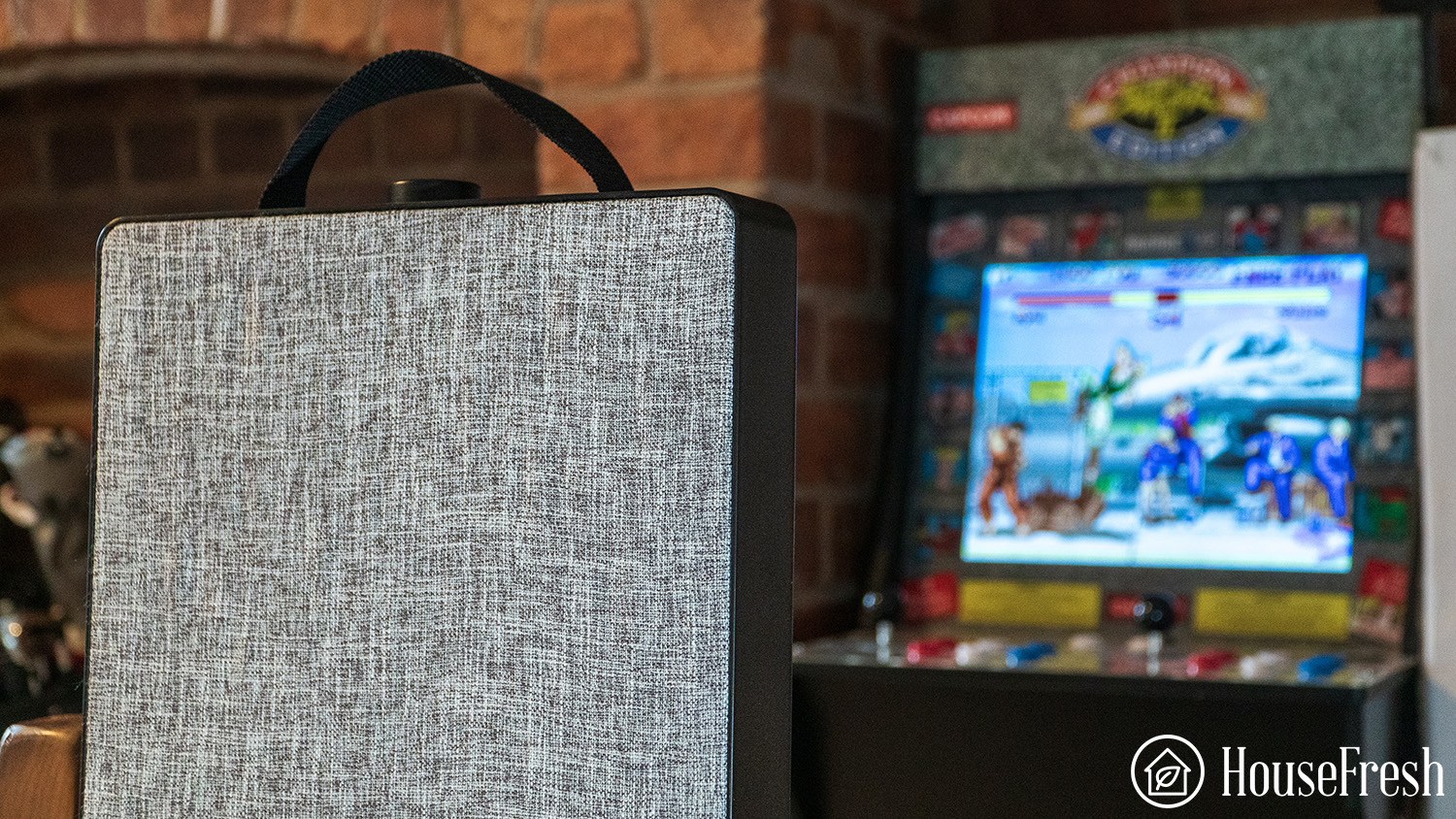
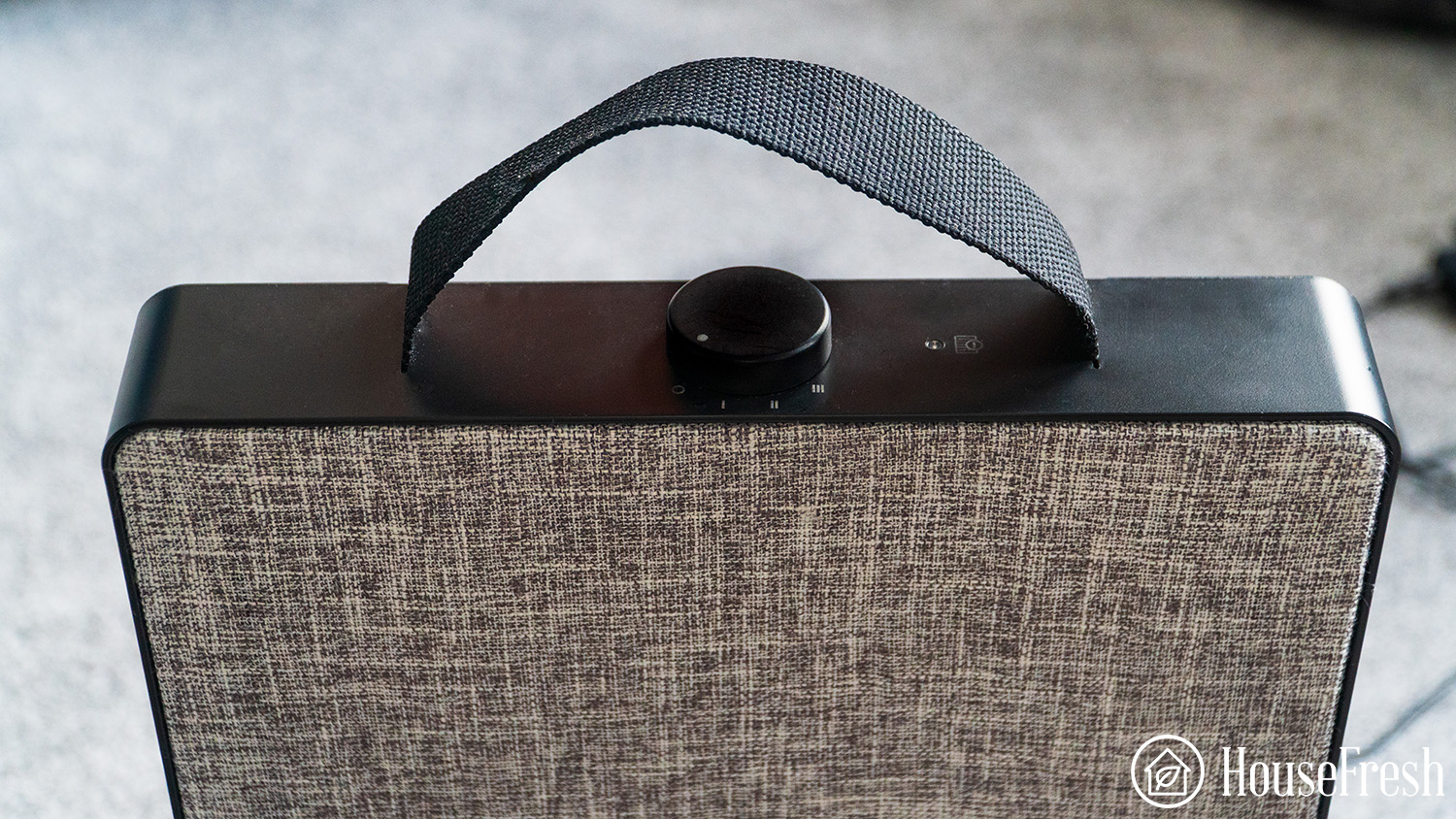
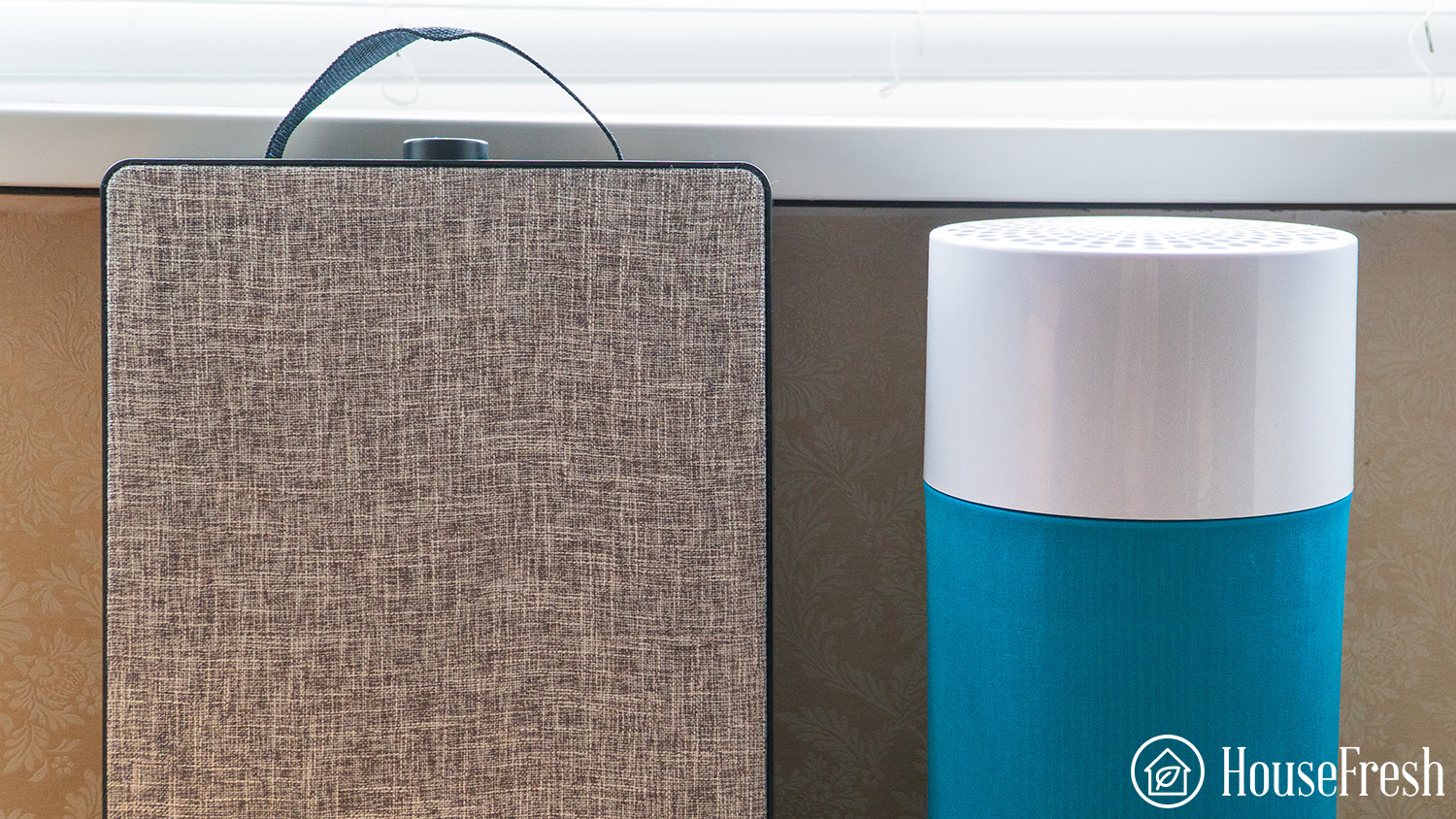
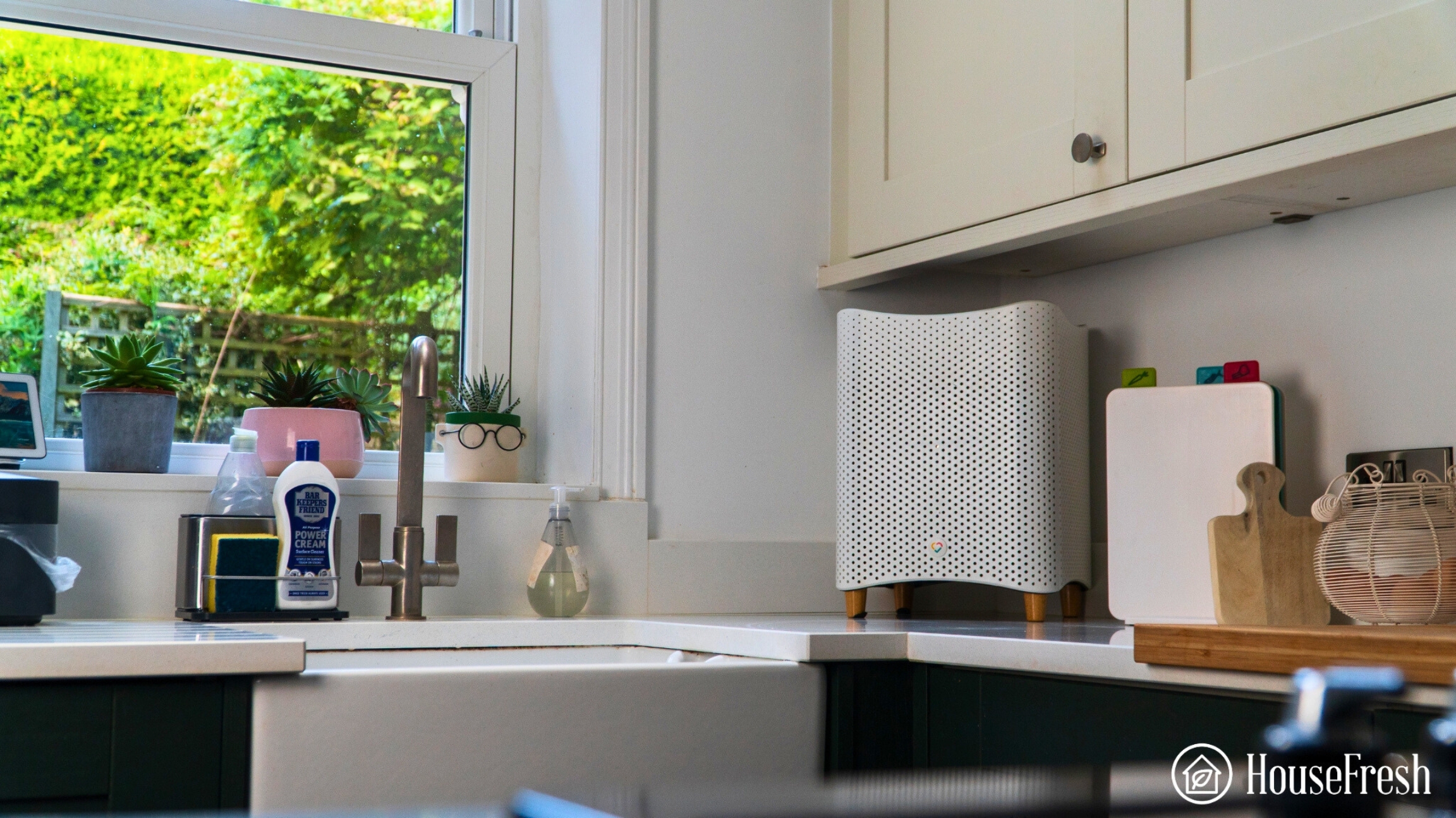
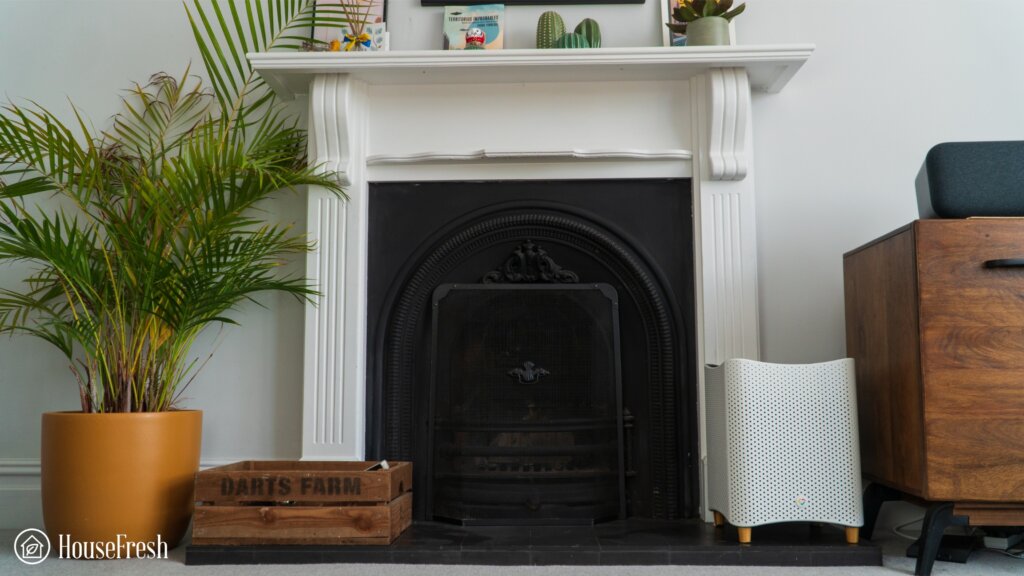
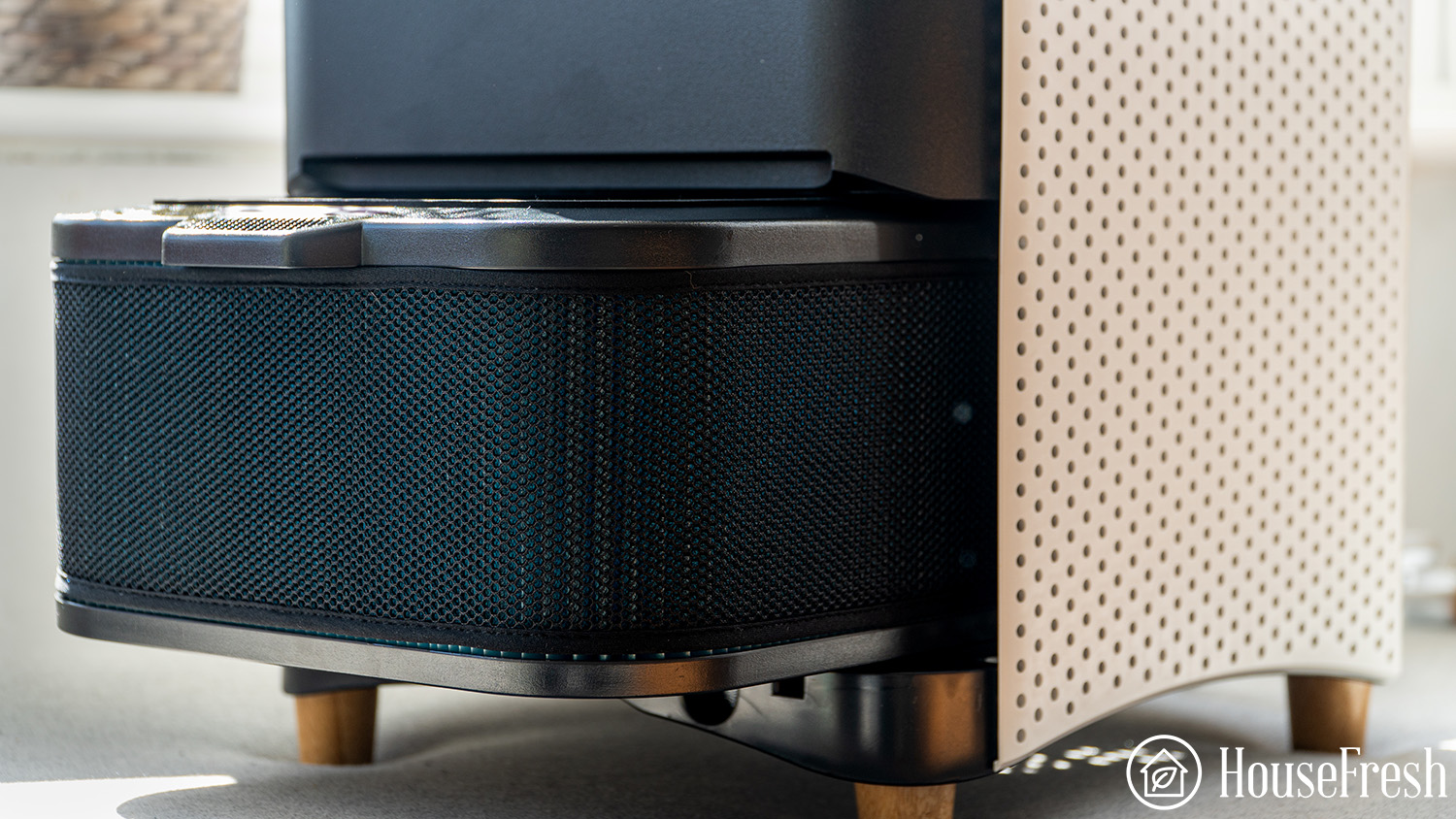
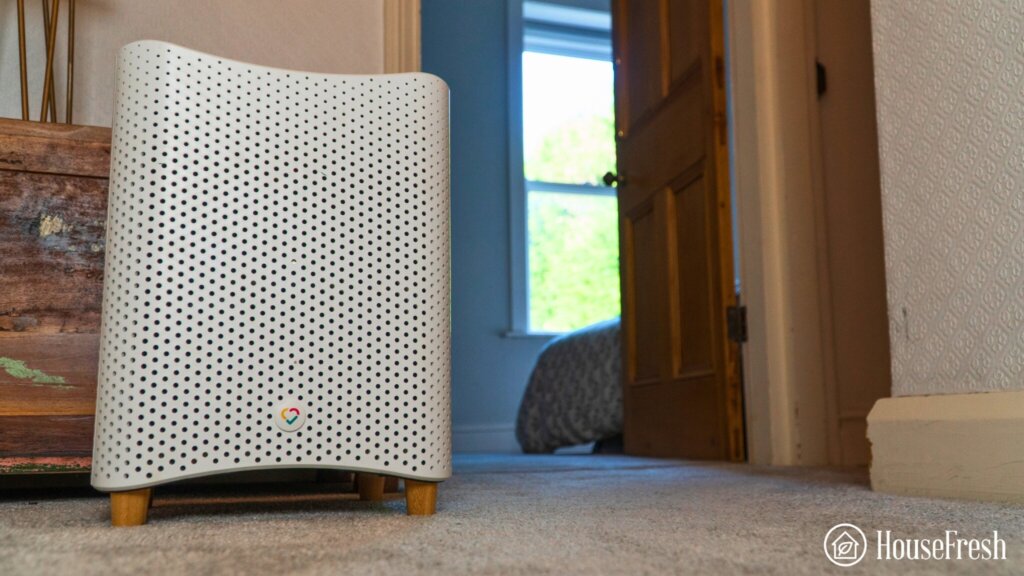
Blueair knows that design is super important to their customers. They have been continually investing in this over the past few years. I’m just going to say it: the Pure Fan Auto is one of the best-looking air purifiers that I have had a chance to review.
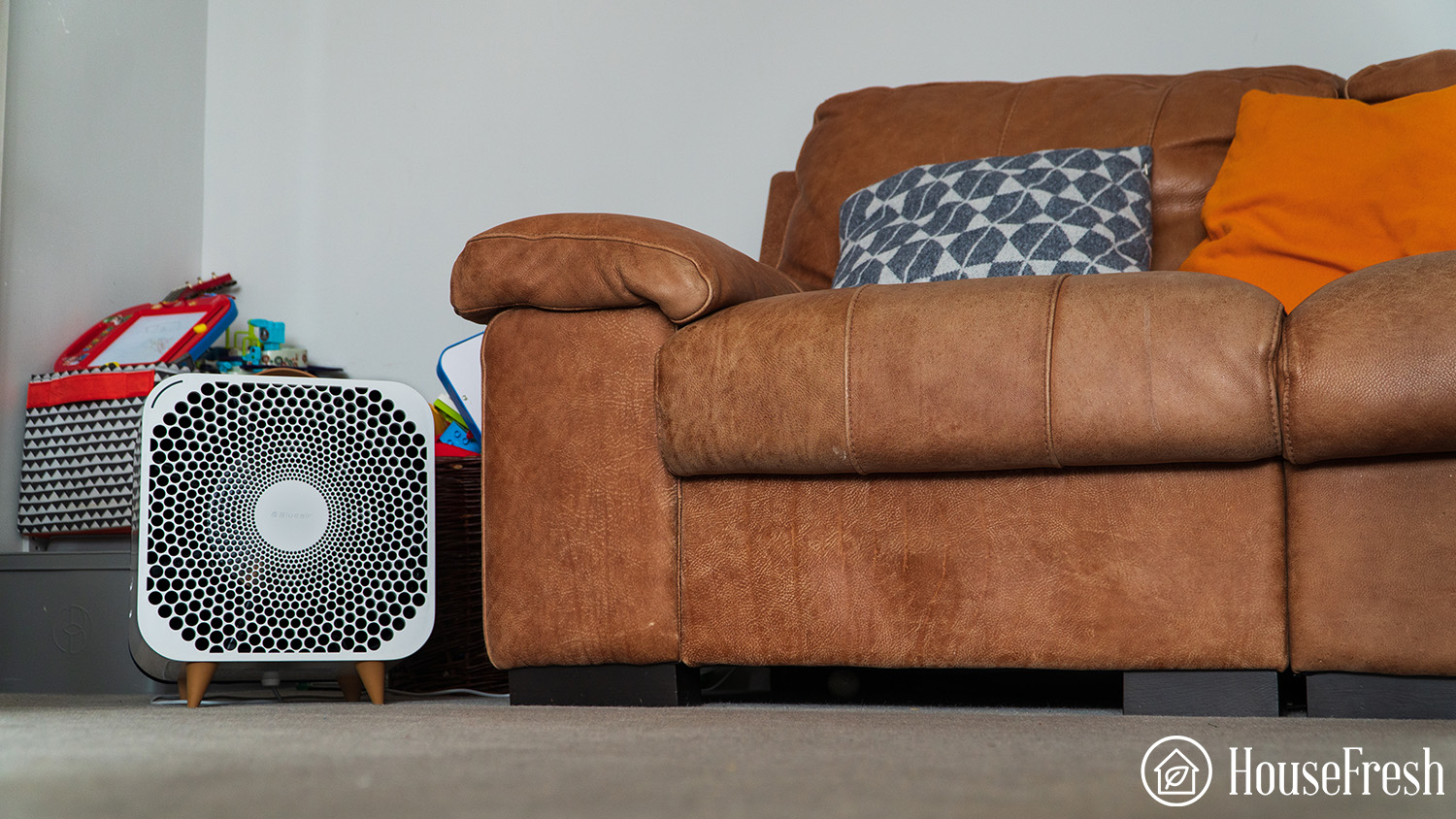
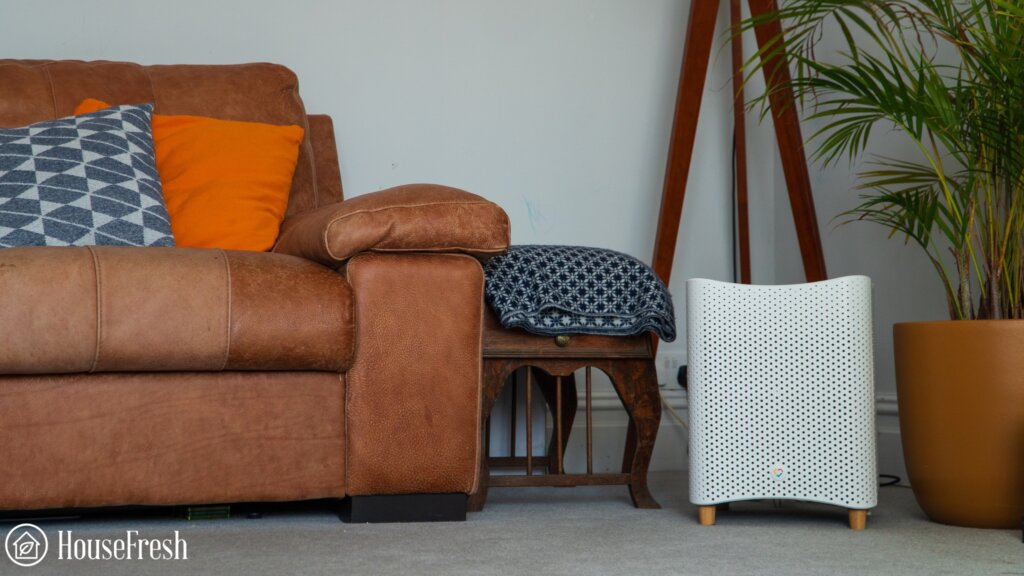
Its cube shape makes it easy to use in many places around the home, and doesn’t even need to sit directly on the floor.
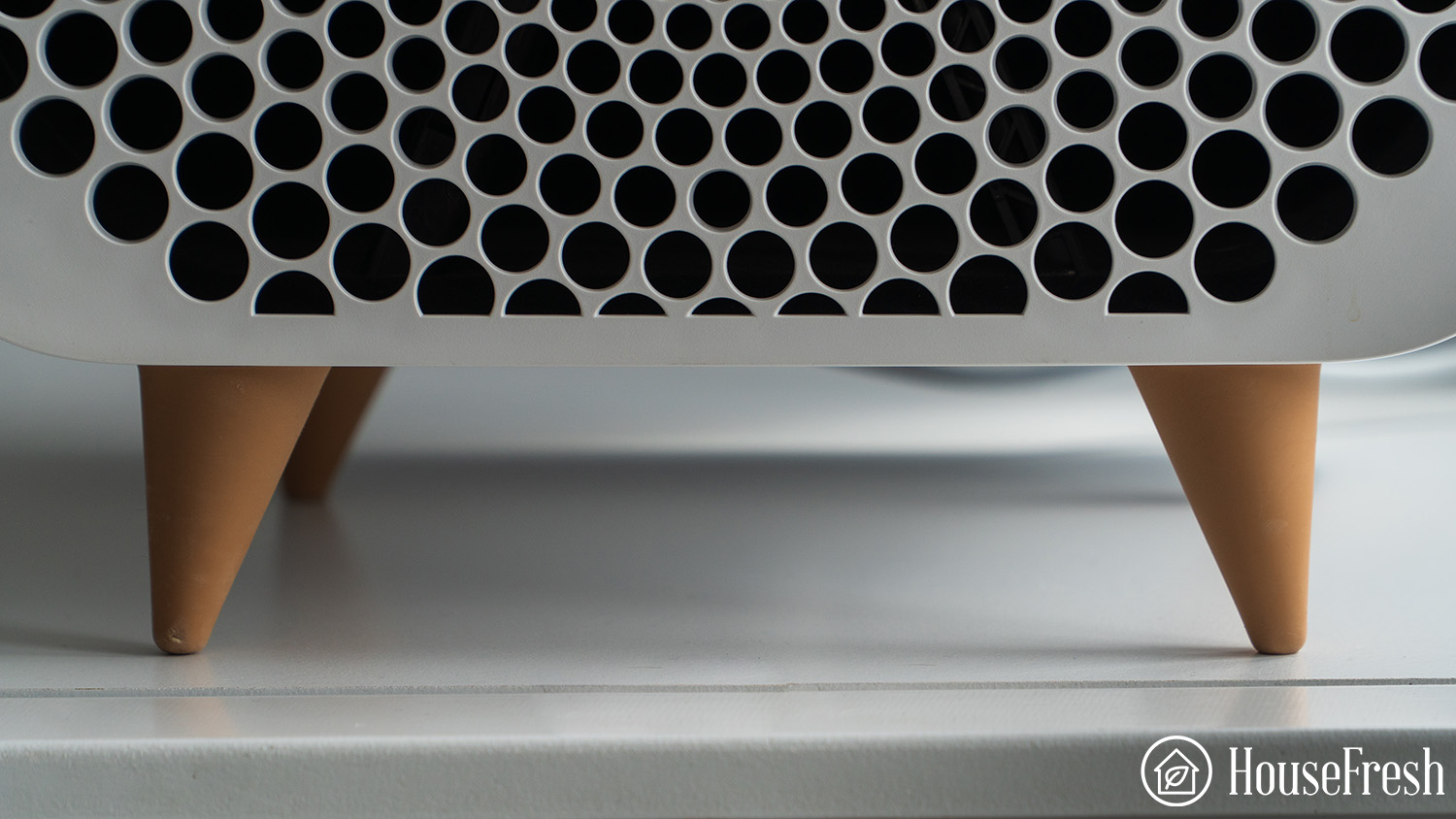
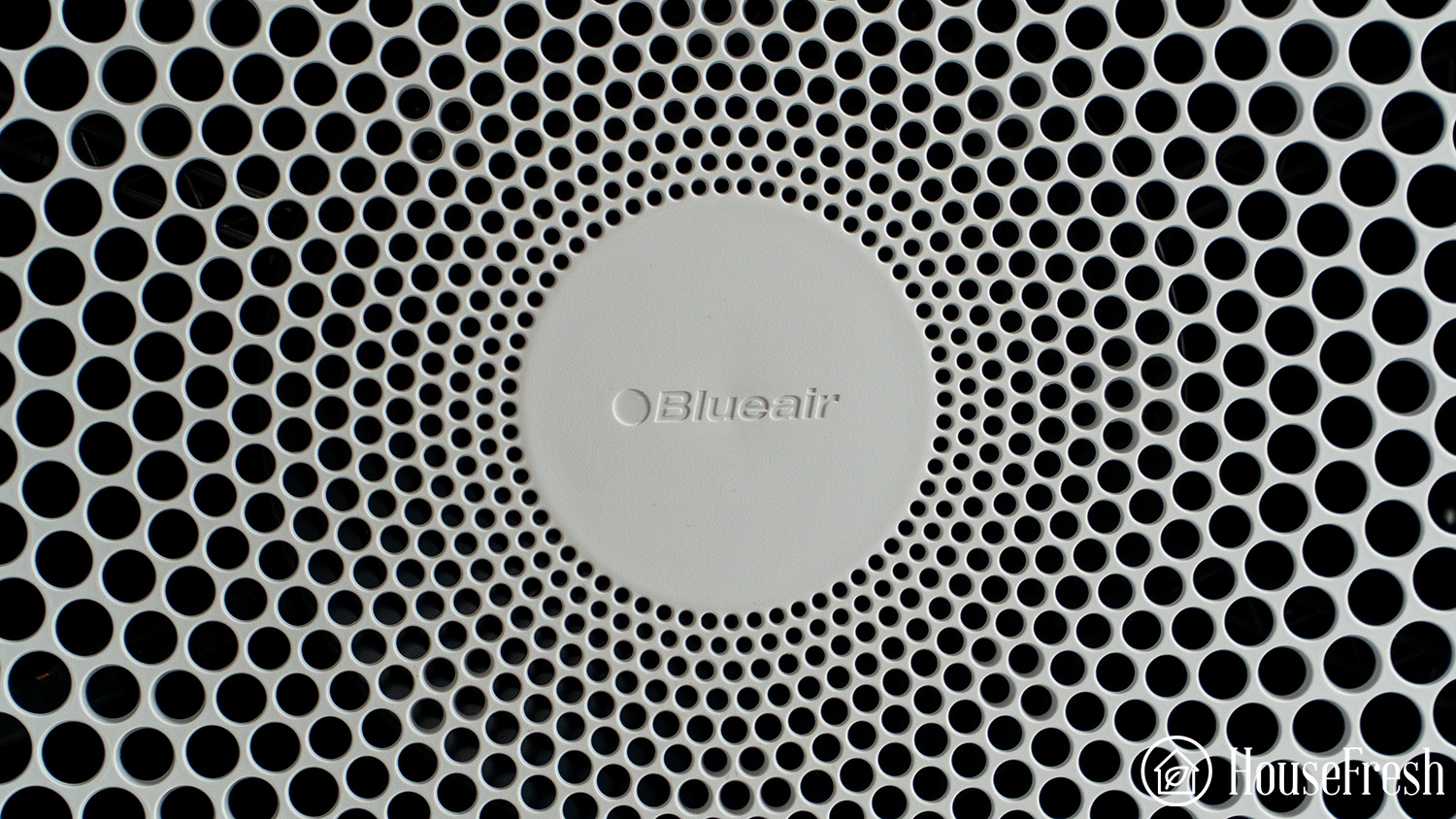
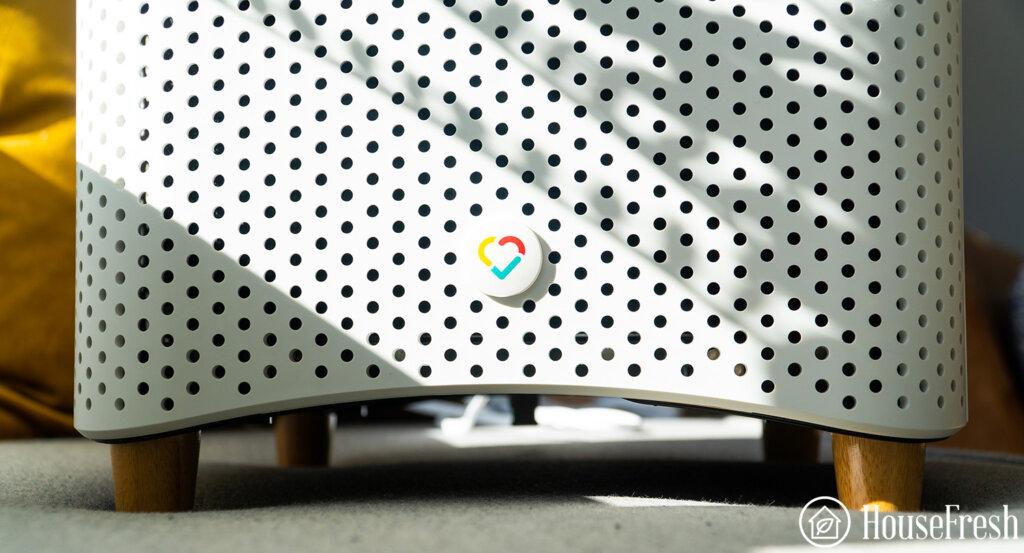
The legs look like something from a high-end piece of furniture and even the fan holes’ design is aesthetically pleasing.
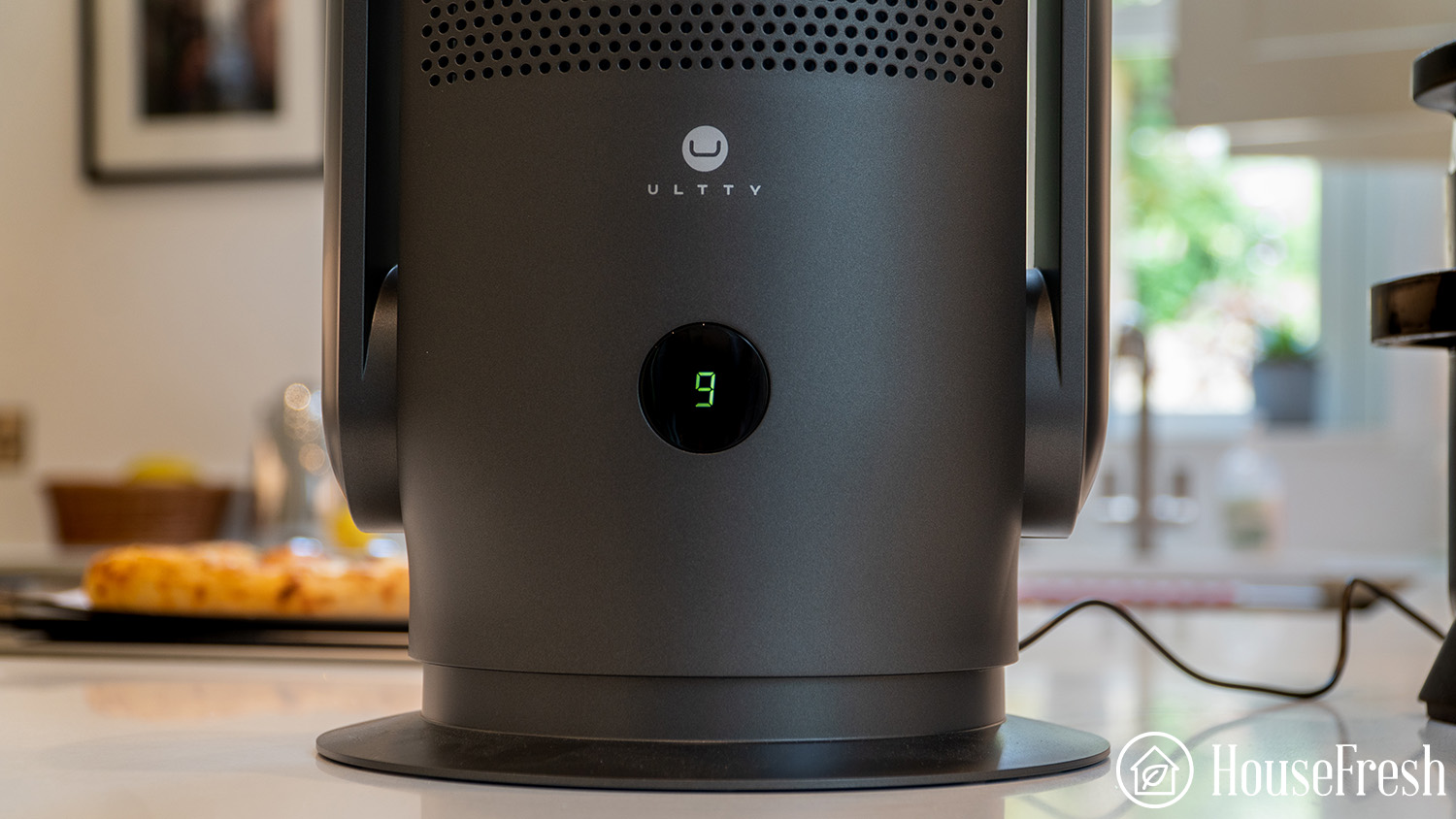
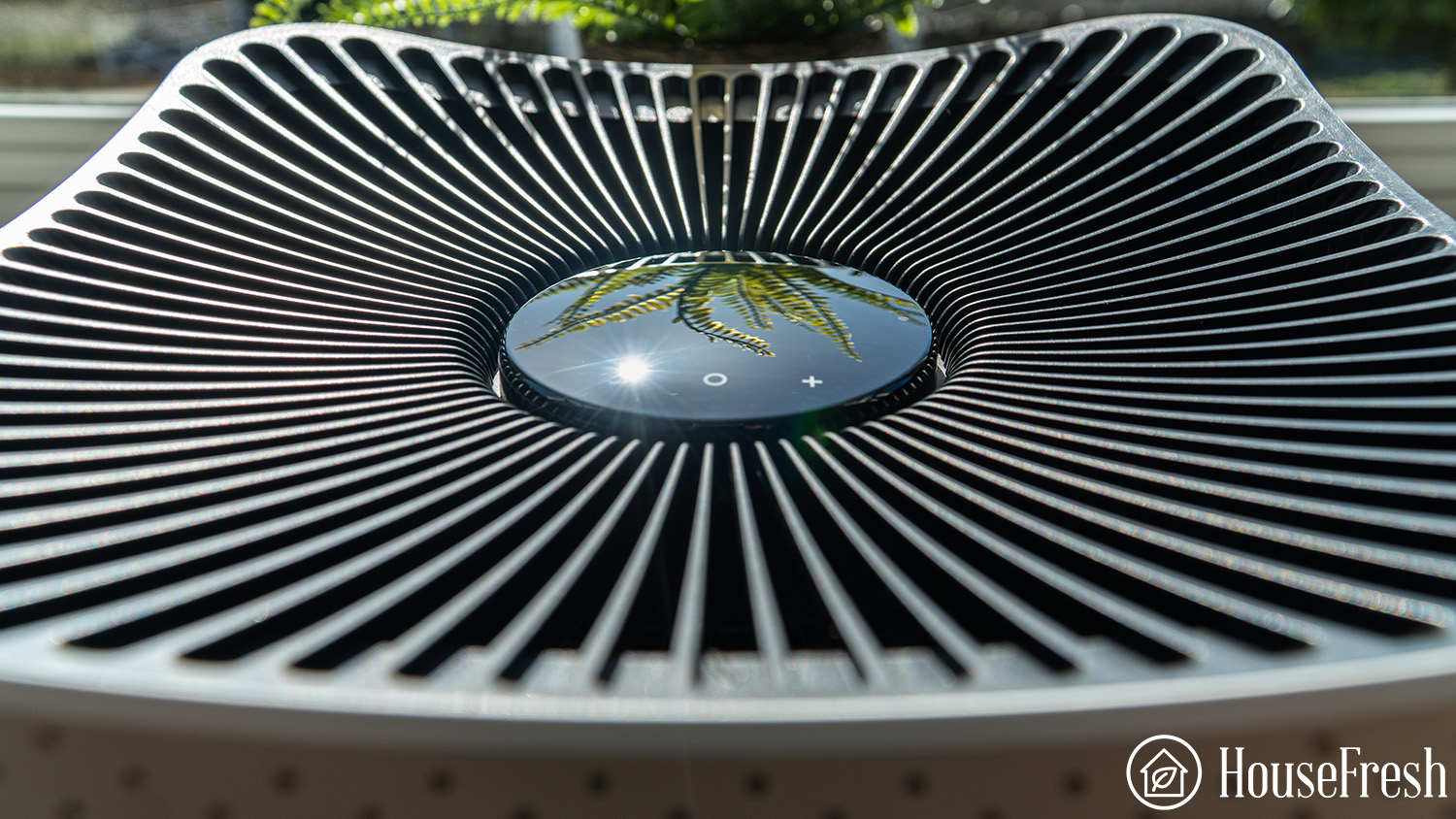
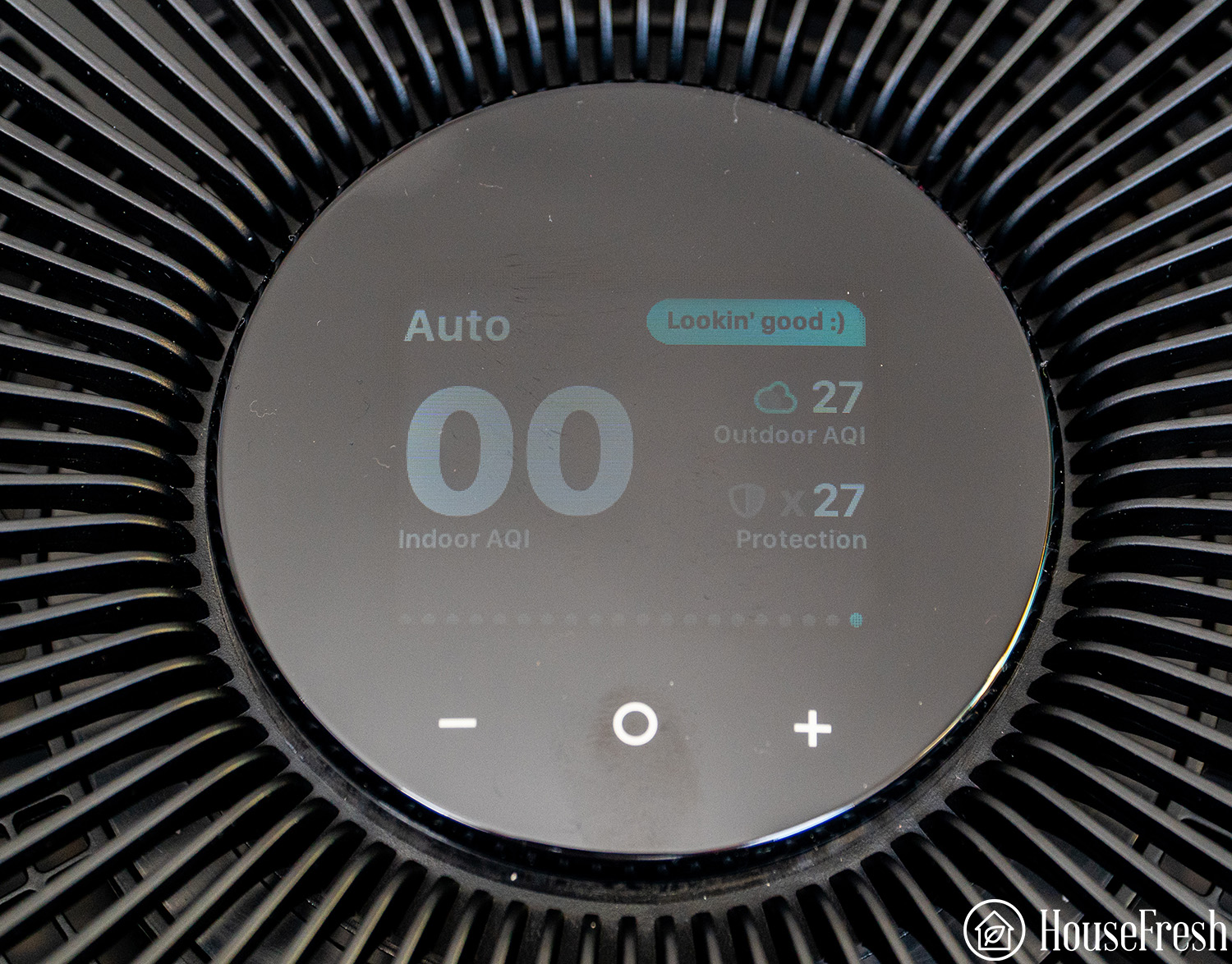
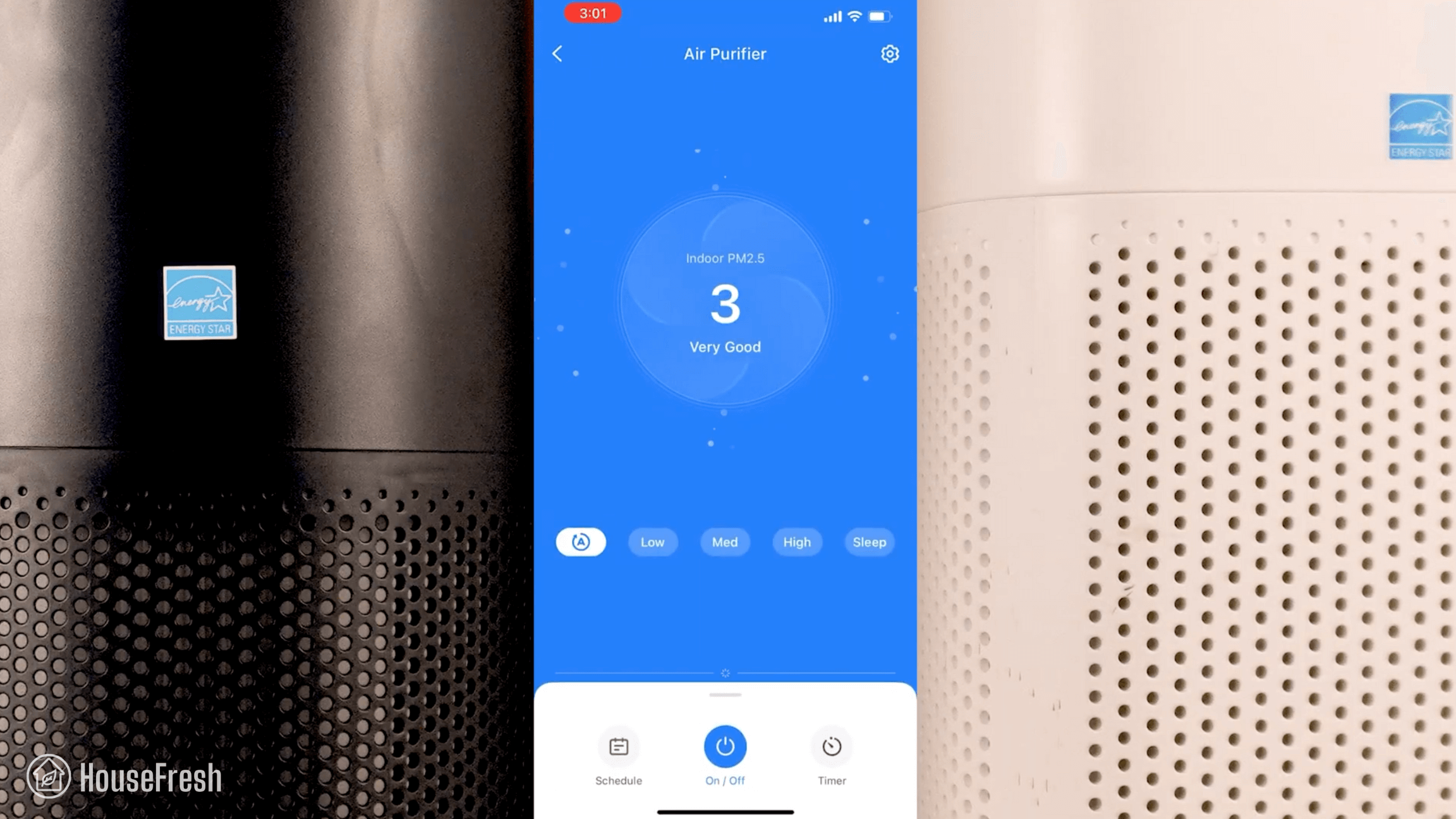
The auto mode includes a light in the top left-hand corner that adjusts depending on the level of particle pollution. The fan will also automatically adjust to provide more cleaning power depending on the level of air quality detected.
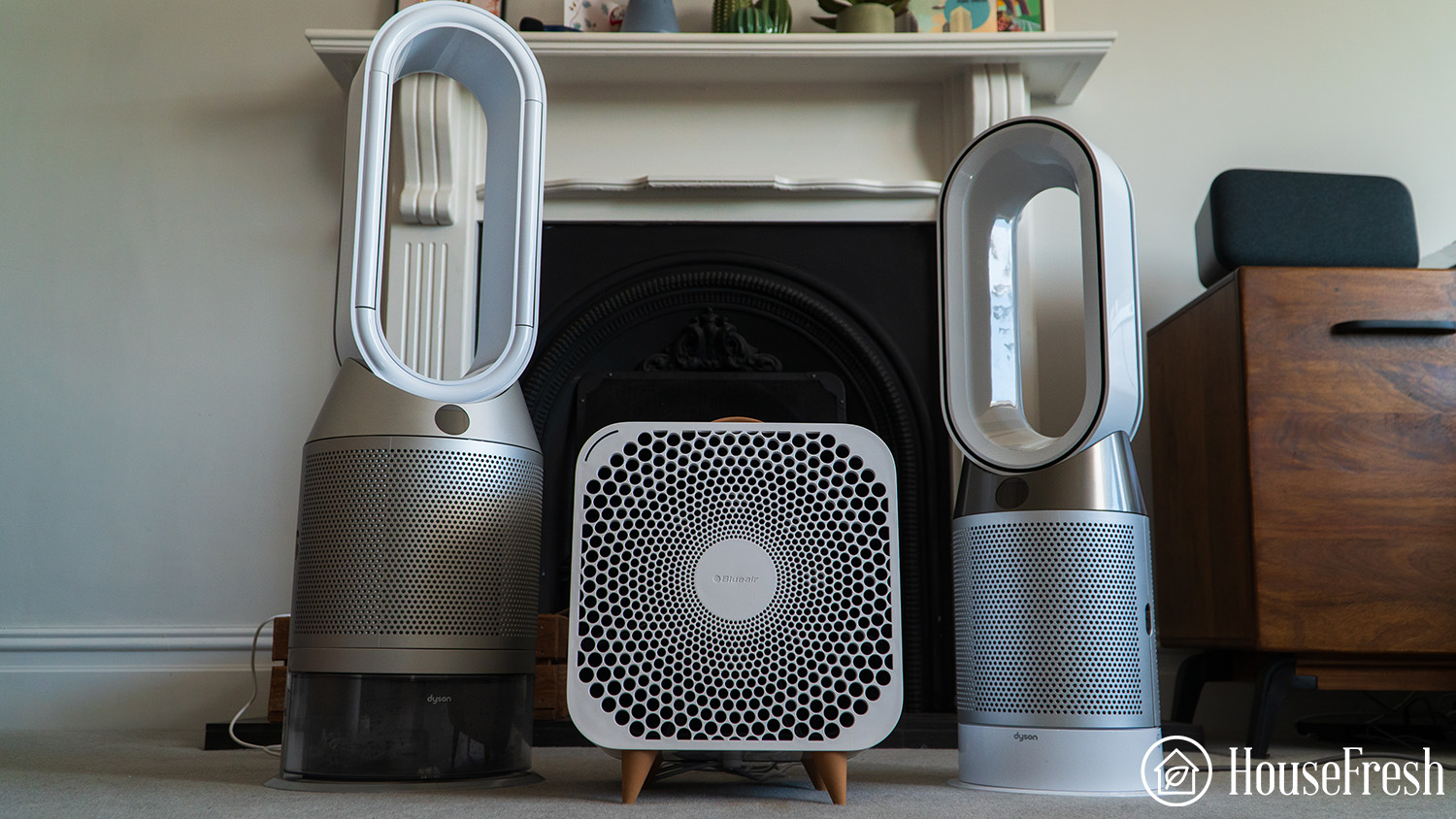
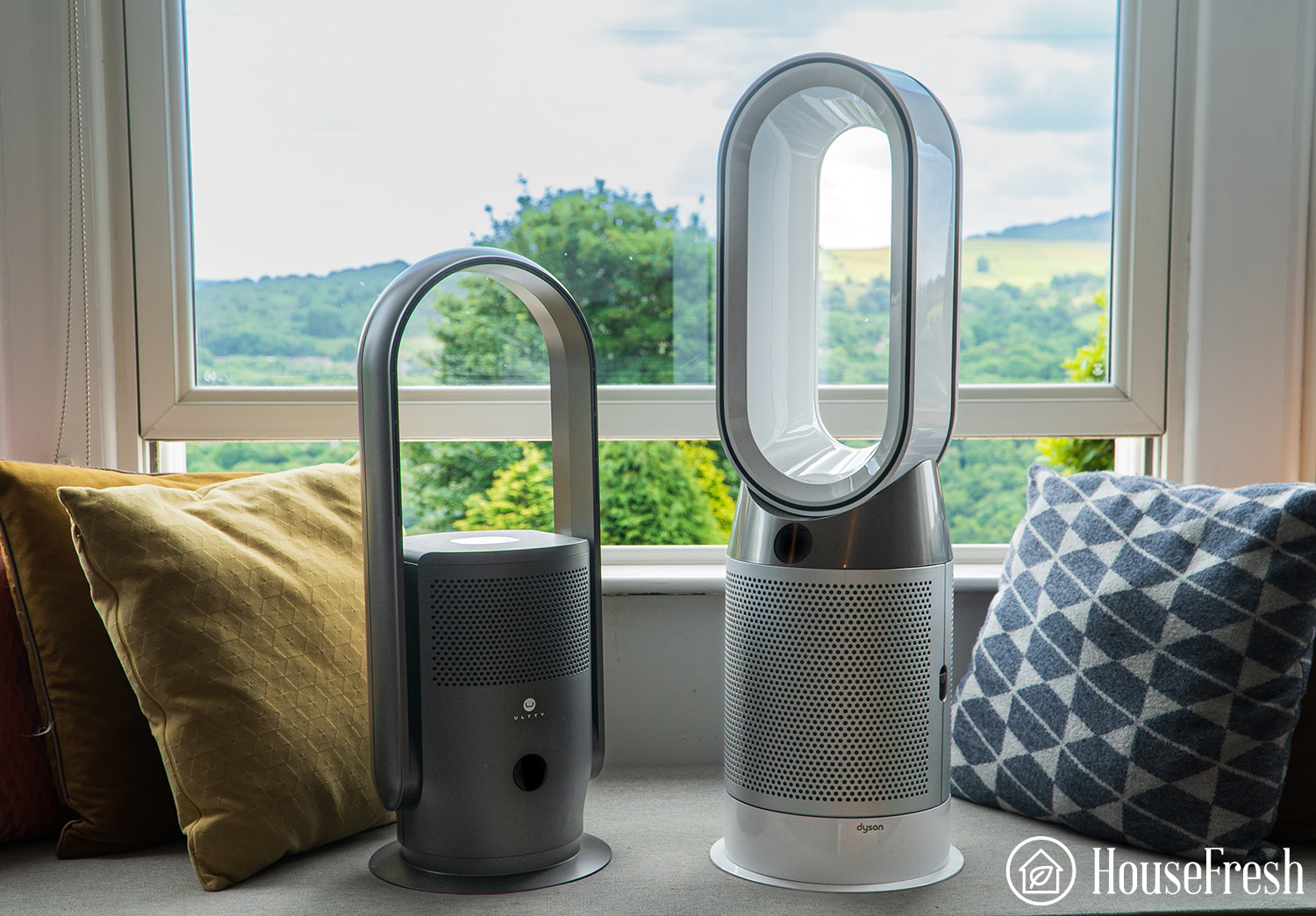
If I wanted to compare the design and aesthetics of Blue Fan Auto with a similar unit, then I would need to look at the Dyson range of fan-air purifier combos. Personally, I prefer the looks of the Blueair unit as it fits my home interiors better and blends into the furniture we already have BUT I know that’s a personal preference.
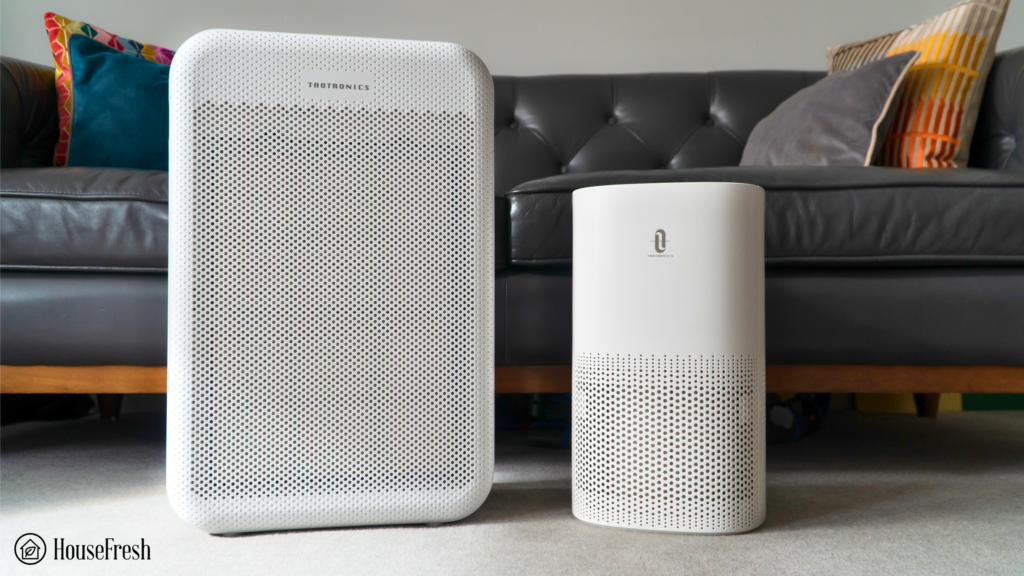
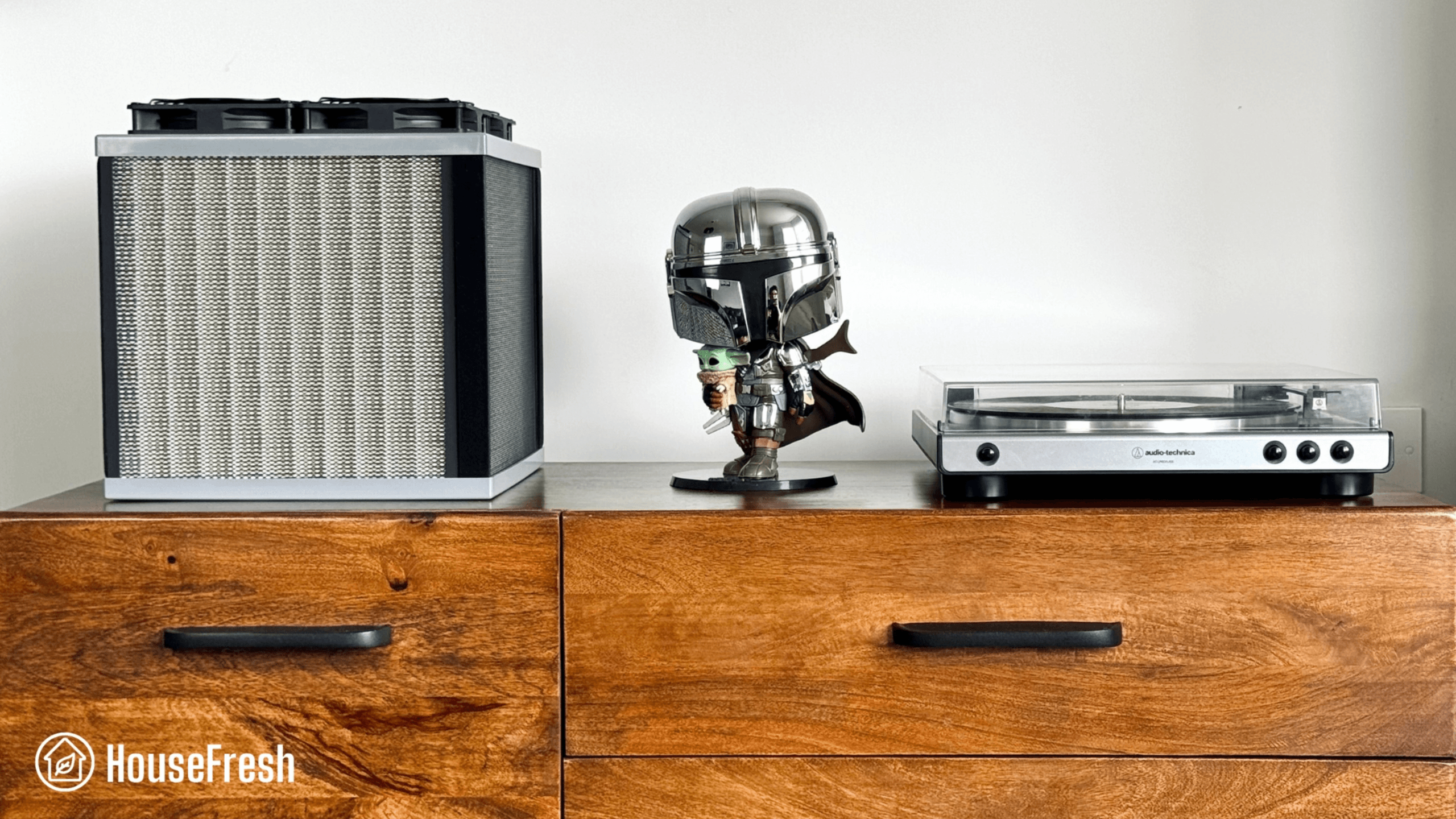
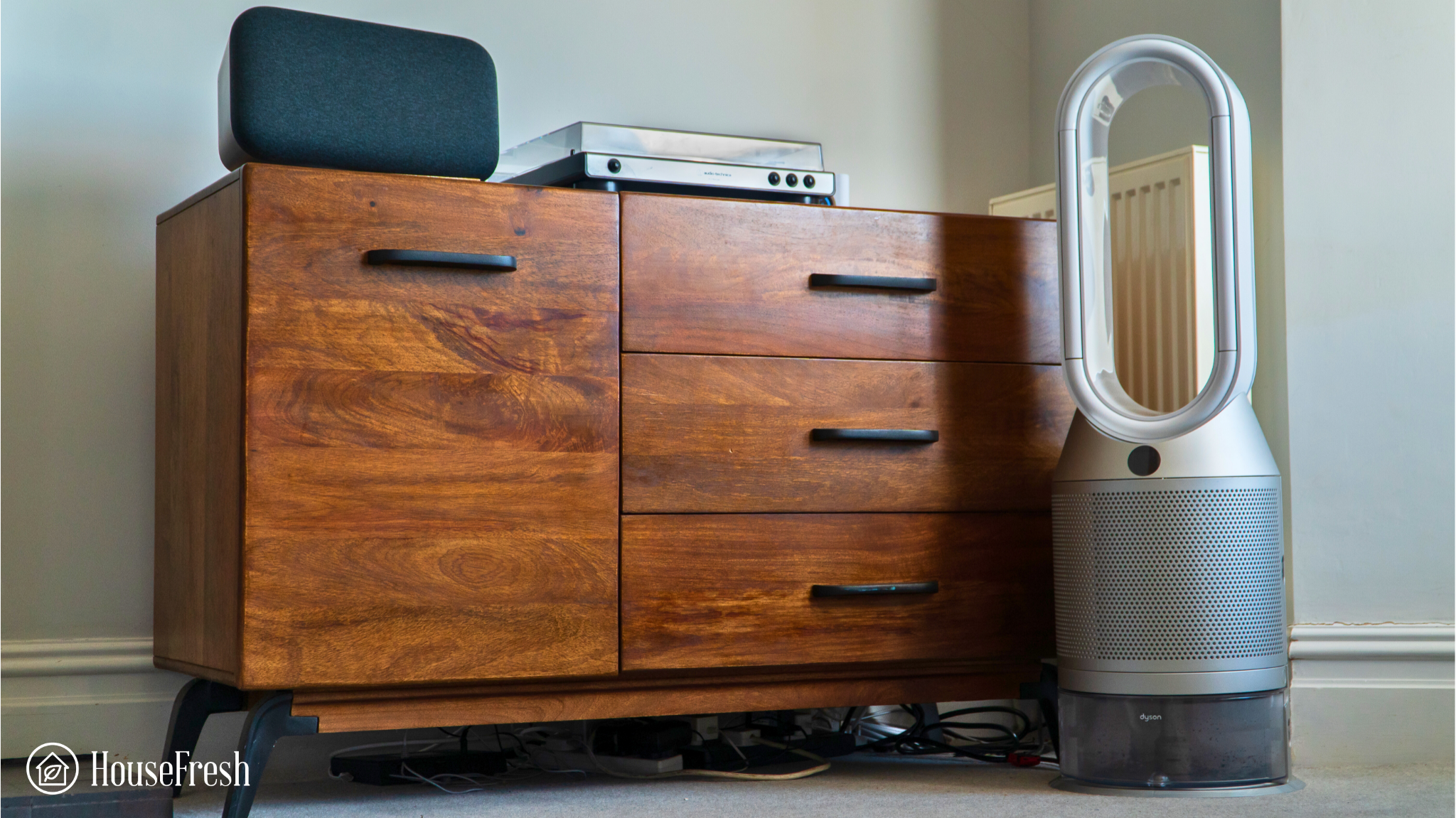
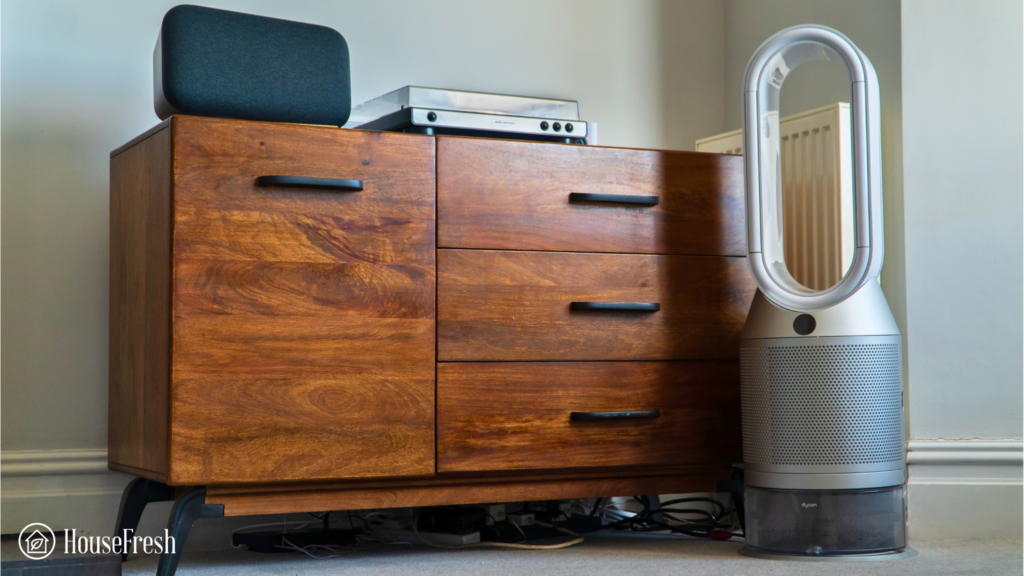
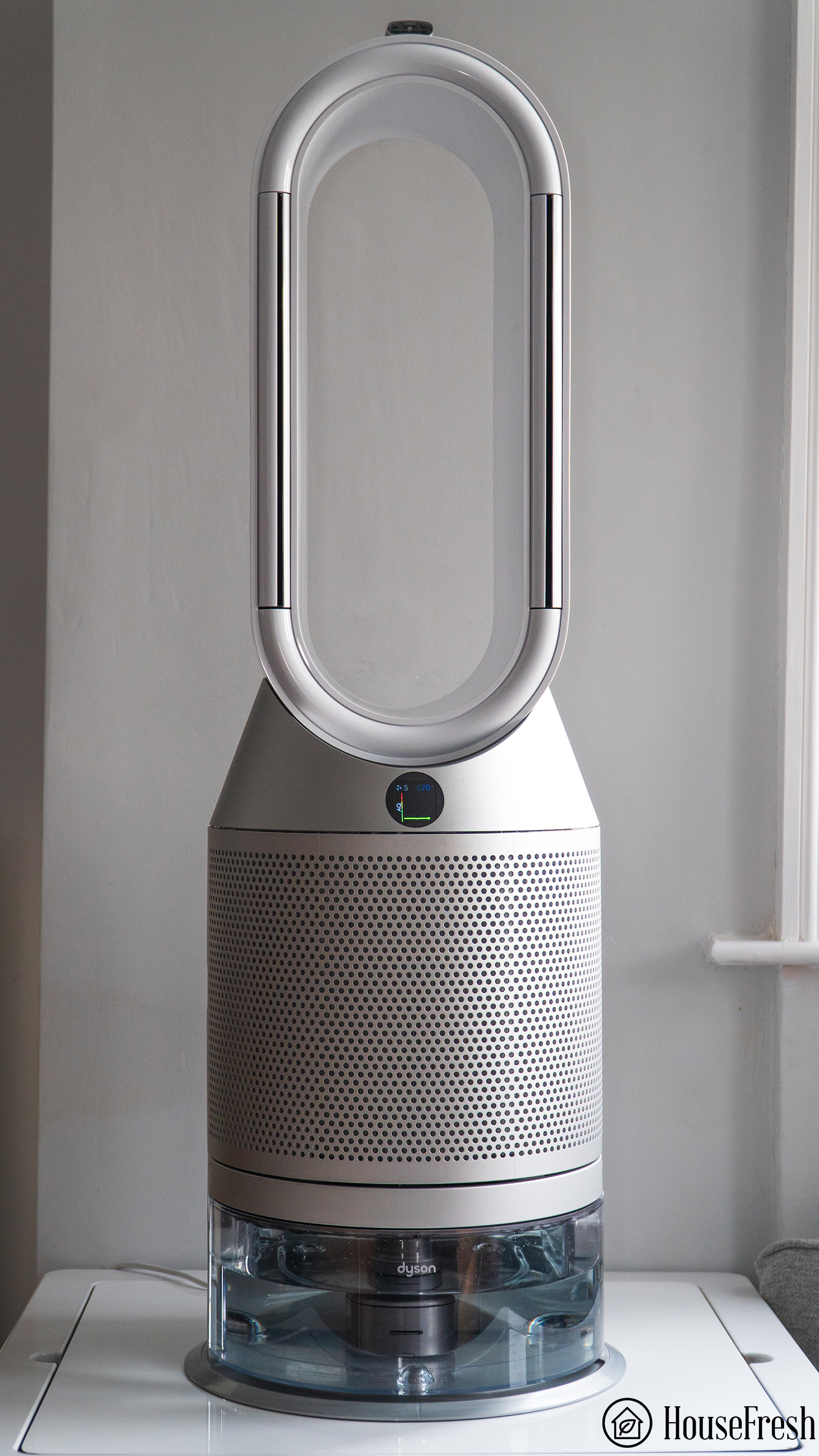
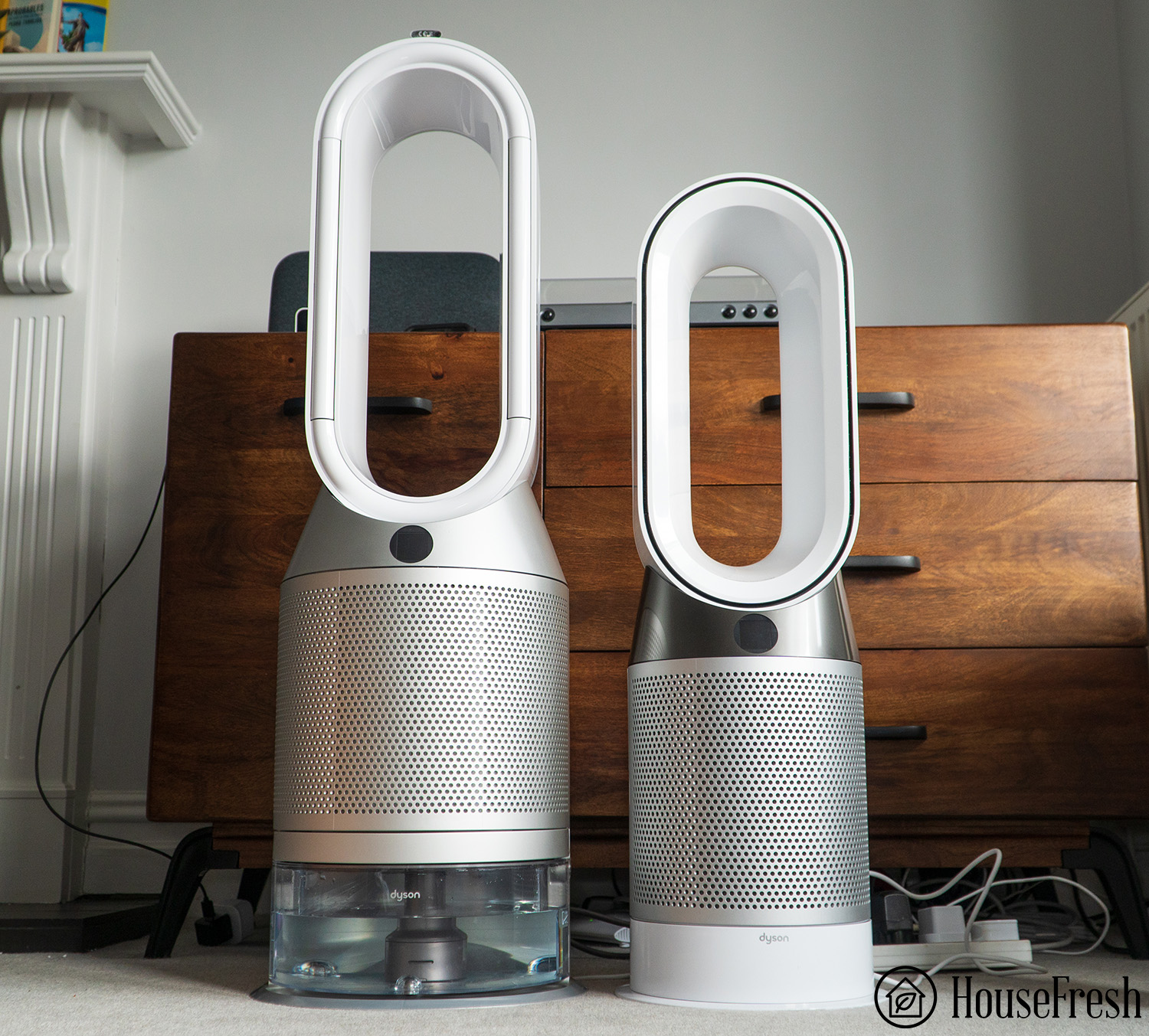
Objectively, you can see in the image below how the Dyson combo units are considerably bigger (and heavier) and must be kept on the floor.
After living with all three of these combo units in my own home, I can say that the Pure Fan Auto is a much easier air purifier to live with. You can tuck it away and it doesn’t take a lot of space.
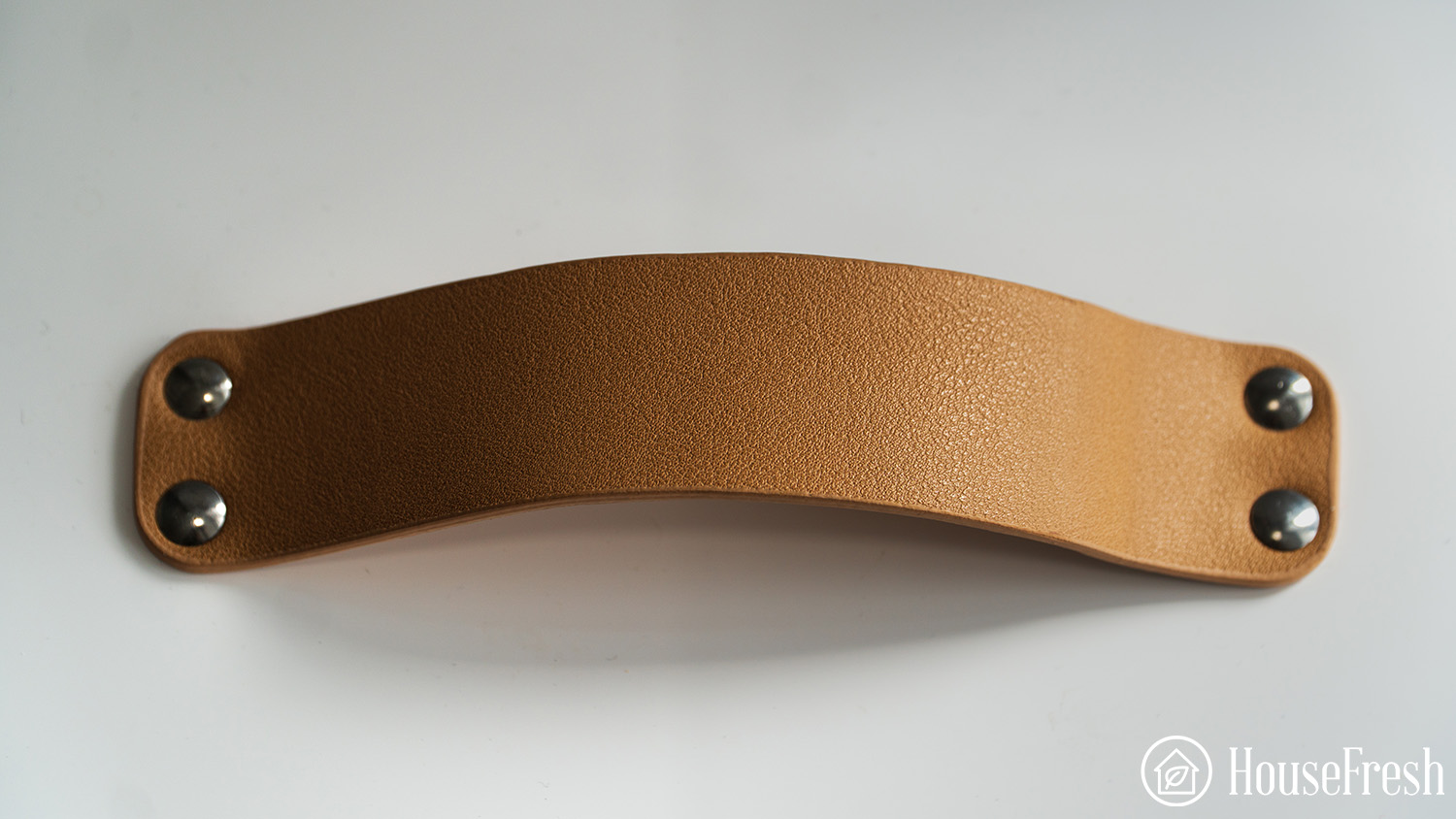
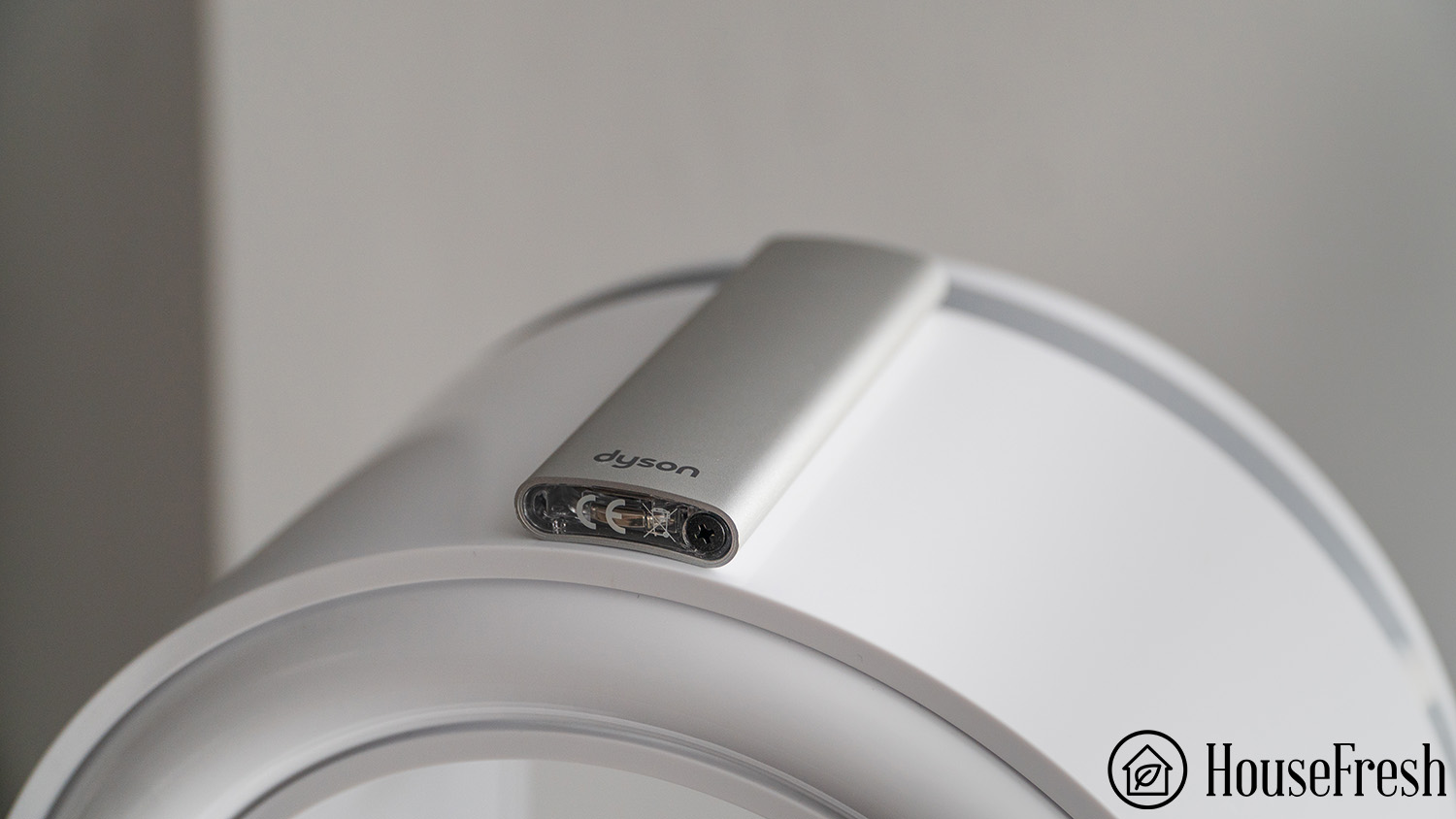
Plus, it comes with a leather carry handle, making it way easier to move to different locations around the house when compared to the chunkier Dyson units.
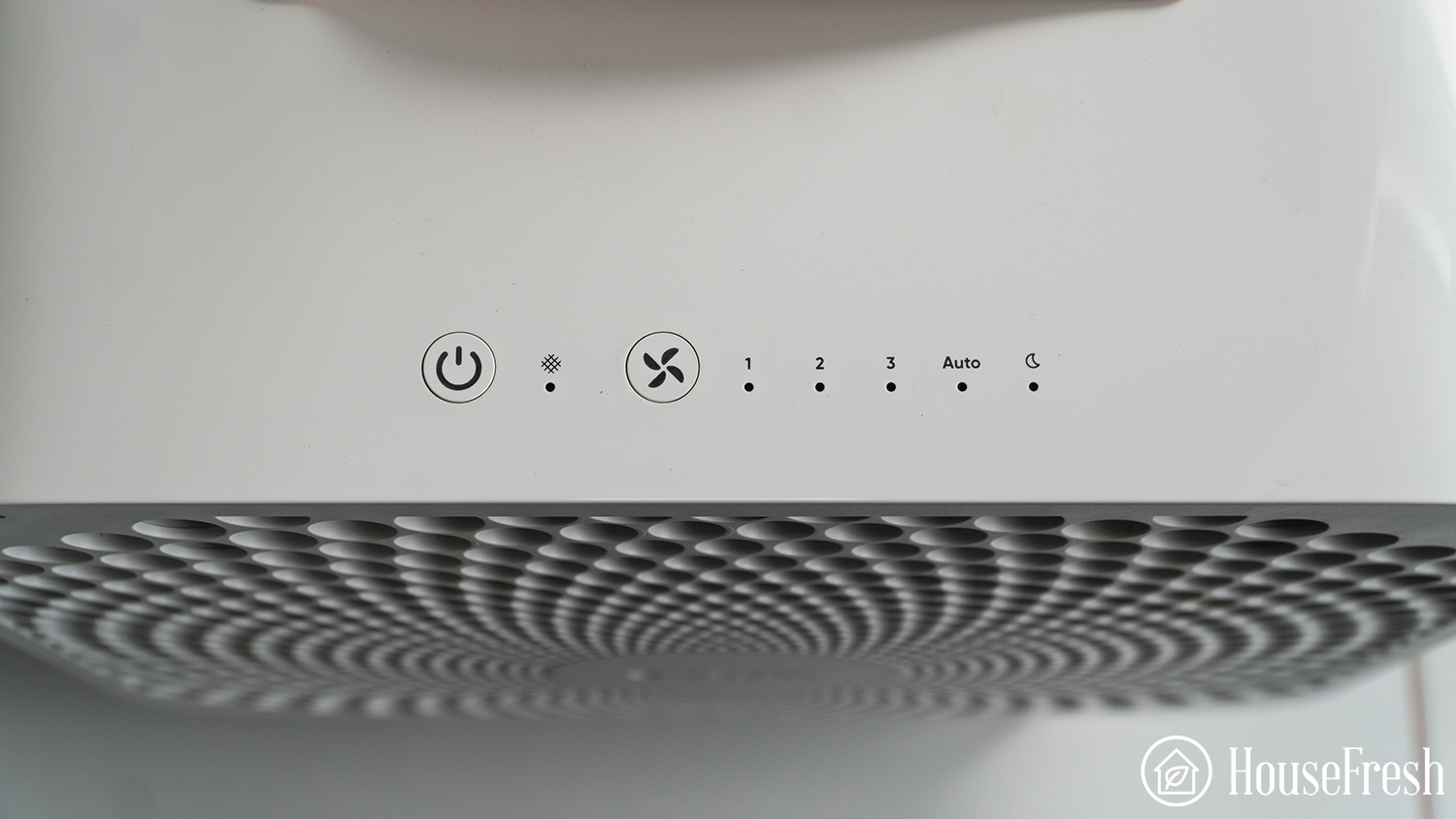
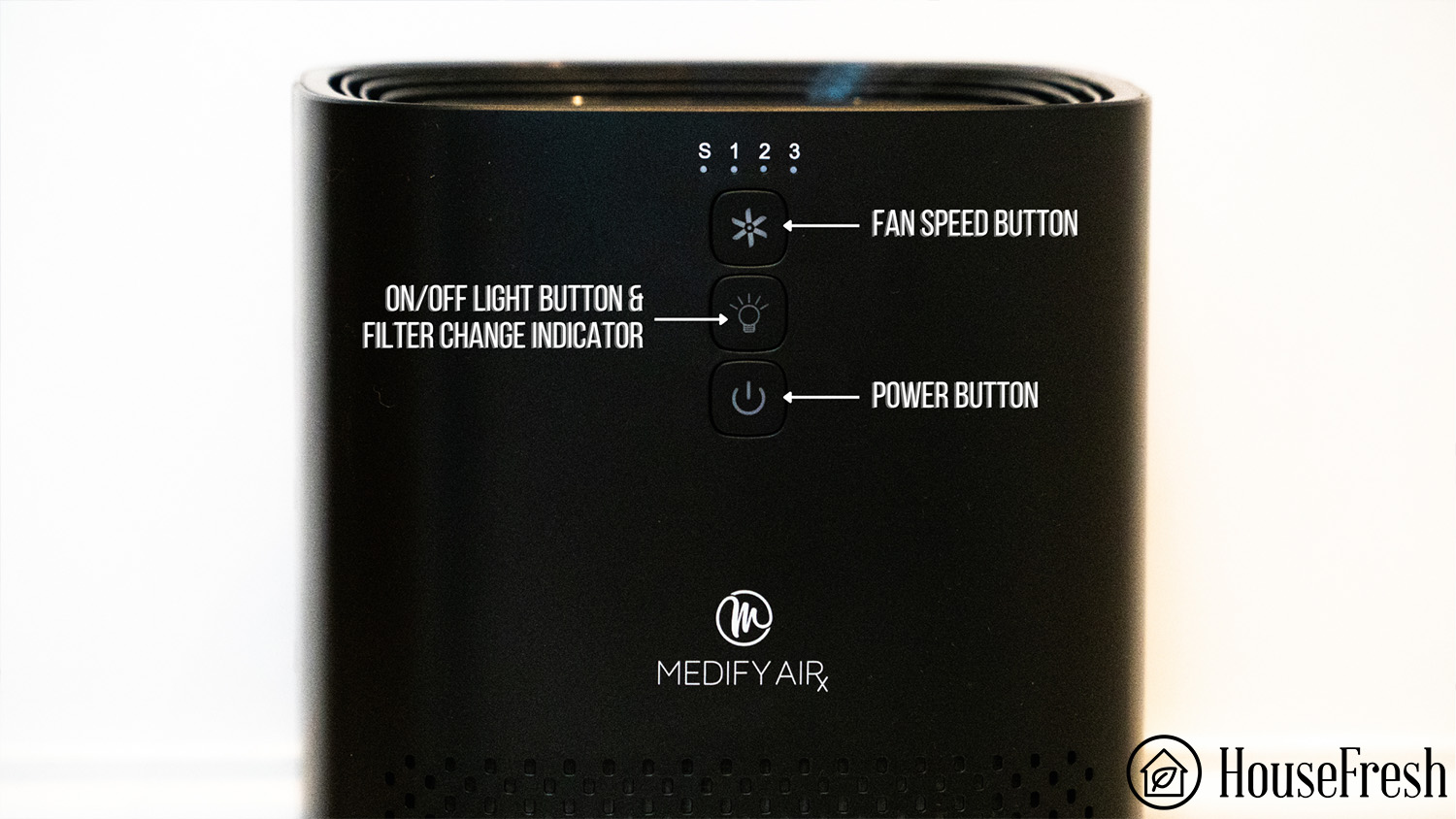
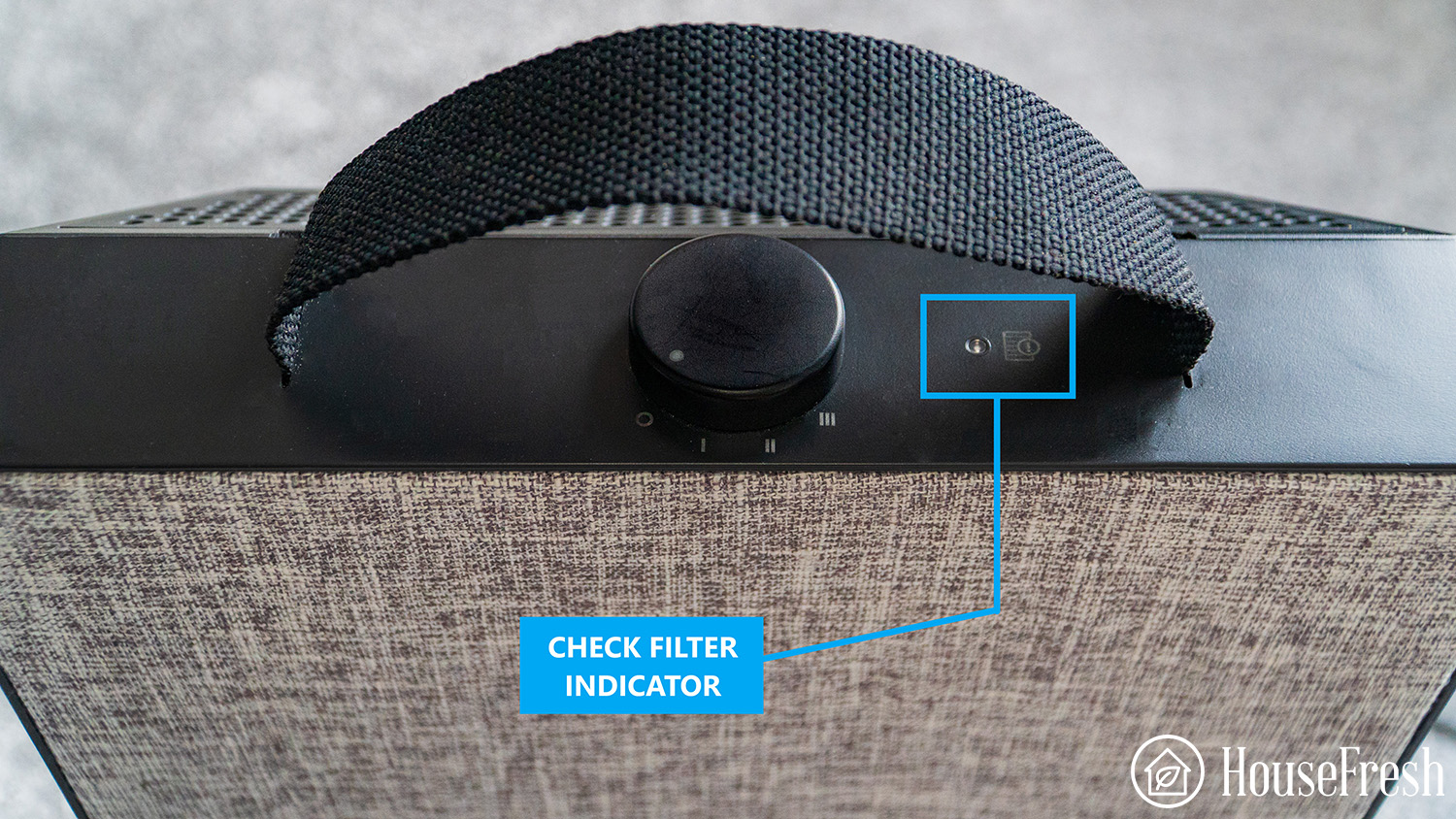
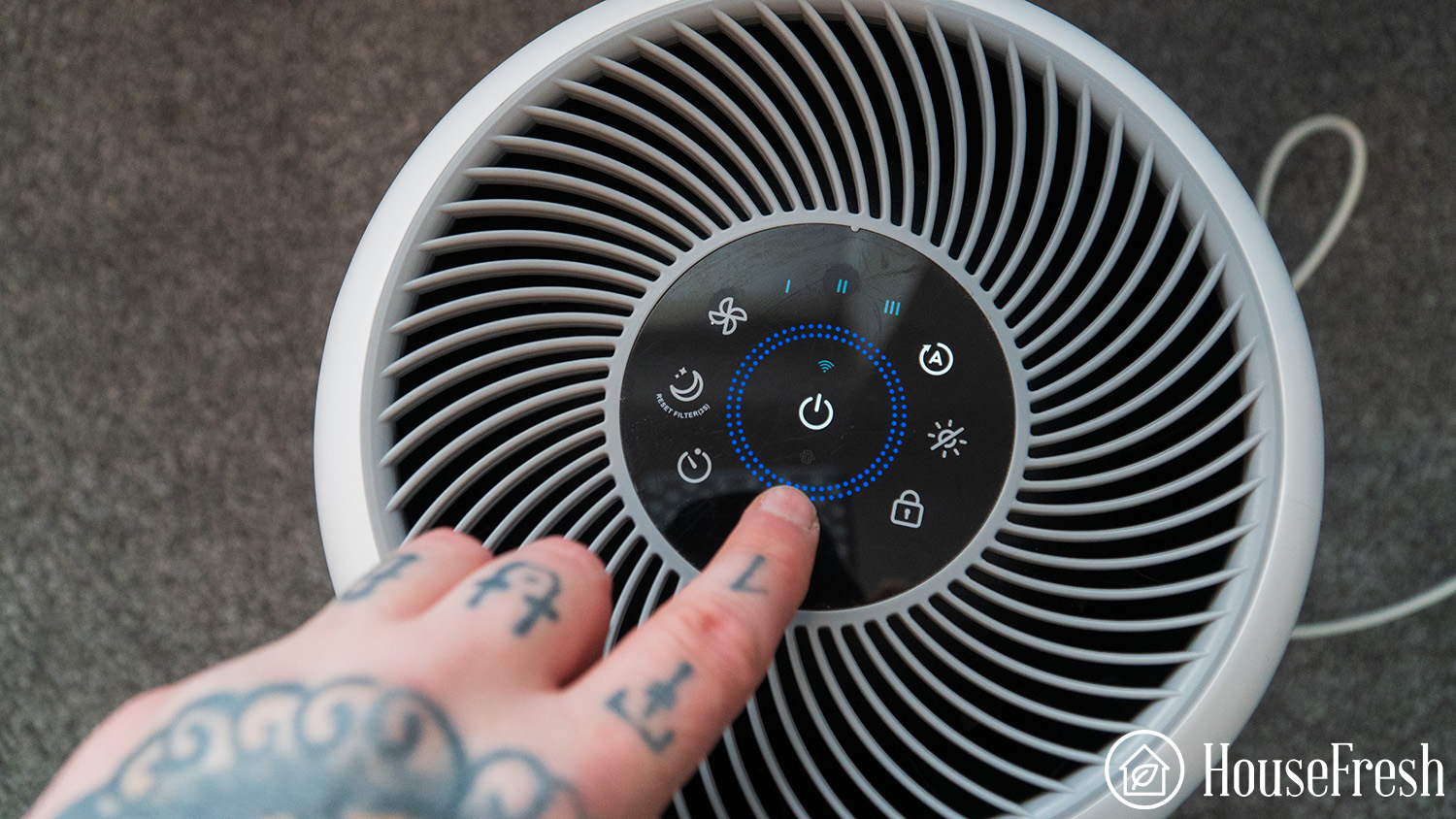
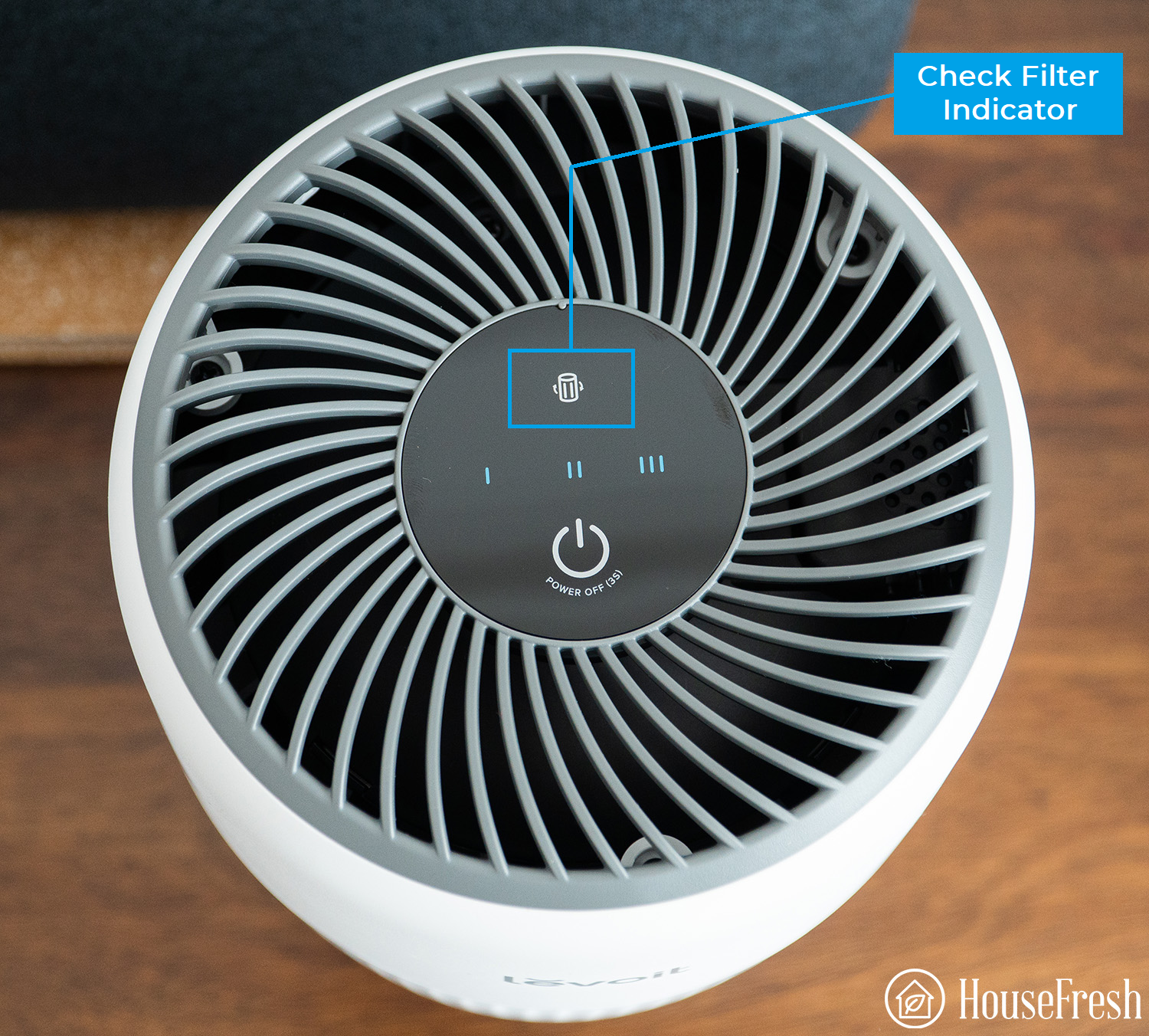
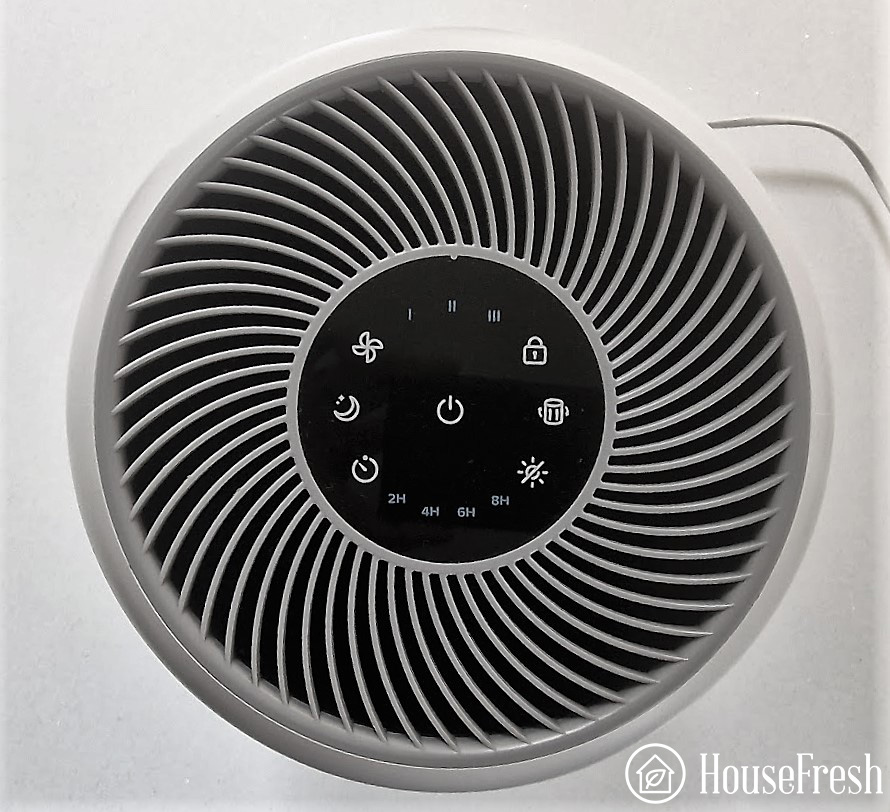
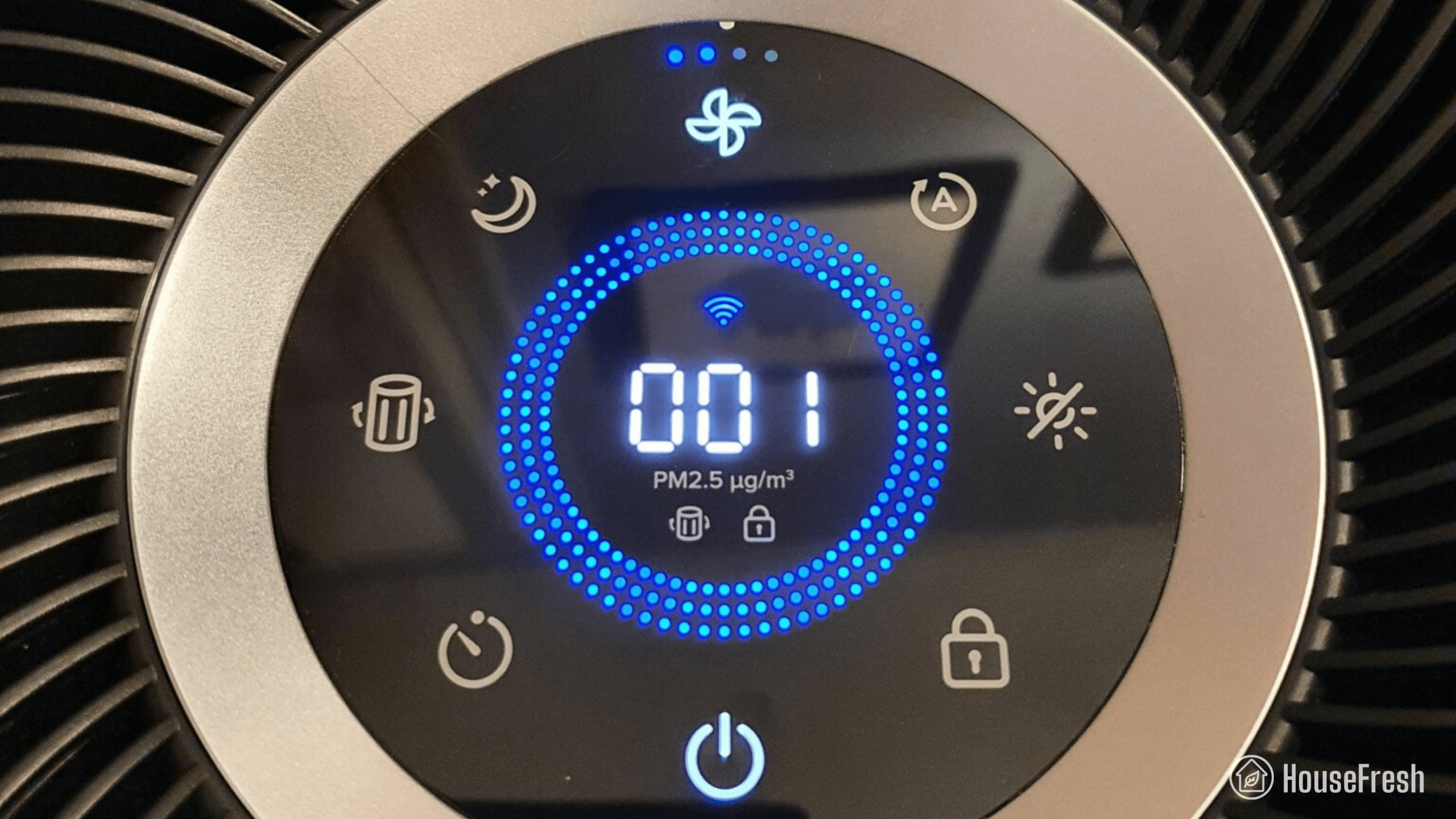
As with the other Blueair purifiers we have reviewed, the control panel is super simple, with one button to turn it on and a fan button to adjust the fan speed, enable auto-mode and switch it to sleep mode.
I would have liked to have seen the ability to enable a sleep mode (lights off) that still works with the higher fan speeds. The sleep mode switches all the lights off but is restricted to a low fan speed mode.
HEPASilent that lives up to its name
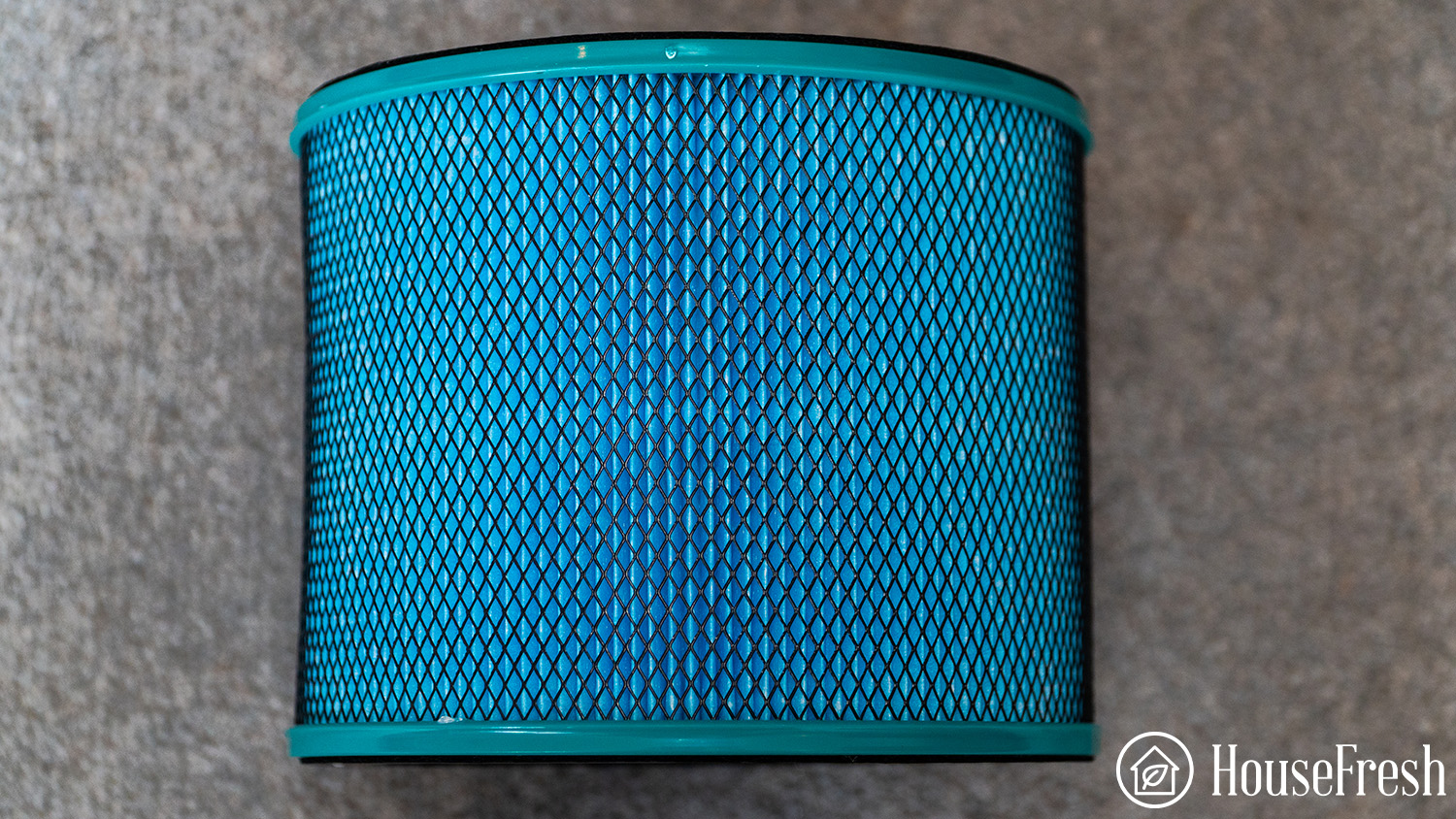
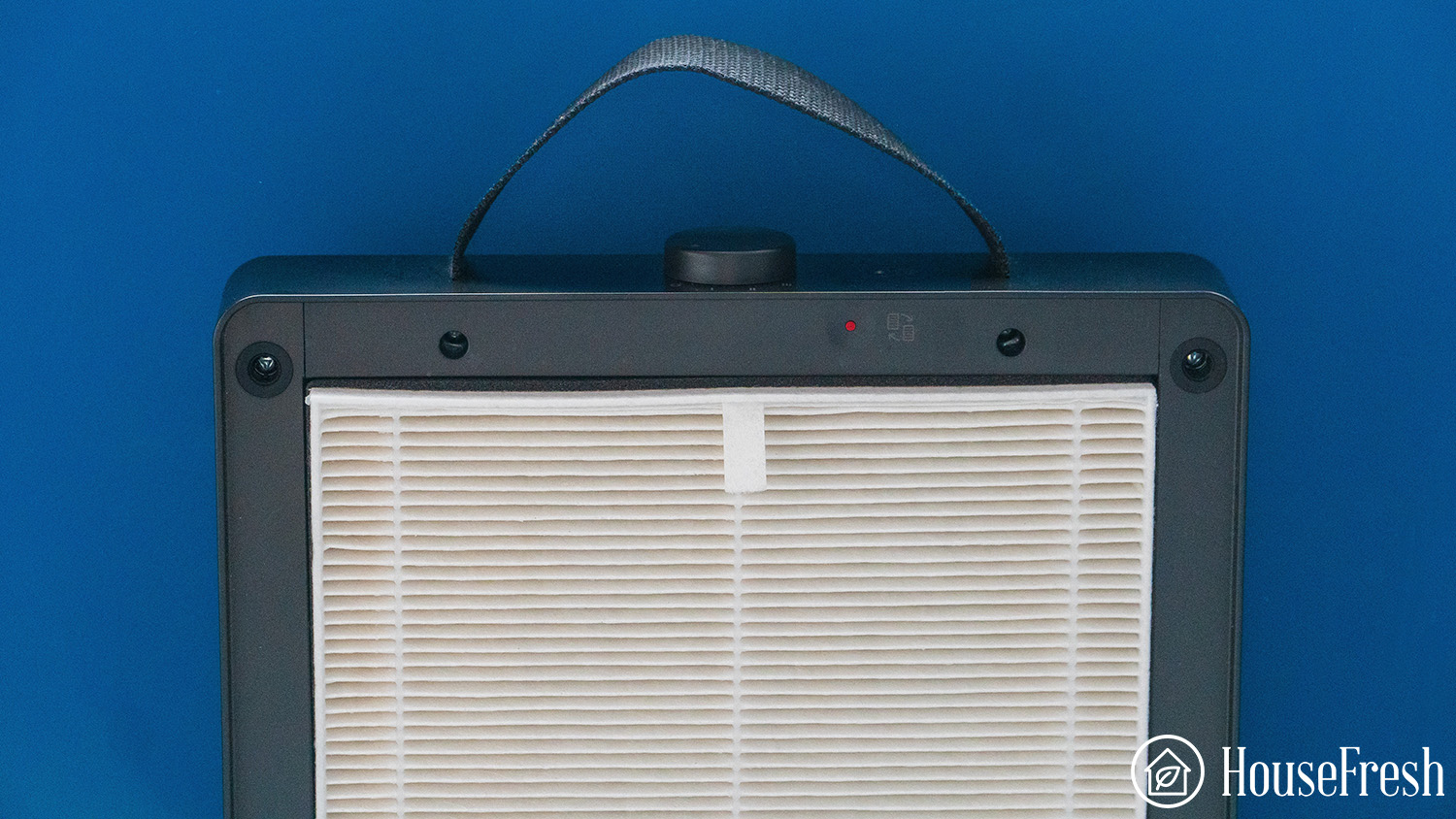
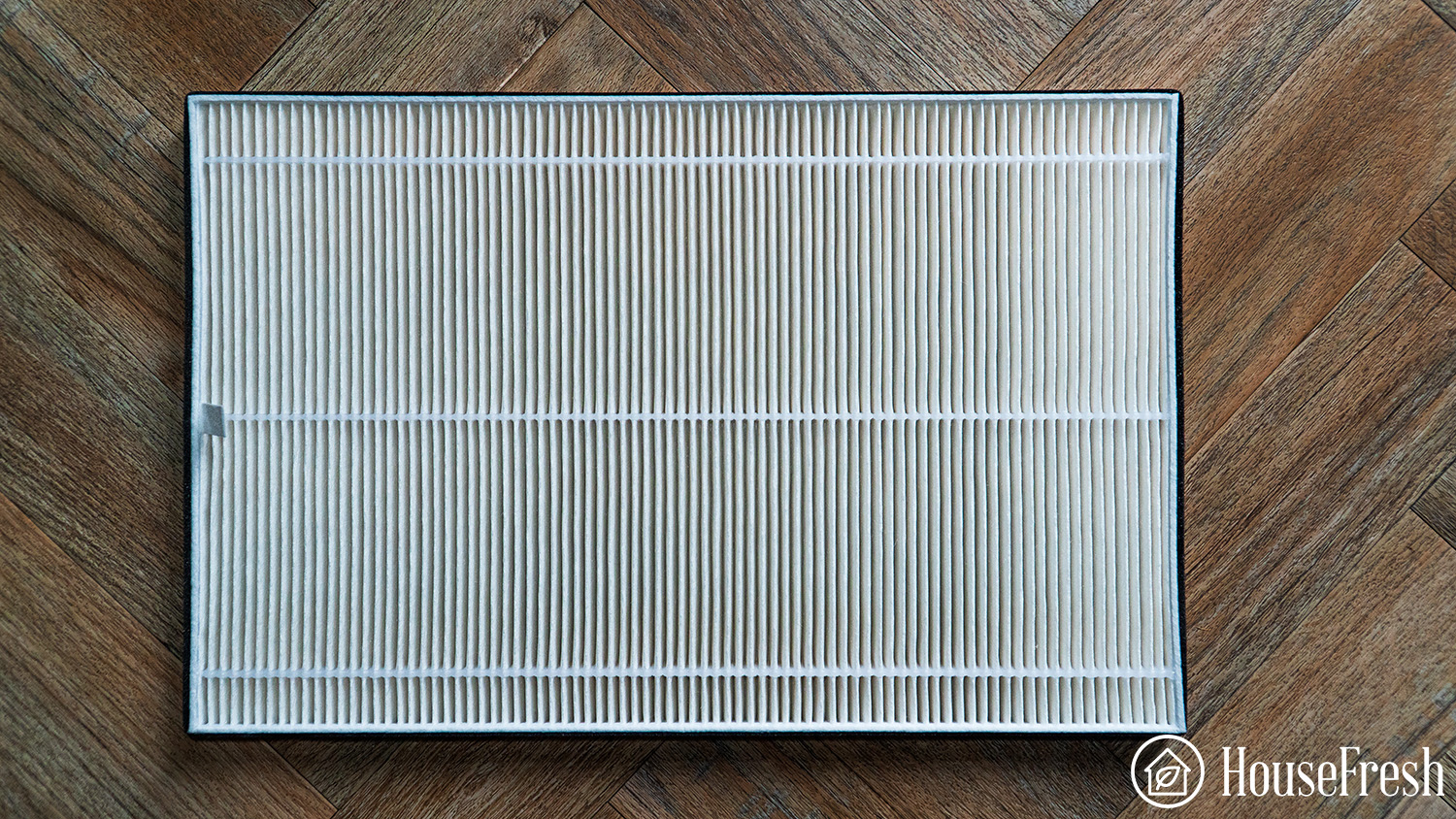
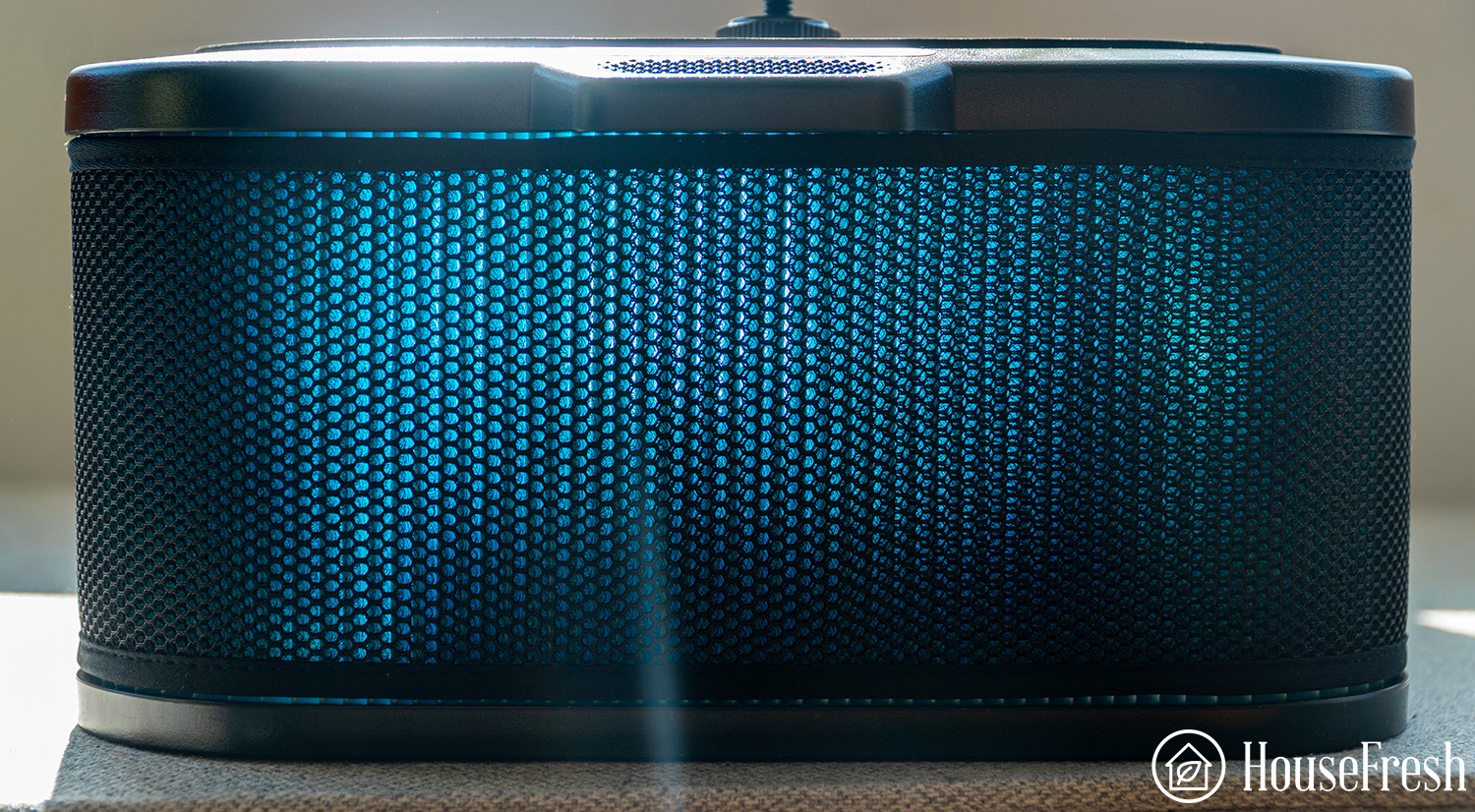
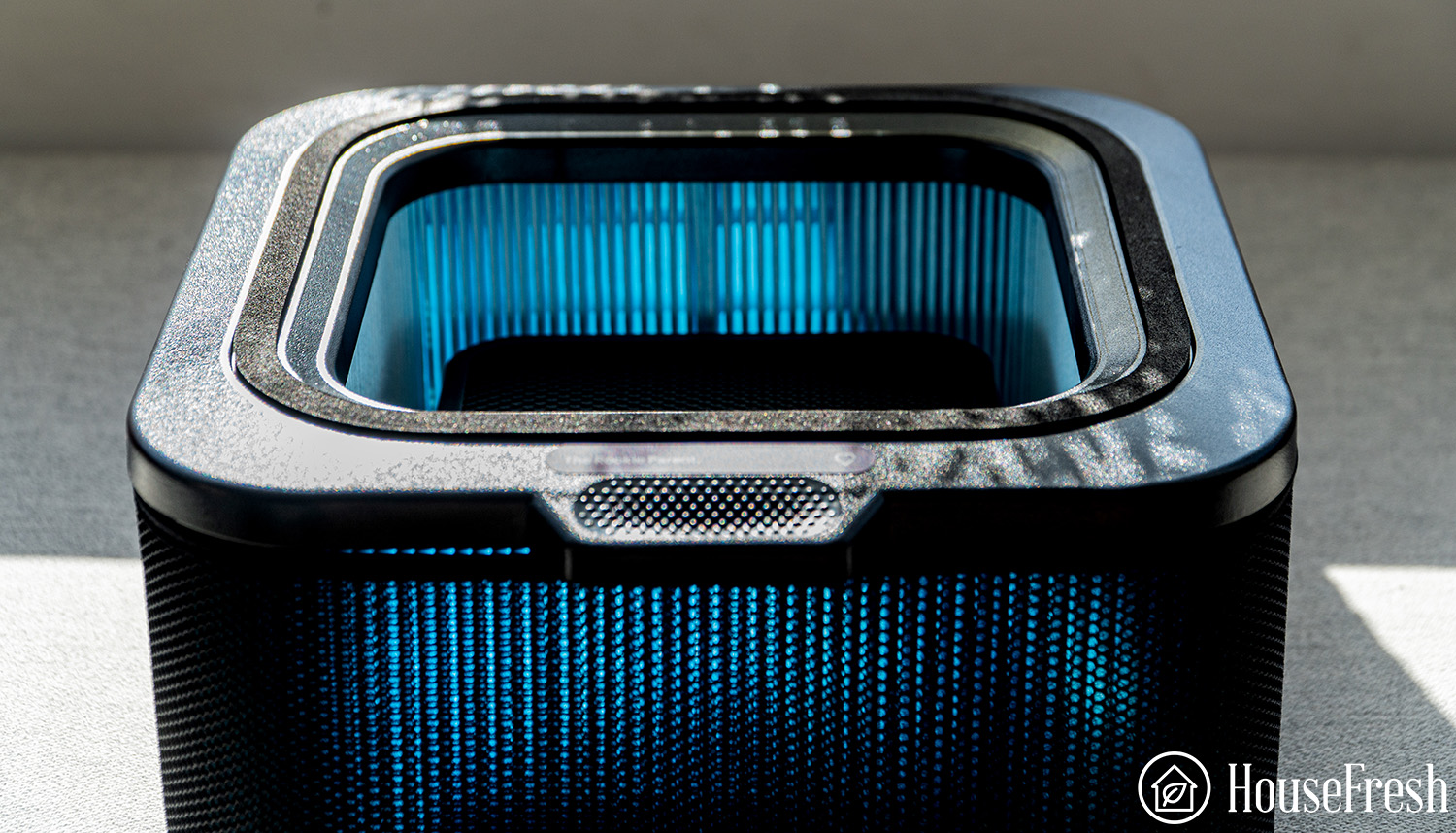
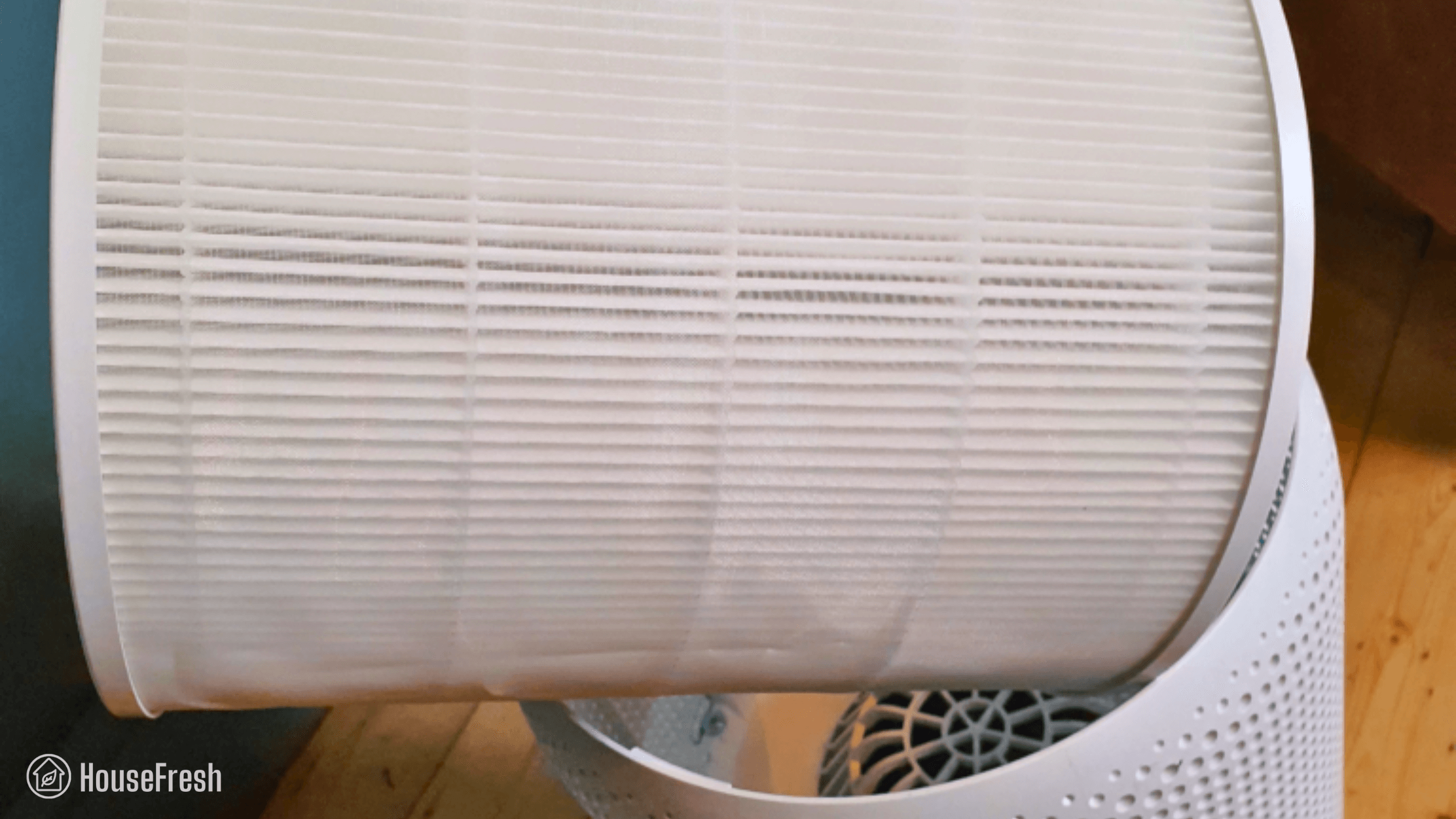
The Blueair Pure Fan Auto uses a HEPASilent system that combines an electrostatic charge with a HEPA filter that allows it to hit a CADR of 250 CFM, which is impressive considering it only draws 40.9 watts at full speed.
The main thing I noticed with the filter for the Blue Pure Fan Auto was the lack of activated charcoal. While HEPASilent will be super effective with dust or pollen, any issues with odors or VOCs will not be dealt with.
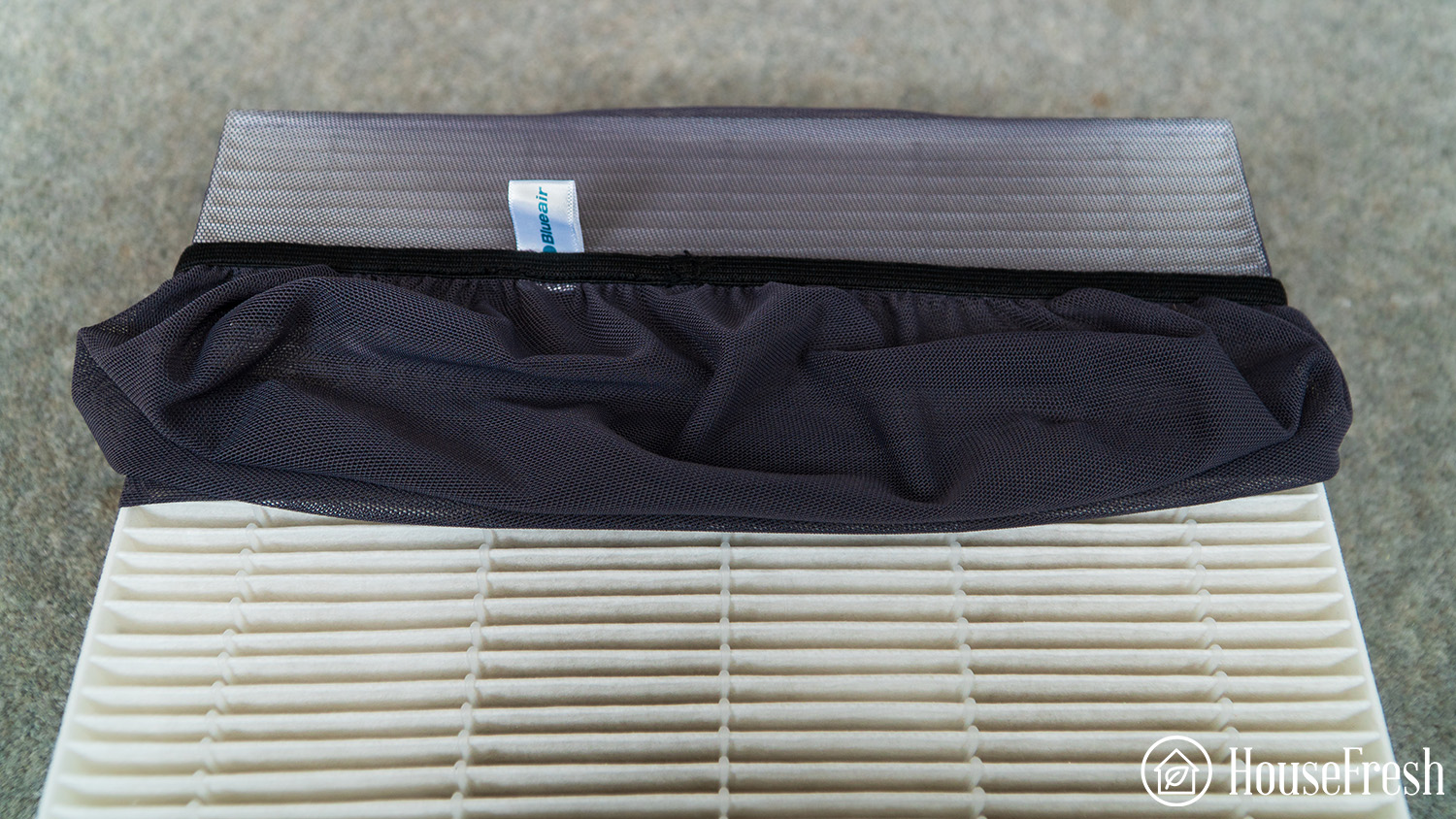
As with other Blueair models of air purifiers, you can change the pre-filter color with five options.
I would like a combined filter in future versions, as we saw with the Blue Pure 411+, including fabric impregnated with activated charcoal and HEPA.
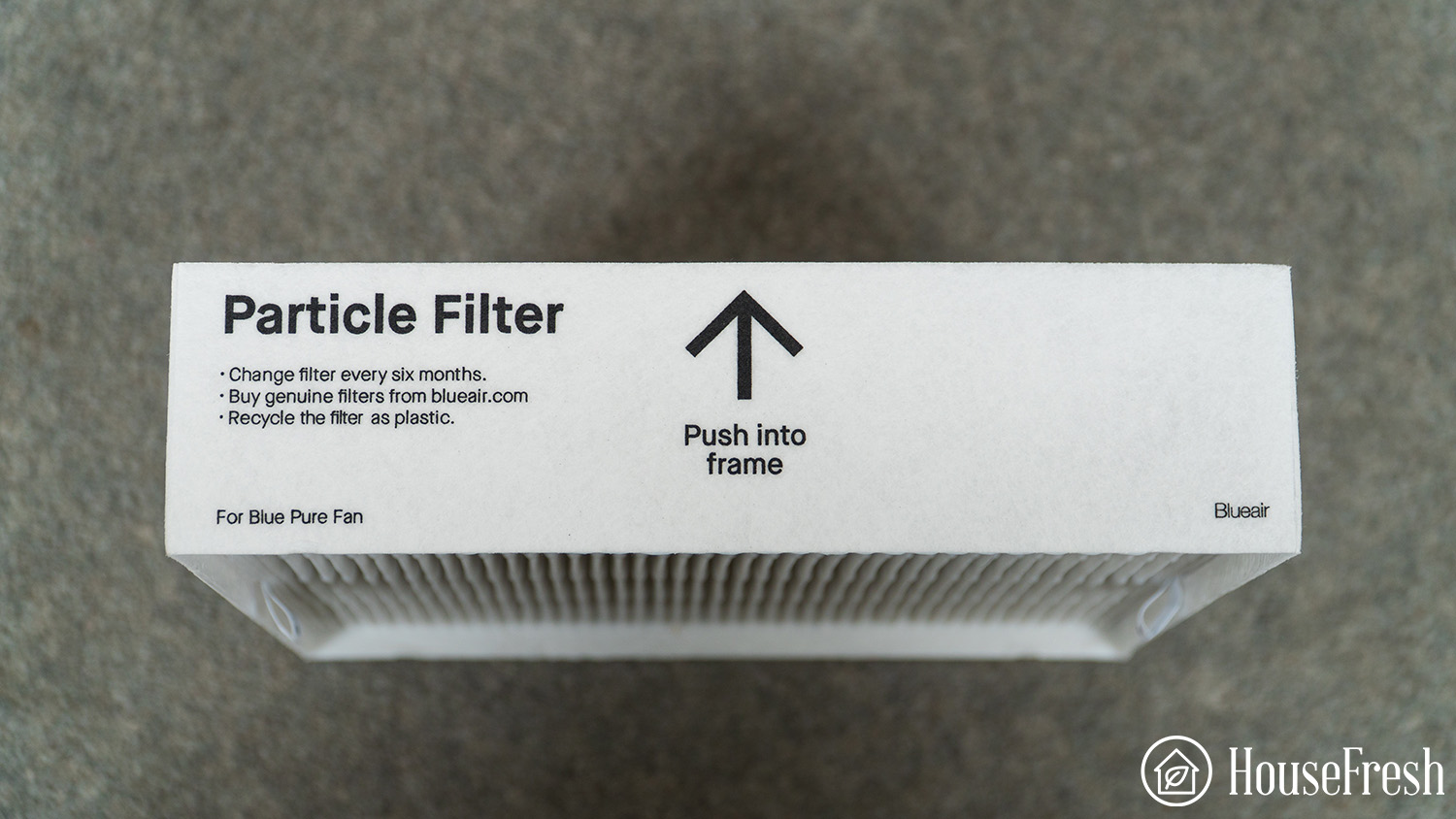
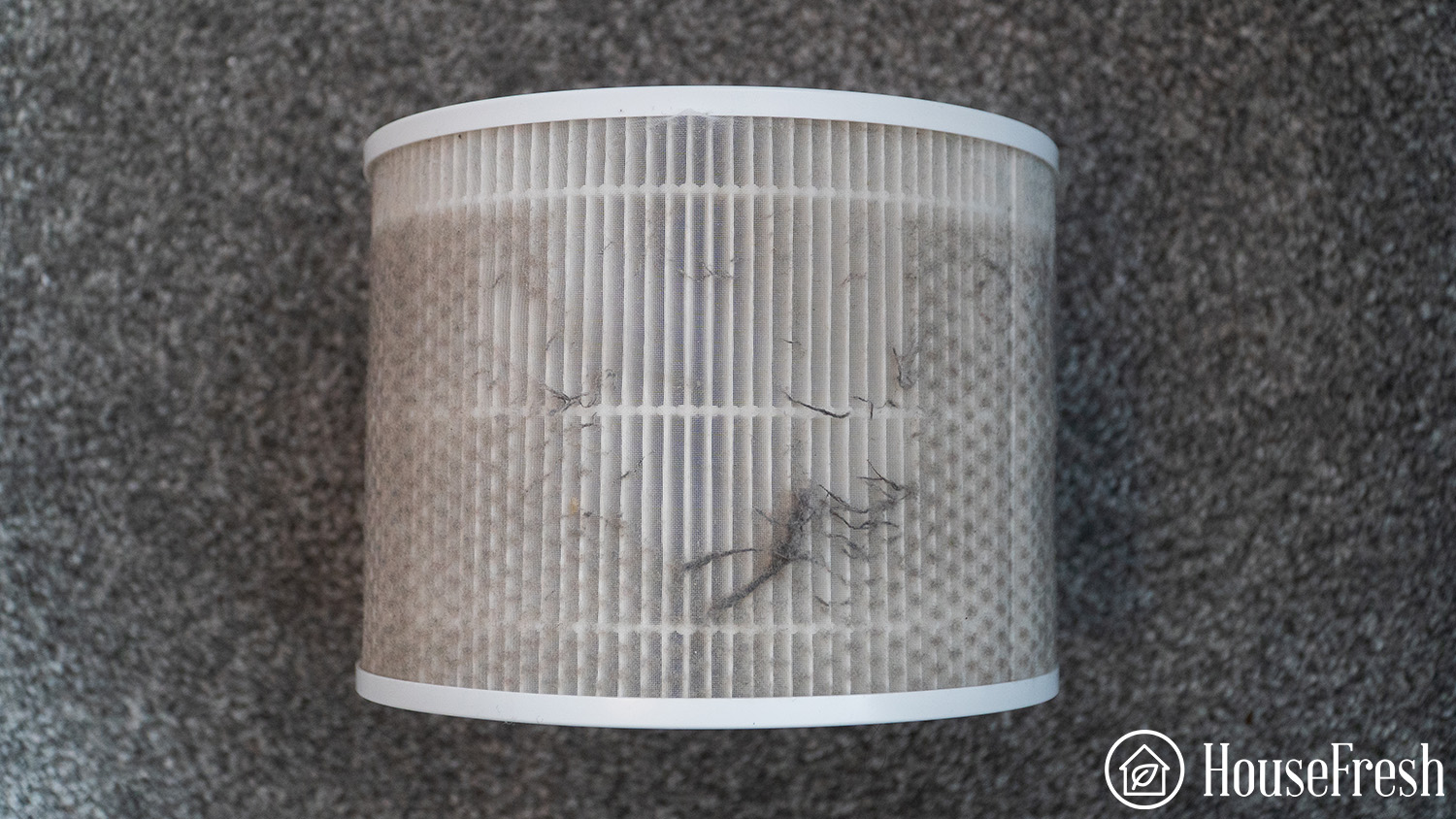
As with all HEPA filters, Pure Fan Auto will need its filters replaced every 6 months as particles become trapped in the filter and eventually cause a reduction in the air cleaning performance.
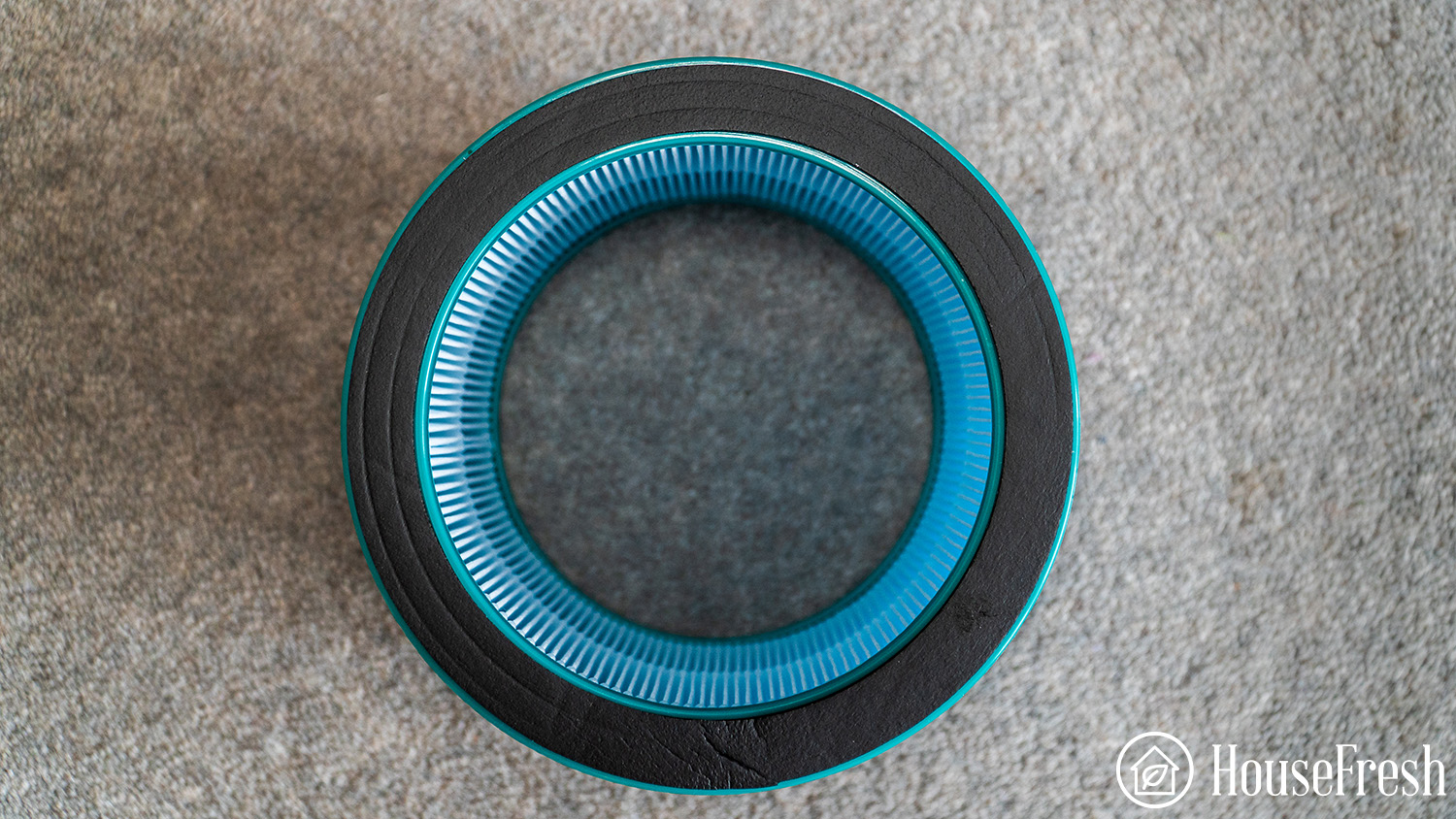
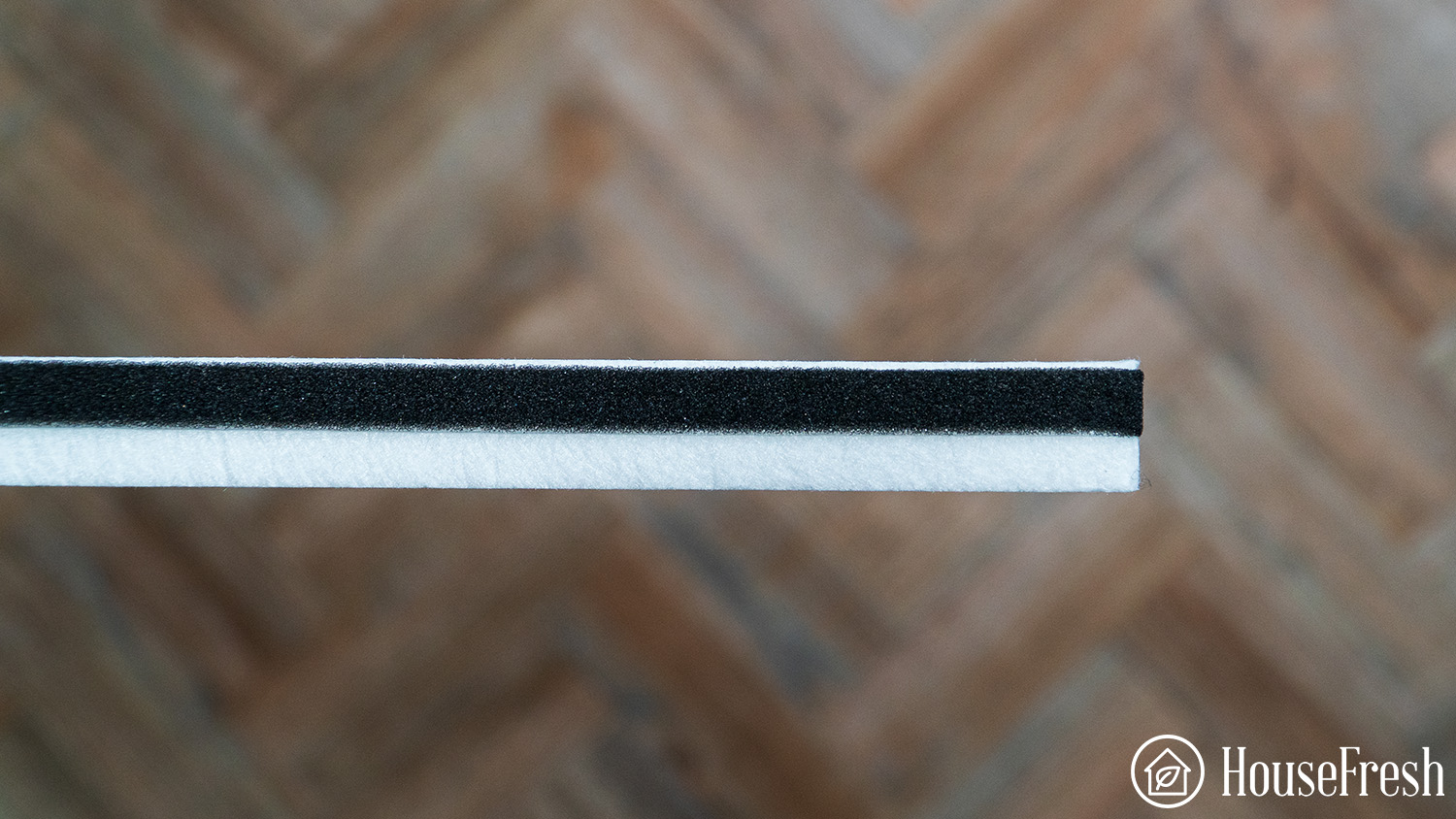
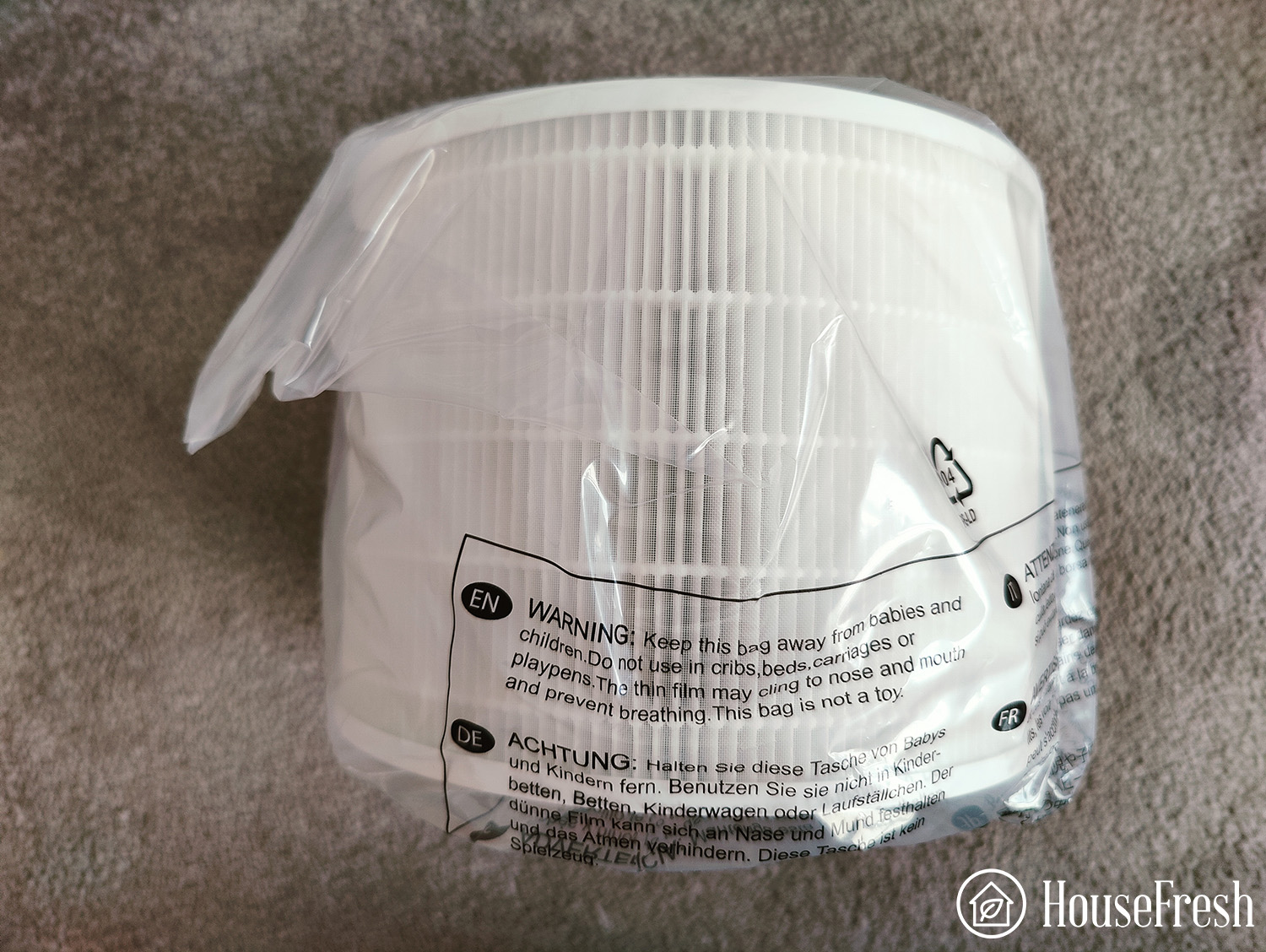
⚠️ The filters for the Pure Fan Auto are delivered in a plastic bag, so be sure to remove this before you switch it on. Otherwise, the unit will do nothing to clean your air.
The Pure Fan Auto cleared our test room in 26 minutes
The main thing to look for when buying an air purifier is how well it can remove particles from the air, so we don’t just trust what manufacturers tell us; we test it for ourselves.
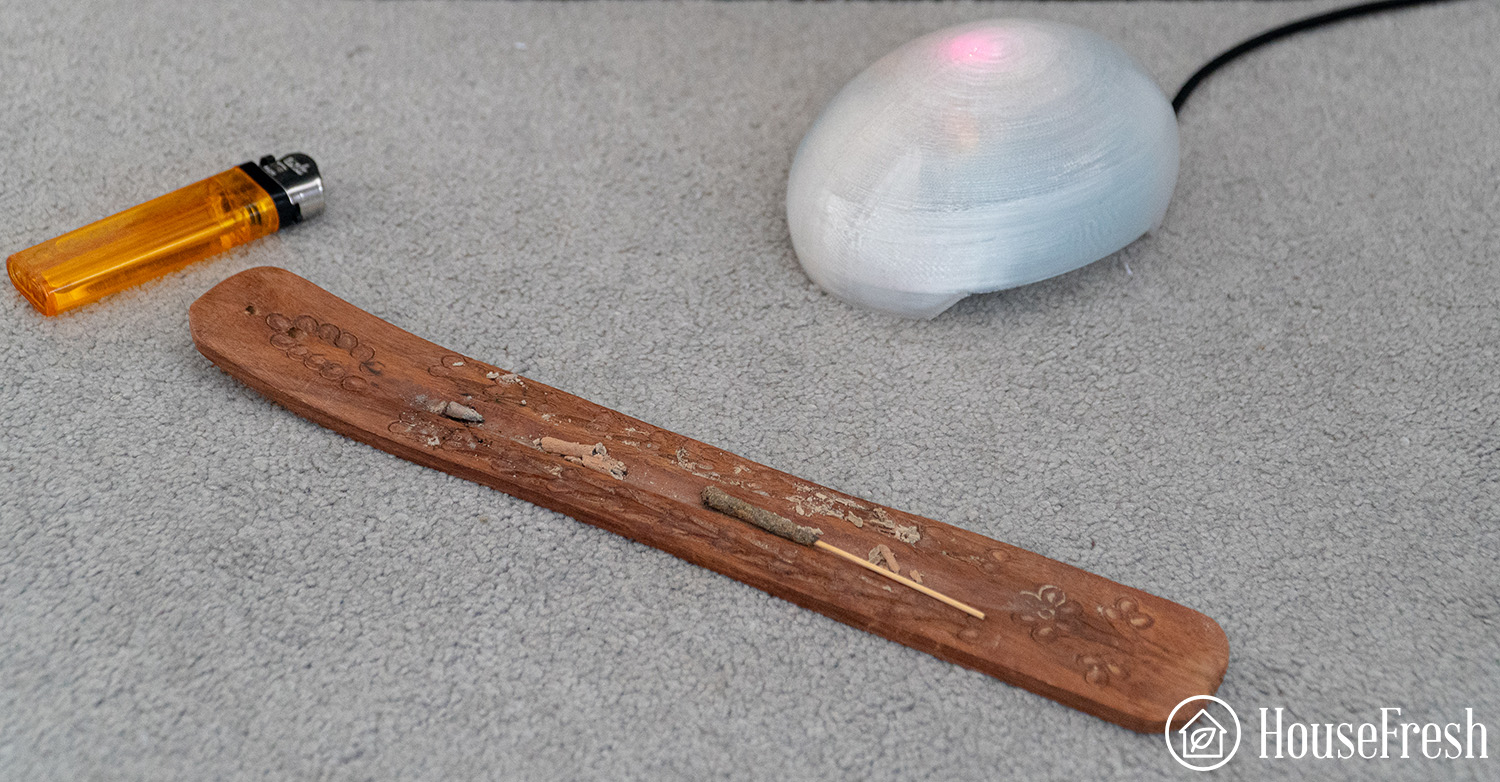
We simulate particle pollution by burning an incense stick in our 728 cubic ft test room and use our PurpleAir Indoor sensor to continuously track PM1.0ug/m3, PM2.5ug/m3 and PM10.0 ug/m3.
Air cleaning performance test results
The Pure Fan Auto managed to clean our test room in 26 minutes which compares very favorably with the Dyson Combo units like the HP04, which cleaned in 84 minutes and the PH03, which took 70 minutes.
The Pure Fan Auto took only two more minutes than the $700 IQAir HealthPro Plus and was one minute quicker than the Winix 5300-2.
For pure cleaning power, the power the Pure Fan Auto compares favorably with many air purifiers that don’t have any fan capabilities.
How did the fan perform?
As the Blueair Pure Fan Auto is not just an air purifier, we wanted to see how its fan functionality performed compared to other combo units like the Dyson range of fan/air purifiers.
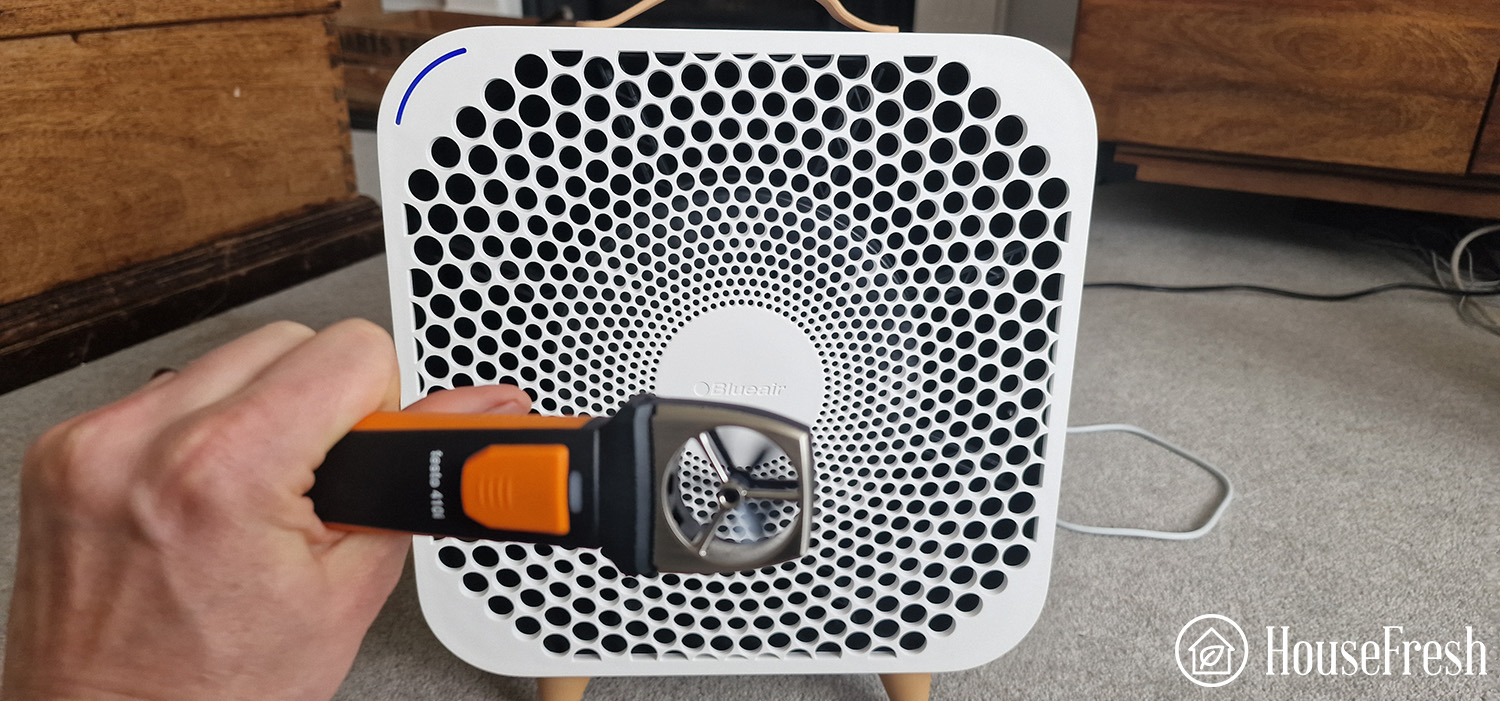
We tested flow velocity using the Testo 4101 Wireless Anemometer at 3ft from the fan. Over 30 seconds, we saw the following flow velocity measurements for the Pure Fan Auto compared with the Dyson HP04:
Blueair Pure Fan Auto
Dyson HP04
Overall average
0.74 m/s
2.61 m/s
Minimum total
0.51 m/s
2.26 m/s
Maximum total
0.99 m/s
2.91 m/s
We can see that the Dyson provided over 3.5 times the airflow when 3ft away from the fan.
So while the Pure Fan Auto performs much better as an air purifier, the Dyson has much better fan performance.
Noise levels test results
At its lowest speed, Pure Fan Auto only produced 37.8 dB – as silent as a quiet library. When turning the unit up to its highest fan speed, it hit 59.6 dB, which is the sound of a conversation or that of music playing in the background.
Sound is lower than the IQAir Healthpro Plus, which hits 61.2 dB. It’s also much lower than the Molekule Mini, which hits 68 dB.
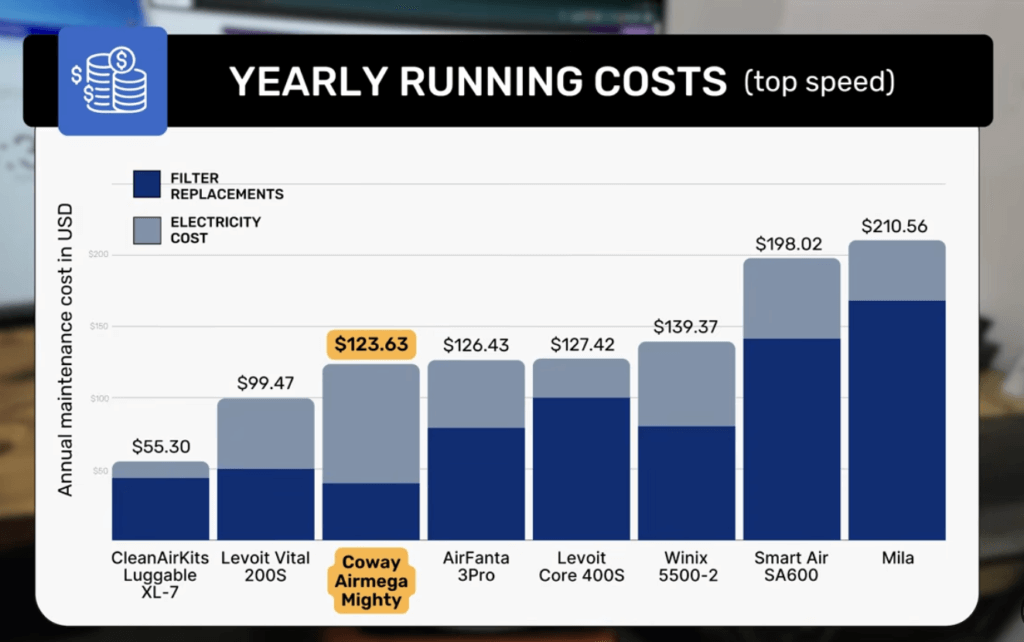
The cost to run a Blueair Pure Fan Auto: $85.61 per year
1. Electricity costs = $62.38
Energy costs will not decrease anytime soon, so we feel it’s essential to monitor how much energy is used, as air purifiers are often needed 24/7 to keep your air continuously clean.
The Pure Fan Auto compares very favorably with many units with a similar cleaning performance with only 40.9 watts at full power. Other units with similar CADR, such as the Coway Airmega AP-1512hh Mighty or the Winix 5300-2, draw 75.3 watts and 51, respectively.
2. Filter costs = $23.23
HEPA is designed to be replaced, as the particles are held inside the fiber material and at a certain point become so full of particles that it will lead to reduced air cleaning performance.
The cost of authentic filters is lower than that of other air purifiers with similar air cleaning performance. You can even reduce this further with generic filters that cost $29.49 for one year with two filter changes.
The Pure Fan Auto finally brings a high air cleaning performance with fan functionality. As with many modern Blueair air purifiers, it uses a low level of electricity to clean a lot of air without leading to lots of noise generated.
If you’re looking to replace a fan used in the bedroom, the Pure Fan Auto should be at the top of your list. The only downside is the lack of activated charcoal and the fan speed, which is much less than what you see with the Dyson units, which are great fans but poor air purifiers.
SOURCES
We calculated yearly costs associated with running the Blueair Pure Fan Auto 24 hours a day, 365 days per year utilizing the latest average energy prices as reported by the Bureau of Labor Statistics of $0.174/kWh as of April 2024.
Since its inception in 2007, TaoTronics has made giant strides in consumer electronics, offering air purifiers, kitchen appliances and audio devices. The company is based in Shenzhen, China and its products are available in countries like Japan, Singapore, Germany and the U.S.
They’re famous for their true wireless earbuds and powerful air purifiers, including the TaoTronics AP003 — our best air purifier of 2022.
As a Chinese manufacturer who sells directly to the U.S., they don’t waste money on marketing, with their value proposition defined by their low cost. They currently have various air purifiers/fan combo units, including the AP001, AP005 and AP008.
Owing to the exceptional performance of the AP003, we decided to buy the AP005 and put it to the test in real-life situations. Keep reading to learn more about the test results and see how it compares with our tested units.
How we test air purifiers
Read our full testing methodology.
TL;DR The lowdown on the TaoTronics AP005
“A powerful air purifier for the budget, but I would still prefer the slightly bigger AP003 model.”
If you don’t want to read the full review of the TaoTronics AP005, you can focus on the pros and cons:
What we really like
Smart auto mode for real-time air quality monitoring.
An easy-to-read color-coded system.
Small and compact design.
Three-stage filtration system.
Affordable at just $65.
What we think could be better
No mobile app.
Carbon filter used impregnated fabric vs. pellets that we prefer.
Not easy to find a unit you can buy via Amazon.
The specifications
The great thing about TaoTronics is that they offer affordable air purifiers with features you’d expect in highly-priced models. At $65 for CADR 147 CFM, the AP005 provides excellent value for money compared to units with similar performance, like the Levoit Core 300.
HouseFresh Rating:
★★★★☆
Time to clean our test room:
36 minutes
Air purifier technology:
Pre-Filter, H13 True HEPA and Activated Carbon Filter
Recommended room size:
334 sq. ft.
Clean air delivery rate (CADR):
147 CFM
Dimensions (in inches / in cm):
14.9H x 8.8W x 8.8D inches (37.8H x 22.4W x 22.4D cm)
Weight (in pounds / in kg):
7.7 lbs (3.49 kg)
Filter life:
3 – 6 months
Noise level in decibels (measured from 3 ft. away with a sound level meter):
25 – 50 dB
Electricity consumption in watts (recorded with an electricity usage monitor):
Top speed: 29.3 watts
Estimated running costs (electricity consumption + official filter replacement):
$ 80.67 per year
Cost per CADR cfm (based on dust CFM as reported by AHAM):
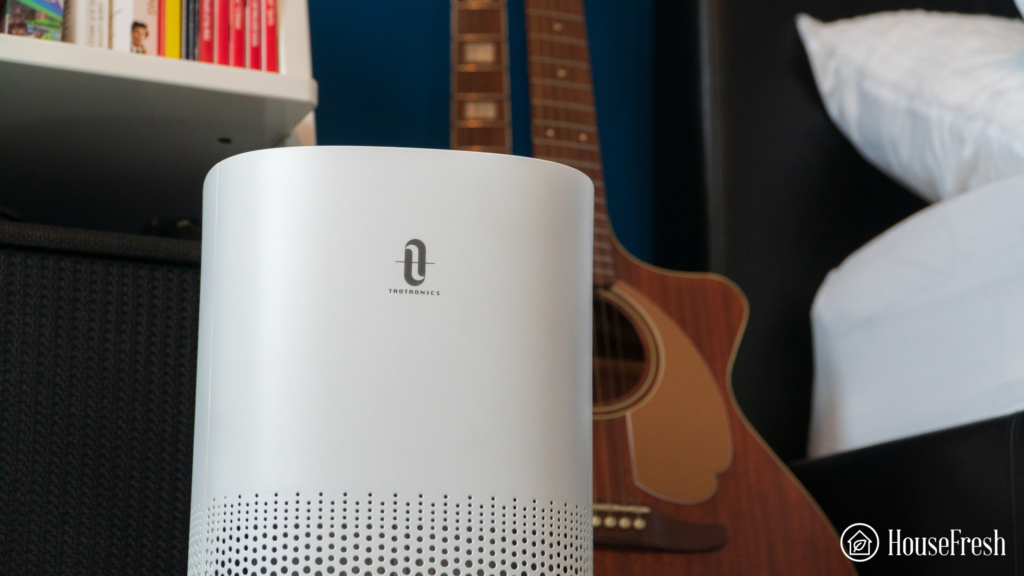
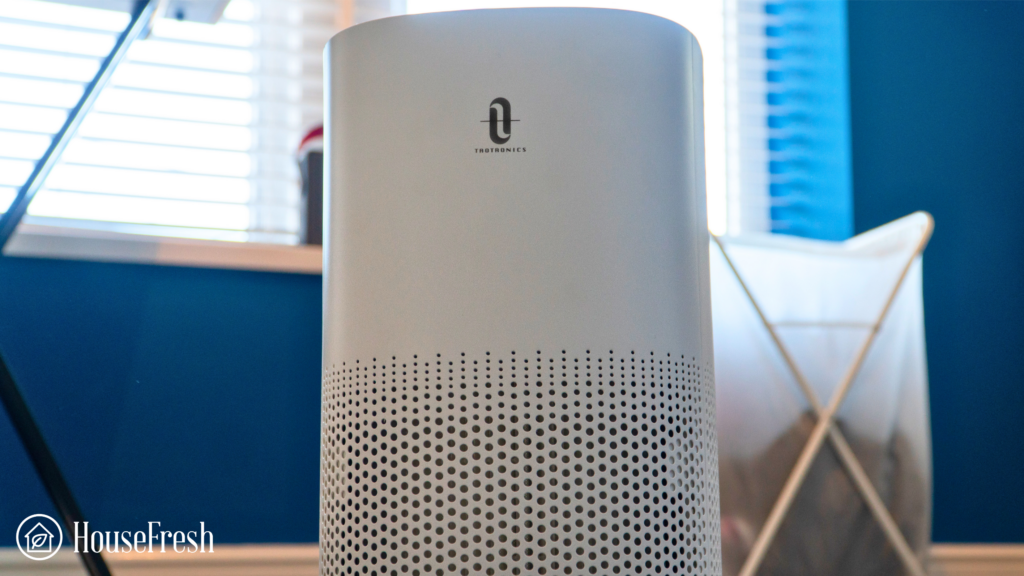
The TaoTronics AP005 is a cylindrical unit like its bigger brother, the AP003. The cylindrical design allows for a small footprint, which made it easier for me to use in different rooms without needing to move the furniture.
The AP005 draws in air from the bottom, sucks it through the inner filter and expels it from the top. Tiny, numerous circular holes perforate the front and back of this unit, feeding air to the 3-stage filtration system. This efficient design allows for an even distribution of clean air.
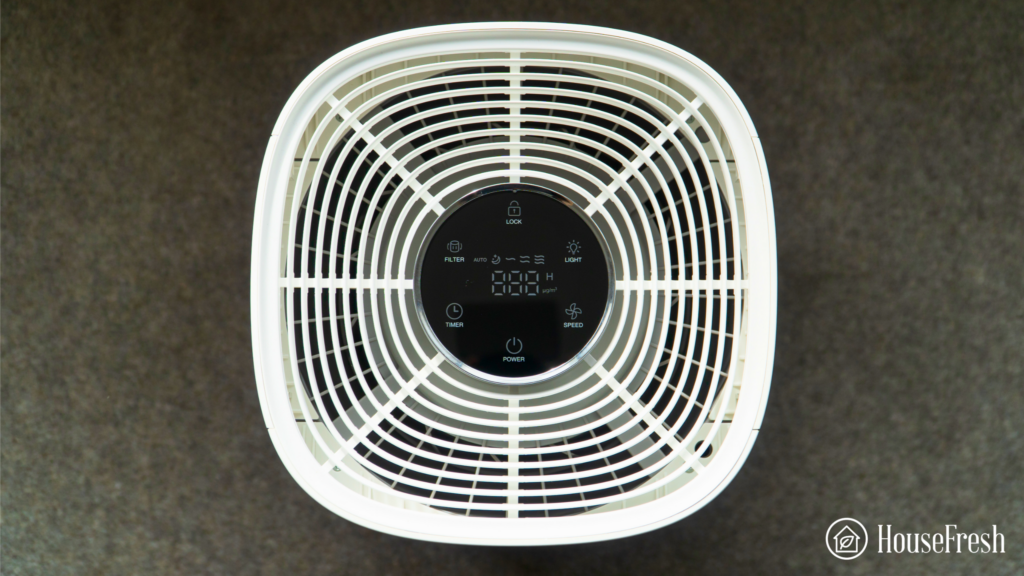
At the top, you’ll find all of the TaoTronics AP005 controls. The control scheme is simple, with six touch buttons that are appropriately labeled to avoid confusion. At the bottom of the panel is a simple power button with an LED indicator.
To the left side of the panel is a timer and filter indicator button. The timer automatically allows you to select your desired operation time for the device to turn off after the specified duration. The filter button illuminates when the filters need replacement.
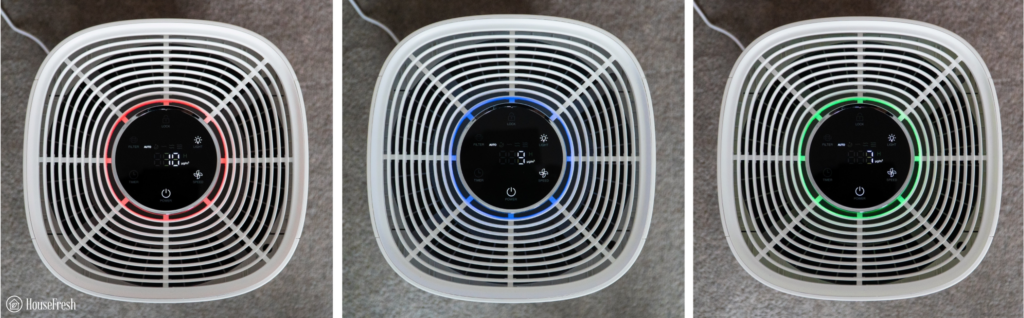
To the right are the speed and light buttons. The speed button lets you change the fan speed while the light button cycles through the different LED light levels: poor air quality, good air quality, and excellent air quality.
💡 At the top is a lock button that disables the device’s control panel to avoid unintended pressing.
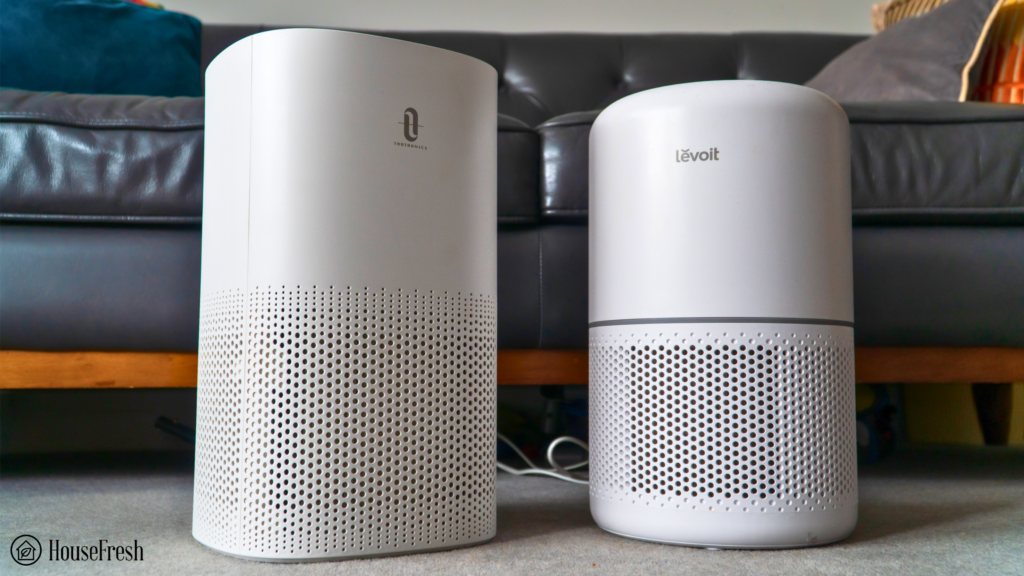
Measuring 14.9H x 8.8W x 8.8D inches (37.8H x 22.4W x 22.4D cm), the AP005 is virtually the same size as the Levoit Core 300:
If you’re between the TaoTronics AP003 and the AP005, it will be useful to see the size difference between both units – you will need to have a lot more space in the room for the AP003:
Industry-grade air filtration system
I love that the TaoTronics AP005 uses industry-grade H13 True HEPA and Activated Carbon filters that don’t produce harmful by-products like ozone ❤️.
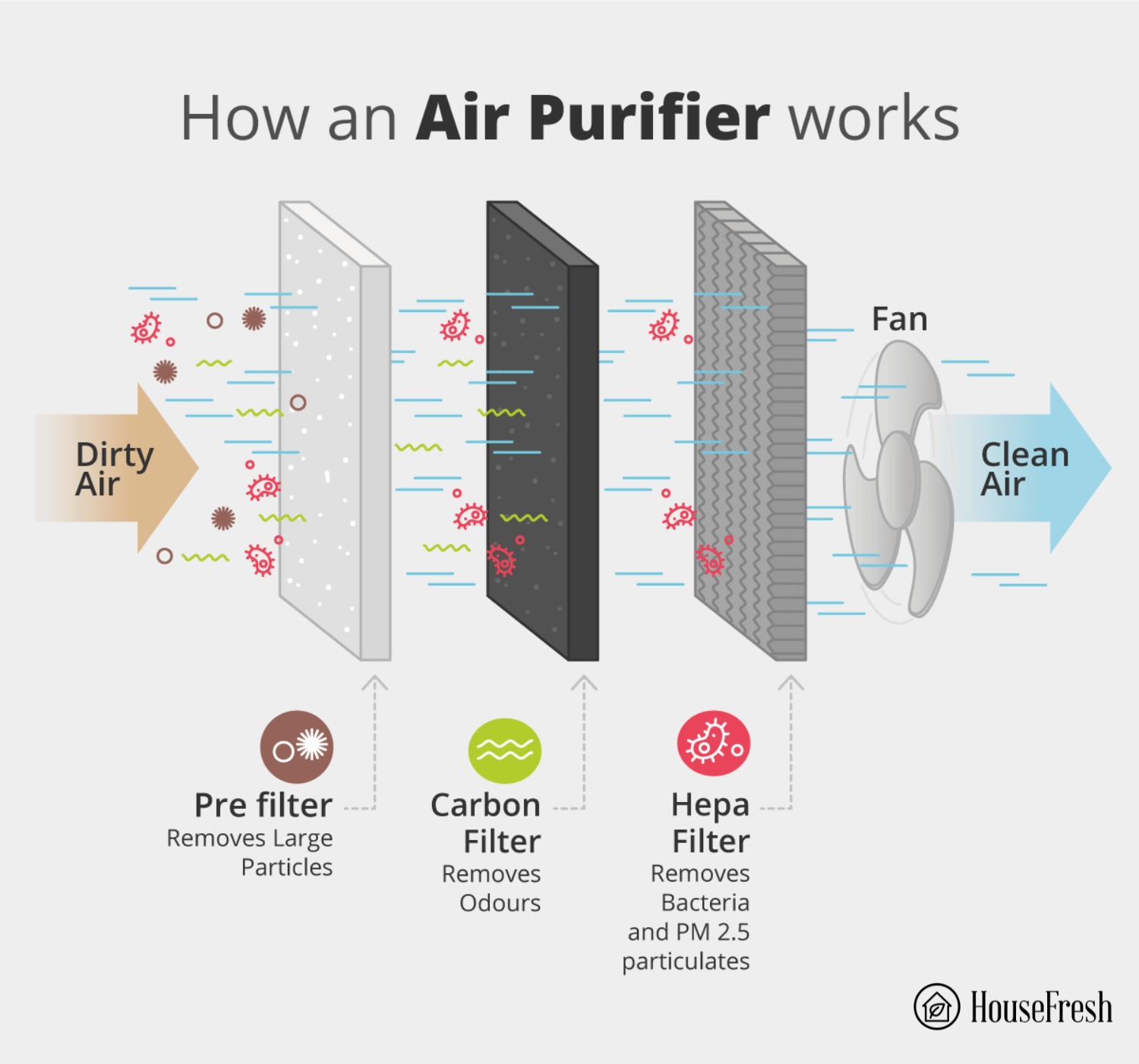
The TaoTronics AP005 features a 3-stage filtration system.
Pre-filter — Traps large particles such as hair, pet fur and lint
H13 True HEPA filter — filters 99.97% of particles down to 0.3 microns, like dust, dander, pollen, mold and germs.
Activated Carbon filter — Absorbs odors and harmful gases
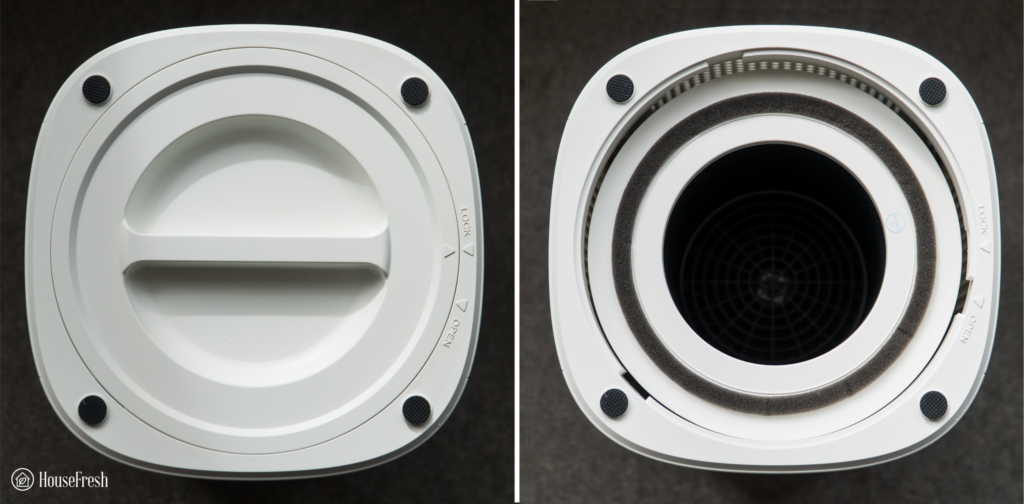
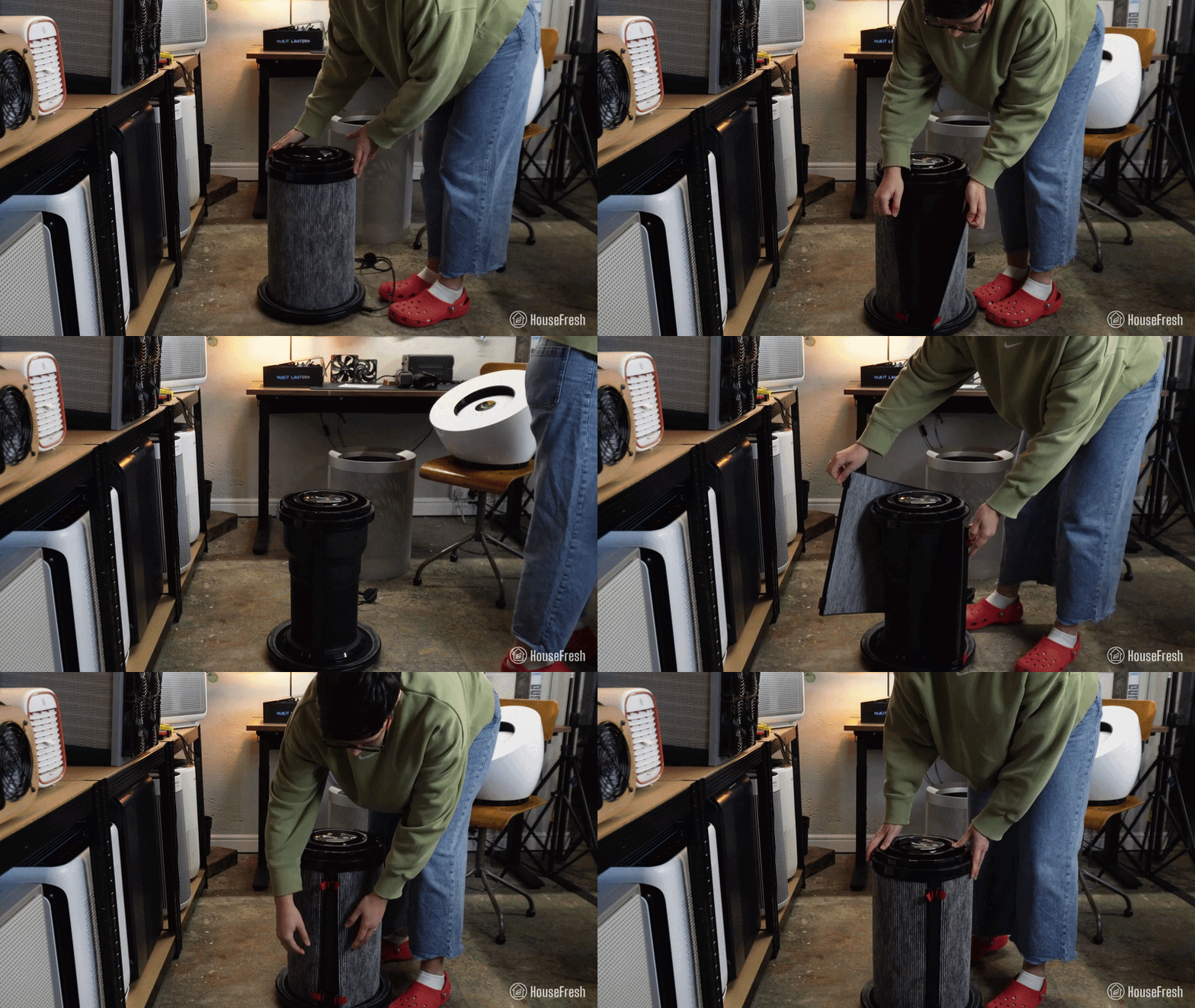
Removing the filters is easy and can be done in three simple steps. Simply flip over and twist the filter cover indicator filter to open, remove the old filter and replace it with the new one, then align the triangle marks and twist the indicator to lock, and you’re good to go.
Still unsure of how to do it? Check out this step-by-step video:
So, a recap, two more things I like about this unit: the filters are easy to remove, and filter replacements are readily available.
⚠️ New air purifiers will come with the HEPA filter covered in plastic or inside a plastic bag. Remove this before you start the unit; otherwise, it won’t work.
The TaoTronics AP005 cleared our test room in 36 minutes
The TaoTronics AP005 removed all pollutants in our 728 cubic feet test room in just 36 minutes.
💵 This puts the AP005 on our list of the top recommended models for those on a tight budget.
As mentioned, we burn incense sticks and use our indoor sensor from Purpleair to track PM10.0 ug/m3, PM2.5ug/m3 and PM1.0ug/m3 levels in a controlled environment to see how fast an air purifier can remove all these pollutants from the indoor air.
As you can see from the graph, the AP005 cleared our test room in just 36 minutes, with PM10.0ug/m3 and PM2.5ug/m3 and levels dropping fast from the moment the device was turned on.
Air cleaning performance test results
In terms of air cleaning performance and speed, it compared favorably with other units in its same price range such as the Levoit Core 300S.
When it comes to noise levels, the TaoTronics AP005 didn’t disappoint. How much noise does it produce when operating at minimum and maximum fan speeds?
Noise levels test results
In our testing, the TaoTronics AP005 sound levels ranged from 25dB at the lowest fan speed to 50dB at the highest. This is pretty good compared to other air purifiers we’ve tested.
The TaoTronics AP005 compares favorably to many of the other units we have tested and is one of the quietest at its maximum speed. Take a listen for yourself:
The cost to run a TaoTronics AP005: $80.67 per year
1. Electricity costs = $44.69 per year
When buying an air purifier, you’ll need to factor in the cost of running the unit, especially considering the rising electricity costs. The good news is that the TaoTronics AP005 is a fairly efficient device.
Our electricity usage monitor showed that the AP005 pulls 29.3 watts at full power, amounting to $44.69 a year, running it non-stop.
In comparison, the Core 300 pulls 35.5 watts at maximum power, equating to $54.15 per year.
2. Filter costs = $35.98 per year
Filter costs are another essential factor when buying an air purifier. HEPA and Activated Carbon filters work by removing pollutants from the indoor air and over time, these filters wear out and need to be replaced.
Genuine filters for the AP005 cost $17.99 and must be replaced twice yearly. In comparison, you pay $34.99 for genuine TaoTronics AP003 replacement filters and $60 for the Levoit Core 300.
Contains Two (2) packs of premium 3-in-1 filtration system including Pre-Filter, H13 Grade Main Filter, and High-Efficiency Activated Carbon Filter
Pre-filter traps larger particles in the air like hair, dust, pet fur, lint and more
Activated Carbon Filter absorbs household odors from pets, cooking, smoking, wildfire, and harmful VOC’s
H13 Grade Main Filter captures 99.97% of airborne particles down to 0.3 microns in size, creating fresh and purified air for you and your family
Easy to replace and disposable, no tools required. Replace the 3-in-1 filter every 3-6 months depending on the usage and environment
Bottom line
The TaoTronics AP005 is a cheap air purifier that can do a great job at removing particles from the air in small to medium-sized rooms.
It’s a very effective air purifier for the price, although the lack of pelleted carbon means we would recommend the AP003 over it or the Levoit Core 300 as it will be more effective for odor and gasses.
But if you just want to remove particles and don’t have a big budget to spend, you can’t go wrong with the TaoTronics AP005.
SOURCES
We calculated yearly costs associated with running the TaoTronics AP005 24 hours a day, 365 days per year utilizing the latest average energy prices as reported by the Bureau of Labor Statistics of $0.174/kWh as of May 2024.
Here are five things you should do regularly to remove dog smells throughout your home.
1. Use enzymatic cleaners
You can use these on upholstery, carpets and fabrics and clothing. The enzymes break down the molecules that create odors and can eradicate dog smells without leaving harsh chemicals or fragrances behind, making them safe to use around both pets and children.
The cleaners come in both spray and liquid forms and you can buy them at most major stores.
Step 1: Spray or pour the liquid cleaner onto the affected area Step 2: Let it sit for a few minutes Step 3: Wipe the area clean with a damp cloth
2. Vacuum with a HEPA device
While your dog may not be too keen on the sight and sound of the vacuum cleaner, it’s essential to hoover carpets and rugs frequently. Devices that use a HEPA (High-Efficiency Particulate Air) filter are the most effective for eliminating odors. This is because they capture dog fur, dander and odor particles rather than recirculate them back into the air like regular vacuums.
Alongside rugs and carpets, don’t neglect other areas in your home, such as curtains and furniture. Anything that can be vacuumed should be.
3. Sweep and mop floors
If you have wood, laminate or tile floors, give them a good sweep to remove dirt and dust and then get to work with your mop. But before you reach for the store-bought floor cleaner, consider using vinegar instead. Due to its high acidic content, vinegar is excellent for breaking down and neutralizing odor particles, thus obliterating dog smells.
Step 1: Mix ½ cup of vinegar with 1 gallon of warm water for the solution Step 2: After each dip in the bucket, ring out the mop thoroughly and let the floors air dry when finished
4. Freshen up with baking soda
The various chemicals within the soda neutralize and absorb other smells. Unlike vinegar, which has its own pungent smell, baking soda is odorless.
Step 1: Sprinkle baking soda onto your carpets Step 2: Let it sit for a few minutes Step 3: Vacuum it up
💡 You can also pour baking soda into shallow bowls and place these around areas of your home.
5. Wash your dog’s bedding and toys
A dog’s bed is often a significant odor source due to all that fur, dander and saliva. And when their saliva gets all over their toys, the odor can permeate your home.
Step 1: Shake out the bedding to remove as many hairs as possible Step 2: Place both the bedding and toys in the wash — you can add half a cup of white vinegar to your usual detergent to eliminate smells Step 3: Hang the bedding to dry
Why does my house smell of dog? (and how to prevent it)
Now, let’s look at the potential causes of that dog smell and how you can fix each one.
Odor Cause 1: Poor hygiene
If your dog gets wet from the rain or has rolled about in muddy patches and puddles, this can lead to a very pungent “wet dog smell.” When your dog’s coat gets wet, microorganisms in dog hair effectively break free as the water evaporates. Waste products in the dog’s skin, like bacteria and yeast, fill your home with odors.
Equally, some dogs’ fur can become matted with dirt and bacteria, causing unpleasant smells.
Step 1: Gently coax or place your dog carefully in the tub (you might need a treat to encourage them) Step 2: Dilute the special dog shampoo by adding some to a bowl full of water Step 3: Check the water is warm, then wet your dog Step 4: Shampoo your dog twice. The first time removes dirt and the second means you can properly wash their skin Step 5: Ensure you clean areas like the pads of their feet, armpits and stomachs Step 6: Next, use the dog conditioner. Be sure to leave it on for a few minutes before rinsing away Step 7: Give your dog another rinse to ensure no soap is left on their fur Step 8: Dry them thoroughly with a towel and blower
Odor Cause 2: Skin infections
If you notice that your hand smells after stroking the dog, their skin could be to blame. Microbes, including bacteria and yeast, cover the skin and injury or disease can affect the skin’s natural barrier, leading to smelly infections. Skin infections can also result from poor hygiene, so bathing regularly, as described above, will help.
Chafing is another cause of odors and often affects parts of the dog where there’s enfolded skin. For example, skin folds on their face, particularly the ears and body, such as the feet, anus and vulva.
Be sure to check, clean and dry these areas regularly and notice if the skin looks inflamed or sore. You might need to visit the vet if you spot blemishes or if your dog’s skin is itchy and uncomfortable.
Odor Cause 3: Ear infections
Dog ears are often warm, moist environments, yet certain breeds may be more prone to problems. For example, Springer Spaniels and Basset Hounds have notably hairy and floppy ears. This could make them more susceptible to ear infections, commonly caused by increased bacteria and yeast.
Similarly, if your dog has allergies or experiences hormonal imbalances, this can create a bacterial surge, leading to a toxic smell.
If you suspect your dog might have an ear infection, be sure to visit your vet.
❌ Do not attempt to put anything inside the ear; this can be dangerous if the eardrum is damaged.
Odor Cause 4: Bad breath
Poor dental health is often the cause of bad breath, particularly the build-up of tartar and plaque. All mouths contain bacteria, but when plaque and tartar form on the teeth, the bacteria rise. Dental infections can then occur, which results in a putrid smell.Hair and food can also get caught in the tartar and inflamed gums, exacerbating the stench.
An underlying condition or disease can sometimes cause strong doggy breath, so visit your vet if you’re worried.
Brushing your dog’s teeth is the best way to prevent plaque formation.Use suitable canine toothpaste, and toothbrushes and brush daily (or at least weekly).
Odor Cause 5: Flatulence and poor diet
As much as we love them, dogs can be pretty disgusting regarding some of the things they consume. They can also eat very quickly, which may trigger digestive issues. Usually, however, if they ingest rotten food, any flatulence (aka farting) will be temporary. But the odor can still be a real problem.
Avoid letting your dog scavenge and feed them a plain, easily digestible diet to ease flatulence. If it continues, visit your vet if they have an underlying condition affecting their digestion.
Encourage your dog to eat more slowly using a food mat or dispensing toy.
Odor Cause 6: Anal glands
The anal glands are a natural part of your dog’s anatomy and are two tiny sacs on both sides of the rectum. They fill with pheromones to mark your dog’s territory and then empty again when the dog passes feces. However, they can become impacted and infected if they don’t empty.
It’s not just a terrible smell you’ll notice because the dog will probably also be very uncomfortable, dragging their bottom on the floor and scratching and licking their anus.
Visityour vet as soon as possible, as they can empty the anal glands. A higher fiber diet or fiber supplement can also help prevent this problem in the long term.
Can air purifiers ged rid of dog odors?
In a word: Yes.
The best air purifiers can sanitize the air inside your home while eliminating odors like dog smells. However, choosing a device with both a HEPA filter (just like with a vacuum) and an activated carbon filter is essential.
The HEPA can capture and trap tiny, airborne particles like pet dander, while the activated carbon (sometimes called charcoal) removes smells. The latter uses adsorption, meaning that odor particles stick to the carbon. Note that the more activated carbon a filter contains, the better it will be at removing odors.
The top 3 air purifiers for dog smells
We’ve tested many air purifiers at HouseFresh. We have our own testing room, which we fill with incense smoke and track how fast and effectively the purifier cleans the air.
Last update on 2026-10-27 / Affiliate links / Images from Amazon Product Advertising API
Final thoughts
It’s important to know what might be causing dog smells, and sometimes there can be a serious cause. Generally, however, simple things like regular bathing and teeth brushing can solve the problem.
If dog smells are a particular issue in your house, you can do many things to eliminate the odor. On top of methods such as vacuuming and utilizing vinegar and baking soda, an air purifier is one of the most effective ways to eliminate smells.
Levoit is a company from the USA that manufactures all its units in China and they are part of Vesync Co Ltd, a publicly traded company with 1,200 employees. It’s been a significant player in the United States for budget air purifiers since it entered the market in 2017.
The Levoit LV-H132 was the first model that Levoit brought to market when it launched in 2017. It was designed as a smaller/budget-friendly air purifier for small spaces of up to 129 ft². There are no timers, auto-mode and app support — all things you find with newer Core Model S units.
The Levoit Core 300 is one of my favorite air purifiers at HouseFresh, so we were excited to review the LV-H132.
As with all our reviews here at HouseFresh, we bought the Levoit LV-H132 with our money. That means we can tell you precisely what we think. We always do our desk research, but when it comes to reviewing air purifiers, you need a way to compare performance. We have a simple way to compare performance across all different types of air purifiers that you don’t need a Ph.D. to understand.
How we test air purifiers
Read our full testing methodology.
Using the above process, we can compare units like for like instead of just scoring them based on manufacturer data.
Intro out of the way, let’s get on with this review, shall we?
The lowdown on the Levoit LV-H132
“It has the same long-term cost as other Levoit units but with far less cleaning power. You can get much better performance with the Levoit Core 200S.”
The filter in the LV-H132 includes a pre-filter cover that can be removed to expose the H13 True HEPA filter with an integrated activated carbon filter.
The main feature of the filter is the powerful medical-grade HEPA H13. However, due to its small size, the LV-H132 won’t be as powerful as other Levoit units when dealing with pollutants. That said, it gets the job done.
A carbon filter is integrated, which will come in handy for combating gasses and odors. Similarly to the HEPA filter, the carbon filter is much smaller than those in units like the Core 300.
The good news is that the LV-H132’s carbon filter uses activated pellets — better than many other budget units that use impregnated fabric.
When it comes to replacing the filter, you will unlikely have any issues as the process is quite straightforward.
You can watch this video to see how it’s done:
Due to the small size of the LV-H132, it is limited in the number of pollutants it can remove, especially when compared to larger units. While we appreciate the use of pelleted charcoal, it’s still minimal and is unlikely to significantly impact the amount of VOCs or odors in the air.
Tip
New air purifiers will come with the HEPA filter covered in plastic or inside a plastic bag. Remove this before you start the unit; otherwise, it won’t work.
The Levoit LV-H132 cleared our test room in 98 minutes
We had high hopes for the LV-H132, considering how often it is recommended by big media sites, but it just didn’t deliver
We tested the LV-H132 following the same process for all other air purifiers we reviewed. We placed it in our 705 cubic ft test room, used an incense stick to generate smoke pollutants and then turned on the LV-H132 at full speed.
We used our PurpleAir indoor sensor to track PM1.0ug/m3, PM2.5ug/m3 and PM10.0 ug/m3 to time how quickly the air purifier brought the level of pollutants back to 0.
Have a look for yourself:
It took 98 minutes to fully remove all the pollutants in our test room.
Air cleaning speed, compared
This was much longer than the $99 Levoit Core 300, which took 40 minutes and was close to the much smaller and cheaper Levoit Core Mini, which took 113 minutes. Interestingly the Levoit Core 200S has the same price as the LV-H132 but took 61 minutes to clean our test room.
At this level of cleaning performance and this price, it’s tough to recommend the LV-H132 even for a small room, as consumers would get more bang for their buck with the Core 200S or even more with the Core 300 for just a little extra spent initially.
Noise levels, compared
As with many small air purifiers, at its lowest speed, the LV-H132 doesn’t generate much noise at 25dB, but it reaches the same levels as the large Core 300 at the highest speed with 50dB of sound generated.
We always like to record videos showing sound levels as noise can be subjective. Listen to the LV-H132 for yourself:
The cost to run a Levoit LV-H132: $70.36 per year
1. Electricity costs = $28.38 per year
The LV-H132 is now an older unit compared to the Core series of air purifiers and it shows with its energy usage. At its highest speed, we saw that it drew 26.7 watts, while the newer Levoit Core 300S managed to clean much quicker, which pulled only 14.6 watts.
When calculating how much it would be added to your electricity bill if you ran the LV-H132 continuously 24/7, the final figure is quite reasonable at $28.38. I would still prefer to choose a more efficient unit like the Core 200S that uses the same amount of power but cleans our room 37 minutes quicker.
2. Filter costs = $45.98 per year
Filters directly from Levoit cost $20.99 per filter, which comes to $41.98 per year. For reference, the filters for the Levoit Core 200S cost $45.74, and the ones for the Core 300S costs $60.
One of the big benefits of a popular brand like Levoit is that you can often find many generic filters available at a lower cost. We found a generic filter set for the LV-H132 that brings total yearly costs down to $32 per year.
This cheap unit will cost you in the long run, and it won’t do a good job at cleaning your air
When the LV-H132 was first released in 2018, it would’ve been a decent unit for those on a budget. As of right now, there are far too many high-performing budget air purifiers like the Levoit Core 300S or Taotronics AP003 that clean far more air and cost a similar amount both in initial machine cost and long-term costs in filters and electricity.
If you need an air purifier for a small room, we would suggest looking at other units like the Levoit Core 200S at the same cost and, if possible, you should consider spending a little more for a large unit like the Levoit Core 300 or Taotronics AP003 that would cost the same in energy and filters but would be able to keep your air clean much cleaner.
SOURCES
We used the Department of Energy’s appliance energy calculator to calculate yearly costs associated with running the Levo LV–H132 for 24hs a day for 365 days. We ran this calculation utilizing the US average utility rate of $0.12/kWh as of 3rd March 2023.
Moving away from home can be an exciting experience, but living in close quarters with one or more roommates can be a daunting experience.
As you prepare to get your first taste of independent living, it makes sense to consider bringing an air purifier with you to fend off unwanted smells and protect your personal space from the dreaded freshman plague rife on campus, ready to strike against weary students.
The right air purifier will draw in air from your dorm and pass it through a series of filters that capture dust, pollen, smoke, odors and viruses. What’s left behind is clean, fresh air that will be redistributed into the space.
In this article, I shortlisted a handful of budget-friendly air purifiers that will not take up a lot of space but that are powerful enough to actually make a difference. We bought each device on this list with our own money so that we could run our usual battery of tests to assess their air cleaning performance, noise levels generated, energy consumption, yearly running costs and long-term user experience.
How we test air purifiers
Read our full testing methodology.
If you don’t have time to read my full article, check out the table below for a quick TL;DR of all the air purifiers I recommend for dorm rooms:
1. Best air purifier for small dorm rooms: Winix A231 (or A230)
Our top pick for dorm rooms no larger than 231 sq. ft. is a small air purifier with no smart features that you can find for less than $80.
Before I tell you more about this device, let me clarify that I’m writing here about the A231 because that is the model I tested: the white and grey device you can see in our photos. But if you prefer black, you can instead get the Winix A230, which is exactly the same as the A231 but in all black. Both devices have the exactly same internals, so it’s just a matter of taste. Right, with that info out of the way, let me tell you more about this unit.
If you are looking for a small air purifier you can have beside your bed or, on a narrow window sill or on top your desk, then the Winix A231 might be just what you want. With a CADR of 154 cfm, the Winix A231 can provide five air changes per hour in dorm rooms up to 231 sq. ft. thanks to a powerful fan and a high quality True HEPA filter packed with activated carbon. This combination allows the A231 to tackle both particles and gases, removing everything from dust to unwanted odors.
What we really like
It is small and compact, so it won’t take up too much space.
It cleaned our test room of PM1 pollutants in 40 minutes, which is 14 minutes faster than the similarly priced Levoit Core 300.
You can expect to spend $49.99 per year in filter replacements if you choose OEM filters, which is cheaper than most small air purifiers.
There are generic filters available on Amazon, which would bring long-term filter replacement costs down to under $20 per year.
What we think could be better
As with most small air purifiers, it can get loud at its top fan speed, reaching 57.9 dB, which will be too loud for some — especially if you need to study.
If it loses power, the A231 will go back to default, with PlasmaWave enabled.
The Winix A231 comes with an inbuilt air quality sensor, so you get an auto-mode that will kick in autonomously as soon as the sensor detects pollutants in the air. This can come in handy if you want to set your air purifier and forget it. And, as with other Winix air purifiers, the A231 comes with PlasmaWave bipolar ionizer technology but you can disable it if you have concerns about ionization and ozone.
With a CADR of 430 cfm, the 3Pro can clean the air in larger dorm rooms (up to 671 sq. ft.) for just $175.99 if you go for the HEPA + carbon version.
Use the discount code HOUSEFRESH for 5% off when buying directly from AirFanta.
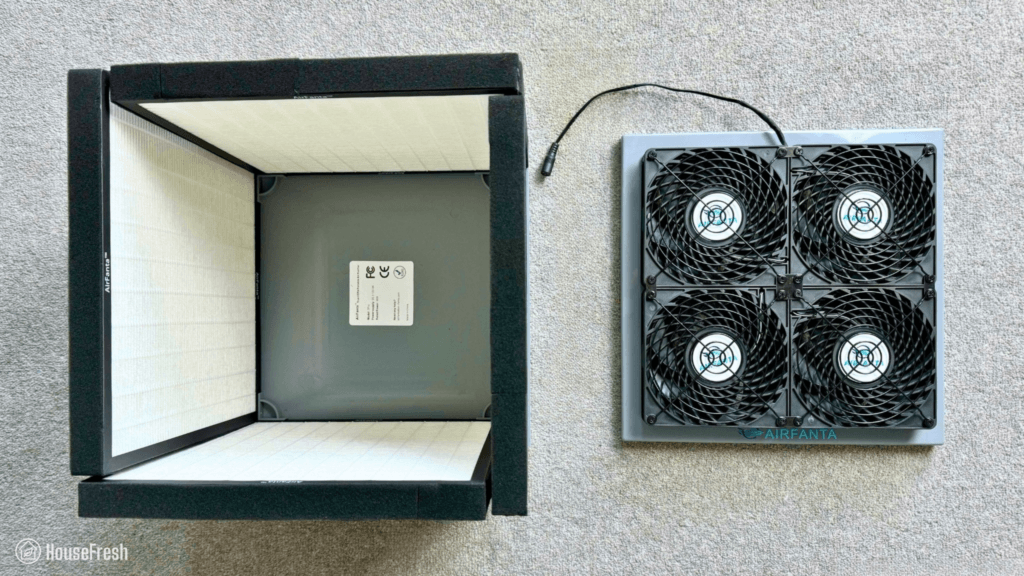
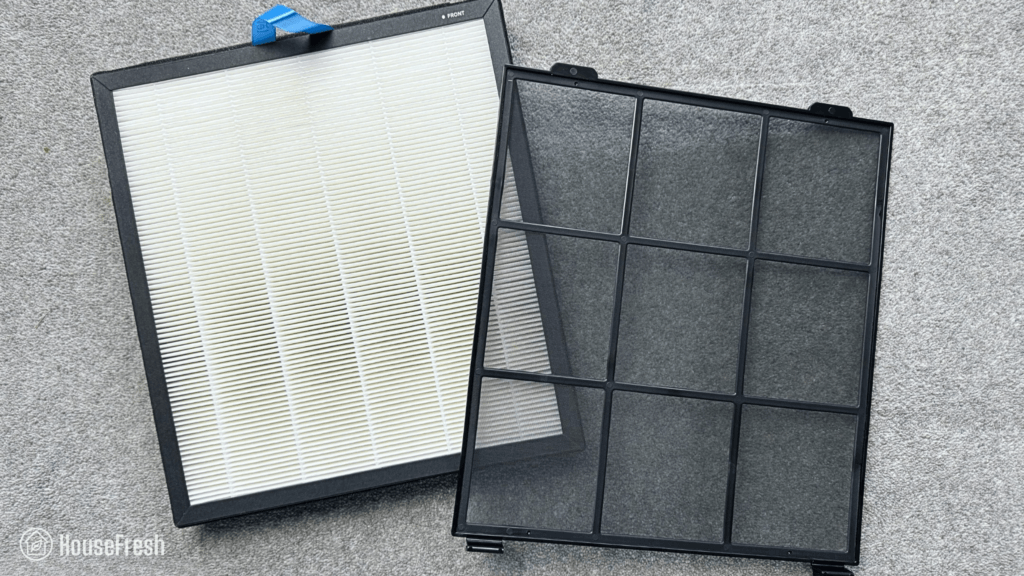
The AirFanta 3Pro is part of a new generation of air purifiers that are powered by PC fans, which make them a lot quieter and more energy efficient than traditional devices you will find at a retail store. The design of the 3Pro is inspired by a popular DIY air purifier you might have heard of called the Corsi-Rosenthal Box, with a base around which you get four filters that are topped with four PC fans which create the perfect cube.
The 3Pro is one of the most powerful air purifiers I have tested and it truly blew my mind in 2024, becoming one of our top recommendations. If you are looking for a relatively compact device (12.6 x inches, or 32 x 32 cm) that you can assemble yourself (and disassemble, when the time comes to go back home or move to a new place), then read on as the AirFanta 3Pro might be just what you’ve been looking for.
What we really like
It offers excellent value — it has an estimated CADR of 430 cfm and you can buy it for $160-$175, whereas most air purifiers this powerful will cost you more than $500.
You can assemble it and disassemble it in just a couple of minutes, so you can take it with you wherever you go inside a small suitcase or big backpack.
It is relatively quiet considering its outstanding air cleaning power, hitting 56 dB at top speed.
Amazing performance, cleaning our test room in 17 minutes — this is just two minutes slower than the much bigger and much more expensive Smart Air Blast Mini, which is a popular air purifier used in classrooms and offices.
What we think could be better
It is often out of stock on Amazon, but you should be able to find it on the official AirFanta store. By the way, when buying directly from AirFanta, you will get a 5% off when using the discount code HOUSEFRESH.
It is much louder (56.3 dBA) than other PC fan-powered air purifiers we have tested when running at full speed. Check out my CleanAirKits Luggable-XL review to see what I mean.
Traditional retail air purifiers come with a control panel at the top of the device with buttons or a screen for you to switch modes and fan speeds, but the AirFanta 3Pro doesn’t. Instead, you will get a 110-220v AC to 3-12v DC power adapter which will allow you to control the speed of the fans and the noise output.
Tip
We found that setting it to 6.54V is a sweet spot where the 3Pro offers excellent air cleaning while generating just 43dB, which is quieter than the recommended 45dB for classrooms — a good sound level to keep it running in the back without it disturbing your sleep or study time.
The Vital 100s is a smart air purifier suitable for dorm rooms no larger than 219 sq. ft. with an on-board air quality sensor that connects to your smartphone for $139.99.
The Levoit Vital 100S has a dust CADR of 146, so this relatively small air purifier will be able to provide five air changes per hour in dorm rooms of up to 219 sq. ft. It comes with a removable pre-filter and a bonded main filter with a combination of activated carbon (to deal with odors and gases) and a HEPA-like particle filter (to filter out dust, pollen and other small particles).
If you are looking for a smart air purifier that you will be able to control and manage from your phone, then the Levoit Vital 100S is worthy of consideration. As with the Winix A231, the Vital 100S comes in an on-board air quality sensor that unlocks an auto-mode that will automatically adjust fan speeds based on the quality of your air. But it doesn’t stop there. You can also connect to your 100S from your smartphone through Levoit’s VeSync app, which is one of the most polished air purifier apps out there.
What we really like
It comes with a removable pre-filter that you can clean to extend the life of the main filter.
It comes with an auto-mode and app support, something rare in air purifiers selling for less than $200.
It is super energy efficient, with a max draw of 27.3 watts.
It comes with pelleted activated carbon for dealing with odors and gases, which is much better than the cheap impregnated fabric we see with air purifiers in this price range.
Weighting less than 7.5 lbs and measuring 6.4 x 12.8 x 16.1 in (or 16.3 x 32.5 x 40.8 cm), this is a relatively small air purifier that will fit most dorm rooms.
What we think could be better
The particle and the carbon filters are stuck together (a.k.a. bonded), so you will need to replace both of them even if the only one that needs replacing is the carbon filter (which usually runs out faster than the particle filter).
Levoit initially marketed the Vital 100S as having a HEPA filter but after Dyson complained to the BBB, they removed all mentions of HEPA without any explanation to the public. This doesn’t affect the performance of the 100S but it’s not a good look on Levoit.
The Levoit Vital 100S is the upgraded, smarter version of the older Vital 100 and the little sibling of the popular Vital 200S. The Vital 100S cleared our small 728 cubic feet test room of all PM1 particles in 37 minutes — this is 11 minutes faster than the non-smart Vital 100 (48 minutes) and 17 minutes faster than the $99 Levoit Core 300 (54 minutes).
HouseFresh rating:
★★★★☆
Time to clean our 728 cubic feet test room (with the device running at top speed):
37 minutes
Air filtration technology:
Pre-filter and bonded particle + activated carbon filter.
Recommended room size (4.8 air changes per hour):
219 sq. ft.
Clean air delivery rate (CADR):
Smoke: 134 cfm Dust: 146 cfm Pollen: 186 cfm
Dimensions (in inches / in cm):
6.4 x 12.8 x 16.1 in (16.3D x 32.5W x 40.8H cm)
Weight (in pounds / in kg):
7.28 lbs (3.3 kg)
Filter life:
9 months
Noise level in decibels (measured from 3 ft. away with a sound level meter):
Speed 1: 37.5 dB Speed 2: 42.6 dB Speed 3: 48.7 dB Speed 4: 53.8 dB
Electricity consumption in watts (recorded with an electricity usage monitor):
4. Best tabletop option: CleanAirKits Triple Exhalaron
Designed to be used as a table centerpiece, the Triple Exhalaron is a PC fan-powered air purifier with a CADR of 128 cfm that can be used in dorms no larger than 192 sq. ft.
The Triple Exhalaron is another PC fan-powered air purifier, this time manufactured by the team at CleanAirKits. The design of the Exhalaron is quite unique, with three cylindrical HEPA H10 filters (with activated carbon inside) that sit between a thin wooden base and a thick wooden top home to three CoolerMaster Mobius argb (2400 rpm) PC fans.
If you are looking for a small air purifier you can use in your dorm but also take with you to the library or bring to study groups, then look no further than the Triple Exhalaron from CleanAirKits as this is the only air purifier we have tested that has been designed from the ground up to be used as a table centerpiece ensuring it will reduce viral load.
What we really like
It is designed to be powered by a battery pack (with a male USBC pigtail), so you can take it with you around campus. You get up to 10 hours of use with a 20,000 mAh battery.
It is super quiet, ranging from 35.2 dB to 40.5 dB from its lowest to its highest fan speeds.
It looks pretty cool – I know it’s a personal preference, but I really like the steampunk feel of the Exhalaron. Now, I know it won’t be everyone’s cup of tea.
What we think could be better
Initial price is much higher than all the other air purifiers on this list ($359.00).
Filter costs are higher but do last longer than cheaper Core series units — up to 15 months
It has a CADR of 128 cfm, so it will be able to give you five air changes per hour in dorm rooms no larger than 192 sq. ft. This air purifier is super quiet, hitting just 40.5 dB when running at its top fan speed, while still being able to clean the air faster than popular small devices like the Levoit Core 300.
The Coway AP-1512HH is one of the most recommended air purifiers on the web, so you will probably have seen it if you’ve been doing your research for a while. This oldie but goodie will deliver five air changes per hour in dorm rooms of up to 360 sq. ft. thanks to its CADR of 240 cfm and its combination of a removable pre-filter, a True HEPA filter, a carbon impregnated filter and its bipolar ionizer (which you can disable if you prefer not to use). Filter replacement costs are some of the lowest we have seen.
The reason why I didn’t include it on this list is that in 2025, I think there are newer air purifiers that offer more value for a better upfront price. Plus, it is quite big and could be too bulky for small dorms. But if you like the look of it, or if you prefer to go with a device that has been on the market for over a decade, then the Coway Airmega AP-1512HH Mighty could be the best pick for you.
This small(ish) air purifier has a CADR of 185 cfm, making it a good choice for dorm rooms no larger than 277 sq. ft. It comes with H13 medical-grade HEPA filters that will be able to remove not just dust and pollen particles from the air but also bacteria and viruses. If odors and chemicals are an issue, you can buy the optional activated carbon filter, too.
This is a great air purifier on paper but I didn’t include it as one of my main picks because it generates nearly 60 decibels of noise at top speed (58.2 dB), which is likely to be too loud for a dorm where people are going to be studying and need quiet to concentrate.
But if you are looking for an air purifier that looks like a piece of furniture and are not too bothered by smart functions or loud noises, then the Smart Air S could be just the thing.
The Levoit Core 300S is the upgrade to the older, $99 Core 300, now sporting smart features such as smartphone connectivity and app support. The Core 300S is also more energy-efficient and much faster (45 minutes) at cleaning the air compared to its older counterpart (54 minutes), which is impressive considering it costs just $50 more.
It has a CADR of 141 cfm so it can clean the air five times per hour in dorm rooms as large as 211 sq. ft., and comes with a bonded filter including a pre-filter mesh, a particle filter and a layer of activated carbon. I chose to go with the Vital 100S instead of the Core 300S because it offers a higher CADR (146 cfm) for a lower price ($139.99).
But if you prefer a cylindrical design and want an air purifier that you will be able to manage from your phone, then the Levoit Core 300S might be the best option for you and your dorm room.
Other units we tested but don’t recommend for dorm rooms
Levoit Core Mini: In testing, this device took 1 hour and 53 minutes and had a CADR of 32 CFM, making it too small even for the smallest dorm rooms. You are better off saving up more and going for the bigger Core 200S or Core 300.
Medify MA-25: While this is cheap, the filter replacement costs were much higher than similar-performing units.
Blueair 411+ Auto: All Blueair air purifiers use a technology called HEPASilent, which uses an ionizer, but you can’t disable its use. The activated carbon used in these units is the fabric carbon, which we found far less effective than the pelleted carbon.
PuroAir 240: This is an air purifier that you will often find at the top of Amazon as a sponsored option but that doesn’t offer a good enough value for your money, based on the results of our performance tests.
What to look for in an air purifier for a dorm room
Sadly, many dorm rooms in America are in older buildings with poor ventilation, which can mean levels of indoor pollutants can quickly rise and cause problems.
Indoor air pollutants can cause health problems and can even affect grades; a study from Israel showed that those students who breathed in the air with a higher count of fine particles scored on average 2.3% lower. The EPA stated that children in classrooms in highly ventilated spaces perform better on standardized tests than children in poorly ventilated rooms.
To get the most from college, you must create a space in your dorm room free of tiny particle pollutants that have been shown to create health problems and reduced cognitive ability.
You should try to ventilate the dorm room as much as possible, but when this isn’t possible, an air purifier can do a great job of keeping the air clean of these tiny harm-causing particles.
But to get the right air purifier for a dorm, you need to consider the following:
1. Consider the size of your dorm room
The average dorm room in the United States measures around 228 square feet for a dorm room with two students. The good news is that smaller spaces need smaller air purifiers to be effective. Most air purifiers are given a CADR score that is used to give you an indication of an air purifier’s cleaning power. Higher CADR will allow you to keep a large space clean.
An average double-person dorm room of 228 square feet with an 8ft ceiling will need a CADR score of 145 CFM to provide the 4.8 air changes per hour that the EPA recommends for portable air cleaners. This is exactly the CADR of our number 1 pick, the Levoit Core 300.
You can use our CFM calculator to find out what CADR you need to clean the air in your dorm room at least four times per hour:
2. Look for activated carbon filtration if you worry about odors
Particle filters like HEPA or MERV are great for removing the tiny particles from the air in a dorm room but won’t do anything about the odors that come with student living. An activated carbon filter can help to catch these odor gasses and keep the dorm room smelling better.
As a rule of thumb, you will want to choose an air purifier that uses pelleted carbon vs. the impregnated carbon fabric as we found that the latter will quickly lose effectiveness at removing odors.
3. Calculate long-term running costs
Most dorm rooms include free electricity usage. However, you will still need to replace the filters every six months for smaller air purifiers and potentially longer with larger devices.
We include the latest price for the genuine and generic filters for each recommended air purifier we review so you can know the accurate long-term running costs.
Tip
Be aware that running a large air purifier is often cheaper than you need as the filters are bigger and need replacing less often but often cost very similar.
4. Decide whether you need to get an air purifier with smart features
It feels like every appliance is smart nowadays, from your refrigerator to your television. It turns out that the same can be said for air purifiers.
The benefit of smart features is that they come with an onboard air quality sensor so that the air purifier will only kick in when it detects pollutants in the air. It is super useful for a kitchen but not mission-critical for a dorm room, so feel free to save money on a non-smart version.
But if budget is a concern, you can often find non-smart versions for cheaper prices. Sure, they won’t turn on and off automatically but you can simply keep the device running at a fan speed that you don’t find intrusive so it works all the time.
Why you should trust our recommendations
Unlike most guides to air purifiers you will come across on the internet, we actually put the air purifier we recommend through an in-depth testing process and share this data with our readers. We have reviewed over 90 air purifiers since 2020, and based on this original data, we have identified what we think are the best air purifiers suited for those living in dorm rooms.
We are 100% independent and don’t take review units in exchange for review; we pay retail like everyone else. This means we are free to say when an air purifier fails to deliver, and we don’t have any outside pressure to push certain brands or models.
If you still can’t find the right air purifier for your dorm room or just want to ask me more about our performance testing, please reach out to me directly danny@housefresh.com
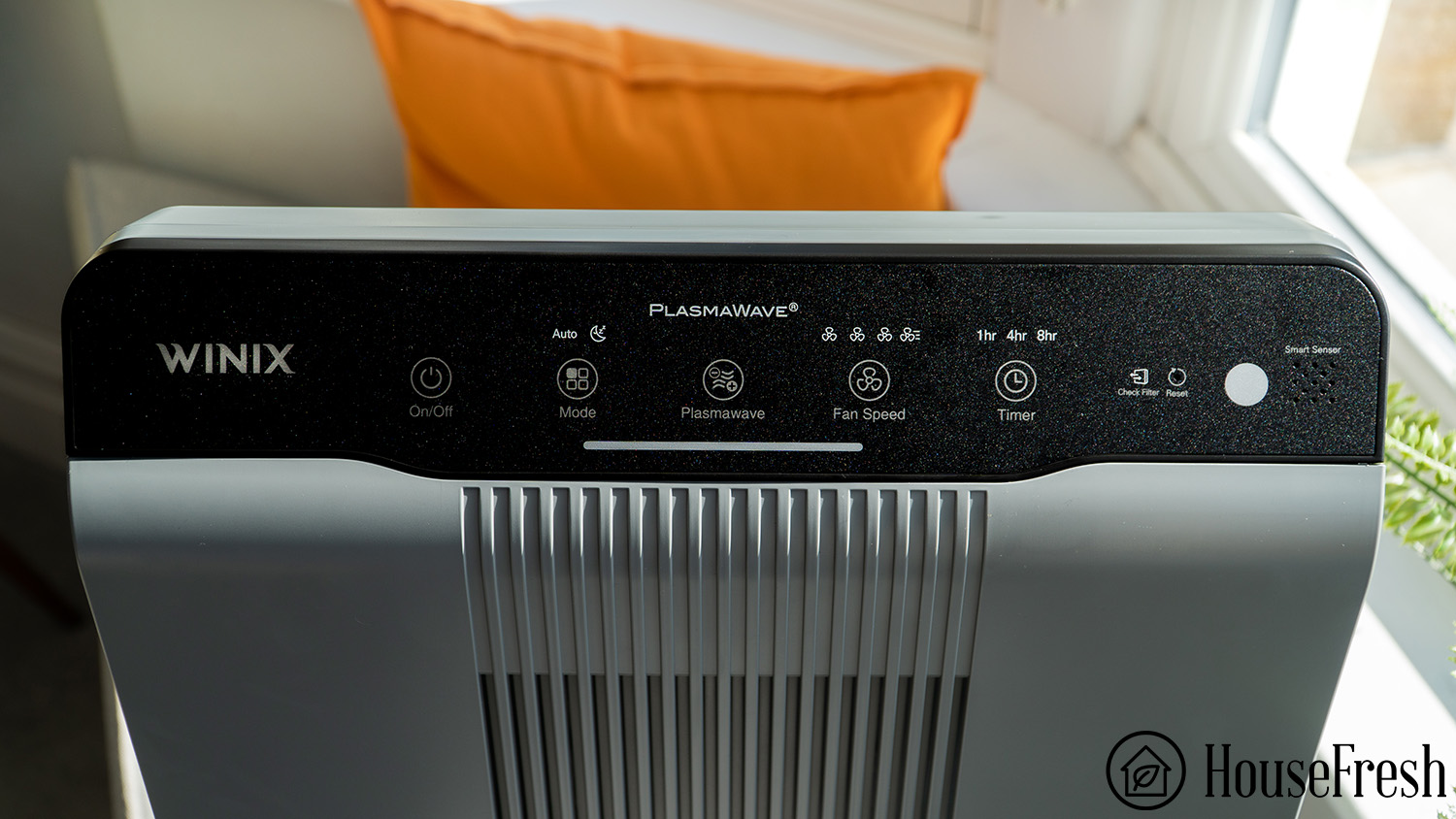
PlasmaWave technology is a bipolar ionization process developed by Winix to boost the air cleaning capabilities of their air purifiers, while generating minimal levels of potentially harmful chemical byproducts like ozone.
But is this something you should be worried about?
The reason I ask is that most people become concerned about ozone generation upon reading the words ‘ionizer’ or ‘ionization’.
It is a valid concern, especially considering there have been a number of high-profile class action lawsuits involving ionizer air purifier models releasing ozone into the air to help remove pollutants. These lawsuits have led to very public bankruptcies of air purifier companies and even a blanket recommendation from Consumer Reports in 2003 to avoid ionizers altogether.
By 2010, all portable air purifiers sold in California had to be certified by the California Air Resources Board after being tested for ozone emissions to ensure devices meet the ozone emission concentration limit of 0.050 parts per million (50 ppb).
All these events led to big changes in the way in which air purifier manufacturers design these devices.
The original ionizer air purifiers used high voltage to release negative oxygen ions that would attach themselves to mid-sized particles, forcing them to fall onto surfaces. The problem was that this process also produced high levels of ozone and could lead to other potentially dangerous chemical byproducts.
Enter PlasmaWave.
How is PlasmaWave different from old-fashioned ionizers?
The team at Winix developed a new approach to ionization, with chemical by-products in mind—the result was PlasmaWave.
Winix designed a new type of low-voltage ionization process that help reduce air pollutants, while producing much lower levels of ozone.
PlasmaWave releases electrical discharges that alter the molecules in the air to create positive hydrogen and negative oxygen ions (a.k.a. hydroxyl radicals). These hydroxyl radicals attach themselves to air pollutants to break down their chemistry but they are considered safer than ozone as they have a much shorter life.
To be clear, when enabling PlasmaWave, the air purifier will still produce ozone as a byproduct—but it’s a very low concentration that is well below the 50 ppb limit established by CARB.
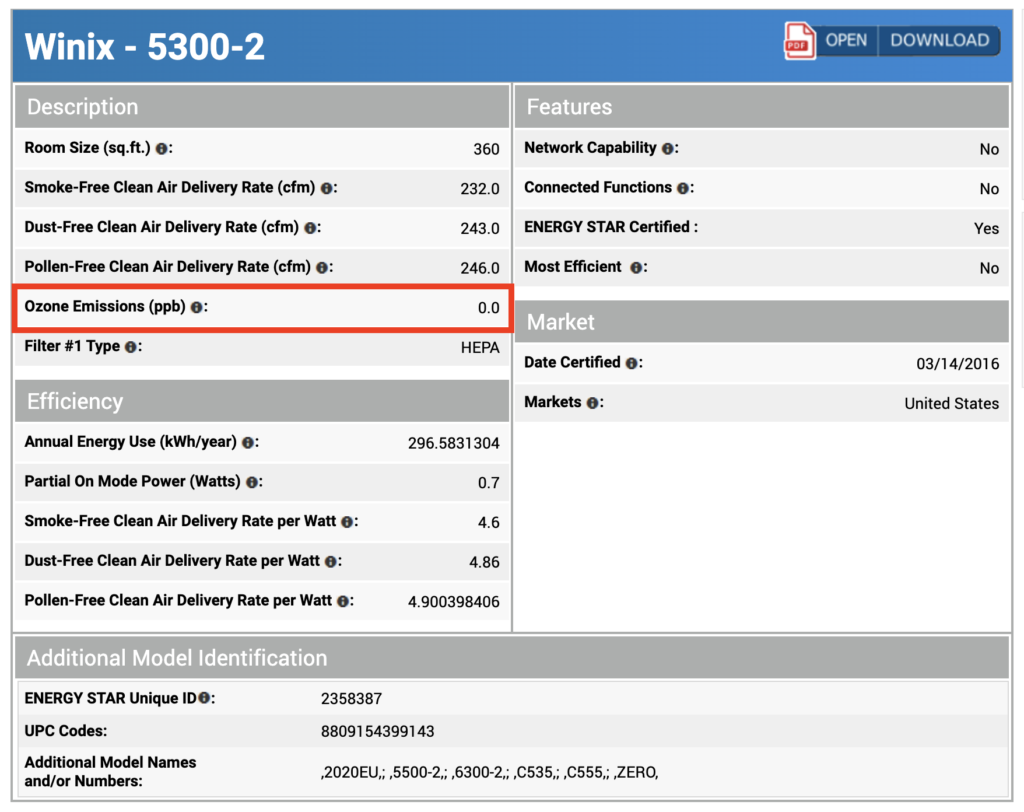
For example, the EnergyStar report for the Winix 5500-2 shows zero ozone production, as any ozone is likely removed by the activated carbon filter in the air purifier before the air leaves the machine.
Another air purifier that has been certified as ozone-free even though it uses ionization technology is the Blueair 211+ (check out the Intertek certificate)—Blueair has trademarked their ionization process under HEPASilent technology.
But real life is not reflected in lab tests and those who have a sensitivity to ozone might disagree with the 50 ppb limits. Plus, older and broken devices may, over time, release higher levels of ozone.
My tip is to look for models that will allow you to enable and disable the ionizer function, as is the case with Winix devices. I hear from consumers who only realized they are sensitive to the chemicals produced by ionization technologies after buying devices without an on/off button.
That’s why we don’t recommend devices that don’t allow you to disable the ionizer function, as we see with Blueair Blue Pure models.
How effective is Plasmawave?
Our data shows that this Winix technology leads to an improvement in particle removal performance.
We don’t test for VOC removal performance yet, so we don’t have any firsthand data on how effective PlasmaWave can be at dealing with unwanted smells and gases. We have read a 2022 study into the effectiveness of ionizer technology (not PlasmaWave specifically) that showed mixed reports, as researchers found a reduction of some VOC levels while recording an increase in others.
The good news is that we have collected firsthand data on the particle removal performance of PlasmaWave-enabled air purifiers.
We used our PurpleAir Zen sensor to record how long it took for each of the following Winix air purifiers to clear the air of all PM1 incense smoke particles inside our 728 cubic feet test room:
With PlasmaWave
Without PlasmaWave
% Improvement in Particle Removal CADR
Winix 5500-2
259 cfm
248 cfm
4.33%
Winix 5510
248 cfm
229 cfm
7.94%
Winix T810
229 cfm
229 cfm
0%
The CADR figures above are based on our own testing. We compared PM1 removal rates achieved by each device with and without PlasmaWave enabled against the natural ventilation rate of our 728 cubic feet test room using the Air Cleaner Efficacy Investigation tool (ACE IT).
As you can see from the table, our data shows that PlasmaWave generally helps remove small particles quicker when combined with the True HEPA particle filter used in the Winix devices, leading to a small increase in overall CADR of around 5% on average.
Modern mechanical-powered air filters are much better than in previous years, so high CADR can still be achieved without any bipolar ionization process.
If you have more questions about PlasmaWave or ionizers in general, please leave them in the comments below, and I will do my best to answer them.
The Blueair company is one of the best in manufacturing high-performance air purifiers. Based in Sweden, they have 19 models of purifiers in their arsenal, like the Blue Pure 211+. Each one is designed to suit various budgets and different room sizes.
Air purifiers are designed to run continuously, so their components will undergo a certain amount of wear and tear. Eventually, something will inevitably become a problem.
The unit doesn’t work as expected, or it won’t switch on. It may be power related or, as is most common, clogged or dirty filters cause units to malfunction.
However, following a few simple steps can solve most issues easily and quickly. We have listed below the most common complaints, operational issues and possible solutions for each.
Problem 1: Your Blueair air purifier won’t turn on
It can be annoying and frustrating when your air purifier just won’t turn on, but there could be a simple explanation.
❓ Is the unit plugged into the outlet?
Check that you have plugged the power cord into a wall outlet. It may have been dislodged or pulled out by accident. If the power cord is not connected to an outlet, plug it in.
❓ Is the switch in the ON position?
Check the switch and make sure it is in the ON position. It is pretty easy to accidentally knock the switch OFF without realizing it.
❓ Is the filter clogged?
Check to see if the filter is clogged. A clogged filter may cause problems and prevent the unit from turning on. To solve the problem, clean or replace it.
❓ Could it be a tripped breaker?
Look at your breaker panel to see if any breakers have tripped. If one is not in the ON position, switch it to OFF and then back to ON.
❓ Is the cover in place?
If you have previously removed the covers or grilles, check that they’re seated properly on the unit. Many cleaners will not run as a safety device if the covers or grilles are not securely seated.
❓ Is the power rating inaccurate?
If the power rating is incorrect, your purifier won’t turn on. Check the outlet to make sure that the power rating is right.
Problem 2: Your Blueair air purifier won’t draw air
❓ Are the filters dirty?
One cause of this problem could be the filters. If the filters are dirty, they will restrict the airflow, so make sure they are clean. If not, then either clean them or replace them.
❓ Is there a blockage?
Make sure no obstructions are blocking the airflow into the unit. Something may have fallen in front of the intake grille, or something behind the grille inside the purifier is causing a blockage.
Remove the grille and check it is clean and free from obstructions.
Problem 3: No air blowing out your Blueair air purifier
❓ Are the filters clogged?
If the filter is clogged or severely dirty, then that will affect the airflow. Clean or replace the filters as needed.
❓ Is the exhaust grille blocked?
A blockage to the exhaust grille could be another cause, as air cannot get out without a clear pathway. Remove the exhaust grille to see if there is an obstruction. Make sure it is clean and put it back in place.
Try running the purifier once you have done these two checks.
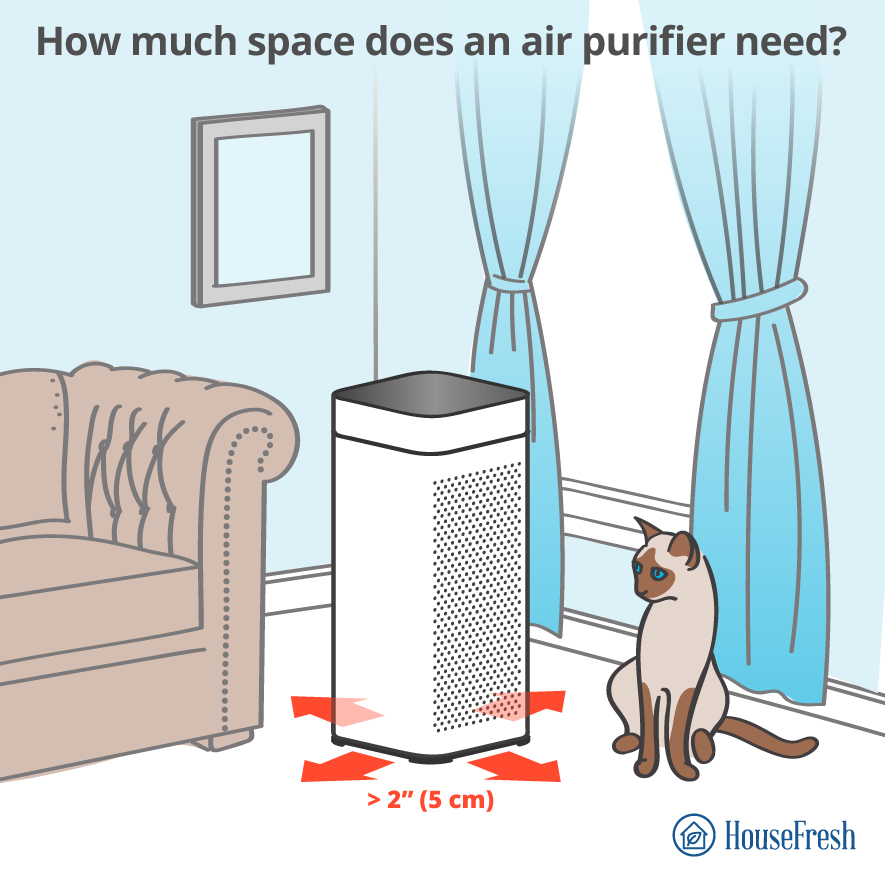
❓ Is there a lack of clearance?
Reduced airflow can occur if the air intake and outlet are placed too close to objects. Simply change your purifier’s location to leave more space around it.
Problem 4: No noise coming from your Blueair air purifier
There could be a few reasons for no noise coming from the cleaner.
❓ Is it switched on?
If not, then that’s the problem. If it is plugged in and switched on, then it may be a problem with the filter.
❓ Is the filter dirty?
Dirty or clogged filters will limit the unit’s airflow and cause it not to make a noise, so clean or replace them.
Problem 5: Weird noises coming from your Blueair air purifier
If you hear weird noises coming from the purifier, there may be a couple of reasons.
❓ Are the filters clean?
Check the filters to ensure they are clean and replace them.
❓ Are the intake or exhaust grilles blocked?
Remove both to see if anything is blocking them. Clean them as necessary.
❓ Are filters installed incorrectly?
If the filters haven’t been installed correctly, they can produce a noise when the unit is running. Check them for correct installation and rectify them if needed.
Problem 6: Your Blueair air purifier isn’t cleaning air
If you feel the air in your home isn’t being purified, then it could be a couple of things.
❓ Is there dirt or debris inside the unit?
Any dirt or debris entering the purifier will get trapped in the filters. As a result, it won’t clean the air as efficiently as it should. If so, you must replace the filters as soon as possible.
❓ Are the grilles blocked?
Grilles that have become blocked will prevent the air from flowing through the purifier resulting in the air not being cleaned. Make sure both the intake and exhaust grilles are free from obstructions.
❓ Is the room coverage too large?
Be sure only to use your unit in the recommended room size.
Air purifier
Ideal Room Size In Square Feet
Ideal Room Size in Square Meters
DustMagnet™ 5240i
212 ft²
19.6 m²
DustMagnet™ 5440i
356 ft²
33 m²
DustMagnet™ 5410i
356 ft²
33 m²
DustMagnet™ 5210i
212 ft²
19.6 m²
Blue Pure 211+ Auto
550 ft²
51 m²
Blue Pure 311 Auto
388 ft²
36 m²
Blue Pure 411 Auto
190 ft²
17.6 m²
Blue Pure 311
340 ft²
31.5 m²
Blue Pure 411
161 ft²
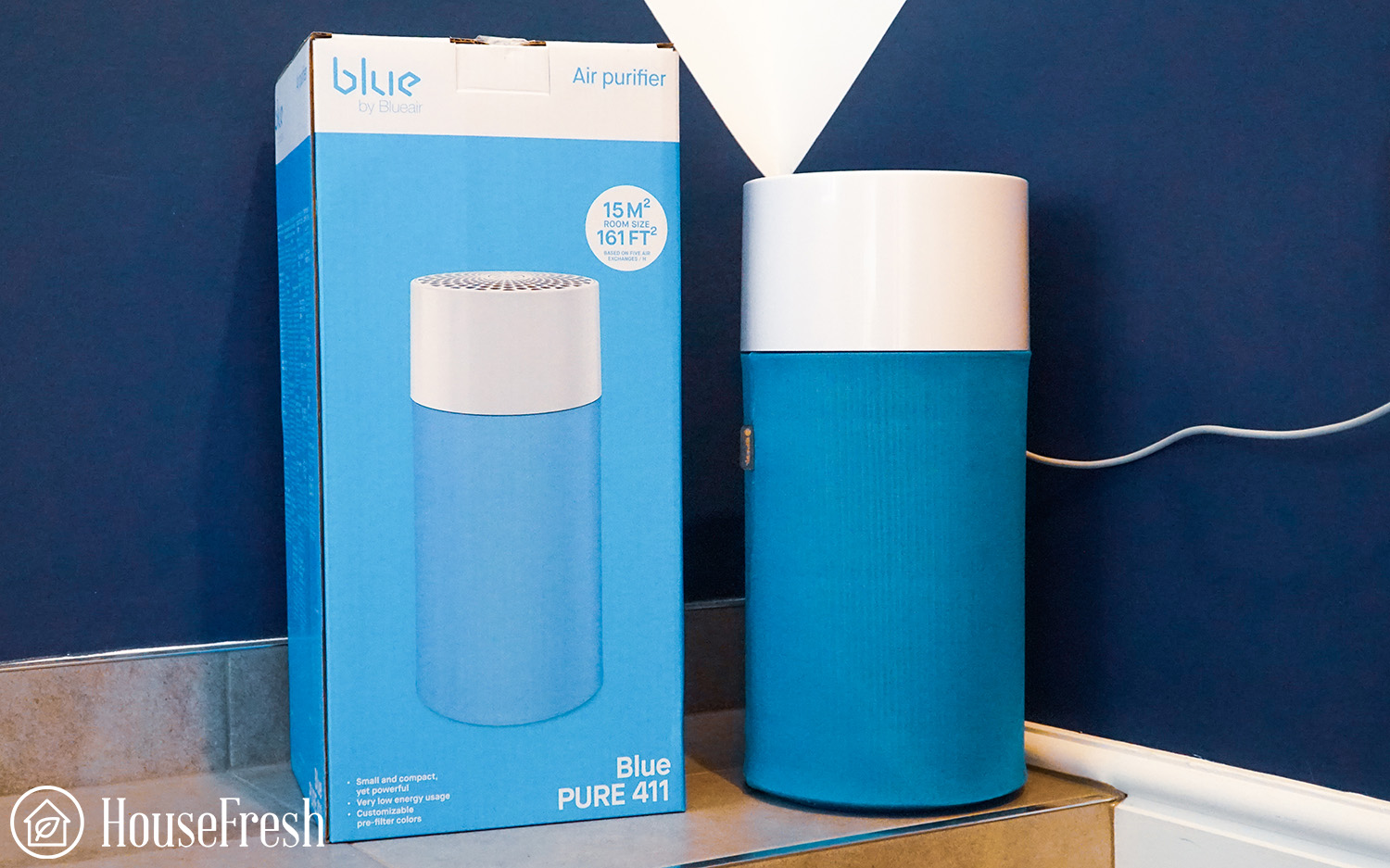
15 m²
Blue Pure 211+
540 ft²
50 m²
Blue Pure 121
620 ft²
57.5 m²
Classic 605
775 ft²
72 m²
Classic 480i
434 ft²
40.3 m²
Pro M
390 ft²
36.2 m²
Protect 7770i
674 ft²
62.6 m²
Protect 7470i
418 ft²
38.8 m²
Problem 7: There are no lights on your Blueair air purifier
If no lights are being displayed, the cause is usually to do with power or the lack of it.
❓ Is the power off?
Is it plugged in and switched on? If the answer to both questions is yes, it may be the fuse.
❓ Is there a blown fuse?
Look to see if the fuse has blown, and if necessary, replace it with an identical fuse and see if that solves the problem.
❓ Is the cover in place properly?
Double-check that the cover is back in place if you have opened the purifier to change the filter. A wrongly fitted cover will stop the unit from running and no lights will be displayed.
Problem 8: The sensor isn’t functioning on your Blueair air purifier
❓ Is the sensor blocked sensor?
If the sensor itself becomes blocked, it will not function correctly. Clean the sensor with a vacuum cleaner and see if that solves the problem.
❓ Are the filters dirty?
If the filters are dirty, that can prevent or restrict the airflow, which can cause the sensor to malfunction. Ensure all the filters in the purifier are clean, or replace them if you’ve had them for a while.
Problem 9: An orange/red light is showing on your Blueair air purifier
❓ Does the filter need to be replaced?
If your Blueair model has a red or orange alert light, it is time to replace your air filter. This will usually happen after about six months of use.
Problem 10: A strange smell coming from your Blueair air purifier
❓ Is the filter clogged?
If you experience a strange smell coming from your air purifier, the first thing to check is the filter. If you haven’t cleaned or replaced the filter in some time, it may be clogged with dirt or debris, causing the smell.
Dirt or other pollutants could block the exhaust or intake grilles. Remove them, clean them and see if that solves the problem.
How to contact Blueair customer service
If you experience any issues with your Blueair air purifier and the solution cannot be found in the user manual or this guide, you should contact Blueair customer service. You can email them or submit an online contact form.
Finding the manual for your Blueair purifier
If you have misplaced the operating manual for your Blueair purifier, you can visit the Blueair website to track it down or just click on the relevant link below.
Air purifiers are pretty simple devices, and they can have a huge impact on your air quality. But, as with any electrical item, they can go wrong sometimes. Luckily there is usually a quick fix. If you have a problem with your Blueair purifier, follow the steps in this guide to get it up and running again.
Levoit is currently one of three brands for Vesync Co which has offices in Los Angeles, USA, Shenzhen and Hong Kong, China, and is traded on the Hong Kong Stock Exchange. Running since 2012, its revenue last year was $458 million, and it has 1.24k employees, according to financial data.
The Levoit Core series really changed up the game in the world of air purifiers back in the late 2010s. Previously, cheaper units performed poorly and it was often better to recommend consumers avoid them. With the Levoit Core 300, Levoit brought a really good CADR score for less than $100 and forced other manufacturers to improve their game. Unlike many cheaper units, the Levoit Core series contains no ionizer functions and just relies on efficient fans with good-quality air filters.
The Levoit Core Mini is still a “Core” unit but is much smaller than any other air purifier in the series. I expected this unit would start a new trend for “mini air purifiers,” and I was right. Since the Core Mini was launched, various smaller units from other manufacturers have been released.
As with all the reviews we do here at HouseFresh, we bought the Levoit Core Mini with our own money to avoid any biases of accepting free goods in exchange for reviews. Our ultimate goal is to share the data and let you decide if this air purifier sounds like a good fit for you. If an air purifier sucks, we have no problem saying it. You can read about our methodology here.
The overall score for the Levoit Core Mini incorporates first-hand data results from our battery of tests, as well as our ratings for customer service, brand transparency and design & UX. Check out the full scorecard below to see the split of categories.
The pros and cons of the Levoit Core Mini
A summary of our top-level findings after testing this air purifier following our methodology.
💡exclusive code for HouseFresh for 10% off a single purchase on Levoit.com: HOUSE10
“Unfortunately, the Core Mini won’t be powerful enough for rooms in your home and filter replacement costs will be high compared to other small units.
That said, this small air purifier can be a good option for travelers and to be used in small spaces like a car or an RV.”
With a CADR of 41 cfm, its air cleaning performance won’t be suitable for any space bigger 61 sq. ft., based on five air changes per hour.
Filter costs will quickly start to add up. It has higher filter costs than the Levoit Core 300S, but they must be replaced just as often.
PROS
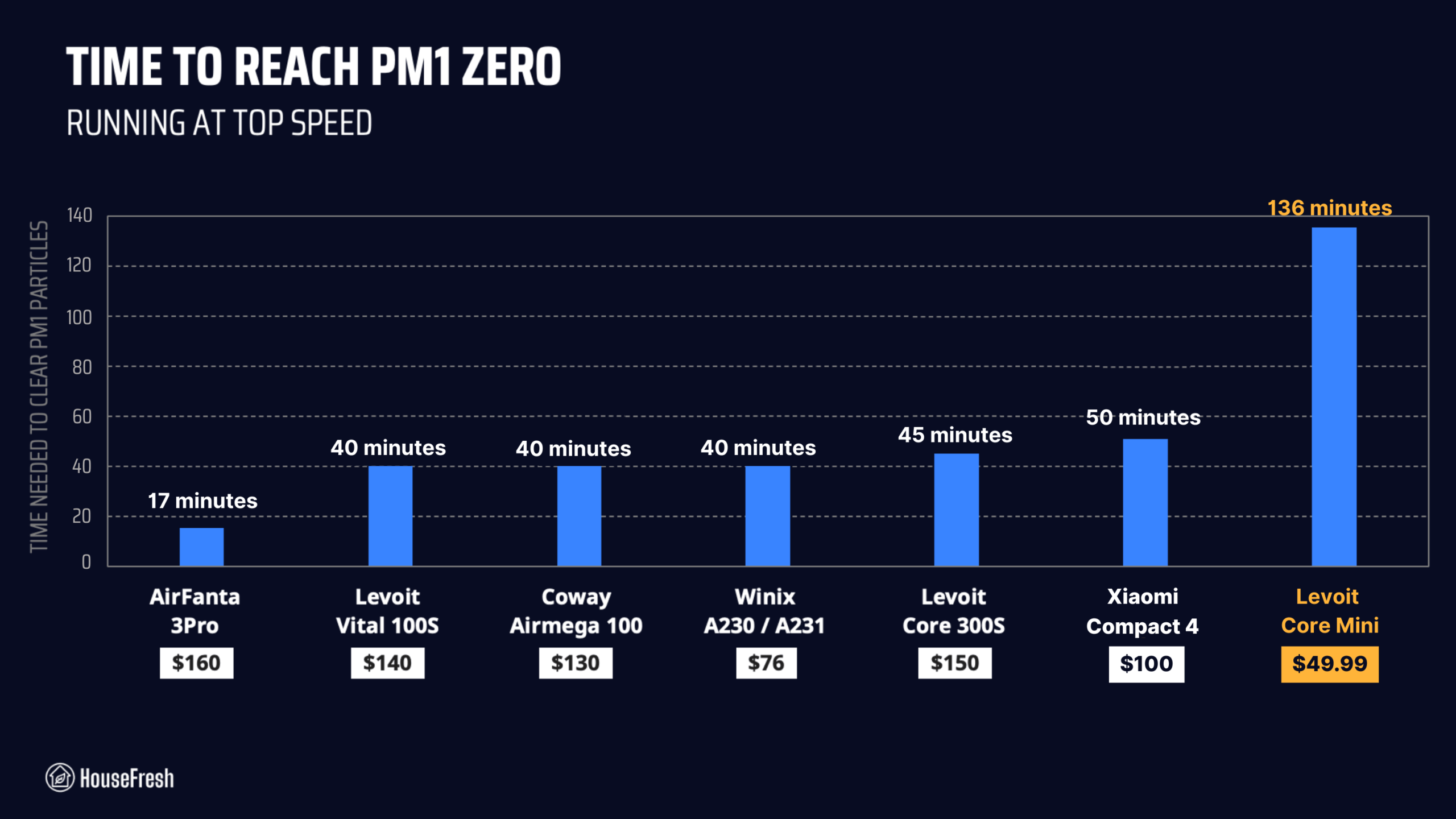
It cleaned our test room of smoke pollutants in 136 minutes — much better than more expensive models like the AROEVE MK01 (163 minutes) and the Briiv (291 minutes).
A very low power draw of 6.4 watts — less than $10 of electricity cost per year to run continuously.
It is super small, so you could bring it along on trips as it can fit inside a backpack or suitcase.
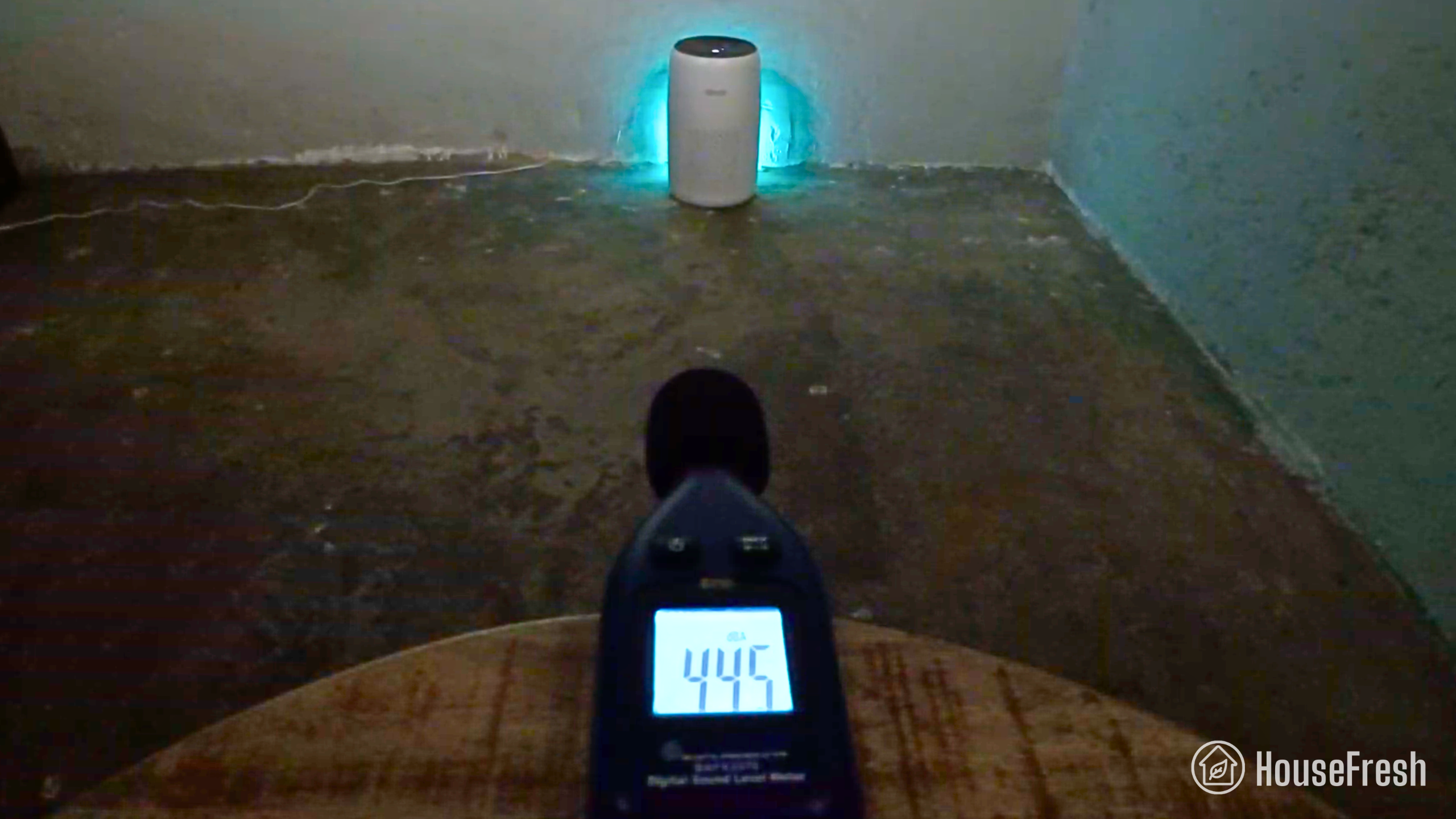
It’s quieter than most, reaching 44.5 dBA at top speed.
The Levoit Core Mini has a small, bonded cylindrical filter with Levoit’s signature 3-stage filtration.
You get a pre-filter mesh over a particle filter lined with a layer of activated carbon on the inside.
The filter is very small, which means that they will need replacing more often than other units in Levoit’s Core series like the 300S or the 400S.
Levoit used to advertise the filters in their Core series as True HEPA filters but discontinued the mentions of HEPA in their advertising after Dyson challenged their claim in front of the BBB National Programs National Advertising Division (NAD). This doesn’t change the fact that these filters work, but it is important to highlight that they are not HEPA-certified.
Design, controls and features
The Core Mini is a mini air purifier that you can hold with one hand.
It is the smallest unit in the Core range, weighing just 2.2 lbs and standing 10 inches high. It’s easy to carry around with you.
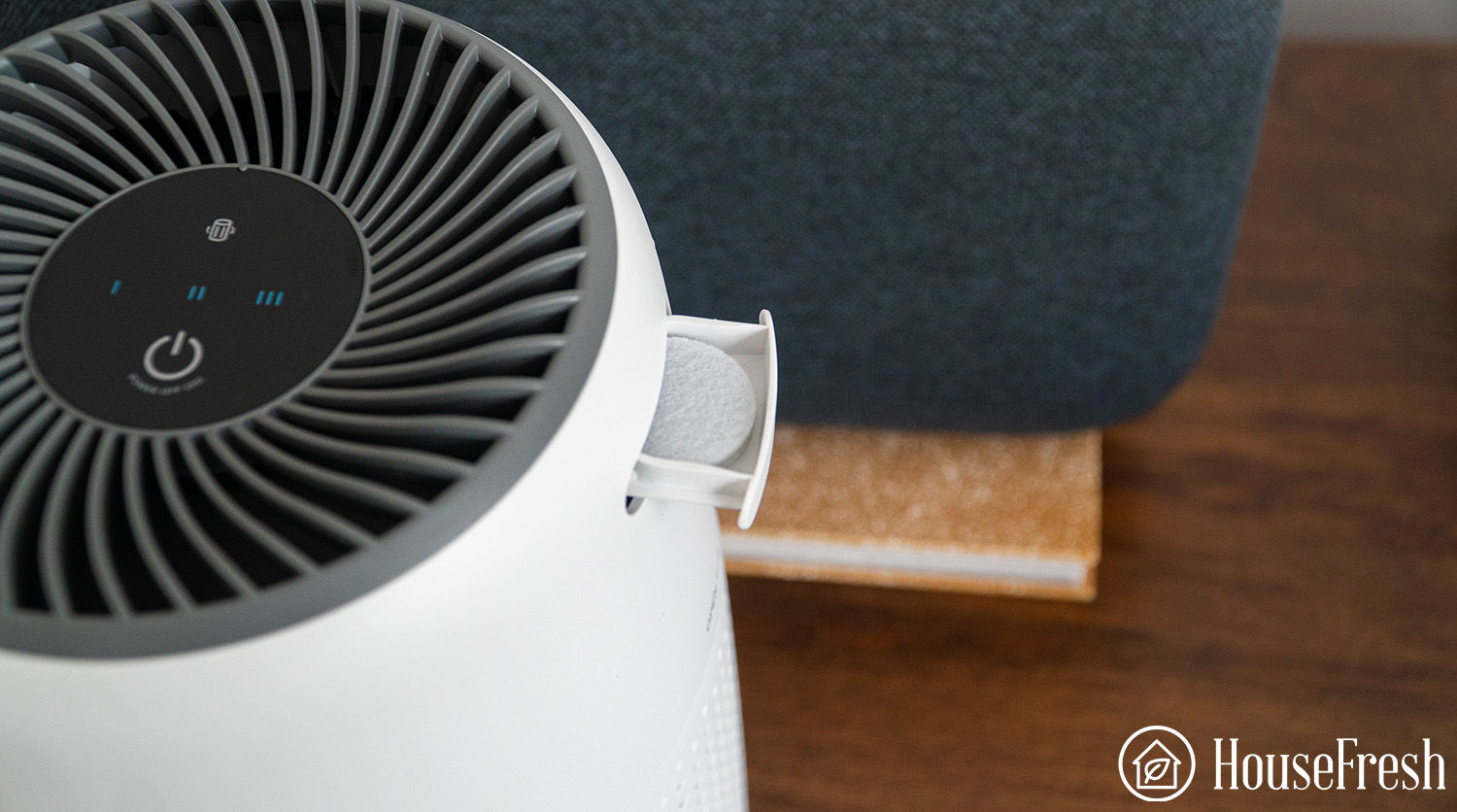
The control panel sits at the top and it has four buttons, including three fan speeds and the power button. You also get a filter replacement indicator.
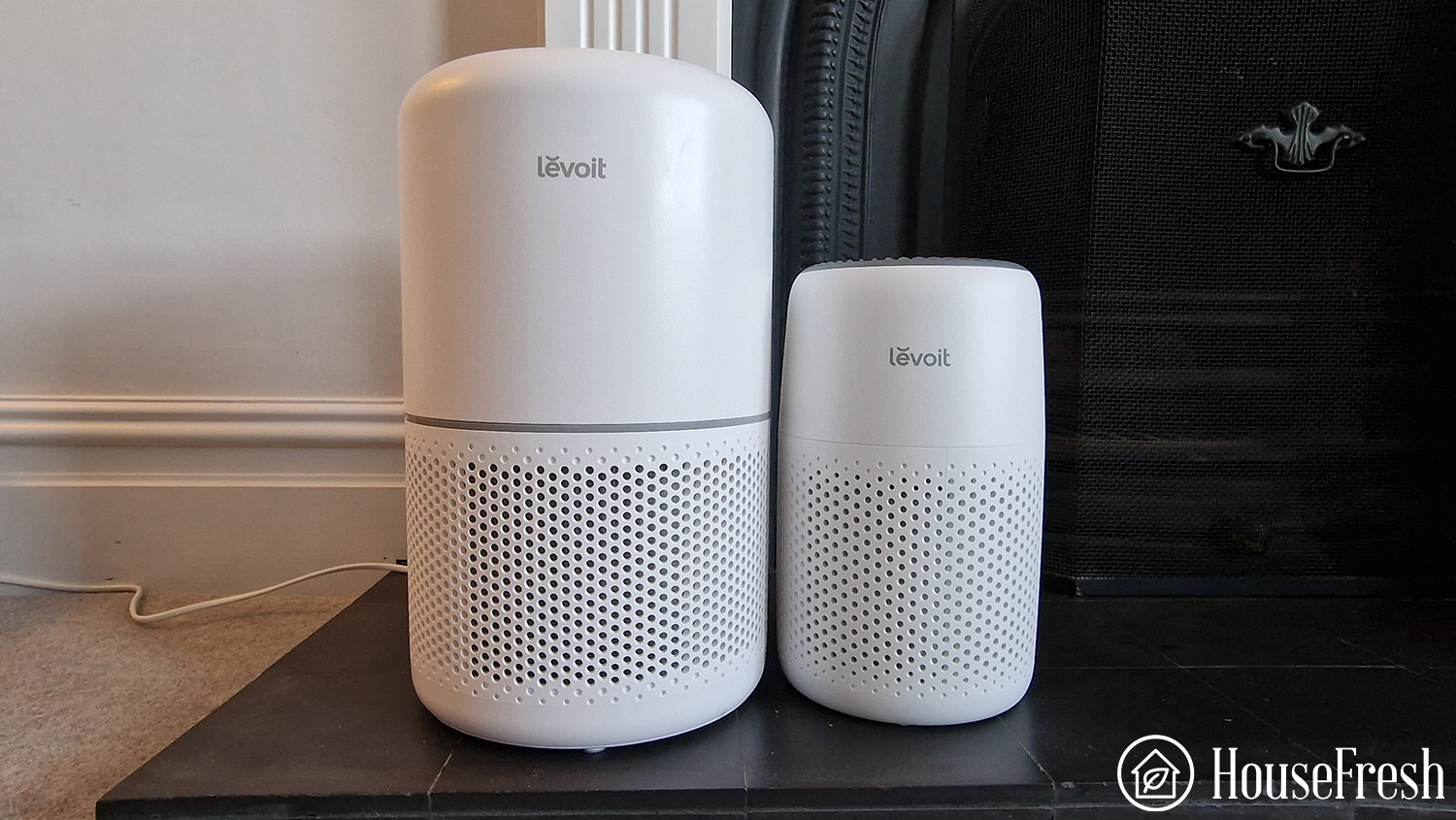
It is much smaller than most models, including the Levoit Core 300S, which will be considered a small air purifier by most people.
One unexpected feature of the Levoit Core Mini is the ability to diffuse essential oils.
It’s good that you can use any essential oil you already use, so Levoit doesn’t force you to stick to a specific one.
While I don’t believe many of the outrageous claims about the “science” of essential oils, it is a nice feature for an inexpensive air purifier that I imagine many people will be drawn to.
Air cleaning performance
The Core Mini needed 136 minutes to clean the air in our small 728 cubic feet test room, making it too underpowered for most rooms but a good alternative for an RV or campervan.
💡exclusive code for HouseFresh for 10% off a single purchase on Levoit.com: HOUSE10
According to our PurpleAir Zen sensor, the Levoit Core Mini needed 136 minutes to achieve PM1 zero in our 728 cubic ft. test room. We estimate a PM1 CADR of 41 cfm, which would allow the Core Mini to provide five air changes per hour in spaces no larger than 61 sq. ft.
But this information in isolation won’t tell you much, so check out how this compares to other popular small air purifiers on the market today:
As you can see from the table, there is a reason why I always recommend our readers to buy the largest device they can live with. In simple terms, air purifiers are just a fan and a filter, so the bigger the fan and the bigger the filter, the better the performance.
In the case of the Core Mini, the $50 price tag might make it look very appealing but if you’re short on budget, I would recommend you to try and stretch to $75 to get a Winix A231 as it was able to complete our particle removal test in a third of the time it took the Core Mini.
Sound levels
In our testing, the sound levels of the Core Mini ranged from 37 dBA to 44.5 dBA.
💡exclusive code for HouseFresh for 10% off a single purchase on Levoit.com: HOUSE10
We used a sound level meter to measure how much noise our air purifiers generate at each fan speed.
At top speed, the Levoit Core Mini reaches 44.5 dBA. Check out the chart below to see how this compares to other similarly-priced air purifiers running at top speed:
But sound can be subjective so have a listen for yourself:
Long-term running costs
Running a Levoit Core Mini will cost you $81.96 per year, combining energy consumption costs and filter replacement prices.
As always, we used our energy meter to measure how much electricity the Core Mini uses when running at each fan speed and also while on standby. Energy consumption ranges from 1.2 watts on sleep mode to 6.4 watts when running at top speed.
This means that if you had to leave your 4 Pro running 24/7 at top speed, it would cost $7.11in energy costs for a year, using average U.S. energy rates.
Considering you need to replace the filter every six months and that the replacement costs $24.99, you can expect to also spend $74.85 per year on filters.
When compared to other similar-performing air purifiers, the 4 Pro is generally cheaper to run, thanks to its low energy usage and low-cost OEM filters:
In comparison, you would be paying $60 for the Levoit Core 300S, cleaning much more air in the same period.
With a dust CADR of 39 CFM, you won’t be able to use the Core Mini in a large space.
I like the Levoit Core Mini, but I do worry that it’s likely not the best air purifier for everyone.
It’s too small for medium to large rooms, and the costs of filters will add up over time. But it costs less than $50, which equates to $0.7 per 1 CFM, which is okay for a unit of this size.
💡exclusive code for HouseFresh for 10% off a single purchase on Levoit.com: HOUSE10
It is a good option for very small spaces like an RV or a car as it’s portable and easy to find a space for.
But if you are looking for the best $ to performance, then the older Levoit Core 300 will give you much better performance and similar filter costs. And the Winix A231 will cost $25 more initially but will give you three times the air cleaning performance of the Core Mini.
According to the World Health Organisation, in 2022, 99% of the world’s population is breathing polluted air. It’s not a new issue, either: air pollution and its health effects have been on humanity’s radar for thousands of years. But while the phrase ‘air pollution’ might conjure up images of thick smog and eye-watering smoke, the most harmful type of air pollution particles are invisible to the naked eye.
Particulate matter 2.5 (PM2.5) describes pollutant particles so small that they can pass into your bloodstream and cause a range of health problems. In fact, they’re responsible for the deaths of around 4.2 million people worldwide each year. As it won’t disappear completely anytime soon, the WHO wants to reduce average annual levels to no more than five micrograms per cubic meter of air (µg/m3).
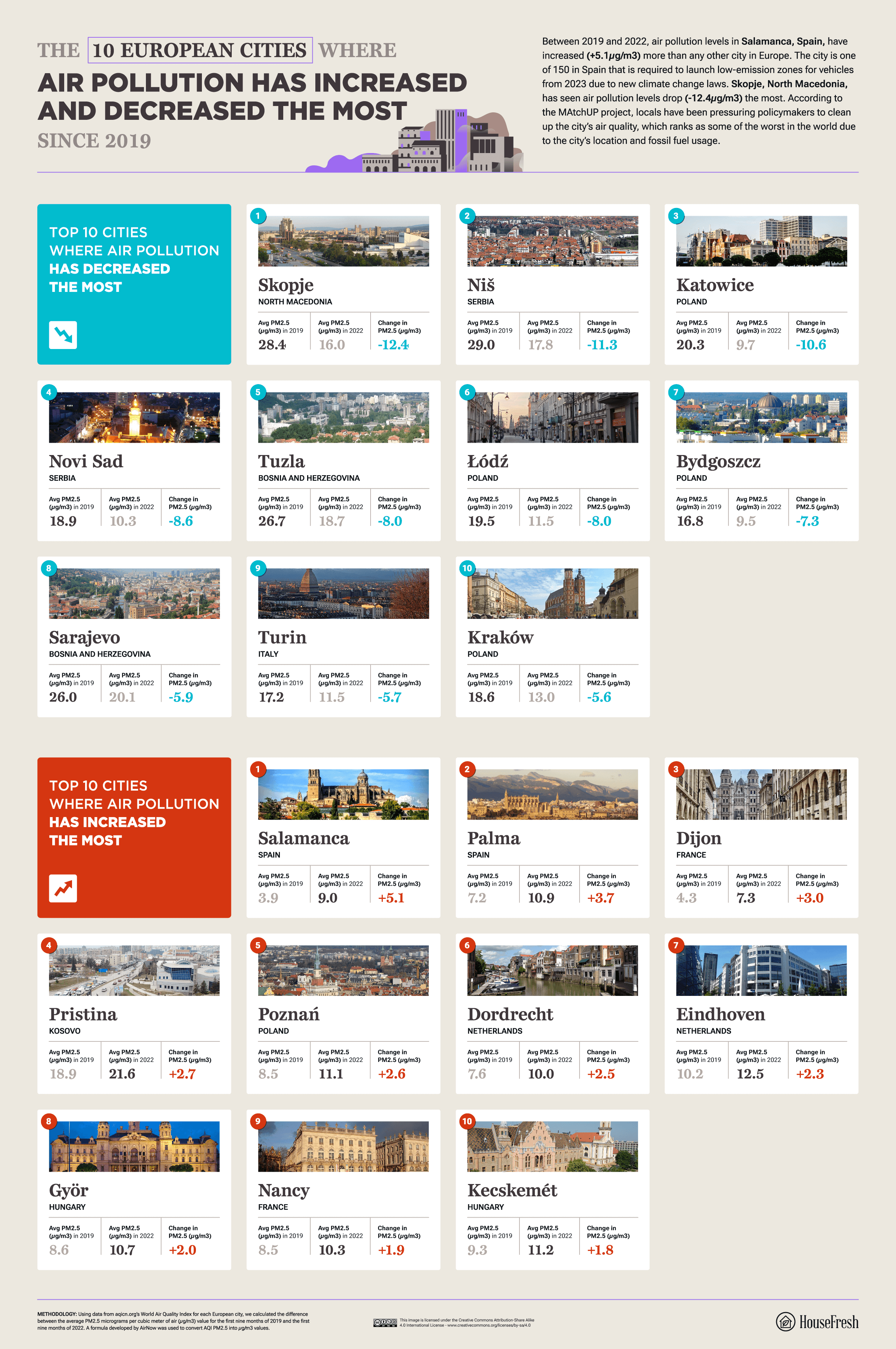
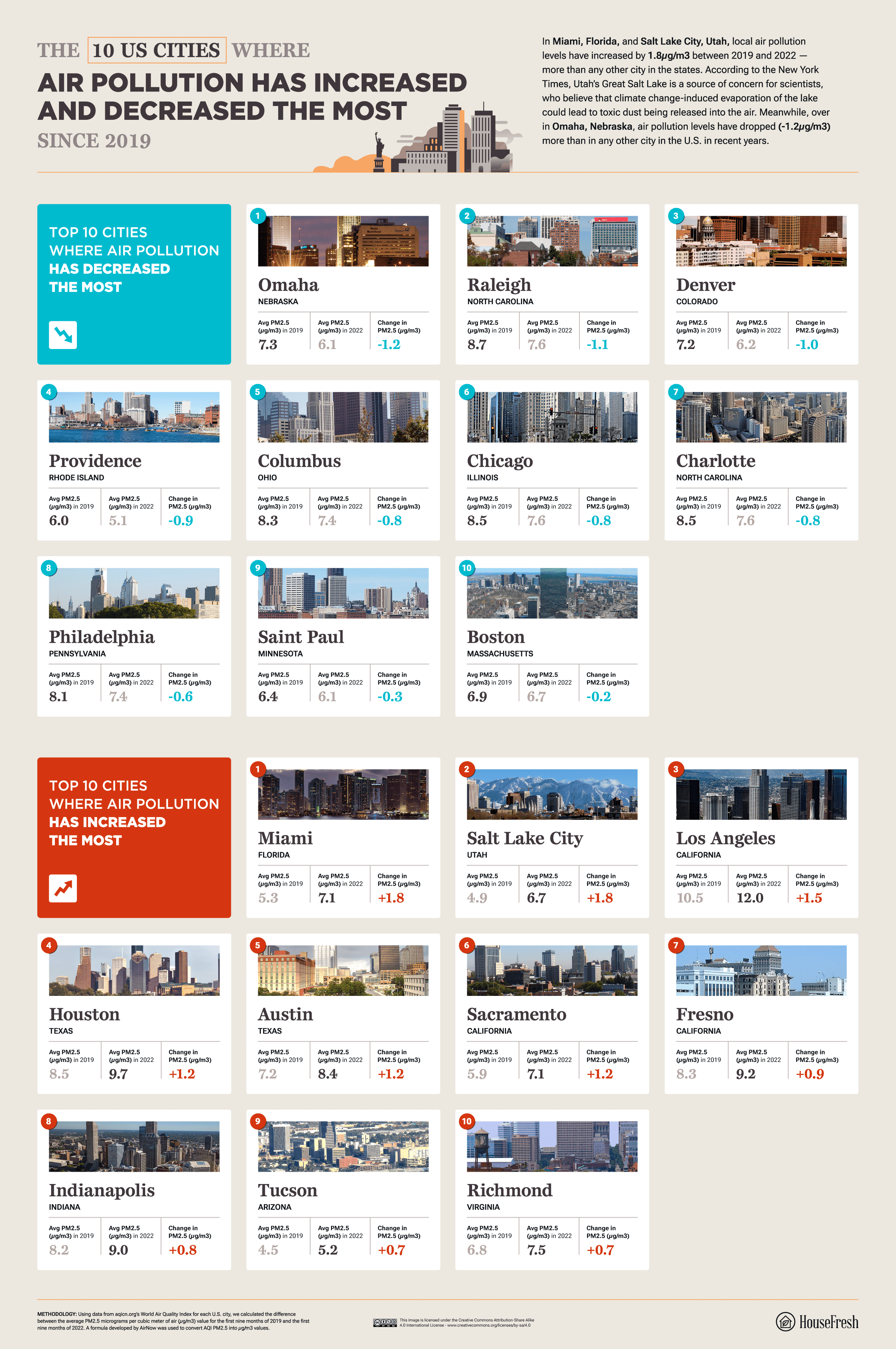
Much of the world still has a long way to go in reducing harmful air pollution levels, but the good news is that some cities are making great strides toward cleaning up the air. With this in mind, our researchers at HouseFresh wondered: based on changing local levels of PM2.5, where in the world has air pollution improved — or worsened — the most in recent years?
For each of the 480 global cities in our analysis, we calculated the average air pollution level of the first nine months of 2019 and 2022 (measured in PM2.5 micrograms per cubic meter of air, or µg/m3). We then worked out the value difference between 2019 and 2022 to discover the cities where air pollution levels had increased or decreased the most.
Key findings
Out of 480 global cities, Dammam in Saudi Arabia has seen air pollution levels increase the most (+111.1µg/m3).
Ulan Bator, Mongolia, has seen air pollution levels decrease the most (-23.4µg/m3).
In Europe, Salamanca, Spain, saw air pollution levels rise the most (+5.1µg/m3), while levels in Skopje, North Macedonia, have dropped the most (-12.4µg/m3).
In the U.S., Miami (FL) and Salt Lake City (UT) saw air pollution increase the most (+1.8µg/m3), and Omaha (NE) saw the biggest decrease (-1.2µg/m3).
Which capital cities have seen the biggest change in air pollution levels?
Generated primarily by burning oil and wood, PM2.5 — also known as fine particles — is the most unhealthy type of particulate matter (particles of pollution suspended in the air) to breathe in.
While the WHO has made clear that even very low levels of PM2.5 can cause harm to someone’s health, its new guideline for average annual concentrations is five micrograms per cubic meter of air (µg/m3). In other words, any location with an average annual PM2.5 level higher than that is considered to have unhealthier air. For example, the average annual concentration of PM2.5 in Beijing, China, was 40.54µg/m3 in 2021 — much higher than the WHO guideline.
To find out how air pollution is changing in 70 capital cities around the world, we calculated the difference between local levels of PM2.5 in the air in 2019 and 2022. Explore our map to view our results.
Of all capital cities, Baghdad, Iraq, has seen the most drastic rise (+31.6µg/m3) in PM2.5 levels since 2019. One 2015 study found that 81% of PM2.5 from the city is “dominated by dust, sulfate, gasoline and diesel.” The biggest change for the better can be found in Ulan Bator, the capital of Mongolia, where PM2.5 levels have dropped by 23.4µg/m3.
Dammam, Saudi Arabia, has seen air pollution increase more than in any other city
Our data reveals the top 10 global cities where air pollution levels have increased the most since 2019. Claiming the unfortunate top spot is Dammam, Saudi Arabia, where local PM2.5 levels have risen by 111.1µg/m3 — more than any other city on the planet. Dammam is a significant center for the Saudi oil industry and is home to both the largest port in the Persian Gulf and the largest airport in the world. One study labels airports as “hotspots” for harmful PM2.5 air pollution.
In Europe, air pollution levels have dropped the most in Skopje, North Macedonia
Our analysis of changing air pollution levels in European cities reveals that Salamanca, Spain, has seen PM2.5 levels increase the most (+5.1µg/m3) since 2019. Another Spanish city, Palma, comes second (+3.7µg/m3). According to IQAir, vehicles are the main source of pollution in the country’s urban areas. On the plus side, both cities are required to introduce low-emission zones for vehicles from 2023 as part of Spain’s plan to reach climate neutrality by 2050.
Skopje, the capital of North Macedonia, was once the most polluted capital city in Europe due to emissions from local industry, outdated cars and residents burning wood and plastic to keep warm. The good news is that local levels of PM2.5 have dropped (-12.4µg/m3) more than in any other European city since 2019. In recent years, concerned locals have been campaigning for better air quality, and the city’s Green City Action Plan has prioritized improving the air.
Air quality in Miami and Salt Lake City has worsened more than any other U.S. city
In the U.S., our analysis reveals that air pollution has increased the most in Miami, Florida, and Salt Lake City, Utah: in both cities, PM2.5 levels have risen by 1.8µg/m3 since 2019. Salt Lake City, in particular, is at a natural disadvantage when it comes to poor air quality: situated in a valley, the city is prone to a meteorological effect known as inversion, which is when the cooler air of the city is trapped underneath the warmer air above it, keeping pollution close to ground level.
The situation is brighter in Omaha, Nebraska, where air pollution levels have decreased by 1.2µg/m3 since 2019 — more than any other city in the U.S. Raleigh in North Carolina has seen the next biggest drop in air pollution (-1.1µg/m3). In 2022, the Governor of North Carolina issued an executive order to increase the number of sales of zero-emission trucks and buses. According to the Environmental Defense Fund, transportation is one of the most polluting sectors in the state.
The cities where air pollution has increased and decreased the most since 2019
From one city to the next, air pollution levels can vary drastically. To find out how air pollution levels have changed since 2019 in a city of your choice, explore our interactive table below.
It’s only natural to be concerned about high levels of air pollution where you live. Fortunately, there are steps you can take to look after your health. If you’re in the U.S., you can use AirNow to find out what your local area’s Air Quality Index score is and follow their guidance depending on the result. This might mean limiting time outside on days with particularly high levels of air pollution.
On a wider scale, making small changes to your daily life can help lower the level of harmful particulate matter in the air. For example, you might want to consider using public transportation, and if you do need to use your car, make sure you don’t leave it idling. If you want to make a bigger change, the American Lung Association has more information on taking part in their Healthy Air Campaign.
METHODOLOGY
Using data from aqicn.org’s World Air Quality Index for each city, we calculated the difference between the average PM2.5 micrograms per cubic meter of air (µg/m3) value for the first nine months of 2019 and the first nine months of 2022. A formula developed by AirNow was used to convert AQI PM2.5 into µg/m3 values.
The original data for New York City is split into its constituent boroughs, so we used the average value of pollution levels across all boroughs. Cities in Ukraine were excluded from the comparison due to the ongoing military conflict having an inevitable impact on the level of air pollution. The data was collected in October 2022.
When I took a deeper look into ULTTY, the company behind this air purifier/fan combo, there was not much information on their website. When I looked at archive.org, the first site went live on July 28th 2020, and in their ‘About’ page mentions a factory you can visit but that info was removed from the latest version of the site. Analyzing their website details further, DNS records show that the site was registered in China, which makes sense.
ULTTY seems like a smaller version of Taotronics. They are both Chinese manufacturers selling units directly to American customers. They don’t just sell fan and air purifier combos but also garden hoses and frying pans.
As a manufacturer who sells direct, they don’t waste time on marketing, with their value proposition defined by their low cost and ability to manufacture new designs quickly. They currently have multiple types of air purifier/fan combo units, and also a fan/heater combo that sells very well.
In the space of air purifier and fan combo units, we have one main player which is Dyson, and the next smaller competitor would be ULTTY. The main point of difference between ULTTY and the competition is the price: consumers can spend $150 to get a seemingly similar unit to a Dyson air purifier/fan combo, which costs at least $799.
The unit we are reviewing today is the CR021, although now there is also a CR022 for sale which is slightly larger and more powerful. The ULTTY CR021 uses an H13 HEPA filter and can work as a fan and air purifier combo or just one without the other.
All this to say, we didn’t just gather some features and specs from the manufacturer’s website and called it a day.
How we test air purifiers
Read our full testing methodology.
The lowdown on the ULTTY Bladeless Fan and Air Purifier Combo CR021
“The ULTTY CR021 does the job but takes a long time, making it an okay option for really small spaces or for those of you who don’t need to clean the air quickly.”
Can’t be bothered to read more? Then insert my key thoughts about this air purifier/fan combo straight into your brain below:
What we really like
The bladeless fan feels very sci-fi and futuristic.
It comes with an H13 HEPA filter, which is not normally used in cheaper air purifiers.
Simple remote that does everything you need.
Small size and lightweight, so easy to move around.
Price is much cheaper than big brand competitors.
What we think could be better
The lack of activated charcoal means it has no odor-removing ability.
Air cleaning performance is similar to a $70 air purifier.
No on-board sensor for indoor air pollution.
Cheaper build quality and design when compared with higher-priced models.
HouseFresh rating:
★★★☆☆
Time to clean our 728 cubic feet test room (with the device running at top speed):
2 hours and 11 minutes
Air filtration technology:
H13 HEPA Filter
Recommended room size (4.8 air changes per hour):
65 sq. ft.
Clean air delivery rate (CADR):
42 CFM
Dimensions (in inches / in cm):
28H x 18W x 16D inches (71H x 38W x 41D cm)
Weight (in pounds / in kg):
8.6 lbs (3.9 kg)
Filter life:
3 – 6 months
Noise level in decibels (measured from 3 ft. away with a sound level meter):
32 dB – 59 dB
Electricity consumption in watts (recorded with an electricity usage monitor):
Top speed: 25 watts
Estimated running cost (electricity consumption + official filter replacement):
$98.11 per year
Cost per CADR cfm (based on dust CFM as reported by AHAM):
$3.57
Manufacturer’s warranty:
No warranty
Country of manufacture:
Designed in the U.S., assembled in China
No Dyson, but still looks great
OK, so the ULTTY CR021 doesn’t look as sleek as the Dyson units, but considering its cost, it’s not a bad looker.
It still has the bladeless fan of the Dyson, with the main body used as the location for the HEPA filters. The screen is simple, with 9 speeds available but no onboard particulate or VOC sensors.
With the remote, you can adjust the level of rotation, the fan speed, and also set night mode or timers. While an app would be nice, I would be worried that it wouldn’t be built to the high standard we saw with the Dyson link app, so I am much happier with this simple approach to using this fan/air cleaner.
Filters won’t remove odors
The ULTTY CR021 comes with an H13 HEPA filter. This is the same medical-grade filter Dyson uses, but I think this was a mistake for such a low-powered fan.
Lower-grade HEPA filters can still remove many small particulate particles from the air and are usually a better fit for air purifiers with low-power fans.
The higher the grade of HEPA, the denser the fibers and the harder it is to push air through them. This was one of the reasons we saw such a high cleaning score for the Smart Air S even though it used H11.
The big downside about the type of filter ULTTY uses is that it has no activated charcoal – it doesn’t even use the cheap impregnated type we see on lower-budget versions. This means that while the HEPA will remove particles, all odors will not be removed. This feels like a big home goal, as I know that most household users will want to remove odors. That’s why we see activated charcoal used in budget air purifiers like the Levoit Core 300.
The lack of activated charcoal is something that I really hope this manufacturer looks at for future versions, as right now, it has no odor-removing ability.
Changing the filter on the ULTTY CR021 is not difficult at all. Watch the video to find out how to do it:
This might seem silly, but do make sure you remove the filter from the plastic bag it arrives in. Every manufacturer will keep filters sealed so they are not used passively. If you don’t remove the plastic, the air will not be cleaned, and you might even cause overheating problems or melt the plastic.
The ULTTY CR021 cleared our test room in 2 hours and 11 minutes
As with all the reviews we perform here at HouseFresh, we went deep to see how well the ULTTY CR-021 is at removing pollutants from the air.
We did this by performing the same test that all our air purifiers are put through to see how fast they clean one incense stick’s worth of pollutants. As all our air purifiers are tested in the same room (a 728 cubic ft office), we can compare performance across all models and brands.
We use a Purple Air indoor sensor to export the pollutant count every 2 minutes for PM1.0ug/m3, PM2.5ug/m3, and PM10.0ug/m3. As we also have a professional background in data analysis and information design, we like the visualize the data in an interactive chart for our readers to explore:
I knew this fan/air purifier combo wasn’t going to beat records for cleaning particles from the air based on its price and reported CADR, but it was good to see that it did manage to remove all pollutants within 131 minutes.
Air cleaning performance test results
In comparison, the Dyson HP04 air purifier and fan combo cleaned the air 47 faster than the ULTTY CR021, but this comes at a cost of nearly $900. Looking at pure air purifier performance, you will see that the ULTTY device is similar to the Levoit Core Mini with 113 minutes. However, this combo unit managed to clean the air quicker than the Aroeve MK01 which took 163 minutes with its pointless HEPA H13 filters.
Noise levels test results
The ULTTY has a maximum sound of 59 dB, less than the $360 Molekule Mini but more than the 44.5 dB we see with the Levoit Core mini. It’s a good unit for sound especially considering the function of a fan which is inherently noisier.
But feel free to listen to the actual noise levels in the video below to see if the sound would be a good fit for your ears:
The cost to run a ULTTY Bladeless Tower Fan and Air Purifier Combo CR021: $98.11 per year
Most people just look at the initial price of an air purifier, or as in this case, a fan/air purifier, but there are extra long-term costs you have to consider, with both electricity and filter costs needing to be considered.
1. Electricity costs = $38.13
Energy costs are not getting cheaper and are doubtful to see any big drops in the next few years, so energy usage is now something that every homeowner needs to consider. There is no point in getting a gadget that uses so much electricity that it outweighs any benefit it provides.
With a top wattage use of 25 watts, this air purifier/fan will not break the bank as even 24-hour usage will only cost $38.13 a year according to the U.S. average energy prices of the Bureau of Labour Statistics.
The fact that this does two jobs could be something to consider, as running both a fan and air purifier could cost much more than this. Overall, it’s an energy efficient machine for the price.
2. Filter costs = $59.98
HEPA technology is remarkable — just using fabric filters, you can remove tiny particles and viruses from the air. But the main downside is that these filters will need replacing over time if they are expected to keep cleaning air with the same performance. We based our calculations on filter replacement required every six months.
The genuine filters from the manufacturer cost $29.99, which might seem cheap, but considering it has no activated charcoal, is a little higher than I would want to pay. If you are open to generic filters, you can get them for under $15, which seems a fairer price considering the technology used.
In comparison, you pay $70 for genuine Dyson air purifier replacement filters, which do contain activated charcoal, but you can see how these costs can start to add up. While not the cheapest filters, you can a 2-pack of generic filters for $39.39.
There are some major downsides to the ULTTY Bladeless Tower Fan and Air Purifier Combo CR021.
The lack of activated charcoal seems like something that could be fixed easily without a massive increase in price for filter replacements. As for the fan, I am as happy as I was with the Dyson — having a bladeless fan is great for when you have kids as you don’t have to worry about them poking it with their fingers.
If you like the idea of a fan and air purifier that doesn’t cost the earth, then you don’t have any other options currently than the ULTTY models. But if you are more worried about getting the best air cleaning bang for your buck, you would be better off with a cheap fan and a budget air purifier as you will get far more performance per $ spent.
If you really want a combo fan + air purifier and have the money to spend, I would recommend the Dyson combo units as they look way better, have better performance, and have a ton of extra smart features with an app that is actually useful, but it does come at a cost that is closer to $1000.
SOURCES
We calculated yearly costs associated with running the ULTTY Bladeless Tower Fan and Air Purifier Combo CR021 24 hours a day, 365 days per year utilizing the latest average energy prices as reported by the Bureau of Labor Statistics of $0.174/kWh as of May 2024.
When considering investing in an air purifier to deal with pet odors and allergies, the question may come to mind: are air purifiers safe for pets?
For the purpose of this article, we’ll classify air purification technologies into three categories:
What they are
How do they work
Mechanical fitration
Combination of particle & gas filters with a fan
They remove particles and gases (VOCs and odors) from the indoor air by capturing them on the surfaces by filtration (HEPA, MERV) and adsorption (activated carbon).
Electrostatic filtration
Ionizers and Electrostatic Precipitators (ESP)
An electrical charge makes the airborne particles drop out of the air onto any surface or get trapped in the units’ oppositely charged plates.
Pollutant destruction
Ozone generators and UV Light cleaners (including Ultraviolet Germicidal Irradiation (UVGI) and Photocatalytic Oxidation (PCO) cleaners)
Ozone and UV light decompose particles and gas molecules through chemical reactions.
Long story short, air purifiers with mechanical filtration systems are the safest ones. Both particle and activated carbon filters are inert and don’t release any chemicals in their process. You and your pets will be safe around them and even benefit from the improved air quality in your home.
These technologies are effective (some more than others) and will remove a certain amount of airborne pollutants. But, in the process, they will also release chemical byproducts, including ozone, into your indoor air, which are harmful to pets and people alike.
Ozone is a highly toxic air pollutant that affects humans and pets (dogs, cats, rodents, birds) similarly by:
irritating the respiratory system
causing irreversible lung damage
generating metabolic disorders and nervous system issues
worsening asthma symptoms (in people and equivalent disorders in animals).
Besides, even at concentrations below public health standards, ozone also reacts with chemicals found in household cleaning products, air fresheners, deodorizers and certain paints, producing ultrafine particles and VOCs (including formaldehyde, peroxides and other harmful gasses).
How ionizers can affect your pet
This type of technology has many names: ion air purifiers, air ionizers, electrostatic precipitation, bipolar needlepoint ionization and plasma technology, to name a few.
Despite the creative advertising, all of these cleaners use a similar mechanism: they release ions into the air through electrical discharges. The ions attach to airborne particles and either force them to drop into any horizontal surface (including rugs, beds, couches, you get the idea) or are sucked into the unit’s oppositely charged plates to collect them.
However, pollutants and molecules in the environment react with the electrical discharges. Units with built-in high-voltage coronas or pin/needle ionizers, for example, can alter oxygen molecules, recombining them to form ozone. Acetone, ethanol and toluene are other common byproducts of ionization.
All these chemicals can trigger an array of health issues in pets, including kidney, liver, retinal and nerve damage.
Besides, the VOCs generated by ionization can react with other compounds in the air found in any home and produce new fine particles (PM2.5) that are harmful to breathe.
For the cherry on top, according to the EPA, there’s doubt about their efficiency at removing large particles, such as house dust allergens (which includes the pet dander you are probably looking to eradicate if you have pets at home).
Tip
The U.S. Food and Drug Administration’s Code of Federal Regulations limits ozone emission from devices like ionizers at 0.05 ppb. Some units in the market may comply with this regulation and be advertised as safe. But this doesn’t take into consideration that ionizing technology can also produce other toxic chemicals and fine particles. Besides, no matter how small the amount, it’s better to avoid ozone altogether when looking for a device for pets.
How ozone generators can affect your pet
These devices purposefully create ozone, allegedly to remove air pollutants, VOCs, mold, viruses, bacteria and odors from the air. They use UV light or an electrical discharge (just like ionizers) to transform oxygen molecules (O2) into ozone (O3) by breaking them apart and making them available to bind with other molecules in the air.
As mentioned above, the dangers of ozone are well studied and accounted for. And yet, ozone generators are still recommended on the internet to deal with pet odors (particularly old urine), among other uses.
Even if used when no people or pets are present, the EPA warns that there’s not much information about the chemical by-products left behind by ozone generators.
Besides, according to the California Air Resources Board, ozone can fiddle with the sense of smell, disguising rather than eliminating odors. What’s more, ozone cannot remove particles (dust, pollen, pet dander) from the air in concentrations below public health standards set by the FDA.
How UV light cleaners can affect your pet
Ultraviolet Germicidal Irradiation (UVGI) air cleaners became very popular during the COVID-19 pandemic due to their capacity to kill or neutralize viruses and bacteria. They can be effective against mold, too. However, their efficiency relies on the use of a particularly dangerous UV light: UV-C.
High-powered UV-C light can damage any living thing —not just viruses, bacteria or mold— and creates ozone as a byproduct.
To make most portable air purifiers safe to use in homes, the UV-C lights used are not powerful enough to deteriorate any of those biological pollutants to the point of neutralizing them. Yet, they are still capable of introducing ozone into your home. As a result, you’ll end up with the negative effects but without any actual cleaning power.
Besides, UV light does not remove particles. The CDC recommends the use of UVGI technology as long as it is supplemented with an air filtration system. Otherwise, airborne particles (either active or inactive) will remain inhalable in the environment.
Something similar happens with Photocatalytic Oxidation (PCO) air cleaners, which use UV-A, UV-C or UV-V (which produces ozone as a by-product) lights and a catalyst to produce an oxidation process (hence the name) that breaks down VOCs. One of the biggest downsides of this kind of cleaner is that catalytic oxidation can produce dangerous byproducts, including sulfur, phosphorus, formaldehyde and ozone.
The benefits of mechanical filtration air purifiers for pets and their humans
Our home is an essential part of our lives as it is to our pets. They spend most of their time there, dozing off on the couch, playing around or resting in our lap as we remote-work or watch our favorite TV show. And yet, according to the EPA, indoor air pollution can be two to five times higher than outdoors.
The thing is, air pollutants have a negative effect on people —that’s well documented—but they can also affect our pets. Dogs and cats, for sure, but also the rabbits, birds, mice, guinea pigs and any animal we share our lives with will be adversely affected by poor indoor air quality.
Just like with humans, younger and older pets, as well as those with preexisting conditions, are more at risk than healthy adults.
But there’s no need to freak out. Thorough and regular cleaning routines with safe cleaning products can boost the air quality in our homes. And for those unavoidable pollutants that enter through our window as we ventilate, an air purifier will do the trick. With a mechanical air filtration system, such as air purifiers, you and your dear pets can:
Reduce respiratory problems associated with airborne particles. HEPA and MERV 13 filters are capable of removing mold spores, smoke and cooking-related particles, pollen, dust and dander that irritate the whole respiratory tract of people and pets like dogs and cats.
Lessen negative effects of VOCs and gaseous indoor pollutants. Everyday cleaning products, varnishes and paints, furnaces and heating appliances can release a myriad of VOCs harmful to all. Birds, for example, are particularly susceptible to gaseous pollutants, which cause severe respiratory issues, higher stress levels and changes in behavior. Cats also are especially prone to respiratory problems, which worsen in the presence of pollutants.
Reduce the risk of chronic diseases and immune system damage related to air pollution. Some studies link air pollution to oxidative stress and the over-production of white blood cells, which can point to excessive work of the immune system. Both lead to cell inflammation that affects healthy cells, tissues and organs and can increase the risk of chronic diseases. This study detected a direct connection between PM2.5 from wildfire smoke and high levels of oxidative stress in dogs.
Cut down allergies. Pet fur, dander, saliva and urine can trigger allergies in people. Removing pet–related pollutants from the air with a particle filter can make a huge difference and improve the quality of life in pet-friendly homes. But humans aren’t the only ones who can suffer from allergies: dogs, cats, birds, rabbits and guinea pigs can suffer from allergies as well. These can be triggered by biological pollutants and VOCs in the air.
Minimize unwanted smells. Pet parents will know how unpleasant the smell of litter boxes, rodent enclosures or bird cages can be. While it’s essential to keep these neat and tidy for our pet’s well-being, sometimes, even with regular cleaning, they can still give off a foul smell. Or maybe you are struggling to get the dog scent out of the couch. Activated carbon filters on air purifiers can adsorb those lingering pet odors.
What to look for when buying an air purifier for a home with pets
So, we’ve analyzed the types of air cleaners that aren’t safe for pets (or humans) and should be avoided. Now, let’s go through the things you should look for in an air purifier to make the most of it:
1. Three staged filtration air purifiers
This comprehensive filtration that can tackle all kinds of indoor airborne pollutants includes:
Stage 1: Pre-filter
Pre-filters trap larger particles (such as pet hair but feather bits as well) before they reach the main filter. Shed fur and other debris can clog the machine, tampering with its filtration capacity and reducing the life of particle filters.
The best pre-filters are removable (and washable), as they make the cleaning process much easier for you (either vacuuming or rinsing the particles out).
Stage 2: Particle filter
High-efficiency particle air filters are made of thousands of intertwined fibers. They form a maze capable of capturing airborne particles as small as 0.3 microns, including allergens like pollen, mold spores, dander and fine dust. As the air purifier draws air in, the particles go through the filter and get trapped, thus removing them from the home environment.
To help with pet-related allergies, look for MERV 13 or HEPA-graded filters.
Stage 3: Carbon filter
This third filtering stage will deal with the gaseous pollutants (like unwanted pet smells and chemical gases) that can pass through the other two filters and re-enter your home air.
When gases and odor molecules reach the activated carbon filter, they get stuck in the porous surface, unable to flow back into the airstream. This process is called adsorption.
Tip
Air purifiers with mechanical filtration systems sometimes have built-in ionizers or emit ozone as they work to boost their performance. In some cases, like the Alen BreatheSmart 75i and 45i, the ion function can be turned off.
Some others, like Blueair units with their HEPASilent filtration technology, use an ionizer you cannot disable. Double-check the unit’s features before making your decision.
2. Silent units
All mechanical air purifiers make sounds as the fans draw in the air to filter. But the noise levels vary from one unit to another, even at the same fan speed or power to achieve the same air cleaning results.
As animals have a much more keen sense of hearing than humans, it is best to opt for an air purifier that runs as quietly as possible to avoid stressing out your pet. HouseFresh recommendation is to opt for models with an average noise level of around 40dB.
3. The right cleaning power
Air purifiers are designed to efficiently clean the air within specific-sized areas. This means less powerful air purifiers will be best suited to remove most airborne particles from smaller rooms (such as bedrooms, studies, or small kitchens), while more potent units will be the best option to keep larger areas (such as integrated kitchens or ample living rooms) free of pollutants.
However, greater power usually means an elevated energy consumption that translates into the general costs of running an air purifier. That’s why finding the unit with the right cleaning power and Clean Air Delivery Rate (CADR) rating is important.
As this may be a bit tricky to grasp at first, we’ve developed our own CADR calculator that will indicate the rating you need according to the exact size of your space. You’ll notice the Air changes per hour (ACH) field is pre-filed. That’s because 4.8 is the ACH the EPA recommends to keep up with any unfiltered air entering the room.
4. Button lock
This is a useful feature to prevent mischievous or clumsy pets from tampering with the settings (or switching the air purifier off!). Most units have one-touch control settings that, as technology evolves, are becoming really sensitive to the point of responding even to the touch of a sneaky paw.
Wrapping up
After exploring different air purifier technologies, the dangers some of them may pose and the benefits of clean indoor air, it’s safe to say that mechanical air filtration is definitely something to consider. Drop me a comment below if you’re still unsure about whether you should bring an air purifier into your home, or if you need help choosing the right model for your budget.
Do you already have a specific model in mind? Check out our comparison tool to see how it compares to different air purifiers we have tested since 2020:
You can also explore our leaderboard with the scores and test data for every air purifier we have tested so far – make sure to filter the results based on your budget to find the best-performing models overall and also those that provide the best value for your money:
Owning a GermGuardian air purifier can bring about some incredible improvements to your air quality. But despite their easy-to-use controls and fast-acting performance, like any other electrical appliance, they’re not immune from encountering issues from time to time.
From unexplained and irritating beeping to units that won’t power up, we’ve covered every issue fellow GermGuardain users have experienced and how you might be able to resolve them yourself at home.
If all else fails, we’ve also included some handy information for each GermGuardian unit, including manuals, warranty details and who to contact if you require additional support.
Problem 1: My GermGuardian air purifier won’t turn on
The ultimate headscratcher often occurs when you can’t get your appliance to switch on in the first place. Although it may seem catastrophic, there is usually a simple solution.
❓ Is the power turned on?
We’ve all done it – Installed everything correctly and spent hours wondering what’s wrong, only to find you forgot to hit the switch at the socket or that the cord is loose at the unit. Simply switch it on and ensure the cable is securely connected and you’re good to go.
❓ Is the filter installed correctly?
If the filter isn’t in place, facing the right way, or the back cover isn’t properly closed, the unit’s safety function will prevent the purifier from powering up. Ensure your HEPA filter is fitted with the arrows facing the right way and make sure the back panel is closed flush to rectify the problem.
❓ Is the power cable faulty?
Now and then, power cables can give up the ghost. There isn’t much you can do other than check the fuse or replace the cable entirely.
❓ Is the power rating inaccurate?
If the power rating is incorrect, your purifier won’t turn on. Check the outlet to make sure that the power rating is right.
GermGuardian Model
Power Supply
Rated Power
CDAP4500
AC 110-120V, 60Hz
55 W
AC4825
AC 110-120V, 60Hz
62 W
AC5350
AC 110-120V, 60Hz
58 W
AC5250PT
AC 110-120V, 60Hz
58 W
AC5900WCA
AC 110-120V, 60Hz
78 W
AC5000E
AC 110-120V, 60Hz
58 W
AC4300
AC 110-120V, 60Hz
55 W
AC4900CA
AC 110-120V, 60Hz
55 W
CDAP5500
AC 110-120V, 60Hz
55 W
AC5300B
AC 110-120V, 60Hz
58 W
AC4200W
AC 110-120V, 60Hz
26 W
AC4150
AC 110-120V, 60Hz
45 W
AC9400W
AC 110-120V, 60Hz
60 W
AC4700BDL
AC 110-120V, 60Hz
55 W
AP2200CA
AC 110-120V, 60Hz
55 W
AP5800W
AC 110-120V, 60Hz
30 W
AC4870
AC 110-120V, 60Hz
55 W
AC4711W
AC 110-120V, 60Hz
55 W
AC5109W
AC 110-120V, 60Hz
55 W
AC5600WDLX
AC 110-120V, 60Hz
44 W
AC4820
AC 110-120V, 60Hz
42 W
AC9600W
AC 110-120V, 60Hz
30 W
AC4250B
AC 110-120V, 60Hz
55 W
PureGuardian APH406W
AC 110-120V, 60Hz
55 W
GG3000BCA
AC 110-120V, 60Hz
10 W
Problem 2: My GermGuardian air purifier is making too much noise
Experiencing better air quality shouldn’t compromise on your day-to-day life. So if your air purifier is making a racket and becoming a nuisance, follow these simple steps that may help to reduce the volume.
❓ Has the HEPA or carbon filter become blocked?
Over time your filters will become blocked with larger particles such as hair, lint or dust. Once this layer becomes thick, it can affect the airflow through the filter, creating more and more noise as the motor has to work overtime. Using a vacuum cleaner, you can gently remove this blockage and help ease airflow.
❓ Are the fan blades misaligned?
This issue can occur if loose screws or bolts have allowed the motor fan to slip out of place. When this happens, the noise originates from the mechanics of the unit coming into contact with one another.
By unplugging the unit and removing the filters, you should be able to tighten any screws, which will solve the issue. If the problem persists, it’s worth contacting GermGuardian directly rather than opening up the internal unit yourself.
❓ Is there something lodged inside the unit?
Purifiers have plenty of openings and vents, so small items can often get lodged inside. Check whether this item is easily accessed by removing the back panel and removing the filters. If you still haven’t located the object, try slowly tipping the unit upside down to tip the item out again.
Problem 3: My GermGuardian air purifier isn’t improving my air quality
After investing in an air purifier, you should expect to see a difference in your air quality. Many modern units now come with an in-built air sensor to help you track pollutant levels in your space. However, if you don’t see a change, you can check a few things:
❓ Can the unit circulate air effectively?
A common problem with air purifiers occurs when the unit can’t maximize airflow. For a purifier to work effectively, it needs to be placed away from the wall or any other pieces of large furniture, allowing it to draw in and expel air freely. Leaving a clearance of at least five cm will improve efficiency, but the greater the distance between a purifier and the surface will yield the best results.
❓ Are the filters obstructed or do they need replacing?
A blockage to your filters can result in decreased performance and less efficient cleaning. Assess your filters and try to remove any particle build-up from the exterior of your filter. If this doesn’t help, it is probably time to replace your filters.
❓ Is the purifier appropriate for your space?
Before purchasing a purifier, it is vital that you first measure your space and identify a purifier that is capable of working effectively in your desired room. The manufacturer will provide a square foot area where the unit will work at its best so you can easily match a unit to your space.
We’ve listed each unit’s room size suitability below so you can see if your unit is adequately powerful.
GermGuardian Model
Room Size Suitability
CDAP4500
148 sq. ft.
AC4825
153 sq. ft.
AC5350
167 sq. ft.
AC5250PT
189 sq. ft.
AC5900WCA
365 sq. ft.
AC5000E
189 sq. ft.
AC4300
153 sq. ft.
AC4900CA
150 sq. ft.
CDAP5500
171 sq. ft.
AC5300B
167 sq. ft.
AC4200W
105 sq. ft.
AC4150
54 sq. ft.
AC9400W
402 sq. ft.
AC4700BDL
150 sq. ft.
AP2200CA
153 sq. ft.
AP5800W
298 sq. ft.
AC4870
153 sq. ft.
AC4711W
150 sq. ft.
AC5109W
394 sq. ft.
AC5600WDLX
151 sq. ft.
AC4820
153 sq. ft.
AC9600W
395 sq. ft.
AC4250B
102 sq. ft.
PureGuardian APH406W
384 sq. ft.
AP6100
837 sq. ft.
Problem 4: My GermGuardian air purifier makes unexpected noises or flashing lights
Unexplained beeping and flashing lights coming from your purifier can indicate something is wrong, or that there is something that needs to be addressed.
❓ Does the UV bulb need to be replaced?
If you notice a blue LED light flashing on your unit, this will indicate that the UV-C bulb needs to be replaced. To do so, follow these simple steps:
Disconnect the unit from the power
Remove the back panel and take out the HEPA filter
Behind this, you will find the UV compartment. A metal casing will protect the bulb and UV rays from escaping. You will need to unscrew this before removing it safely.
Behind the casing, you can easily slide out the bulb using a glove or cloth to protect your skin.
Slot in the replacement bulb and ensure you reinstall the metal cover before using the purifier again.
❓ Is it time to change the filters?
When the red LED light starts to blink, you’ll know it’s time to replace your filters. This is simple to resolve. Simply order your chosen replacement, remove the back panel and discard the old filter before inserting the replacement. Pay close attention to directional arrows, which indicate the filter’s orientation.
❓ Have you installed everything correctly and reset the unit?
So you’ve changed filters or bulb, yet the lights are still blinking, or the unit is now beeping? This could be a result of two issues.
The first is that the filter or back panel is not installed correctly. To rectify this, retrace the steps and ensure everything is in place correctly.
The other issue requires you to reset the unit. How to do this varies between models but will be resolved by pressing and holding a certain control down for five to eight seconds.
See below to find out which button resets your purifier:
Hold down the HEPA filter reset button for five seconds after inserting the new filter.
AC4700B, AC4900CA, AC4300, AC5300
Hold down the UV button on the unit for five seconds after inserting the new filter.
CDAP4500, CDAP5500, AC5350
Hold down the timer button for five seconds after inserting the new filter.
AC4200W
Hold down the power button for five seconds after inserting the new filter.
AC5250PT
Insert a pen tip into the HEPA Reset area on the control panel to restart the system.
AC5600W
Reset the filter indicator by holding the fan speed button for five seconds.
AC9200W
On the right side of the unit, use a paper clip and hold down the small reset for five seconds.
AC9400W
Hold down the filter control for eight seconds; the unit will beep before resetting.
Problem 5: There’s a funny odor coming from my GermGuardian air purifier
When using an air purifier, you should expect odors and pollutants to get better, not worse. If strange or unpleasant odors are emanating from your unit, there’s probably something wrong that you should investigate.
❓ Have you removed the filter from its plastic wrapping?
Buying your first purifier and setting it all up is no easy task. One of the most common issues people encounter is leaving the filter in its plastic wrapping.
If this has been done, you can expect an unpleasant odor and not much purification. Simply remove the filter and ensure the wrapping has been removed before re-installing.
Suppose the smell persists, despite it being a new filter. In that case, it’s advisable to place the purifier in a room you infrequently use and allow the unit to run on a high-speed setting for 24 hours to allow the filter to air out and eradicate any unpleasant odors from its manufacture.
❓ Is there a strong odor originating from inside your space?
Air purifiers fitted with an Activated Carbon filter will work well against household odors and help create a fresher feel in your room. That being said, they aren’t miracle workers. The filter can only do so much if your space’s odor source is persistent.
A great tip is to adequately ventilate your room when smoking or cooking; this will give the purifier a head start on any strong odors and help maintain a more pleasant atmosphere.
❓ Do the filters need replacing?
Once your filters become clogged with polluting particles and debris, they will remain in the unit until replaced. After a while, when the unit is running, it might start spreading a musky or stale odor into your space. If you have noticed this, it may be time to replace and discard your old filters.
Problem 6: My GermGuardian air purifier won’t connect to the GermGuardian app or Wifi
Being able to connect your purifier to your smartphone or tablet is supposed to make life much simpler. This development can offer untold benefits, from checking the current air quality to operating the appliance remotely. However, things can quickly become very stressful when technology decides it will not play ball.
❓ Can you access the app on your device?
Often, users struggle to access the app on their phones or tablet. Without the app, you won’t be able to connect remotely to the purifier, let alone operate its controls or check air quality reports. To install the app successfully, you must have a compatible device and ensure that it has the latest software update installed.
❓ Is the device in range of the purifier?
The next step to connect your device successfully is to ensure it is powered on and in the range of your purifier. Plug in the purifier and double check the ‘Linking’ setting is activated (the light will be flashing blue when looking for nearby devices).
GermGuardain advises holding your device within a meter of the purifier to connect initially. Once in range, the purifier should appear on your device, where you can opt to connect.
❓ Is a red light flashing in the center of the control panel?
This red light may indicate that the Wifi connection has been lost. To re-establish the connection, open the GermGuardian app on your smart device and look for the Wifi Settings page through the menu in the top right-hand corner. From here, you can reconnect your purifier to the Wifi.
Problem 7: The air sensor is providing inaccurate results
Many modern air purifiers now include an air sensor to help you keep track of pollutant levels and adjust your purifier settings accordingly. GermGuardian utilizes a three-color traffic light system to illustrate how good or poor your air is.
Green indicates a good and healthy level, Orange signals average quality, while Red shows us the air quality is poor and requires attention.
❓ The sensor may be dirty
With air flowing in and around your purifier, carrying many particles along the way, these particles can often build up and affect the unit’s efficiency. If particles lodge onto the air sensor, this will cause your appliance to provide inaccurate readings.
To solve this problem, locate the sensor using the diagrams in the manual and gently clean using a vacuum cleaner or by applying compressed air.
❓ Have you changed the settings to combat pollutants effectively?
The color-coded air quality feedback is a great tool for users to know how much pollutants are in the space. GermGuardian suggests that you adjust the unit’s fan speed to match the level of pollutants.
Green indicates a low fan speed will suffice, while you should ramp up the speed when the light shows red. If your light consistently shows red, turn the purifier to its turbo setting and allow it to work for a few hours to combat the pollutant build-up.
Problem 8: My GermGuardian air purifier has suddenly stopped working
Perhaps the most perplexing issue you may encounter is when the unit simply stops working. Whether it’s powered down unexpectedly or gone from being fine one day to broken the next, we’ve uncovered a few issues that may have arisen.
❓ Has the purifier lost power due to a loose cable or power cut?
The first port of call if your purifier suddenly stops working is to double-check the power source.
Ensure the cable is securely in place and hasn’t come loose from the socket. If this is all correct, you may wish to try a different socket or ensure that the other electrical appliances in your home are still operational.
❓ Has the purifier overheated?
Suppose the purifier has been left on continuously for a long period. In that case, the motor protection circuit may have kicked in to prevent the unit from overheating and frying the motor. This safety feature found on most GermGuardian purifiers will save you from costly damage.
To get the unit up and running again, unplug and leave the device to cool for a couple of hours before reconnecting to the power. The appliance should have now reset itself and will work as normal.
If this happens, remember to adjust the fan speeds to lower levels if using for a prolonged period and ensure adequate airflow around the appliance so it can dispel hot air.
❓ Has the back panel been opened?
If the panel housing the filters has been opened while in use, the purifier may shut down automatically. Reinstate the panel securely and switch the purifier off and on again to resume operation.
How to contact GermGuardian
Now and then, an issue can occur that a home remedy won’t fix. If your air purifier issues still stump you, contact GermGuardian directly for further assistance.
Alternatively, you can contact the company by telephone, dialing 1.866.603.5900 between 8am to 9pm EST, Monday to Friday.
GermGuardian offers a warranty of up to three years on most of their products. However, you must ensure that you register your product using proof of purchase to be able to claim and resolve any issues that may occur.
If your product’s warranty has expired, GermGuardian can still assist with product repairs for $30. Simply fill out this form and follow the instructions to return your product for maintenance.
Find the manual for your Germguardian air purifier
It’s always worth consulting the manual before resolving an issue yourself. To save you from rummaging through old boxes to locate it, we’ve attached each model’s manual as a PDF file for you to access digitally.
If you want to improve the air quality inside your home, you won’t go far wrong with buying an air purifier. However, as with any other product, you might experience common problems from time to time.
Fortunately, the issue can usually be resolved quickly and easily. Sometimes you might have to consult the user manual or dedicated customer support services.
The bedroom as the private area of the house we know today dates back to the 17th century, a period not so distant considering the world’s oldest bed is approximately 77,000 years old. Bedrooms have widely evolved since then, achieving the high level of comfort we are used to today.
Yet, more often than not, that same coziness makes bedrooms ideal places for dust and other allergens to build up. The bedding, cushions, pillows, the chairdrobe with partially used clothes piling up accumulate dead skin cells, dander and lint while shedding tiny fibers, contributing to further dust buildups — a true feast for dust mites, also known to be common allergy triggers.
Then there’s ambient pollution that can slip in through the window, such as pollen, traffic fumes or the dust of a nearby construction.
As an allergic, compulsive morning sneezer, I can confidently say that sleeping with an air purifier in the bedroom can drastically alleviate congestion and most allergy symptoms.
Needless to say, you’ll need the right air purifier for the job. Whether you have a spacious master bedroom, a cozy small room or live in an ample studio, we’ve handpicked four units to fit all needs. All our recommendations are backed up by multiple performance tests to ensure they meet our short and long-term standards.
How we test air purifiers
Read our full testing methodology.
We also made sure to check the noise output, power and speed capable of cleaning the air without disrupting your rest.
Staff picks: Top 3 air purifiers for bedrooms
From the over 50 units we have tested, we’ve run down our selection to these three units for improving the air quality in your bedroom:
Last update on 2026-10-27 / Affiliate links / Images from Amazon Product Advertising API
Read on to discover all the details and perks our recommended units could bring to your night’s sleep.
1. Best overall: Levoit Vital 200S
The Vital 200S is an excellent option for small to mid-sized bedrooms, offering excellent air cleaning performance for less than $200.
We’ve been favorably impressed by this unit’s performance, particularly considering its more than reasonable price. The Vital 200S is powerful and efficient. It can complete five air changes per hour in rooms of up to 375 sq. ft.
It is fast, too. With a CADR of 245 CFM, it cleaned our test room in 18 minutes, which is only three minutes slower than the mighty Core 600S and a six-minute difference compared to the Smart Air Blast Mini —the quickest (and a far more expensive unit) of the 55 units we have reviewed.
There are four fan speeds to choose from, including a turbo mode, which not all Levoit units feature. This is quite convenient for bedrooms, as it can thoroughly clean the air in the room before it’s time for bed.
With better, cleaner air in the room, you can safely set the unit to sleep mode for the night, which means a lower fan speed and lower noise levels (24dB) for a peaceful rest.
What we really like
Well equipped with smart features, normally found on more costly models.
Despite boasting the perks of more expensive models and having an incredibly reasonable price tag, none of this compromises the unit’s cleaning power.
The washable pre-filter allows for a longer filter lifespan.
The filter includes a pelleted activated carbon layer, good enough to control any unwanted smells.
What we think could be better
There isn’t any independent testing to certify the HEPA filters.
It is an averagely plain-looking unit.
Turbo mode is powerful but really loud.
Another handy feature Levoit has incorporated into this unit is the light detection mode. It allows the Vital 200S to automatically turn off the display lights when the room gets dark without needing you to manually set them off, which can also be done if you prefer.
Plus, like all other S(mart) Levoit models, the VeSync mobile app allows remote control and voice command through Alexa and Google Home to tweak the settings from bed. It also lets you create custom sleep schedules to match personal routines and keep track of the filter life, displaying the filter’s remaining life percentage.
2. Best for large bedrooms: Alen BreatheSmart Flex
A stylish yet powerful option to rely on for the biggest bedroom in your home.
This is a trustworthy air purifier. We chose this unit for larger bedrooms because of its CADR of 208 CFM. The Alen Flex is able to completely renew the air in a 700 sq. ft. room every 30 minutes at top speed.
It would be perfect for ample master bedrooms, studios or bedrooms with a walk-in closet: the Alen Flex can reduce the dust that would otherwise land on your clothes or remove the fiber particles that the clothes release into the air.
I also find this unit reliable because of the medical-grade H13 HEPA filters. The robust filter is ideal for reducing allergy symptoms from pollen in the early morning, dust mite particles and other common allergens that would otherwise hinder your sleep.
What we really like
It’s highly energy-efficient, consuming far fewer watts than other units with the same air-cleaning performance.
It’s very quiet for its fan power: 36 dB at the lowest fan speed and 50dB at top speed.
Compared with other Alen units, this one doesn’t come with an ionizer, a controversial technology that can introduce ozone into your space.
Alen offers a lifetime warranty when you subscribe to their filter replacement program.
What we think could be better
Unlike the 45i and 75i, the Flex doesn’t offer app support or auto mode.
Filter options with activated carbon are more expensive than the Pure filter included in the initial unit price.
It would be nice not to have to sign up for the filter subscription to get the lifetime warranty.
Another thing I like about this air purifier is that you can choose the filter that best fits your needs. So, if you are looking for a unit that will also deal with VOCs and odors, you could either choose between the Fresh filter, with 3.6 lbs of activated carbon, or the Odor filter, with OdorCell technology that neutralizes odors.
There’s just one downside worth mentioning. As Alen Breathsmart’s most affordable unit, the Flex has no auto or sleep mode. It does allow you to turn off the control panel lights during nighttime, though. So, you can set the fan speed for the night and press the power button once to make the lights go out and enjoy a peaceful sleep.
As a bonus for a cozy rest, Alen units produce pink noise on all fan speeds — which is said to be more soothing and less irritating than the white noise most units on the market emit.
HouseFresh rating:
★★★★☆
Time to clean our 728 cubic feet test room (with the device running at top speed):
34 minutes
Air purifier technology:
H13 HEPA with an option for activated charcoal (Fresh, Odorcell and Heavy Smoke options available)
Recommended room size (4.8 air changes per hour):
296 sq. ft.
Clean air delivery rate (CADR):
Dust: 208.8 CFM Smoke: 191 CFM Pollen: 245.4 CFM
Dimensions (in inches / in cm):
25H x 15W x 8.5D inches (63.5 x 38.1 x 21.59 cm)
Weight (in pounds / in kg):
15 lbs (6.8 kg)
Filter life:
9-12 months
Noise level in decibels (measured from 3 ft. away with a sound level meter):
Speed 1: 35.7 dB Speed 2: 45.5 dB Speed 3: 50.7 dB
Electricity consumption in watts (recorded with an electricity usage monitor):
For those on a tight budget or limited space, the Winix A230/A231 delivers great cleaning performance with low long-term costs.
There are some ups and downs to the Winix A230, but after our hands-on tests, I can say it will do a beyond-fair job in small bedrooms of up to 230 sq. ft for a very reasonable price.
Among the outstanding features of this unit —and its twin black version, the A231— is that for a small, budget-friendly air purifier, it has an impressive CADR (Dust: 149 CFM – Pollen: 154 CFM – Smoke: 147 CFM), which is also AHAM verified.
The True-HEPA filters under the A230/231 hood are also third-party certified and capable of removing 99.97% of airborne allergens as small as 0.3 microns. Plus, thanks to its small size, the unit is versatile enough to be placed on the night table or a shelf close to the bed without taking up too much space.
What we really like
Affordable genuine replacement filters and even cheaper generic ones.
The PlasmaWave feature —Winix’s name for their ionizer— makes the unit faster, but for those who don’t fancy this technology, it can easily be switched off.
It has plenty of features for its price point.
Small and lightweight, it’s easy to move around.
What we think could be better
It’s not the quietest air purifier.
It doesn’t come with app support.
It has no settings memory, so you’ll need to choose your favorite setting every time you unplug the unit.
When it comes to removing VOCs and gasses, the A230 is not as well equipped as other more robust units. Instead of having a pelleted carbon filter, there’s just a carbon-impregnated fabric. However, if you are looking for an air purifier to deal with night (and morning) allergies, the True-HEPA filter on this unit stands its ground.
Besides, this air purifier comes with an in-built sensor and auto mode, which, for the price, is quite rare. The sensors also allow for a color-coded air quality light indicator in the control panel, but these can be switched off in sleep mode. Yet, there’s no option for switching all the lights off: on sleep mode, the moon icon would still be lit. All in all, for a budget option, the Winix A230 boasts plenty of virtues.
Other units we tested but don’t recommend for bedrooms:
Levoit Core Mini: This is the smallest unit within Levoit’s Core series. Despite boasting an impressive performance for its size and power consumption, it still falls too short for most bedrooms. It’s better suited for even smaller places; as such, it secured the top spot on our best air purifiers for cars list.
AROEVE MK01: The price of this unit can be tempting, as it can easily be the cheapest unit in the market. However, how good is that if the air purifier won’t be able to clean your air? Just like with all the units we reviewed, we tested the Aroeve MK01 to find out it could not remove all the pollutants in the room, not even after five hours of running it.
Rainbow RainMate: If the Aroeve was bad, the Rainbow RainMate is worse. This cheap, toy-looking device showed a poorer performance when we put it to the test, as the PM2.5 levels wouldn’t go lower than 270 microns after two consecutive hours of running the Rainbow RainMate — 201 to 300 ug/m3 is considered to be very unhealthy air by AirNow. .
What to look for when buying an air purifier for a bedroom
When shopping for a bedroom air purifier that will actually improve the air quality in your space but will also guarantee an unbothered night’s sleep, I’d suggest you take a look at the following:
1. Does the unit have a robust main filter?
By this, I’m referring to high-quality particle filters capable of removing common pollutants and allergens such as dust, pollen, dust mites, pet dander and mold spores.
High-efficiency particulate air (or HEPA) filters are made of pleated sheets, usually fiberglass, cotton, or foam, that trap particles as small as 0.3 microns, which includes all common allergens, on their woven fibers. Looking out for certified HEPA filters ensures the air purifier you get will remove at least 99.97% of airborne particles.
However, don’t rule out the Levoit Core 300S for the lack of a HEPA filter. We stand by this unit, not just because we fancy it, but because of its outstanding performance in our tests. Besides, just having a True HEPA filter isn’t always enough to ensure effective air filtration. Otherwise, look at the Aroeve MK01’s poor performance.
2. Does it have an activated carbon filter?
HEPA filters are excellent at removing microscopic particles. But they can’t filter VOCs or odors. That’s what the activated carbon filter is for. The activated carbon adsorbs gasses and smells, trapping them on the material’s surface and removing them from your space.
Activated carbon filters are convenient for bedrooms with poor ventilation or with windows facing busy streets that let car exhaust and other toxic fumes seep in.
Filters with pelleted or granular activated carbon are significantly more efficient than impregnated fabrics, which contain inferior amounts of activated carbon.
3. How loud (and quiet) is the unit?
All purifiers produce a certain amount of noise as the fan and motor draw in and release the air. Most units emit white noise, which can actually be soothing for some, particularly in buzzy areas or bustling big metropolises.
However, the dB levels vary from one unit to another. While I’m sure it’s crucial for light sleepers, the noise levels should always be factored in — even more so when shopping for the bedroom. It will avoid unpleasant surprises the first night you put the air purifier to work.
At HouseFresh, we always measure how loud units are using a commercial sound meter. We do this both at the lowest and fastest fan speed. If you’re wondering how the four units would perform on this topic, here’s a chat comparing noise levels:
4. Does it have a no-lights mode?
The option to switch off the control panel lights may not be the first requirement to choose a “BuyItForLife” air purifier. But, from experience, it’s definitely something to consider.
A bright light projecting into the bedroom walls and ceilings all night can disrupt rest. And having to tape or cover the lights every night can be an obnoxious step to add to the night routine. That’s why the units we’ve selected have a no-lights mode.
Then, having Sleep Mode or being able to create customized settings specifically for the night, like the Vesync app on the Levoit units, are also worthy features to consider.
5. What’s the square footage of your bedroom?
The size of the room you are choosing the air purifier for matters. Smaller air purifiers are better suited for smaller rooms, while bigger bedrooms will require more powerful units.
Most manufacturers include an ideal room size and a maximum sq. footage their units can cover. But these can sometimes be deceiving. As a general guideline, you’ll be best off checking the units’ CADR, or clean air delivery rate, and the air changes per hour the purifier can achieve in a specific area.
The higher the CADR, the more powerful the unit will be. But usually, this also means a more elevated energy consumption and higher noise output.
To make things easier, we’ve created a CADR calculator where you can input your bedroom dimensions and the system will do the math for you.
Common questions about air purifiers in the bedroom
They do. They can, in fact, improve your sleep. You just need to find the right unit for your room size. Also, as mentioned in the buying guide, a robust main filter is key for the unit to remove the air pollutants found in most bedrooms.
Definitely yes.
High-quality sleep is vital for our health. As well as reducing our exposure to toxic pollutants. We spend around a third of our lives sleeping, so the quality of the substantial amount of air that we breathe during this time has an impact on our overall well-being.
An air purifier with HEPA filters and activated carbon filters will remove hazardous ultrafine particles and toxic fumes from the bedroom, allowing you to breathe better, fresher air. It can reduce snoring, morning allergies and nighttime allergy symptoms, boosting your rest.
Placement is as important as choosing the right air purifier. When choosing the perfect spot for the unit, consider the following:
Keep it in your breathing zone to get as much clean, filtered air as possible. However, it’s best to have the air intake face towards the bed instead of the outlet. The air in the sleeping area will be filtered first, and you’ll avoid having air blowing directly at you, which can disrupt your rest.
Put the unit at least three feet off the ground to take advantage of airflow in the room. This is especially important for smaller units that could otherwise struggle to clean the air with the night temperature changes.
Keep the unit away from corners or obstructions. If the air purifier cannot draw in air properly, it won’t be able to do its job correctly. Check where the vents are on your unit and be sure the air can flow freely around them.
Don’t obstruct pathways: Make sure the unit is safely placed out of foot traffic and that you won’t accidentally trip on the cord if you wake up half-asleep in the middle of the night.
It depends on what you are looking to achieve. Purifiers remove hazardous airborne pollutants, while humidifiers add moisture or humidity to the air —but don’t clean it.
The optimal humidity levels for sleep are around 30 and 50%. Humidity levels over 60% can alter the sleep cycle, increase allergy symptoms and create a favorable environment for mold and dust mites to thrive. It’s worth mentioning that excessive dryness can also trigger allergies.
If you are considering investing in a humidifier, I’d suggest checking the humidity levels in your bedroom first.
There’s no one-size-fits-all perfect air purifier. For some, a larger unit will be best suited to fit their needs. On the other hand, small air purifiers are usually more affordable, easier to place and less power-hungry. They are definitely worth it if they have the cleaning power and proper filters to clean your space.
Wrapping up
Regularly changing your bedding, ventilating, vacuuming and keeping that chairdrobe as light as possible is key for creating a healthy and comfortable sleep environment. However, getting an air purifier for the bedroom is a game changer.
As the air purifier market expands and new models and brands flourish, finding a unit you can trust can be complicated.
That’s what we’re here for. Remember to look for high-quality particle and activated carbon filters. Plus, check the noise output and make sure there’s a sleep mode that enables all lights to be off while you sleep. Lastly, be sure to choose a unit with the right CADR for your room size.
Why trust HouseFresh?
I became interested in air quality back in 2010 when it wasn’t as hyped as it is today. The air purifier industry evolved a lot since then. As consumers started taking an interest in these devices, many new models and brands appeared, not all with the same credentials, certifications or proof of their performances.
Unfortunately, there are many opaque marketing materials that mislead those seeking air purifiers that can actually help improve their air quality.
I also know that probing through the internet in search of a good air purifier is a daunting task. Tons of articles talk about their lab tests but don’t any of their process or results. Many big media companies publish commissioned reviews. And why should we all know all there is to know about everything?
That’s why in 2020, I decided to set up our in-home testing lab. At HouseFresh, we buy all the units we review with our own money. We run performance tests and are not afraid of speaking our minds, either if a unit impresses or disappoints us.
We believe transparent, straightforward information is the key to making a good decision. And that’s what we work every day for.
My inbox is always open to feedback. So if you have doubts about something that I haven’t covered in this guide, or would like to know more about our testing process, don’t hesitate to reach me at danny@housefresh.com
Founded in 1982, Holmes is an American company that produces various appliances, including humidifiers, fans and air purifiers. With their carbon and HEPA filtration systems, Holmes’ purifiers, such as the HAP625 model, can reduce odors and eliminate harmful, airborne particles.
However, some customers have experienced problems with these devices, such as the unit and fan not working and reduced airflow. Luckily, we’re on hand to help you fix any issues. You’ll find some of the most common problems in Holmes air purifiers, along with our solutions. We’ll also educate you about your unit’s correct power rating and room size, and explain how to contact Holmes directly.
As with all electrical devices, ensure your air purifier is unplugged before trying to perform any of these solutions, especially when opening up the unit. Always consult the manual before doing anything.
Problem 1: My Holmes air purifier isn’t working
If your device won’t switch on or isn’t functioning, you can try these solutions:
❓ Is the unit properly plugged in?
Ensure the air purifier is well plugged in, and there is power coming from the outlet (120V).
❓ Is the power switch on?
Double-check that the power button is set to the “On” position. You can then select a speed to turn on the unit.
❓ Is the door firmly closed?
The purifier’s door needs to be fully closed to operate efficiently.
❓ Have you checked the front grille?
If the front grill doesn’t fit properly, your purifier won’t operate. Be sure that the front grill is seated correctly and also that the filters are properly installed.
❓ Is the purifier in the ideal room size?
Your Holmes purifier needs to be placed in a room that’s suitable for its capacity. Check your device below.
Holmes Air Purifier Model
Ideal Room Size in Square Feet
Ideal Room Size in Square Meters
True HEPA ConsoleHAP8650
349
32.4
Mini Tower HEPAHAP9413
116
10.7
Personal Air Purifier HAP120
Small
Small
Tower True HEPA HAP9423
192
17.8
Desktop HEPAHAP9241
109
10.1
Smoke Grabber Ashtray and Odor Eliminator HAP75
Small
Small
HEPA Type TowerHAP1203
188
17.4
Tower True HEPA HAP9435
188
17.4
Small Room HEPAHAP600
74
6.8
Desktop HEPAHAP242
Small
Small
True HEPA Allergen Remover HAP706
85
7.8
True HEPA 360° Air PurifierHAP360
155
14.4
Desktop True HEPAHAP9243
132
12.2
Mini Tower True HEPAHAP9415
138
12.8
Tower HEPAHAP9425
202
18.7
Personal Space 2-Speed HAP116
Small
Small
Germ-Reducing True HEPAHAP537
250
23.2
Allergen Remover True HEPAHAP2081
201
18.6
Problem 2: The orange light is flashing
Generally, there’s one primary reason why this is happening, and it’s to do with the filters…
❓ Have you checked the carbon filter?
When the orange light flashes, the carbon filter needs to be replaced. It’s recommended that you change this filter every one-three months. Here’s how to do it:
Firstly, switch off the purifier and unplug it from the outlet.
Next, you need to access the filter compartment: open the front air inlet grill door by pressing the “Door Release Button”.
Remove the old carbon filter from the unit by pulling it towards you carefully.
Using the plastic tab as a guideline, insert the new carbon filter (be sure to remove the plastic wrapping/bag).
Close the front air inlet grill door.
Finally, you need to reset the filter life indicator. To do this, insert a small object such as a paperclip into the tiny hole under the light. Then hold down the “Filter Reset Button” for three seconds. You should see the green light indicating that the filter monitor has been reset successfully.
Problem 3: The red light stays on
In most cases, you’ll find that this problem is also connected to the filter.
❓ Have you checked the HEPA filter?
Although these can last between 12-18 months, a red light means that you’ll need to replace the HEPA filter.
Simply follow the first two steps from problem two then:
Remove the carbon and HEPA filters by pulling them towards you gently.
Dispose of the old HEPA filter carefully (don’t attempt to clean it).
Place the carbon filter back on the new HEPA filter.
Insert the new HEPA filter into the unit by sliding it onto the hang tabs.
Close the front air inlet grill door.
Reset the filter life indicator as above.
Problem 4: The fan isn’t working
If you’re experiencing this problem, you can try a couple of troubleshooting methods:
❓ Have you attempted to spin the fan blade by hand?
Spinning the fan blade by hand will let you know if you need to replace the motor because the blade won’t be able to spin freely. However, if the blade does spin easily, you can test the motor for continuity using a multimeter — a device that can measure such things as voltage, current and resistance.
You might need to replace the motor if it doesn’t have continuity. Be sure to contact Holmes customer service if you need any assistance.
If the motor does spin freely and it has continuity, the next thing you can do is make sure that it’s getting enough power. If the motor isn’t getting power, you’ll have to replace it.
❓ Does the fan need cleaning?
It’s possible that the fan simply needs a good cleaning. Follow our step-by-step guide on how to do this:
Switch off and unplug the purifier from the outlet, then place it on a table.
Remove the front grill from inside the unit.
Hold the indentation on the right side of the purifier’s front cover and pull it open gently. Then grab the top area of the grill and pull it up and out of the unit slowly.
Fill a sink with warm, soapy water using two tsp of mild liquid dish soap. Place the grill into the water. Using an old rag, gently wipe the grill to remove dust and dirt. Rinse the grill thoroughly in warm water and dry with a dish towel.
Wipe the cover of the purifier with a soft, clean cloth, using an old toothbrush to remove any dirt in the air vents. Then wipe the inside of the device with a cloth.
Dry the grill completely and place it back inside the purifier.
Close the purifier door, ensuring it snaps shut.
❓ Is the power rating inaccurate?
It’s important to use the correct power rating for your purifier so that it works successfully. Use our table below to find the right wattage for your device.
Holmes Air Purifier
Power Source
Rated Power
True HEPA ConsoleHAP8650
2-Prong Plug (Polarity type)
100W
Mini Tower HEPAHAP9413
2-Prong Plug (Polarity type)
38W
Personal Air Purifier HAP120
USB
4.5W
Tower True HEPA HAP9423
2-Prong Plug (Polarity type)
95W
Desktop HEPAHAP9241
2-Prong Plug (Polarity type)
38W
Smoke Grabber Ashtray and Odor Eliminator HAP75
D Batteries
NA
HEPA Type TowerHAP1203
2-Prong Plug (Polarity type)
High: 87 – 102W Medium: 63 – 80W Low: 50 – 60W
Tower True HEPA HAP9435
2-Prong Plug (Polarity type)
90W
Small Room HEPAHAP600
2-Prong Plug (Polarity type)
38W
Desktop HEPAHAP242
2-Prong Plug (Polarity type)
45W
True HEPA Allergen Remover HAP706
2-Prong Plug (Polarity type)
43W
True HEPA 360° Air PurifierHAP360
2-Prong Plug (Polarity type)
30W
Desktop True HEPAHAP9243
2-Prong Plug (Polarity type)
37W
Mini Tower True HEPAHAP9415
2-Prong Plug (Polarity type)
37W
Tower HEPAHAP9425
2-Prong Plug (Polarity type)
90W
Personal Space 2-Speed HAP116
2-Prong Plug (Polarity type)
36W
Germ-Reducing True HEPAHAP537
2-Prong Plug (Polarity type)
60W
Allergen Remover True HEPAHAP2081
2-Prong Plug (Polarity type)
High: 30W Medium: 26W Low: 22W
Problem 5: The air flow has decreased
It’s super important that your purifier has sufficient airflow. Let’s have a look at why this might not be working properly.
❓ Have you checked for blockages?
Be sure to check the air inlets for any blockages obstructing the flow of air and clear them away.
❓ Does the air inlet grill need cleaning?
Washing the air inlet grill in warm soapy water (after removing it from the purifier first) should improve the airflow and remove dust and dirt build-up. Remember to let the grill dry thoroughly before putting it back. Tip: You can also clean the outlet grills with a soft brush if you notice lots of dirt or dust.
❓ Does the pre-filter need cleaning?
For your device to work effectively, it’s recommended that you check the washable foam pre-filter every 2-3 weeks and wash it at least every 30 days. Here’s how to clean it well:
Make sure the unit is switched off and unplugged from the outlet
Examine the pre-filter. To do this, open the front door and remove the pre-filter frame.
If there’s a lot of dust, lint or particulate accumulation, wash the pre-filter by hand in warm soapy water. Do not attempt to wash it in an automatic washer. If the pre-filter is damaged or worn out, it’s best to replace it.
Rinse and dry the pre-filter thoroughly and then replace it with the purifier’s door. Avoid drying it in an automatic dryer; simply dab the pre-filter gently using a dry, cloth hand towel.
Close the door and reattach the pre-filter frame.
❓ Have you checked the condition of the permanent filter?
For optimal performance of the unit, regularly cleaning the permanent filter is recommended and you should check its condition every few weeks.
Follow our guide on how to clean it effectively:
Switch off the purifier and unplug it from the outlet.
Carefully remove the air inlet grill by pulling on the tab.
Inspect the foam pre-filter and follow the steps from above if it needs cleaning.
Now check the condition of the permanent filters and remove them.
Using your vacuum cleaner, run the brush attachment along both sides of the filter and clean between the pleated layers. Use only this method and do not attempt to clean with water, household cleaners, or detergents.
Don’t worry if the filter appears discolored after vacuuming. This is normal and doesn’t affect the filter’s performance or mean that you need a new one.
Problem 6: The ionizer isn’t working
Many Holmes air purifiers include an ionizer that binds negative ions to help trap dust, smoke, pet dander, pollen, etc. Let’s have a look at why this might have stopped working.
❓ Is the purifier switched on and running?
The ionizer simply won’t work if the unit isn’t running. After switching it on, press the ionizer button to activate this feature. The outer ring of the button should then illuminate in blue, which lets you know it’s working.
Problem 7: The ionizer is causing a static charge
You might notice that the ionizer has caused a static charge to build up on the air outlet grill. Here’s what to look out for when this happens:
❓ Is the purifier grounded properly?
In electrical terms, grounding happens when there’s a fault in the wiring, and extra power is sent away from your devices and into the ground. This helps to prevent a power surge that could overload your purifier.
To avoid a static charge, you can make sure that the unit is grounded well. To do this, plug the 3-prong plug of the purifier into a grounded outlet. Or you can try installing a grounding adaptor. The static charge shouldn’t occur if the ionizer is switched off.
Problem 8: My Holmes air purifier is producing excessive noise
An unusually loud purifier can be a real nuisance, especially if you’re resting or want to sleep. Try these troubleshooting methods:
❓ Have you removed the plastic packaging from the filters?
It may seem obvious but this can easily happen when you’re eager to fit new filters. Checking for this should hopefully eradicate excess noise.
❓ Are all the parts firmly in place?
Be sure that all the device’s components are secure and in place.
How to contact Holmes
If you need more assistance with your Holmes purifier, there are lots of ways you can get in touch. For all appliances queries, you can call them on 1-800-546-5637 and they’re available Mon-Fri, 9AM – 5PM ET.
You can also use their chat function by filling out theform on their Contact Us page. It’s recommended that you upload an image of your model to the form so that they can help you as quickly as possible. They’re available to chat Mon – Fri, 8AM – 12 AM EST every day, seven days a week.
Find the manual for your holmes air purifier
For more help with your device, click on the link below to access the manual.
Buying an air purifier isn’t as simple as it may first seem. Before you take the plunge, there is a lot to consider, from the initial purchase to the ongoing operational costs. While some consumers are left wondering if an air purifier is worth it?
What we know for sure, however, is that owning an air purifier can bring about a huge transformation to your air quality. Relieving asthma and allergy symptoms, eliminating harmful bacteria and viruses and even helping to rid your home of unpleasant odors, making them a worthy investment for millions of users.
To help you decide which air purifier is right for your home, we’ve delved into the true costs of an air purifier and what you can expect when looking into different price points.
How much does it cost to buy an air purifier?
With many machines on the market, from budget options for under $100 to whole home appliances that cost more than $1000, finding the right air purifier for your space takes some careful consideration.
By breaking down the market into three sections, we can provide a clearer picture of what each purifier can deliver: a budget, mid-range or top-of-the-line unit.
The budget end of air purifiers: $99 – $200
For those looking for a cost-effective way to transform your air quality, you’ll more than likely be looking at purifiers at the lower end of the market. Thanks to the continued development of air purifier technology, you can now find an excellent unit that won’t break the bank, with plenty to choose from for less than $200 or even less than $100.
At this price range, you can find an air purifier with much of the same mechanical filter technology that you would find at the higher end of the market. In particular, looking for a purifier with three stages of protection, including a Pre-filter, HEPA and Activated Carbon filters, as found on the Taotronics AP003.
For an air purifier to be effective, having fans and motors powerful enough to circulate the air within your space is paramount. This is often where budget purifiers fall short, partly down to their smaller stature, which can’t house large mechanics.
That’s not to say they won’t work; just that budget units may be best suited to smaller rooms with an average room size suitability of between 150 and 400 square feet. The Smart Air Sqair is an excellent example of a wallet-friendly yet powerful purifier that can work its magic in space as large as 430 ft².
You may also find that cheaper air purifiers lack some features in more expensive units, which offer increased functionality. This, of course, may appeal to many users who see Smart features or high-tech displays as overkill for an air purifier, with options such as the Blueair Pure 411, which offers fuss-free features for simple operation.
Three stages of filtration including a Pre-filter, H13 True HEPA and high-efficiency Activated Carbon filter.
VortexAir technology which draws air in from 360 degrees, allowing for increased circulation.
CADR score of 145 CFM, making this a great option for rooms up to 219 ft².
Features including a 2/4/6/8 hour timer and Sleep Mode.
The middle point of air purifier budget: $200 – $500
When looking at the mid-range purifiers on the market, you’ll see a noticeable step up in design, power and even more user-friendly functions and smart features. If your budget can stretch to between $200 and $500, you’ll be able to purchase from some of the leading names in the industry.
This is clear when looking at more premium units from purifier manufacturers such as Levoit. While their Core 300 makes a great budget option, if you can afford to pay a bit more, then you quickly see the increase in performance.
The 400S and 600S, for example, still from the Core range, make excellent mid-range purifiers, boasting greater room coverage (as high as 1,588 ft²) and impressive CADR scores of 260 CFM and 410 CFM retrospectively.
Another top air purifier in this price range is the Coway Airmega 300S. This impeccably designed unit introduces a host of features that will make cleaning your air super simple.
HEPASilent Technology that removes up to 99.99% of particles as small as 0.1 micron.
Auto mode for reactive protection to changing pollutant levels.
Highly energy efficient and whisper quiet when on lowest fan speed.
Cleared our test space of all traces of pollutants in just 18 minutes.
The top end of air purifier budget: Over $500
Air purifiers that cost over $500 can be considered some of the top units on the market. Although not everyone can afford a purifier from the upper echelons of the market, if you are eager to effortlessly achieve an excellent level of air quality for your home or workplace, then opting for a top-range purifier is something you should consider. And for a good reason too.
At this price range, you will find the highest level of protection, with filters that go above and beyond what many people may expect of a home air purifier. Units such as the IQAir HealthPro Plus are trusted to transform air in the home and are utilized in hospitals to help handle the Covid-19 pandemic.
This is thanks to the medical grade filtration they employ, with IQAir combining a Pre Max Micro Filter, V5 Cell Activated Carbon and HyperHEPA filter that can tackle any pollutant you could throw at it. It is certified to eliminate 99.95% of all particles down to 0.003 microns – the smallest particles that exist.
IQAir doesn’t just set this level of protection, however, with the Smart Air Blast Mini and Blueair Pro laying down the gauntlet with some of the highest CADR scores we’ve witnessed, reaching as high as a whopping 600 CFM (1020 m³/h), making them an excellent option for large, open plan homes.
For a premium price tag, you can even roll multiple appliances into one, as seen in Dyson’s range of products that combine air purification with their trademark fan and heater technology, as seen in the HP04 and their range of air purifiers and fan combos.
High-quality and long-lasting filters, utilizing three stages of Pre-filter, HEPA and Activated Carbon to protect you from the smallest of particles.
Powerful performance with a CADR score of 350 CFM.
Capable of cleaning the air in a room as large as 1300 ft².
Removes 99.9% of particles greater than 0.1 microns.
Comes with a lifetime warranty.
How much does it cost to run an air purifier?
Once you’ve found the perfect purifier to suit your needs, you’ll then need to assess how much it’ll cost to run in the long term.
Not everyone will realize that there are ongoing costs to consider when purchasing an air purifier, so it’s best to make yourself aware of what to expect to avoid any nasty surprises down the line.
The first key cost is how much replacing your filters will set you back. As mechanical filters, such as HEPA or Activated Carbon, capture polluting particles from the air, they have a finite lifespan that is reached when the filter becomes saturated. Once this happens, your unit will struggle to push air through effectively, and you will ultimately see a notable decrease in cleaning performance.
Each filter will come with a suggested lifespan from the manufacturer; this can range from a couple of months to a few years but essentially will come down to how often you use the purifier and how polluted your environment is.
We’ve included some examples below to understand better the varying levels and costs associated with filter replacements.
The second key cost that you will incur is energy usage. Again this will vary from purifier to purifier as each unit uses different amounts of power to operate on its different speed settings.
To obtain an estimate of energy costs, we’ve created a tool to calculate how much energy your unit will use and the average energy price in your local area. To use the tool, look for the rated power of a unit and enter this with your state. You can often find this information in the product description online or in the manual if you already own the device.
How to choose an air purifier that is worth your budget
When selecting the right air purifier for you, much of the decision can be determined by the size of your space.
Beyond the immediate benefits of being able to filter between budget purifiers for small rooms or premium units for larger spaces, it will help you identify the minimum power requirements to effectively clean the air, allowing you to avoid purchasing an underpowered unit and save on energy costs too.
To do so, follow this simple three-step process or check out our in-depth guide for more information.
Step 1: Measure the volume of your room
A room with a square footage of 525 square feet and a ceiling height of 10 feet would have a volume of 5,250 cubic feet.
Volume = room area (length x width) x ceiling height
This will give you a clear indication of what range of purifiers you will need to look for based on the manufactures suggested room coverage.
Step 2: Calculate the minimum clean air delivery rate (CADR)
CADR is measured in cubic feet per minute, so we can now determine the minimum rating required for our space. To do this, we must remember to completely cycle the air four times an hour for best results.
Minimum CADR = room volume x four air changes ÷ 60 minutes
Meaning a room with a volume of 5,250 cubic feet x 4 air changes ÷ 60 minutes results in a minimum CADR score of 350 CFM.
Step 3: Identify the ideal unit for your space
With this invaluable data in hand, you can identify the perfect unit for your home.
Remember that if you opt for a unit that doesn’t meet the minimum requirements, you will have to run it on the higher fan speeds for longer periods and go through more filters as they struggle to combat the volume of pollutants – costing you more in the long run.
Final thoughts
Prices between air purifiers can vary for several reasons. Whether a purifier is powerful enough to clean the air in a large or small space, the range of features each unit boasts or how effective its filters are.
While the old proverb ‘you get what you pay for’ rings true regarding air purifiers, you needn’t pay over the odds for an air purifier if your space doesn’t require a large and powerful unit.
Remember to assess the needs of your space by measuring the room and calculating the minimum Clean Air Delivery Rate first, then work out the long-term costs of filter replacements and energy usage to determine which air purifier is right for you.
As with all electrical devices, ensure your air purifier is unplugged before trying to perform any of these solutions, especially when opening up the unit. Always consult the manual before doing anything.
Honeywell is a big name in the air purifier game, and if you have one of their units, you’ll know why. Honeywell is on a mission to manufacture air purifiers to provide clean air for our homes at prices that won’t break the bank.
Honeywell has earned their title as ‘The Doctors choice’ as the high-efficiency fans and filters they use in their units are proven highly effective at drastically improving air quality in homes, offices and doctor surgeries.
But, as with any electrical device in the home, these units can sometimes falter. It can be frustrating when things don’t work as they should, so we wanted to look at the most common problems in Honeywell air purifiers and give you tips on solving them.
Tip
Have you turned the unit off and back on?
Sometimes all it takes is turning the unit off and back on again. It doesn’t take much time, so it’s always worth a shot before looking into other solutions.
Problem 1. My Honeywell air purifier won’t turn on
The most common problem with any device is when it just won’t turn on in the first place. Here are some things to try before buying a new unit.
❓ Is the unit plugged in?
Admit it; we’ve all made this mistake before, so you first need to check that the unit is plugged in properly and that the power to your outlet is switched on.
❓ Has it blown a fuse?
Any device that uses electricity is usually fitted with a fuse as a safety precaution. The fuse blows when too much electrical current passes through it, stopping it from setting on fire. If the fuse has blown, the unit will no longer work. It’s fairly easy to replace with a new fuse; just consult the manual first.
❓ Are you using the correct power rating?
Ensure that the power rating on your Honeywell unit matches the power of your wall socket. If they’re not the same, the unit won’t turn on.
Problem 2. There’s no air coming out of my Honeywell air purifier
When an air purifier works as it should, it will discharge clean, filtered air into your home. If you notice that the unit isn’t doing this, it means there is a fault. Luckily there are a few solutions to try before you jump online to buy a new unit.
❓ Is there a problem with the fan?
If no air is coming out, it usually means the fan has a fault. It can sometimes become lodged with dust, hair and/or other larger particles from the air. Is the fan spinning free without any blockages? If something is in the way, give it a good clean so the fan spins without hindrance.
❓ Is the motor running correctly?
The motor powers the fan, so the unit won’t push air out if there’s a fault here. You can usually tell if there is a fault with the motor if:
You cannot hear it working
It’s making an unusual noise
There is a burning smell coming from the motor
Now, unless you know what you’re doing, we suggest you contact Honeywell customer service before trying to fix the motor yourself.
❓ Do the filters need changing?
Often, when no air is coming out of the unit, it’s because no air can pass through the filters. This is usually caused by the filters being blocked with dust and other larger particles. If the pre-filter looks clogged, you can remove it and vacuum the dust. If the HEPA filter is full, it will need replacing.
❓ Is there enough air getting into the unit?
Make sure that your air purifier isn’t too close to other objects or walls which may be blocking air from getting into the unit in the first place.
Problem 3. There’s a flashing light on my Honeywell air purifier display
There’s nothing more annoying than a flashing light when you don’t know why it’s blinking. The lights are there to show you which function on your air purifier is active, and none of them should be flashing unless necessary.
❓ Do the filters need changing?
On most Honeywell air purifiers, the unit will let you know when the filters need replacing by displaying an indicator light on the control panel. This light won’t go off until you replace the filters and reset the function.
Release the button and wait for the light to go out
If the light doesn’t go out, check you’ve installed the replacement filters properly before trying our next solution.
❓ Is one of the buttons stuck?
If one of the buttons is stuck, it might be causing the lights to malfunction. Press all the buttons individually and give them a wiggle to ensure they’re not jammed. Also, give them a clean to ensure no dirt or dust is causing them to stick.
❓ There could be a fault with the electrics
If none of these solutions work, there might be a fault with the circuit board in your control panel.
Don’t open up the electrics on your air purifier for your safety. It’s always best to contact Honeywell customer service.
Problem 4. My Honeywell air purifier is making a strange noise
Air purifiers aren’t meant to be noisy; when they are, it should sound like the gentle whirring of a fan spinning and the motor powering it. When your Honeywell is functioning normally, it will sound like this:
If you notice any other strange noises coming from your unit, try one of these solutions.
❓ Is there something caught in the fan?
If there is a rattling sound coming from your air purifier or you can hear something moving around when it’s turned on, something may be caught in the fan area. Luckily, you can try a few things:
Spin the fan manually and remove any object caught in there
Pick your Honeywell up and give it a shake. If there’s something in there that shouldn’t be, you’ll be able to hear it. Locate and remove.
❓ Is it the motor?
The motor is the only other part of your air purifier that should be making a noise. If there is a strange noise coming from this, we suggest contacting Honeywell customer service over trying to fix it yourself.
Problem 5. My air isn’t getting any cleaner
If your air isn’t getting any cleaner, your Honeywell isn’t doing its job. You can easily test the air quality in your home with devices like the QingPing Lite or the Huma HI-120. There are a few simple solutions to get your air purifier back to work.
❓ Is the HEPA filter full?
The filters in your Honeywell need to be changed periodically as they get full of particles over time. Once the filters are full, they will no longer clean the air passing through them. A light on the control panel will indicate when your filters need replacing, but it’s always best to check for yourself when your air purifier isn’t performing as it should.
❓ Is the pre-filter dirty?
The pre-filter is designed to capture larger particles from the air in your home, like dust and dander prolonging the life of your HEPA filter. Over time, the pre-filter will become visibly dirty; when this happens, air won’t pass through, affecting how much clean air comes out.
If the pre-filter can be removed, it can also be cleaned. Try using a vacuum cleaner to remove the captured particles or a moist cloth to wipe down the pre-filter.
Problem 6. There’s a strange smell coming from my Honeywell purifier
The purpose of your purifier is to clean the air in your room, which includes removing odors. Something is wrong if the unit itself starts to produce a smell.
❓ Have you removed all of the packaging?
When you get your new Honeywell air purifier home, you must remove all the packaging. It’s not only the exterior packaging you must remove, as manufacturers usually wrap each filter in plastic to keep them clean.
If you don’t remove this packaging, two things will happen:
Air won’t be able to pass through the filters rendering them useless
As with any electrical device that runs on a motor, sometimes it can burn out. This produces a smokey/burning smell and can even produce smoke. If you notice this smell, it’s best practice to turn the device off immediately and contact Honeywell customer service.
Problem 7. My Honeywell air purifier keeps turning itself off
Air purifiers are designed to be turned on and left alone; there’s no reason you should have to “check-up” on it throughout the day. If your unit keeps turning itself off, this is not only a fault but is also extremely annoying.
❓ Is the unit working too hard?
When purchasing an air purifier, it’s paramount that you get one that’s suitable for the size of the room you’re operating it in. If the room is too big for the unit, it may shut itself down as it’s working too hard.
Check that your unit’s specifications match the size of the room you’re using it in. If they don’t match, you may have to consider getting a secondary unit suited to your space.
Some of the newer models contain an Auto mode which controls the fan speed depending on the air quality. When the unit senses the air quality is maximized, it will switch off until the quality drops again.
Check if your unit is set to Auto mode; it will indicate if this is the case on the control panel.
Problem 8. My Honeywell air purifier won’t turn off
It’s frustrating when your air purifier won’t turn on, but it’s equally frustrating when it won’t turn off.
❓ Are the buttons jammed?
With all that dust and dirt being pulled into your air purifier, you’ll get some of it on the unit. Some of these particles may get stuck in the control buttons, making them jam and become inoperable.
Give your unit a thorough clean with a wet cloth and wipe on and around the control buttons.
❓ Is the unit unplugged?
We’ve all made this mistake at least once in our lives (I know I have more than once), so it’s always best to check this before anything else.
How to contact Honeywell
If non of these top tips solve your problem, the Honeywell Store website contains loads of information, including FAQs on specific products and instructional videos. Also, it has product manuals that can be downloaded.
If you need to get in touch with Honeywell about any problems with your air purifier, you can contact them through their onlinetechnical support form or call them 12 a.m. Monday through 9 p.m. Friday (EST) on 1 (877) 841-2840.
Medify hasn’t been making air purifiers as long as some; founded in 2017 in Deerfield Beach, Florida, USA, by an engineer set on helping reduce indoor air pollution. They now have a large range of units suitable for various room sizes to match your needs.
With this range of units, Medify has given itself an advantage over the competition. But, the focus isn’t on variety; it’s on the high-quality filters inside them, as they only use H13 or H14 HEPA filters in each model.
The ‘mini’ air purifier market has grown significantly recently, with many brands offering units for smaller spaces. With so many models to choose from, like the Levoit Core Mini, the AROEVE MK01 and the notorious Molekule Air Mini, it’s easy to see why finding the right one is essential.
We’ve previously reviewed the larger MA-40 with its high CADR (Clean Air Delivery Rate), H13 HEPA filter and ionizer, and the MA-25 that outperformed other similarly priced units, so it’ll be interesting to see how the smaller MA-14 performs.
How we test air purifiers
Read our full testing methodology.
Without further ado, this is what I learned after testing the Medify MA-14.
The lowdown on the Medift MA-14
“The MA-14 is an okay unit when used in the right room. It would be ideal for taking on the road in your RV as it doesn’t take up much space and it’s quiet. But there are better air purifiers out there for the same price.”
If you don’t have time to read all the ins and outs of the MA-14, check out our ‘Too Long; Didn’t Read’ list of the main pros and cons of the unit.
What we really like
It’s nice and quiet.
Very easy to operate.
It’s light and effortless to move between rooms.
Comes with an H13 HEPA filter.
What we think could be better
I’d like to see them use activated carbon pellets in the filter.
Doesn’t have an air quality monitor.
Small, but surprisingly effective
For an air purifier of this size, you’d expect it to have a reasonably low CADR as we’ve seen in the Levoit Mini (32 CFM) or the Molekule Air Mini (estimated 25 CFM), but the MA-14 packs more of a punch with its CADR of 70 CFM which is closer to the $700 Dyson HP04 (89 CFM).
HouseFresh Rating:
★★★☆☆
Time to clean our test room:
77 minutes
Air purifier technology:
Pre-filter, H13 True HEPA, active carbon composite
Recommended room size:
109 sq. ft.
Clean air delivery rate (CADR):
– Smoke: 70 CFM – Dust: 73 CFM – Pollen: 69 CFM
Dimensions (in inches / in cm):
12.20H x 8.26W x 8.26D inches (30.99H x 20.99W x 20.99D cm)
Weight (in pounds / in kg):
5.3 lbs /(2.4 kg)
Filter life:
3 – 4 months
Noise level in decibels (measured from 3 ft. away with a sound level meter):
Speed 1: 36.2 dB Speed 3: 53 dB
Electricity consumption in watts (recorded with an electricity usage monitor):
Estimated running costs (electricity consumption + official filter replacement):
$111.05 per year
Cost per CADR cfm (based on dust CFM as reported by AHAM):
$1.48
Manufacturer’s warranty:
Lifetime
Country of manufacture:
Designed the the U.S., assembled in China
Looks…like a mini air purifier
Now that air purifiers have proved to be a “must-have” device in our homes, brands have to put a lot into the design of their units (see the FÖRNUFTIG by IKEA, for example) to get our attention as customers.
The MA-14 isn’t breaking any molds with its design, but it still looks good (especially in black). My favorite feature is the stand attached to the bottom instead of the unit sitting flush to the floor, like MA-25.
I like the look of the MA-14. Its curved lines and sunken grill give it a “modern” feel, and the controls are right in front of you, making it very easy to use.
Small True HEPA H13 filter
The MA-14 has an ace up its sleeve by including a True HEPA H13 filter under the hood. It may be small, but we love seeing this grade filter used in home air purifiers. Also known as “medical grade,” this type of HEPA can trap up to 99.9% of particles down to 0.1 microns.
If you don’t know the difference between HEPA grades (aka you have a life), check out our handy chart or read our full guide here.
Along with the HEPA is an in-built pre-filter and a layer of active carbon composite. The pre-filter is there to trap larger particles like dust in the air. These particles will settle on the surface of the pre-filter, which can be wiped off, prolonging the life of the HEPA.
Activated Carbon is used in many air purifier filters as it removes odors and other harmful VOCs (Volatile Organic Compounds) through adsorption*. Unfortunately, for this to be effective, the filter has to be packed with a large amount of activated carbon, which the MA-14 filter is not, making it more of a gesture than a solution.
As with all HEPA filters, you must replace them periodically to keep them effective. Because the filter is small enough to fit inside the MA-14, it’s recommended that you replace it every three-four months. Which, compared to other units, is fairly short.
Luckily, replacing the filter when the time comes is simple. All you need to do is follow these easy steps:
Unplug the unit
Turn it upside down and unscrew the cover clockwise to open
Pull out the old filter and insert the new replacement
Screw the cover counterclockwise to secure
Easy!
Always remember to remove all the plastic wrapping before you insert a replacement filter into the unit. If you don’t, the filter won’t be able to work and you’ll probably cause a burning smell which, trust me, you don’t want.
3 button control
Some of you out there will be searching for a unit with all the latest technology and gadgetry; well, sorry, keep looking. The MA-14 is a simple air purifier with a no-thrills approach. With only three buttons to operate, you can’t get easier.
There are four fan speeds to choose from:
1. Slow
2. Medium
3. Fast
S. Sleep
When you select Sleep, the fan will set to a slower than Slow speed and all the lights will automatically turn off after five seconds, so there are no distractions to keep you awake. To wake the unit back up, you need to press any button.
The Medify MA-14 cleared our test room in 77 minutes
When looking for the right air purifier for your space, you want to know how efficiently it removes pollutants from your room. That’s why one of the most important factors to remember is to buy a unit that can handle the size of your room.
We recommend that the MA-14 be used in rooms around 109 sq ft to be effective, which may sound small for a living room or den but would be ideal in a small home office, bathroom or even in an RV.
We test each air purifier in the same conditions to compare the units we review like for like. We first fill our home lab (728 cubic ft) with incense smoke to see how fast each air purifier cleans the pollution generated by the smoke.
Once our room is thoroughly contaminated, we turn each unit on to its highest fan speed and measure how long it takes to remove all pollutants from the air. To monitor this process, we use the Purple Air indoor sensor, which updates the PM1.0ug/m3, PM2.5ug/m3 and PM10.0ug/m3 levels in the room at regular intervals.
Once the test is complete, we compile all the data onto a graph to see how it performed.
As the MA-14 has a CADR of 70 CFM, we expected it to have a comparable result to the FÖRNUFTIG from IKEA, which has the same CADR and we weren’t expecting anything under 60 minutes as it was a big space for a small unit.
Here’s what we found with the Medify MA-14.
Air cleaning performance test results
The graph shows us that from the peak of contamination, it took the MA-14 77 minutes to clear all that smokey pollution from our testing room. There was no swift decline in the graph like we see from more powerful units, but it cleared the air consistently.
The FÖRNUFTIG completed the same test in 65 minutes with the same CADR. It’s also less expensive and looks better. What gives IKEA the cleaning power over this Medify is the size of its fan compared to the smaller one inside the MA-14.
Noise levels test results
A great feature of the Medify MA-14 is the sound it produces. You wouldn’t expect a unit of this size to produce a lot of noise, but sometimes these little units surprise you (like the Molekule Mini, for example).
Luckily the MA-14 produces from 21dB on low to 48dB on high, which is about the same level as average room noise. Listen to this sound video, where I run through each fan speed.
The cost to run a Medify MA-14: $111.05 per year
1. Electricity costs = $37.06
Nothing can be said to be certain in this world except death, taxes and rising energy costs. Hence, it’s important to look at how much energy an air purifier uses to determine how much it will cost you to run per year.
Luckily, brands are energy conscious and do their best to make their products as efficient as possible. Not only does this save your wallet, but it also saves the planet as more energy = more pollution, which = more air purifiers, which = more energy and so on.
We used the average energy prices as reported by the U.S. Bureau of Labor Statistics to determine how much an air purifier will cost to run in your home. We estimate that the annual cost of running the MA-14 would be around $37.06 as we measured it to pull 24.3 watts of electricity from our socket. If we compare this again to the FÖRNUFTIG, which only pulls 14.7 watts when running at top speed ($22.42 per year). IKEA’s unit not only clears our room faster and costs less to run each year.
2. Filter costs = $73.99
Another cost you need to consider when buying an air purifier is the price of replacement filters.
HEPA filters may be the most effective way to clear contaminants from your room, but it comes at a cost. HEPA filters work by trapping particles in their intricate maze of glass fibers, and over time, those fibers fill up and become less effective. Think of it like a spider web catching flies; there is no spider to clean up.
You should change the filters on the MA-14 every three to four months. The reason is that they are much smaller than most filters, so they fill up faster, meaning the cost to run is higher than other units with larger filters.
Once you’ve used the filter it comes with, you should (if used in the correct sized room) be able to get away with buying a 2-pack of filters each year. If you go for the official Medify filters, a twin pack will set you back $73.99 on Amazon. Unofficial filters are cheaper, but we can’t vouch for them as we haven’t tested them.
Medify is a big player in the air purification game, and with units like the MA-40 and the MA-25, it’s easy to see why. But the MA-14 seems to fall short for me. I would be as brazen as to say that the whole of the “mini air purifier” market falls short.
As a mini-unit, the MA-14 is better than most; it has a much higher CADR than others and outperformed the Levoit Core Mini in our home performance tests. But, when you compare it to other units you could buy in the same price bracket, like the FÖRNUFTIG from IKEA or even the powerful AP003 from Taotronics, you could get so much more for your money.
The Medify MA-14 does have strengths. If the size is a factor, for example, you’re looking for an RV, bathroom, or small home office air purifier, the MA-14 will sit neatly on a desk or the floor in a corner and not take up too much room. It’s also very quiet, so it won’t distract you from whatever you’re doing.
The best part of this unit is that Medify has equipped it with an H13 HEPA filter, which has given it the edge over the competition. But with the lack of smart features and a small fan, that’s all the MA-14 has to offer.
SOURCES
We calculated yearly costs associated with running the Medify MA-14 24 hours a day, 365 days per year utilizing the latest average energy prices as reported by the Bureau of Labor Statistics of $0.174/kWh as of May 2024.
If the air quality in your home isn’t ideal, an air purifier is essential. Not only do they remove airborne allergens that can make us (and our pets) miserable, but they also make our homes more comfortable and pleasant. They can even improve our health and sleep quality.
Like anything else, the effectiveness of your air purifier depends on if you’re using it properly. And one of the most important considerations is its placement. Having your air purifier in the wrong spot can significantly reduce its effectiveness and longevity.
Factors to keep in mind when placing an air purifier
You put a lot of research and thought into choosing an air purifier. The top considerations are usually the filter type and the size of your room. You should apply the same consideration when choosing a place for it, as putting an air purifier in the wrong spot can reduce its effectiveness.
Here are a few factors to consider:
1. Keep intake and outflow vents clear
Air purifiers work by drawing in your room’s air, filtering it to remove contaminants, and then blowing the purified air back out to circulate. For an air purifier to work properly, keep it away from walls or furniture so its intake and outflow vents aren’t blocked.
Obstructed vents will not only degrade performance but can damage the unit. Ideally, you should have a minimum of 2 in (around 5 cm) of clear space around the unit.
Tip
Although maximizing airflow for your air purifier will help it operate at peak efficiency, limit the amount of time you leave windows open in the room. Leaving them open for more than 20 minutes increases the amount of pollutants coming in.
2. Consider how high you put it
When placing an air purifier, elevate it so it’s about 4-5 feet off the ground in rooms where you primarily stand (like the kitchen), and 2-3 feet off the ground in rooms where you primarily sit or sleep (your bedroom). Keeping your air purifier at around the same height as your nose will maximize its effectiveness.
3. Keep away from heat and moisture
Like any other motorized device, excessive heat or moisture can damage the inner mechanisms of your air purifier and reduce its effectiveness. Or worse, cause it to malfunction. Avoid placing your purifier near heat sources or damp, humid areas.
Tip
Remember that other electronic devices can produce heat. Keep your air purifier away from televisions, computers, and other devices that can run hot.
4. Place near sources of smells and pollutants
Let’s say you have a conjoined kitchen and living room and also have a gas stove. You’ll want to place your air purifier somewhere in the kitchen and close to the gas source so that it can filter out pollutants immediately.
The closer you place your air purifier to the source, the more impact it has.
Tip
If there’s air pollution outside the house (e.g., wildfire smoke), it’s a good idea to switch your air conditioning unit to “recirculate mode” combined with your air purifier.
This mode stops taking in air from outside and reuses the purified air inside your home instead, reducing the contaminants that need to be removed.
What’s the advice from air purifier manufacturers?
It’s always wise to follow the advice of air purifier manufacturers, as they have a vested interest in helping you place your device properly.
“For purifiers to work best, it needs enough space to draw in and circulate air throughout the room. If it’s backed up against the wall, it can’t take in as much air and limit its airflow.”
“If you’ve bought your first air purifier, put it in the bedroom. You spend a significant amount of time in your bedroom, so purifying your air there will have the biggest “bang for the buck.”
“Place the air purifier closest to the source. The closer the air purifier is to the contaminant, the faster it will trap the particles that are giving you grief.”
In general terms, manufacturers advise to maximize airflow around the purifier and to think about the specific dimensions of the space where it’ll be used.
The companies that build air purifiers conduct a lot of research, test diligently, and make constant improvements to their products. They know what they’re talking about.
Wrapping up: The do’s and don’ts of air purifier placement
An air purifier can be a hefty investment, and if it’s not working as intended, then you’re wasting money.
These general guidelines can help you get the most bang for your buck:
What you should do
Leave at least 12 in of space around your air purifier
Place your air purifier higher in rooms where you stand and lower in rooms where you sit or sleep
Target contaminants by placing your air purifier as near to the source as you can
Keep windows closed or open for up to 20 minutes
Keep your air purifier cool and dry
What you shouldn’t do
Block the intake and outflow vents by placing the air purifier against walls or near furniture
Place your air purifier on the floor, where it won’t have much impact on the air you’re actually breathing
Place your air purifier in out-of-the-way areas where it will have a limited impact on the overall air quality
Leave windows open for more than 20 minutes at a time
Place your air purifier near heat sources, including other electronics, or in moist or humid areas
Like any other device, an air purifier will be most effective if you put a little strategic thought into its placement. The closer it is to the source of problems and the air you’re breathing while using the room, the more benefit you’ll get from the device.
Kitchen: Target the middle of the room, and place it up on a counter. An island is the ideal spot. Don’t place it right next to any ventilation, like a hood vent, that can interfere with the purifier.
Living room: If there’s a specific source of air pollution, place as close to it as possible (e.g. near a dog bed). Otherwise, place it as close to the middle of the room as possible, and elevate it so it’s at head level when people sit.
Bedroom: Place your air purifier near your bed and at the same level as your mattress to ensure you breathe purified air all night.
Home office: Place as near your workspace as possible. Elevate to match the position of your head (e.g. if you use a standing desk, raise the purifier to match).
Basement: Basements tend to be damp and are often breeding grounds for mold. Target areas where there are signs of excess moisture — but keep in mind that an air purifier cannot eliminate mold. Mold will still need to be addressed separately.
Dyson was founded in England in 1991, and it has quickly grown to become a powerful brand with over $6.63 billion in revenue and 14,000 employees around the world. They are famous for their bagless cyclonic vacuum cleaner, conceived by founder and inventor James Dyson after he became frustrated with his Hoover vacuum continuously clogging.
Since then, Dyson has been regularly introducing their latest inventions to many different categories of household appliances – and the Dyson PH03 is no exception. The “Air Multiplier” was Dyson’s approach to a fan with no blades. Since then, there have been multiple upgrades to this bladeless fan, such as the Dyson HP04 that included a fan, an air purifier and a heater. The Dyson PH03 is a combination of a bladeless fan, humidifier and air purifier.
In the current market, there is nothing quite like this unit. Whilst there are a handful of humidifiers with air purifiers, there are no units that can also work as a bladeless fan. This new technology doesn’t come cheap, however, as this particular unit is sold on average for $819.99, which is the same price range as the IQAir Healthpro Plus.
One thing I really dislike about Dyson is that they don’t reveal the CADR score for their air purifiers. They suggest that it’s unfair to their units, which have a different way of cleaning the air, but I think they want to keep consumers in the dark.
When I reviewed the Dyson HP04, I was able to find the CADR score (169.6 m3/h or 88 CFM) on the Chinese website, as they have strict rules when selling in PRC. Thanks to Google Translate, I could get both the gaseous and particulate scores for the Dyson PH03:
When we convert this to CFM we have a particulate CADR score of 99.8 CFM, which is higher than the HP04 but is the same level of cleaning performance as the Blueair Blue Pure 411 which has 120 CFM but costs $110.
Manufacturers have been known to fib about CADR scores and while I don’t think Dyson would lie to the Chinese government, we want to know how well this air purifier can clean air in a real-world situation. That is why we tested this unit in our own home test lab.
How we test air purifiers
Read our full testing methodology.
Hopefully, the findings of our testing and our insight will come in handy to help you decide if this unit is right for you.
The lowdown on the Dyson PH03 Air Purifier and HumidifierCombo Unit
“A premium combination unit that includes a humidifier, fan and air purifier. The design, intelligent features and app are world-class but the Dyson PH03 has the same cleaning power of a $100 air purifier with a much higher price tag.”
— Danny Ashton, HouseFresh Founder & Senior Writer
If you don’t fancy reading my 3000+ word review (how dare you!) then here are my key findings:
This is a fairly low-powered air purifier that can operate as a humidifier and provide cooling through an oscillating fan. It is currently the only appliance available in the world that can do this.
What we really like
Best air cleaning performance for a combo unit we have tested
Impressive to get humidifier, fan and air purifier in one unit
Pure HEPA, activated charcoal, and no ionizer, which means zero ozone is created
Design is off the charts in product design and the remote control. The Apple of the air purifier market
The app is a real game changer in this industry with a great UX
What we think could be better
High initial price and you can’t control the unit from the onboard buttons – need remote or app
Pure air cleaning performance is better with the $99 Levoit Core 300
The latest filter uses impregnated filters rather than separate charcoal pellets, which feels like a step down in performance
Mediocre air cleaning power
At nearly $900 the amount of cleaning power is similar to an air purifier in the $100 range, but this unit does have the functionality of a humidifier and a fan, so it’s not a totally fair comparison.
It is, however, something to consider if you are primarily looking for a gadget to clean your home air.
HouseFresh Rating:
★★★★☆
Time to clean our test room:
1 hour and 10 minutes
Air purifier technology:
H13 HEPA with impregnated activated charcoal fabric
Recommended room size:
Up to 2,860 sq. ft.
Clean air delivery rate (CADR):
99.8 CFM (169.6 m³/h)
Dimensions (in inches / in cm):
36.33H x 11.02W x 12.22D inches (92H x 28W x 31D cm)
Weight (in pounds / in kg):
18 lbs (8.16 kg)
Filter life:
3 – 6 months
Noise level in decibels (measured from 3 ft. away with a sound level meter):
Speed 1: 35.1 dB Speed 10: 54.3 dB
Electricity consumption in watts (recorded with an electricity usage motor):
If we were hosting a beauty competition, the Dyson PH03 would win hands down. When we finish testing our units, I have no problems finding a home for these Dyson units and I don’t think this is just because my family wants to sell them on eBay.
They look great, and you can easily see them adding to your home decor – air purifiers used to be beige units that looked more like photocopier machines than something you would want in your living room.
If you have a Dyson vacuum cleaner and you’re honest with yourself, you like it for its design as much as its ability to clean – and you’re happy to pay a premium for this.
The first thing I noticed that was different with the Dyson PH03 compared to the HP04 that we had tested previously, was the quality of the screen. It’s like a miniature monitor that has full color and can show little animations on how to remove filters or fix something rather than just showing an error code.
This screen also shows the exact level of pollutants to the nearest ug/m3, as well as a color code from green to purple. The additional VOC sensor is something you never see on an air purifier and whilst it takes a little longer to give a reading, it’s good to see that in the future this might roll out to more affordable units.
As soon as I took this air purifier/humidifier combo out of the box, I noticed how much chunkier it was than the HP04.
This makes sense considering it has a water reservoir with a cleaning function. Unlike the HP04, the whole unit doesn’t move to provide oscillation. Instead, small slits on each side adjust the fan flow.
Adding a water reservoir could be problematic if the whole base unit rotated, so it makes sense that they have adjusted this feature. However, it does mean that the unit has a maxim oscillation of 90 degrees versus the 350 degrees you get with the Dyson HP04.
The same filter as other Dyson Combo Units
The HEPA filter used with this unit is rated as HEPA H13, and it also contains activated charcoal. When looking at the filter, you can see that the activated charcoal is impregnated into the HEPA filter, so this unit doesn’t come with a separate filter filled with activated charcoal pellets you often see in other air purifiers.
Impregnated charcoal will still work, but it is not as effective as using large pellets, which you often see in higher-end units or even the budget Taotronics AP-003 we tested recently.
When comparing the filter size with the HP04, it seems that Dyson has decided to make a few changes. While the HP04 has a separate activated charcoal filter with pellets, the newer model has an integrated system with the charcoal filter being a part of the HEPA.
With activated charcoal, more surface area means more cleaning power for odors and VOCs, so this update to the filter seems like a step back for those looking for odor-cleaning power. I would prefer a separate charcoal filter vs a combination like we see with the PH03.
As with the HP04, the PH03 filter looks well-made, and the seals do a good job of ensuring no air can bypass the filter. The prefilters make removing the lint and dust that will build up over time easy.
The Dyson approach to customer information is top-notch, with very clear labels that no one could miss, informing them to remove the plastic from the filter before using the unit.
The Dyson best in class app
The Dyson PH03 has only 2 buttons on the unit itself – a power-on button and a cleaning mode to clean the humidifier unit.
Handily, you also receive a remote control that is highly intuitive. As I first saw with the HP04, it sticks to the top of the unit magnetically – very cool.
The remote is small, light, and simple to use without referencing the manual. You can adjust the humidification, fan speed, and oscillation – and even request current pollutant levels from the onboard screen!
Similar to Apple TV, the Dyson remote control nearly makes you forget that you’re paying $900 for $100 air cleaning power as it just feels good to use.
I got to test the Android App and similar to my experience with the Dyson PH03, the experience was sublime.If you have read any of my other air purifier reviews, you will know I am not normally a fan of apps, as most are usually poorly made and don’t have any real value.
If only all air purifiers had an App like MyDyson, then it would be worth paying more for app-supported features. Pairing my unit took less than 10 seconds and only required me to enter my home Wi-Fi password.
The app was ready to go within one minute. What I like the most is that the app gives me all the abilities of the remote as well as continuous updates on air quality for both particulates and VOCs. I could even receive air quality details for my local area.
Using the app, I could also easily switch between both machines I have in the house – if you love technology, then you will also love the MyDyson app. Don’t just take my word for it; the app has 4.1 stars on Google Play (over 1M downloads) and 4.5 stars on Apple across 7.6K ratings.
The Dyson PH03 cleared our test room in 1 hour and 10 minutes
I love the look and smart features of the Dyson PH03, but let’s get to the core issue: how well it cleans the air in our home.
Many air purifier reviews you will read won’t put effort into finding out how well an air purifier cleans the air in the room, so we have made this our main focus here at HouseFresh. Painting the real picture is especially important with brands like Dyson, who don’t share their CADR scores outside of China. We hope our reviews will inform consumers who are about to get caught up in jargon and marketing speak without knowing how well the unit they are about to buy does the job it was designed to do.
Our testing process at HouseFresh is simple. We use the same room with all the air purifiers we test (728 cubic feet), the same size as an average small bedroom or office. We then create indoor pollution using an incense stick before putting the air purifier on full power and tracking how quickly it can bring the particulate matter down to zero.
For testing, we use the Purple Air indoor sensor, which provides regular updates of the level of PM1.0ug/m3, PM2.5ug/m3, and PM10.0ug/m3 at regular intervals. With this information, we can visualize the room cleaning and reach a number we can compare with other air purifiers from different brands.
Based on the CADR data from the Chinese store, we would expect this unit to be on par with the Blueair Blue Pure 411 or Levoit Core 200S – and it should be slightly quicker than the Dyson HP04.
So, enough about our process… How did the Dyson PH03 do? Have a look below at the results:
Here’s how it did:
It took 70 minutes to remove all particulate pollutants from the air in our test room lab.
This matched up with the CADR scores we saw in China: quicker than the Dyson HP04 which managed 84 minutes.
The Blue Pure 411 was quicker at 68 minutes which makes sense considering its CADR was 120 CFM vs 99.8 CFM.
When you compare the cost to CADR score, it’s one of the most expensive units, although it is still better than the Aroeve MK01.
ℹ️ Fact: While it’s not the most powerful air cleaning, the Dyson PH03 is currently the best combo unit we have tested.
Noise levels test results
Sound-wise, the Dyson PH03 is not overly quiet, but at its highest, it doesn’t hit more than 54.3 dB. This is less than the IQAir Healthpro Plus (61.2 dB), but higher than what we saw from the Alen BreatheSmart Flex (51 dB.) Some of this will be because this unit also works as a fan, naturally louder than just a pure air purifier.
But sounds can be super subjective, so feel free to listen to the different speeds in our video below:
The cost to run a Dyson PH03: $93.6 per year
1. Electricity costs = $63.60
A cost that many consumers forget when looking at air purifiers is the amount of electricity required to run it in the long term. If you have a continuous issue with outdoor pollution, you will likely use your air purifier 24 hours per day – electricity costs can add up with power-hungry units.
Luckily, the Dyson PH03 is efficient, especially considering it does three jobs in one. When we tested it at its highest speed, it only pulled 41.7 watts which is much better than units with less cleaning power, such as the GermGuardian AC4825e that pulled 44.25 watts on full power.
This level of energy consumption would cost you around $63.60 per year, according to the average energy prices in the U.S. as reported by the Bureu of Labour Statistics.
2. Filter costs = $30
Filter costs are another thing that air purifier customers can forget, and they can add up over time. HEPA and activated charcoal are mechanical filtration technology, which means that they will need to be replaced over time as pollutants get lodged in the filter.
Dyson says that the filters will need replacing every 12 months, which is better than many smaller units that need to be replaced every 6 months. For reference, the genuine filters cost $79.99 each. This is on the higher end, as the filters for most units with this cleaning power cost less than $50 on average.
However, this won’t be too bad if they only need replacing every 12 months. I will update this review to see how long we can get with our current filters.
You should also be aware that non-genuine filters exist for this air purifier, with a pack of 2 available for $59.99. A cost of $30 per filter is a lot more palatable. While genuine filters are priced higher than the competition, the availability of generic filters means long-term costs should align with other units with this cleaning power.
Direct OEM Match: Replaces factory part numbers 970341-01 and 965432-01, featuring an upgraded integrated design that replaces older 4-piece systems with built-in carbon layers.
Value-Packed 2-Pack: Includes two premium, high-efficiency replacement filter assemblies to give you a built-in spare and ensure a continuous, year-round clean air supply.
Advanced Odor Elimination: Built-in activated carbon backing traps household cooking smells, smoke, and volatile organic compounds (VOCs) to naturally refresh air without chemical sprays.
Advanced Odor Elimination: Built-in activated carbon backing traps household cooking smells, smoke, and volatile organic compounds (VOCs) to naturally refresh air without chemical sprays.
Bottom Line
This is normally an easy section to write up, with most air purifiers falling into the ‘good’ or ‘bad’ camps. However, it’s much trickier with the Dyson PH03 humidifier, fan and air purifier combo.
Just looking at pure value for air cleaning power, it could seem that you are seriously overpaying with the Dyson PH03. But, this unit has a ton of extra features, its design is attractive, and it comes with top-end smart features that are unique across the whole air purifier industry.
Like Apple, Dyson has made design a key focus with these gadgets. For those people happy to pay the “Dyson tax” you will be pleased with a great fan humidifier combo that can also keep your bedroom air clean of particles, VOCs and gasses. It truly feels like an Apple device with the tech.
If you want to get the best bang for your cleaning buck, you are much better off investing in the reigning best budget air purifier in our rankings, which is less than $100 and has twice the cleaning power of this Dyson fan and humidifier combo. Be sure to check out the latest air purifier prime day deals and Black Friday air purifier deals, as often, the Dyson units have some of the biggest discounts during these sales.
I don’t think this unit is aimed at these customers. Dyson, as it does with all its appliances, is promoting high-end units that are 100% focused on the customer experience – from the design of the unit, the use of the remote, the weight of the remote, and all the smart app-supported features.
They offer a two-year warranty and if you have ever had other Dyson gadgets, you will know they do everything in their power to keep you happy if anything goes wrong.
The reality is that there is no other gadget on the market that does everything the Dyson PH03 can do, so it makes sense that the team at Dyson is charging a premium for it.
If you are happy to pay a premium for a “Dyson” and need a unit capable of humidification with an oscillating fan and an air purifier suitable for a small to medium-sized bedroom, this is the unit you should go for.
If it’s just the air cleaning power you are after, there are much better air purifiers that perform just as well, but you will give up the technology and design that the Dyson unit brings.
Most people should pass on this unit, but I am pleased to see the improvements in cleaning power and features as Dyson keeps innovating in this sector. I hope they stick around to develop more units like this.
But which Dyson model is the best?
I find it strange that Dyson has many air purifier combo unit variations. For example, for the humidifier, fan, and air purifier range, you have:
– Dyson Pure PH04 – Dyson Pure PH03 – Dyson Pure PH3A – Dyson PH02 – Dyson PH01
The first thing to note is that all the above units use the same filter system, so the HEPA filter and activated charcoal setup is the same for all models. There is also an additional Cryptomic layer featured in the Dyson PH04 and PH02 aimed at removing Formaldehyde.
The PH3A is similar to the PH03 but doesn’t come with any app support or Cryptomic layer and is slightly cheaper. The app support is my favorite part of this unit, so I don’t think it’s a good trade.
To buy direct from Dyson, you must buy the latest model number. However, if you shop elsewhere, you might find older models with essentially the same features but for a much better price. Keep an eye out for that if you want to save a little money.
SOURCES
We calculated yearly costs associated with running the Dyson Pure PH03 24 hours a day, 365 days per year utilizing the latest average energy prices as reported by the Bureau of Labor Statistics of $0.174/kWh as of April 2024.
At HouseFresh, we have been reviewing air quality products since 2010. In all these years, we learned not to rely on manufacturers’ claims and the ever-so-glowing marketing materials. That is why we buy products with our own money, so we can write unbiased reviews after we’ve had enough time to evaluate air quality products in our home lab. Every unit we recommend has been thoroughly tested to assess its performance, energy consumption, and noise levels emitted in real-life environments. If you have any questions about our testing process for different types of air quality products, just drop us an email at danny@housefresh.com.
Launched in the UK in the early 90s, Dyson may be most well-known for their vacuum cleaners, but they’ve also been producing air purifiers since 2015. Many of their units don’t just clean the air, however. For example, their HP04 Hot + Cool also works as a fan and heater and their PH03 unit is a premium combo of humidifier, fan, plus purifier.
Yet while all of this sounds amazing, Dyson purifiers don’t always work perfectly. Luckily, we’ve listed the most common issues, such as the purifier not turning on. Most importantly, we’ve provided helpful tips on how to resolve these problems.
You’ll also find links to manuals, plus info about the correct power rating and room size for each device and how to contact Dyson directly.
Problem 1: My Dyson air purifier isn’t turning on
While this is frustrating, you should be able to fix it once you know the cause.
❓ Have you checked the power source?
Be sure to double-check the unit is plugged into an outlet. If so, it’s possible that the outlet itself is faulty, so try unplugging it and using a different outlet.
❓ Have you looked at the power switch on the purifier itself?
If you can see that the switch is in the “On” position, the issue may be with the internal wiring of the purifier. It’s best to contact Dyson customer support for further help if this is the case.
❓ Is the Power Rating inaccurate?
If the power rating is incorrect, your cleaner is unlikely to work properly.Check out our table below to find your device’s power supply.
Dyson Air Purifier Model
Power Supply
Rated Power
Pure Cool Link TP02
100V / 50/60Hz
6 — 56 W
Humidify + Cool Autoreact PH3A
120 V
40 W
Humidify + Cool PH03
120 V
6 — 40 W
Cool Formaldehyde TP09
120 V
6-40 W
Cool Autoreact TP7A
120 V
40 W
Humidify+Cool Formaldehyde PH04
120 V
120 W
Hot+Cool Formaldehyde HP09
120 V
40 — 1400 W
Hot+Cool HP07
120 V
40 — 1400 W
Hot+Cool Link HP02
120 V
6W – 40W (fan) 1500 W (heater mode)
Hot+Cool HP01
120 V
6W — 40W (fan) 1500 W (heater mode)
Hot + Cool HP04
120 V
6W — 40W (fan) 1500 W (heater mode)
Purifier Cool TP07
120 V
6 — 40 W
Problem 2: My Dyson air purifier isn’t rotating
Dyson fans are made with high-quality oscillation features that usually work effortlessly. If you’re having this particular problem, you can do several things.
❓ Is the filter clean?
The filter needs to be clean for the fan to rotate effectively. It’s a good idea always to check the filter first when you’re having issues. Dyson recommends changing filters every 12 months as they become clogged with pollutants.
Here’s how to change a Dyson Pure Hot + Cool filter:
Make sure the unit is switched off and unplugged from the outlet.
Press both catches on either side of the unit simultaneously and lift this off the main body.
Using the arrow indicators, press and release the filter.
Dispose of the filter in a sealed garbage bag to ensure harmful particles won’t get dispersed back into the air.
Remove the new filter from its packaging.
Secure the new filter inside the filter casing.
Place the filter casing onto the unit’s main body and push down until you hear it click into place.
Locate the sensor hatch on the side of the machine and use a cotton swab to clean the inside.
Refit the sensor hatch until you hear it click shut.
Plug the purifier in at the outlet and press the On/Off button.
Press and hold the On/Off button on the remote for approximately six seconds. You should notice a loading pattern rotating clockwise on the LED display.
Once the pattern is complete, your purifier should work normally.
❓ Are there any obstructions?
Be sure to remove any obstructions that could be blocking the rotation of the unit.
❓ Could it be the power supply?
The unit needs to be securely plugged into an outlet. Also, double-check that the outlet is functioning properly.
❓ Is the switch in the “On” position?
If you’ve checked this and tried all of the above solutions, there may be an internal wiring issue with the unit. Be sure to contact Dyson customer support for additional help.
Problem 3: My Dyson air purifier is displaying a warning sign
It can be a bit worrying if you see a warning sign. Let’s take a closer look.
❓ Is the filter attached correctly?
A warning triangle might show on your screen if this doesn’t fit properly. Be sure to reattach the filters securely.
❓ Have you checked the user manual?
The manual should help you diagnose the problem so you can fix it yourself. But if this is tricky, you can contact Dyson directly for more help and information.
Problem 4: My Dyson air purifier isn’t connecting to wi-fi
There are a few things you can try if you have connection issues.
❓ Have you checked the connection between the unit and the router?
Your purifier must be placed within the router’s range and connected to a 2.4GHz network. Also, make sure there aren’t any obstructions between the unit and the router.
❓ Are the Wi-Fi settings correct?
Double-check that the Wi-Fi is turned on and you’ve selected the correct network.
Problem 5: My Dyson Air Purifier Isn’t Cleaning the Air Effectively
The most important thing about a purifier is that it cleans the air properly. Here’s what to do if you’re experiencing problems.
❓ Is the filter clean?
Be sure to check this and replace it if necessary. Also, clear any obstructions that might block airflow through the purifier.
❓ Do you need to clean the fan?
You can vacuum around the front of the fan, the controls and the main fan head. You can also try wiping the fan with a damp microfiber cloth. Remember to clean around the sensor ports and avoid sticking anything through them, as this could damage the sensors.
❓ Is it the power supply?
Ensure the purifier is plugged into an outlet and that this is working properly. If there aren’t any problems with the outlet, look at the power switch. Again, if this is set to “On,” there may be an internal issue with the unit, so it’s best to contact customer support.
❓ Is the air purifier in the ideal room size as specified by Dyson?
To work effectively, your Dyson purifier needs to be placed in the right room for its capacity. Check your device below.
Dyson Air Purifier Model
Ideal Room Size in Square Feet
Ideal Room Size in Square Meters
Pure Cool Link TP02
400
37
Humidify + Cool Autoreact PH3A
290
27
Humidify + Cool PH03
290
27
Cool Formaldehyde TP09
290
27
Cool Autoreact TP7A
290
27
Humidify+Cool Formaldehyde PH04
290
27
Hot+Cool Formaldehyde HP09
290
27
Hot+Cool HP07
290
27
Hot+Cool Link HP02
290
27
Hot+Cool HP01
290
27
Hot + Cool HP04
400
37
Purifier Cool TP07
290
27
Problem 6: My Dyson air purifier isn’t responding to the remote
The Dyson remote helps ensure your purifier’s smooth running. Here’s what to look for if there are any problems.
❓ Have you checked the batteries?
It’s important to make sure these are fresh and installed correctly.
❓ Do you need to change the settings?
Double-check that your purifier is set to respond to the remote.
❓ Are there any obstructions between the purifier and the remote?
This may also affect the connection so remove anything that could get in the way.
Problem 7: The continuous monitoring function isn’t working
When continuous monitoring is turned on, your Dyson purifier can gather information about the air quality, temperature and humidity in your environment. If this isn’t working properly, it could be one of these causes:
❓ Do you need to reset your Dyson air purifier?
You can try resetting the unit if the manual doesn’t describe a set procedure. Follow these steps:
Find the standby On/Off button.
Press and hold the button for 20 seconds.
You should notice that the Wi-Fi symbol will flash white and green. This indicates that your network settings have been removed, and your purifier is reset.
❓ Have you checked the manual?
This will let you know if there’s a specific troubleshooting process for your model.
Problem 8: The air quality sensor isn’t working
The sensor measures temperature, humidity levels and volatile organic compounds (VOCs) to establish the kind of pollutants in the air. It’s a super helpful feature because the sensor uses this information to adjust your purifier’s settings accordingly. But what if it’s not working properly? Let’s take a look.
❓ Does the sensor need cleaning?
In most cases, the sensor has simply begun to malfunction because of dust. Follow our guide on how to clean it effectively:
Locate your purifier’s sensor. On most units, this is on the left of the LCD display. You’ll be able to spot the sensor by its two tiny sensor holes.
Once you’ve found the sensor, turn off the unit.
Dust the sensor holes by using a dry dusting brush.
You can also vacuum debris out of the holes (using the correct attachments). A HEPA vacuum will help to ensure the complete capture of dust particles.
Another option is to use a blow dryer in a cool setting, as the high pressure should quickly remove debris.
Switch the purifier back on; the sensor should give you an accurate reading.
❓ Is the filter dirty?
This can also be another reason why the sensor isn’t working properly. Be sure to check the filter regularly and change it if it seems damaged or is due to be replaced.
❓ Is your room too small?
A small room can mean poor airflow, which means the sensor feels too confined to function correctly. You can quickly fix this by opening a window or door to get the air circulating.
❓ Is the sensor blocked?
If there’s furniture in front of your purifier, the sensor may become blocked and unable to detect the surrounding air correctly. Simply make sure that nothing is obstructing its view.
❓ Is the setting correct?
Be sure to check that you’re using the correct setting on your purifier so that it knows how to filter the air efficiently. Each Dyson model has different settings for airborne pollutants, such as VOCs and humidity.
❓ Is the sensor damaged?
If you’ve tried all the above solutions with no luck, then it may be that the sensor itself is damaged. In this instance, it’s best to contact Dyson customer support for more advice.
Problem 9: My Dyson air purifier is making a strange noise
According to Dyson’s own troubleshooting advice, you may hear such sounds as clicking, whining or whistling. Here’s what to do:
❓ Have you checked around the base?
If your device clicks when oscillating, some obstructions or debris may be around the base. Be sure to remove anything like this.
❓ Have you removed the loop amplifier?
If you can hear a whining or whistling sound, try removing the loop amplifier and refitting it. Ensure there isn’t an uneven gap between the loop and the main body.
How to get in touch with Dyson
If you’re still experiencing problems, there are various ways you can get in touch with Dyson. You can call them at 8447054777 and their phone lines are open 8:00 am — 8:00 pm CST Monday to Friday and 9:00 am — 6:00 pm CST Saturday.
You can also use their live chat function via their website. The chat button appears on the bottom right corner of the site as soon as a Dyson Expert becomes available. You can also click this button at any time for helpful troubleshooting advice and information.
If you want to use social media, you can follow them on…
The South Korean company Winix has been producing quality home appliances such as air purifiers for almost fifty years. Their purifiers come with HEPA, activated carbon filters and their unique PlasmaWave® technology designed to reduce contaminants without producing any toxic ozone. We’ve written a detailed review of their 5300-2 unit and it’s among our top six best air purifiers under $200.
As with all devices, however, problems can arise. But don’t worry because we’ve got some top tips on how to fix the most common issues, such as what to do if your purifier is stuck in sleep mode.
You’ll also find advice about the correct rated power and ideal room size for each unit and how to contact Winix customer support.
Problem 1: My Winix air purifierwon’t turn on
This is one of the most common problems, yet it can be easily fixed in most cases.
❓ Have you examined the power cord?
This must be properly plugged into the outlet. Occasionally, the cord itself can become damaged, needing to be replaced.
❓ Are you using the right outlet?
One of your wall sockets may be faulty, so try unplugging the cord and using a different outlet.
❓ Is the power rating correct?
The power rating is often the main reason your Winix purifier won’t turn on. This rating is how much electricity is required for the purifier to work. If the power outlet isn’t rated to handle the purifier, you may not have any power.
Use ourhandytable below to find your purifier’s power supply.
Once you know the power outlet of the device, simply plug it into an outlet that’s able to provide that amount of power. Turn on the purifier again; hopefully, you’ll be good to go.
❓ Are there lots of devices plugged into one circuit?
If too many appliances or devices are plugged into one circuit, your purifier may not turn on. It’s best to avoid using extension cords and just plug the purifier directly into the power outlet.
Equally, if you use the wrong extension cord, it may overheat and potentially lead to a fire.
Problem 2: My Winix air purifier is stuck in sleep mode
Sleep mode is one of the best things about Winix purifiers and allows you to save energy (and money). But it can be frustrating when your device is always stuck in that mode. Luckily, there’s often a simple solution.
❓ Have you turned the unit off and on?
Follow these steps:
Turn off the purifier and unplug it from the power outlet
Wait five minutes before plugging it into the wall socket
Turn the purifier back on and leave it in sleep mode for another five minutes
Set the unit to your preferred mode, e.g., auto
Problem 3: My Winix air purifier keeps turning off by itself
There could be a few reasons your device keeps doing this…
❓ Is the power cord securely plugged into the outlet?
The purifier may shut off if the cord is loosely plugged in.
❓ Is there a power outage in your area?
Be sure to check that there is power going to and from your outlet, as there may be a power outage in your neighborhood.
❓ Is the purifier set to sleep mode?
It’s pretty common to put your air purifier in sleep mode accidentally. You must press the Mode function to return it to your preferred setting, such as low, medium, high, or auto. And, of course, sleep mode for when you want it to sleep!
If you’ve tried all of the above solutions with no joy, you may need to contact customer support to resolve the issue fully.
Problem 4: My Winix air purifier produces an unpleasant smell
It’s normal for a plasticky smell for a couple of days when your purifier is brand new. Yet If it starts smelling like burning plastic or produces any other strange, nasty odor, check these causes:
❓ Does the pre-filter need cleaning?
Unpleasant odors can indicate the pre-filter is dirty. Follow these steps for effective cleaning:
Open the front panel
Remove the pre-filter
Use a soft brush to loosen the dirt
Use a vacuum cleaner to get rid of the dirt
Reinstall the pre-filter back inside your device
Close the front panel
❓ Do you need to replace the filters?
When filters absorb as much dirt and other substances as possible, they’ll produce a dusty smell. Replacing them should eliminate any odors. Here’s how to do it:
Remove the air intake cover by placing your hand on top and pulling it away from the purifier
Clean the air intake screen with a vacuum, then gently detach it from the device by placing your fingers on top of the hinges
Pull away the activated carbon pre-filter from the purifier
Remove the True HEPA filter similarly and throw both in the garbage
Insert a new HEPA filter, making sure that the arrow on the top of the filter points away from you and towards the purifier
Insert a new activated carbon pre-filter into the space before the HEPA filter
Finally, reattach the air intake screen and cover it by pressing them firmly back into position
Problem 5: The air quality indicator stays red
The Winix indicator shows various lights to mean different things:
Green = air quality is good
Orange/Amber = air quality is fair and there are increasing airborne pollutants
Red = air quality is poor
If the red light is always on, check for these issues:
❓ Is the red color at the center of the control panel?
If this is the case, the air in your room is unhealthy. Simply leave the purifier on and increase the fan speed to its maximum settings. This will ensure that the purifier treats the toxic air faster. Once the air stabilizes, the indicator light should change to green.
❓ Have you replaced the filter?
More often than not, a permanent red light means it’s time to change the filter. After doing so, be sure to reset the purifier. Hold the reset button next to the filter indicator light down for five seconds until you hear a beep.
The red light should go off, but if this doesn’t work, try unplugging the unit for a few minutes, then plug it back in and try the reset button again.
Problem 6: My Winix air purifier has two blinking lights
There are probably a couple of reasons for this:
❓ Is there a fault with the filter?
Sometimes the purifier starts working in auto mode when you turn it on before flashing two fan lights. Yet then it stops working all of a sudden. This is due to either a faulty white inner HEPA filter or an outer black carbon pre-filter.
Once you’ve identified which filter is defective, you can replace it. After changing the filter, don’t forget to hold the filter light reset button for about five seconds.
❓ Is the purifier malfunctioning?
This is the worst-case scenario; unfortunately, you’ll have to return the unit and request a replacement.
Problem 7: My Winix air purifier makes an unusual sound
If your unit makes a noise such as ticking, crackling or buzzing, it’s likely because of one of these causes:
❓ Is it the PlasmaWave® function?
The occasional chirping or buzzing sound is from large particles passing through the PlasmaWave®. Don’t worry, though, because this is normal, and your device is working correctly. But if you don’t like the sound, you can always turn this function off via the control panel.
❓ Is there something inside the unit?
Turning the purifier upside down should enable you to remove anything that might have been caught inside (avoid opening the unit, though).
❓ Are the filters dirty?
If it’s simply that the filters need replacing, the strange noises should stop after you’ve done this.
Problem 8: The fan of my Winix air purifier isn’t working
Many users have experienced problems with the fan on the C545 model. The filters are the most common reason it isn’t working or is functioning at a slower speed. However, this isn’t always the case, so let’s look closer.
❓ Do the filters need replacing?
If the filters are clogged with dirt or damaged in some way, this could affect the fan’s functionality. Be sure to change them asap.
❓ Has a fuse blown?
A power surge can damage the fuse, so your device will stop receiving power. Take care to inspect the fuse for any kind of damage. If so, you’ll need to replace the fuse.
❓ Are there issues with the motor?
Occasionally, the motor used to rotate the fan blades can become damaged. If this is the case, it’s best to organize replacement components. Be sure to get the ones that are compatible with your purifier.
❓ Have you set the purifier to automatic mode?
Simply press down the manual fan button and set it to your preferred speed. The fan should then go back to working manually.
❓ Is the unit faulty?
Sometimes, the purifier itself is faulty. You can contact Winix customer support for advice, although you’ll likely need a replacement unit.
Problem 9: My Winix air purifier won’t turn off
This can be just as frustrating as when your device doesn’t turn on.
❓ Have you unplugged the unit from the power outlet?
Rather than trying to press the off button multiple times (and getting more frustrated!), it’s best to unplug it directly from the outlet. Be sure to wait a few minutes and plug the unit back in. Next, turn on the purifier but set it to sleep mode for approximately two to five minutes. Finally, run the purifier as normal and hopefully, you’ll be able to turn it off in the usual way.
Problem 10: The remote control isn’t working
The remote helps you control multiple settings of your Winix purifier. If this has stopped working, it’s likely to do with the batteries.
❓ Are the batteries inserted correctly?
Make sure you’ve properly fitted the batteries inside the remote.
❓ Do the batteries need replacing?
Yes, it may seem like a no-brainer, but it could just be that you need to replace those old batteries.
Problem 11: The Winix smart app isn’t connecting
The Winix app enables you to track, monitor and control your device, but you may experience connection problems.
❓ Have you tried closing and reopening the app?
You can try uninstalling and reinstalling the app if this doesn’t work.
❓ Are there too many Bluetooth devices around the location of your purifier?
This may also cause connectivity issues.
❓ Is the operating system supported?
For iOS this should be 10.0 and up and on Android 5.0 and up.
❓ Have you disabled any VPN networks?
Be sure to do this before connecting your device.
❓ Is your smartphone and router in the best location?
These should be placed within a 32 ft. radius of the purifier.
Hopefully, you should be good to go after trying these methods. Check out the Winix troubleshooting page for any other app problems.
Problem 12: My Winix air purifier isn’t working effectively
You might find harmful particles like smoke and unpleasant odors floating around your space, even after using the purifier for the recommended time.
❓ Are the blades clogged with dust?
If there is excessive dust, clean the blades with a cloth and leave to dry.
❓ Do you need to change the airflow settings?
Try setting the unit to high airflow.
❓ Could it be the filter?
As with most Winix problems, it may simply be that you need to replace the filter.
Is Your Winix Air Purifier in the Ideal Room Size?
Check your device to determine the best room size for your purifier.
You can get in touch with Winix in various ways to access their customer support. They’re open Mon-Fri 9:00am – 6:00pm CST, and you can reach them by phone on (877) 699-4649 or email at info@winixinc.com. You can also fill out their online form.
If you prefer postal mail, you can write to them at Winix America Inc. 220 North Fairway Drive, Vernon Hills, Illinois 60061.
For general questions about your purifier, check out their FAQ section.
Since its conception in 1943, IKEA has been furnishing homes worldwide with modern, affordable goods. What made IKEA stand out was a straightforward innovation… you have to build each piece yourself.
Even though this fact has been the course of much frustration over the years (if you haven’t tried to make their furniture before, trust me, it’s frustrating), they can post furniture straight to your door, which keeps costs low.
IKEA has 456 stores worldwide (54 in the U.S.) and a huge marketing department, so any project they launch receives much attention from the media.
Although IKEA is pretty new to the air purification market, they have released a few models for the home, the FÖRNUFTIG, the UPPÅTVIND and the STARKVIND, both under $200 and the STARKVIND, which is a table with an air purifier built in.
If you’ve read any of our product reviews before, you’ll know that we tell you exactly what we think and pull no punches. We test every unit in our home lab and compare it with others, so you know how well it performs in real-world conditions.
How we test air purifiers
Read our full testing methodology.
We promise to tell you if we think this air purifier (or any other we test) is not worth your hard-earned money.
The lowdown on the IKEA FÖRNUFTIG
“If you’re looking for a budget purifier that performs well, looks good in your small room and won’t cost you much to run, the FÖRNUFTIG is a worthy option.”
— Danny Ashton, HouseFresh Founder & Senior Writer
We tend to go pretty in-depth into our product reviews; if you don’t have time to read into all the details, check out our Too Long; Didn’t Read pros and cons to get a sense of what we thought of the FÖRNUFTIG.
What we really like
Solid CADR to $ cost — it cleared the air in our home lab in just one hour
It can be mounted on the wall, which is not something you can do with most air purifiers
The controls are straightforward and easy to figure out
Filter replacement is a simple process
What we think could be better
It doesn’t come with auto mode or sleep mode
You need to buy an activated carbon filter separately as it doesn’t come as default
It can be noisy when running at its top fan speed (60dB)
The CADR (Clean Air Delivery Rate) on the FÖRNUFTIG can seem a little low when compared to other smaller units like the Blueair Blue Pure 411(120 CFM) or the Medify MA-25 (135 CFM). Still, you have to remember that this unit is $75! But any unit under $100 that gives you a CADR over 50 deserves recognition.
HouseFresh rating:
★★★☆☆
Time to clean our 728 cubic feet test room (with the device running at top speed):
61 minutes
Air purifier technology:
Pre-filter, HEPA-Type filter and activated carbon filter
Recommended room size (4.8 air changes per hour):
98 sq. ft.
Clean air delivery rate (CADR):
Smoke: 63 Dust: 79 Pollen: 87
Dimensions (in inches / in cm):
18H x 12W x 4D inches (45.7H x 30.5W x 10.2D cm)
Weight (in pounds / in kg):
6.7 lbs (3.04 kg)
Filter life:
6 months
Noise level in decibels (as reported by the manufacturer):
28 – 60dB
Estimated running cost (electricity consumption + official filter replacement):
$80.38 per year
Manufacturer’s warranty:
FÖRNUFTIG does not come with a warranty from IKEA
Country of manufacture:
Sweden
It’s IKEA, what do you expect?
The FÖRNUFTIG sets itself apart from the usual boxy units we see day in and day out here at HouseFresh
If there’s one thing that IKEA cares most about, it’s the design of its products. For the FÖRNUFTIG, IKEA enlisted one of their top designers, Swedish-born David Wahl (the man behind the award-winning PS 2014 pendant lamp). And it has paid off.
It has one solitary dial on the top to adjust the fan speed, making it super simple to operate and an excellent alternative to buttons and touch screens. A heavy-duty fabric handle on the top makes it easily transported between rooms and removable when wall-mounted.
If you don’t decide to mount it on the wall, the FÖRNUFTIG comes with a powder-coated steel stand, which only adds to the overall aesthetic.
The fabric grill on the front reminds me of an old-school speaker cover you might find in the basement hangout on That 70’s Show (they probably should have checked out our top air purifiers for weed smoke article).
Strictly from a size and design standpoint, I would compare this unit to the Blueair Blue Pure 411. They’re both doing something bold and different and keeping the features and controls to a minimum.
There are no fancy bells and whistles with the FÖRNUFTIG, which you may either love or hate.
I like units with an air quality indicator like the one on the TaoTronics AP-003 or an intuitive auto mode like the Coway Airmega 300. FÖRNUFTIG is as simple as they come.
On the top of the unit is one dial to operate the fan. Simply twist the dial to turn the unit on to its lowest fan speed, then twist again to toggle to the other two speeds (medium and high). That’s it, no buttons, touchscreens, remote controls or smartphone apps to contend with.
Pre-filter and HEPA but no activated carbon
You should pay the extra $17 to get the ‘Gas Filter’ to allow your IKEA FÖRNUFTIG to handle odors and gasses
When looking for an air purifier, the filter is one of the essential parts. If the filter sucks, your air quality won’t improve.
The IKEA FÖRNUFTIG comes with a pre-filter and a HEPA filter.
The HEPA filter in the FÖRNUFTIG isn’t groundbreaking; in fact, it’s quite thin compared to filters in other units, but for the size of the room this unit is intended for, it does the trick.
It feels well-made and covers much of the unit’s surface area (no wasted space).
The FÖRNUFTIG has a fabric cover on the front, which acts as a pre-filter. Again, it’s not the best we’ve seen, but it will stop larger particles like dust and hair, and you can remove it to vacuum, prolonging the HEPA’s life.
If you choose not to pay for an activated carbon filter initially, you can buy and install one later.
The FÖRNUFTIG’s filters (HEPA and activated carbon) last around six months, depending on usage. You don’t have to mark it in your calendar; the unit will let you know when a replacement filter is needed with a red light.
It’s straightforward to replace the filter with a new one; follow these easy steps:
Remove the fabric grill on the front of the unit
Pull the tab on the filters and pull them out
Remove all the packaging from the replacement filters and insert them into the unit
Replace the fabric grill
Reset the replacement filter indicator
If that sounds too complicated, I’ve made a video to show you how easy it is.
Tip
When replacing the filters, always remember to remove all packaging before installing the new filters into the unit. If you don’t, the filters will a. Not work and be rendered useless, and b. It will start to cause a burning or plastic smell.
IKEA’s FÖRNUFTIG cleared our room in 65 minutes
That is 19 minutes faster than the fancy Dyson HP04
With any air purifier, it all comes down to how well it removes contaminants from the air in your home. There is no point in having a singing all-dancing unit that wins design awards if it doesn’t do its intended job.
We don’t test our units in a sterile laboratory because you don’t live in one. We want accurate results in a real-world environment so you know how well it will work in your home. That’s why we test every unit we review in the same 728 cubic ft office under the same conditions. This also allows us to compare side-by-side with other units we’ve tested.
To test how each unit performs, we first contaminate our room with pollution by lighting an incense stick, which fills the room with smoke. We then turn on the unit to its highest fan speed and track how long it takes to bring the particle matter down to zero.
To monitor this process, we use the Purple Air indoor sensor, which updates the PM1.0ug/m3, PM2.5ug/m3 and PM10.0ug/m3 levels in the room at regular intervals. These readings are then processed into a graph so we can visualize the results from each unit.
So, how did IKEA’s FÖRNUFTIG perform in our testing room?
As you can see from the graph, the FÖRNUFTIG cleared our room in 65 minutes with PM2.5ug/m3 and PM10.0ug/m3 levels dropping fast from when the unit was turned on PM1.0ug/m3 levels dropping steadily as these are the hardest pollutants to tackle for any air purifier.
Air cleaning performance compared
The CADR rating for the FÖRNUFTIG is 70 CFM, so we weren’t expecting it to clear our room in under an hour, as we’ve tested other units with similar ratings like the Dyson HP04 (89 CFM — 84 minutes to clear room) and the MA-14 from Medify (70 CFM — cleared our room in 77 minutes).
For the size of the unit and its price tag, IKEA has managed to build an air purifier with an impressive price-to-cleaning power ratio. It’s not just a pretty face, after all.
Noise levels test results
The FÖRNUFTIG may look great, but the sound it creates isn’t so hot. On its first fan speed setting, you’ll be treated to a nice low fan whirling sound measuring around 28 dB.
When you turn this unit up another couple of notches to its max speed, you hear the FÖRNUFTIG taking over the room. At 60 dB, you’ll definitely notice this unit working away in the background, but you won’t need to have it on high for long if you’re using it in the recommended room size.
Have a listen to the sound it creates on each fan speed with our video below:
The cost to run an IKEA FÖRNUFTIG: $80.38 per year
1. Electricity costs = $22.42
When looking at a budget to buy an air purifier, you need to consider not only the cost of the unit. Air purifiers use electricity; unfortunately, electricity costs money (now more than ever with increasing energy prices).
These days, manufacturers usually do everything they can to make their appliances as energy-efficient as possible. Still, if you have ongoing pollution problems, you may need to run your air purifiers for long periods.
Our energy usage monitor showed that the FÖRNUFTIG only pulls 14.7 watts at its highest fan speed. We then used the average energy prices of the U.S. Bureau of Labor Statistics to uncover that the annual cost of electricity per year to run the FÖRNUFTIG 24 hours a day non-stop is $22.42. Of course, this is an exaggeration as you’re unlikely to need to do this but it’s a way for us to see how expensive it can get to run a unit.
This is more efficient than the GermGuardian AC4825e, which uses 56 watts, cleared our testing room in 104 minutes and will cost you $121.66 annually.
2. Filter costs = $57.96
Another cost to consider is replacing the filters in this unit.
Air purifier filters trap particles in their maze of fine fibers, so they don’t re-enter your environment. As time passes, these filters start filling up with pollutants and becoming less efficient, so you need to replace them periodically.
The FÖRNUFTIG filters need to be replaced every six months (dependent on usage and air quality) and the unit will tell you when this needs to be done. Luckily, IKEA has made replacement filters inexpensive.
For a company that isn’t associated with air quality, IKEA has made a great effort with this introduction to the air purifier market with the FÖRNUFTIG.
With an award-winning designer like David Wahl’s style, this unit is a big selling point as it fits into any modern home. The controls are easy to use, with only one dial to turn the unit on/off and control the fan speed, and the filters are straightforward to replace.
I feel that the lack of smart features like an air quality monitor or auto mode will exclude consumers who want to keep an eye on the air quality in their home, but keeping things simple also keeps costs down.
The cleaning power is great for a unit of this size, and with a price tag of $74.99, it’s perfect if you’re on a budget. It can be wall mounted and stand on the floor, giving it another edge over the competition.
If you’re looking for an air purifier for a smaller room on a budget that is easy to use and you’re not bothered about smart features, the FÖRNUFTIG looks great and performs well even if it is a little noisy.
For everyone else who wants a little more bang for their buck and isn’t too concerned with aesthetics, check out what the new wave of budget air purifiers looks like with the Taotronics AP-003.
SOURCES
We calculated yearly costs associated with running the Ikea FÖRNUFTIG 24 hours a day, 365 days per year utilizing the latest average energy prices as reported by the Bureau of Labor Statistics of $0.174/kWh as of May 2024.
I will also compare the Coway Airmega AP-1512HH against the 90+ air purifiers we have tested at HouseFresh, collecting data on air cleaning performance, sound generation, energy efficiency, real-life user experience, and long-term running costs.
To find out more about how we test, please click the box above as I list in detail how we benchmark and test air purifiers here at housefresh.com
The lowdown on the Airmega AP-1512HH
“The Coway Airmega AP-1512HH is a solid air purifier with good air cleaning performance for the money. However, after testing over 90 air purifiers, I personally feel it is now a little dated.
As of 2025, there are a number of air purifiers on the market that will offer better value than the AP-1512HH.
But if you have an AP-1512HH at home, you 100% have a great device and should keep using it for as long as it runs.”
— Danny Ashton, HouseFresh Founder & Senior Writer
We know that your time is precious, so here’s our Too Long; Didn’t Read pros and cons about the AP-1512HH Mighty air purifier.
What we really like
Decent value for air cleaning performance when using the ionizer at full speed
Some of the cheapest OEM filters we have seen
It has a carry handle for easy transportation
It is very popular, so lots of generic filters are available
Auto-mode works well,l but you do need to keep the sensor area clean
What we think could be better
A lot more power-hungry than similar performing air purifiers we have tested
Without an ionizer, performance to $ is much less than lots of other air purifier models
At speed 2, air cleaning performance drops significantly
The specifications
Before I review our testing data, let’s consider what other third-party tests have to say.
The Coway Airmega AP-1512HH Mighty was CADR tested back in 2013, and you can find the results of the test on the EnergyStar website:
It is designed to tackle contaminants in rooms around 361 sq. ft, which aren’t huge, but with that CFM, it should clear rooms pretty fast (keep reading to see our performance test results).
HouseFresh rating:
★★★★☆
Time to clean our 728 cubic feet test room (with the device running at top speed):
26 minutes
Air purifier technology:
Pre-filter, True HEPA, Activated Carbon, and Bipolar Ionizer
Two things that stood out to me when comparing the CADR certificates:
The Coway AP-1512HH draws much more power with a dust-clean per watt of 3.14 vs. 5.7 for the Vital 200S or 4.86 for the 5500-2.
The Coway AP-1512HH emits 9ppb of Ozone, which is still well under the 50ppb limit set by the California Air Resources Board but higher than the 0ppb you see in the 5500-2 certificate, even though that Winix device also comes with an ionizer function. This would suggest that it uses a higher level of ionization, but when I left it running for 3 hours, I didn’t detect increases in ozone.
So, I will monitor our energy consumption and compare performance with and without the ionization function to measure the level of ionization, as well as using an ozone detector.
Unique black design and a straightforward control panel
Let’s look at the design for the Coway AP-1512HH.
I will start by saying I like it, but my wife hates it. So, after we finished our user experience tests around the house, our Coway AP-1512HH made its way back into the basement.
I like that it resembles Darth Vader from Star Wars, but you can also get it in white if you prefer a more Stormtrooper style.
I agree with Gisele that the shiny plastic can easily pick up smudges from sticky fingers.
You can also get it in white if you prefer more Stormtrooper style.
There’s no visible grill on the front like you see with other air purifiers. Instead, there’s a glossy sphere, which is like looking into the bottom of a spoon when you look into it. The control panel sits on top for easy access with the grill, meaning you can put this unit back against the wall, and it won’t affect the airflow.
I sat the AP-1512HH next to our Winix 5300-2 to see how it looked compared to a unit with similar specifications. With its glossy finish and rounded corners, the Coway would fit better into a modern home. It doesn’t look like a conventional air purifier, which is one of the things I love about this unit.
There’s nothing worse than getting a new product and having no clue how to work it. Luckily, Coway has always had the customers in mind when operating their air purifiers, and the AP-1512HH is no different.
The control panel at the top is simple and easy to use. It has 3 fan speeds, an auto mode, and an eco mode.
The ionizer can easily be disabled by pressing the button, although when it switches off, it will default back to a mode without an ionizer. It also has a timer with 3 time options and a button for resetting the filter timer.
One common missing feature is the child lock (another reason Gisele doesn’t like it), and it also lacks app support.
On/Off
Pretty self-explanatory: it allows you to turn the device on and off.
Fan Speed
This will allow you to change through the three fan speeds and also select eco and auto modes. Eco Mode turns the fan speed to its lowest to save energy. If your environment is clean after 30 mins, it will turn the fan off.
Auto Mode
It uses the unit’s in-built air quality monitor and adjusts the fan speed according to its readings. If the air is bad, it will turn the fan up without you needing to press any buttons.
Ionizer
This button engages the ionizer function if you wish to use it. To turn it off, simply press the button again.
Timer
Select from 1hr, 4hr, and 8hr countdowns. After the time selected has depleted the air purifier will automatically turn off.
Filter Reset
When your filters need replacing, an indicator light will show up on the control panel. Once you’ve replaced the filter(s) hit this button, so the unit knows it has fresh ones installed.
The Coway AP-1512HH has a sensor that automatically adjusts the fan speed depending on the pollutants it detects. A light at the far right changes color, but you need to be above the air purifier to see it.
The air quality indicator in the Airmega AP-1512HH will show you one of three colors:
🔴 Red indicates that your air is heavily polluted
🟣 Purple shows the room is medium polluted
🔵 Blue indicates your air is currently clean
Looking at the sensor, it is a particle sensor which means you need to clean it regularly every 2 months use a Q-tip/Cotton swap to clean inside.
Powerful 4-stage filtration
Everything you need to tackle air pollutants in your home
When looking for an air purifier for your home, we recommend you only look at units that use HEPA filters as they are scientifically proven to be the most efficient method of removing airborne contaminants from your home.
When opening up the panel of the AP-1512HH, I was pleased to find a comprehensive filtration system that included the all-important HEPA filter.
Once you remove the front cover, you can access the filters. The first one is a removable pre-filter.
If you’ve watched any of my previous air purifier reviews, you will know that I am a big fan of removable pre-filters as they are easier to clean.
Pre-filter – This acts as the first line of defense against airborne contaminants. It works by trapping larger pollutants in its material, thus, prolonging the life of your HEPA. This pre-filter can also be cleaned, so you won’t need to replace it when it gets dirty.
HEPA filter – The AP-1512HH houses a True HEPA filter that traps 99.97% of tiny harmful particles like dust, pollen, mold, and smoke.
Activated carbon – Coway refers to this as their “Deodorization filter,” which is basically what it does. This sheet of bonded carbon uses a process called adsorption to trap odors and other VOCs, removing them from the air in your room. The carbon is impregnated fabric, which is cheaper and less effective than the pelleted style we see in other air purifier models. When we had this unit in our kitchen, we found it was less able to deal with odors than the Winix 5500-2 with its pelleted carbon filter.
You may have noticed it says “4-stage filtration” in the title, and I’ve only mentioned three. This is because the fourth is an Ionizer. For those unfamiliar with this technology, it means the air purifier creates an electrochemical reaction in the air, which attracts additional airborne pollutants.
Tip
The manual of the Coway AP-1512HH, I recommend you keep the manual around as it has a very handy section with a table with troubleshooting tips:
As with most air purifiers, they become less effective when the filters become full of pollutants. That’s why you need to change them after some time. The HEPA and activated carbon filters need changing around every six months, but don’t worry about adding it to your calendar; the Airmega will indicate when they need replacing.
Step 1: Remove the front panel by pulling it away from the body
Step 2: Unclip the pre-filter from the top and put to one side
Step 3: Take out the activated carbon filter
Step 4: Pull on the tabs to remove the HEPA filter
Step 5: Replace the filters and reassemble your unit
This video will show you each step clearly:
Tip
Do me one favor: remove all the plastic packaging from the replacement filters before installing them into your air purifier. If you don’t, then the filters won’t work, and you’ll probably smell burning plastic after a while. Not what you want, I assure you.
The Airmega AP-1512HH cleared our room in 26 minutes
Okay, here’s the science and probably why you’re looking into this air purifier: its performance.
Unlike some other air purifier review sites, we don’t rely on the manufacturer’s performance testing results because they most likely conducted those tests in a lab environment. You probably don’t have a lab, and neither do we, so we do our own tests in our 728 cubic ft home lab.
Here comes the fun part…
We first fill our room full of pollution to simulate the worst-case scenario using a concentration of incense smoke. Once the room is fully contaminated, we switched the Coway onto its highest fan speed and measured how long it took for the unit to clear the room of the pollutants.
We measured our results using a Zen sensor from Purpleair, which provides us with constant updates on PM1.0ug/m3, PM2.5ug/m3, and PM10.0ug/m3 (pollution).
Here is what we found:
As you can see from the results graph, the AP-1512HH cleared our room of contaminants in 26 minutes. This shows that its high-performance fan makes light work of heavy pollution. This goes to show that the years Coway has been making units has provided them with the technology and know-how to manufacture highly efficient air purifiers.
Air cleaning performance test results
If we compare this to other units we’ve tested, you’ll see just how well the AP-1512HH performed.
We can benchmark this against other similar-priced devices running at their top speed:
Air Purifier of
Cleaned our test room (Zen)
Cost (RRP)
AirFanta 3Pro
17 minutes
$159.99
Winix 5500-2
23 minutes
$249.99
Levoit Vital 200S
23 minutes
$189.99
CleanAirKits Luggable XL-7
23 minutes
$299.00
Smart Air SA600
24 minutes
$279.95
Coway Airmega AP-1512HH Mighty
26 minutes
$229.99
Levoit Core 400S
28 minutes
$219.99
Mila
38 minutes
$439.99
Looking at top speed performance, the Coway AP-1512HH doesn’t particularly stand out when compared to some of the best devices we recommend, but it is much better value than a device like the Mila, which is nearly double the price.
As the Coway AP1512-HH uses an ionizer, and the fact that the CADR reports a much higher ozone level than what we see with other similar performing air purifiers, we wanted to see how much of an effect the ionizer had on air cleaning performance.
When testing with the ionizer disabled the AP-1512HH achieved PM1 zero in 29 minutes :
Without the ionizer, you are looking at 3 more minutes to clean our test room.
Noise levels test results
Another pro of this air purifier is the sound it makes. It can go from 38.9 dB (lowest fan speed) to 60.1 dB (high fan speed), which is right down the middle average for air purifiers.
If an air purifier is too loud, you are likely to turn it off, which is why it’s important to measure the sound generated at 3 feet away at different fan speeds.
Here are the results for the Coway Airmega AP-1512HH Mighty:
Speed
Sound at 3ft away
1
38.9 dBA
2
44.4 dBA
3
60.1 dBA
But noise can be subjective to have a listen for yourself to see what you think d-.-b
We can also compare the top fan speed results with other air purifiers we have tested:
Air Purifier
Cleaned our test room (Zen)
Sound level at top speed
AirFanta 3Pro
17 minutes
56.3 dBA
Winix 5500-2
23 minutes
58.9 dBA
Levoit Vital 200S
23 minutes
57.7 dBA
CleanAirKits Luggable XL-7
23 minutes
38.8 dBA
Smart Air SA600
24 minutes
56.7 dBA
Levoit Core 400S
28 minutes
53.5 dBA
Coway Airmega AP-1512HH Mighty
26 minutes
60.1 dBA
Mila
38 minutes
59.2 dBA
As the table shows, the Coway AP-1512HH runs louder than many of the other devices we have benchmarked, especially the new generation of PC fan-powered air purifiers.
One big benefit of choosing a large air purifier is that you can run it on a lower fan speed, which will be much quieter but still clean a lot of air.
That is why we re-tested the Coway AP-1512HH running at speed 2, which is under the 45 dBA recommended by Clean Air Stars for noisy offices and classrooms.
In our test, the AP-1522HH achieved PM1 zero in 51 minutes when running at sub 45 dBA:
We can compare these results with other air purifiers running at sub 45dBA:
Air Purifier
Max Sound levels at 3ft away
Cleaned our test room (Zen)
Clean Air Kits Luggable XL-7
38.8 dBA
24 minutes
Air Doctor 3000 – Speed 1
40.2 dBA
51 minutes
Winix Zero Pro – Top speed
41.1 dBA
45 minutes
Levoit Vital 200S – Speed 2
42.5 dBA
46 minutes
Taotronics AP-003 Speed 2
42.8 dBA
47 minutes
AirFanta 3Pro – 6.54V
43.3 dBA
28 minutes
Coway Airmega AP-1512HH Mighty – Speed 2
44.4 dBA
51 minutes
Smart Air Blast Mini – Speed 1
44.9 dBA
22 minutes
The CleanAirKits Luggable-7 and the AirFanta 3Pro show how effective the new PC fan-powered devices are compared with traditional HEPA retail designs.
Even though it was louder, it still lagged behind many of the HEPA retail air purifiers we recommend here at HouseFresh when looking at air cleaning performance at sub 45dBA.
The cost to run the Coway AP-1512HH: $195.79 per year
1. Electricity costs = $83.64
Based on the CADR report results, I was interested to see how much energy the Coway Airmega AP-1512HH Mighty pulled compared to other similar-performing units.
These are the results for the Coway AP15122-HH. We also included the energy usage with and without the ionizer.
Without ionizer
With ionizer
Standby
0.3 watts
0.3 watts
Eco
3.5 watts
4.2 watts
1
3.7 watts
4.2 watts
2
8.7 watts
9.0 watts
3
75.3 watts
77.3 watts
The first thing that jumps out at me about these results is the big jump in energy consumption we see when going from speed 2 to speed 3.
We usually see gradual increases, but this data suggests that the top speed runs many times faster than speed 2.
If you were to run the Coway Airmega AP-1512HH Mighty at top speed all day, every day of the year, then the cost would be $83.64.
We can also compare top-speed energy costs with similar-performing air purifiers:
Air Purifier of
Cleaned our test room (Zen)
Yearly energy usage at top speed
AirFanta 3Pro
17 minutes
$47.76
Winix 5500-2
23 minutes
$59.38
Levoit Vital 200S
23 minutes
$49.48
CleanAirKits Luggable XL-7
23 minutes
$11.66
Smart Air SA600
24 minutes
$59.76
Coway Airmega AP-1512HH
26 minutes
$83.64
Levoit Core 400S
28 minutes
$27.44
Mila
38 minutes
$42.56
The Coway AP-1512HH is the most power-hungry air purifier on the market, costing much more to run in the long term than other similarly priced models.
2. Filter costs = $80.94 per year
But it’s not just energy costs that add to the running costs for an air purifier; the Coway Airmega AP-1512HH Mighty will also need its filters replacing eventually.
According to Coway, you will need to replace the carbon filters in the AP-1512HH every 6 months so twice a year and the particle filter every 12 months.
Coway offers a pack where you can buy both HEPA and two activated carbon filters together, saving you time and money in making several purchases. This pack retails at $57.49 from their site, but there are always deals on Amazon.
We can compare this with other similar performing air purifiers and get a yearly running cost comparison:
We can compare this with other similar performing air purifiers and get a yearly running cost comparison:
Air Purifier of
Annual Energy Cost
Annual Filter Cost
Total Annual Cost
AirFanta 3Pro
$47.76
$78.67
$126.43
Winix 5500-2
$59.38
$79.99
$139.37
Levoit Vital 200S
$49.48
$49.99
$99.47
CleanAirKits Luggable XL-7
$11.66
$43.64
$55.30
Smart Air SA600
$59.76
$271.35
$331.11
Levoit Core 400S
$27.44
$99.98
$127.42
Coway Airmega AP-1512HH Mighty
$83.64
$39.99
$123.63
Mila
$42.56
$168.00
$210.56
The Coway AP-1512HH has some of the lowest filter costs we have seen for OEM HEPA retail devices, and this is great because these lower filter replacement costs help balance the higher energy consumption costs.
This makes it one of the cheapest air purifiers to run in the long term. It still lags behind the newer Levoit Vital 200S and the PC-fan-powered CleanAirKits Luggable XL-7 but is ahead of everyone else on the list.
If you want to trim the costs even further, you can use generic filters, which can cost as little as $15-20 per filter. However, you must be aware that generic filters will likely impact air cleaning performance.
I bought the Pureburg filters to compare performance and found that they had the same speed in our test room. When using the ionizer, they achieved PM1 zero in 26 minutes.
As the price difference between generics and OEM filters is so small, I don’t see a significant reason why you would go down the generic route with the Coway AP-1512HH.
Bottom line
The Coway Airmega AP-1512HH is a reliable air purifier that offers good air cleaning performance for its price.
Additionally, due to their popularity, OEM filters are among the most affordable options we have found outside of IKEA.
As I said at the beginning, the AP-1512HH is the most popular air purifier in the world. Not only does The Wirecutter recommend it, but every other newspaper and magazine on the web does, too.
However, after testing over 90 air purifiers, it is now a little dated.
In 2025, there are air purifiers on the market that will offer better value than the AP-1512HH:
The AirFanta 3Pro costs $70 less and will offer nearly double air cleaning performance.
The Levoit Vital 200S costs $50 less and comes with app support, a child lock and lower running costs due to a more efficient fan motor.
The CleanAirKits Luggable XL-7 costs around the same price if you go for a DIY kit and will give you more powerful air cleaning at a whisper-quiet operation.
The Winix 5500-2 usually costs $190 and comes with a much better-activated carbon filter that uses pelleted carbon instead of the impregnated fabric carbon you get with the AP-1512HH.
If you have an AP-1512HH at home, you 100% have a great device and should keep using it for as long as it runs.
But for those buying an air purifier for the first time, there are better options for performance, value, energy efficiency, sound generated and odor removal.
As always, please let me know if you have any specific questions about the Airmega AP-1512HH in the comments below. This is how we received the idea to test generic filters.
SOURCES
We calculated yearly costs associated with running the Coway Airmega AP-1512HH Mighty for 24 hours a day, 365 days per year utilizing the latest average energy prices as reported by the Bureau of Labor Statistics of $0.174/kWh as of January 2025.
There’s nothing finer than a home-cooked meal. But all of your hard work can easily be ruined if all those cooking smells linger around afterward. Yes, a delicious meal can result in a pong that lives on throughout your household for days, if not dealt with correctly.
So, we’ve put together a multitude of tips and tricks to help you get rid of those unwanted odors.
Before you cook: How to prevent smells from leaving the kitchen
More often than not, what you do before you start cooking can affect the aroma you create. So why not give yourself a head start?
1. Close doors
When ingredients are thrown into a boiling pan over a pool of olive oil, scents will burst into life, quickly filling the room with flavorsome steam. That steam, like any cooking odor, really wants to escape the kitchen and take over the rest of your house.
So this one is simple — closing your kitchen, dining, and living room doors will trap the odors.
Occasionally, we get lucky and the bin is full of remnants, ingredients, and leftovers so we can take out the trash immediately. But not always. If the meal you’ve just cooked has a particularly potent smell, then your trash will stink.
Sprinkling baking soda into the trash before cooking will absorb odors and minimize the smell from spreading. Baking soda is composed of a sodium cation and a bicarbonate anion. With most kitchen odors being acidic, it’s perfect for eradicating these smells.
Tip
If you’re a cat owner and don’t have baking soda to hand, kitty litter will also do the odorizing trick.
3. Boil vinegar and water on the stove
Simply add half a cup of vinegar and half a cup of water to a saucepan and slowly boil it before you begin cooking. The mixture of both will create a steam that absorbs scents and prevents them from spreading around your kitchen. The acetic acid in white vinegar has been proven to absorb odors very effectively.
Other things you can simmer and leave to boil whilst you cook include:
Orange skins
Lemon peels
Cinnamon sticks
Potpourri
4. Ventilate the kitchen
Most kitchens these days have an extractor fan — we suggest you use it while you’re cooking up a stinky storm. Also, if your kitchen door is closed and the rest of your home is relatively shut off, open some windows and back doors. Doing this will improve your kitchen scent by allowing the outdoor air in, and once the cooking starts, it will feel much fresher. Leave that ventilator fan on for at least an hour after cooking.
5. Put lemons in your garbage disposal
Throwing lemon bits and peels into your garbage disposal (that blade mechanism located inside your sink) will release the lemony aroma around your kitchen, killing odors and breaking up blockage through the power of citric acid.
Lemons and limes contain citric acid, which can act as an odor eliminator and a cleanser. It can also dissolve small pieces of food and grease from your drains.
Tip
Soda crystals are another great product to break up food and disperse odor in the kitchen:
Sprinkle a handful of crystals down your garbage disposal
Leave for 10 minutes
Wash away with hot water
While you cook: How to keep odors at bay
Many foods and dishes give off different smells that can be approached differently when it comes to dispersing them from your kitchen. Other than waiting for the smell to simply disappear, these tips will help tackle them before they have the chance to spread around your home.
From the smell of burnt toast to a heavily spiced-up curry, we’ve got you covered.
1. Use vinegar and lemon peels to minimize fish smells
Seafood, more often than not, is considered to be one of the worst odors when cooking. Although lighting a chef’s candle and opening windows while cooking will help the stench a little, you can also try these tried and tested hacks:
Hack # 1: Leave a bowl of white vinegar out overnight — Vinegar’s acetic acid content has the ability to absorb unwanted odors.
Hack # 2: Simmer lemon peels or ground ginger — The steam produced releases the odor of the lemons into the air, acting as a natural air freshener.
2. Try the potato hack to minimize curry smells
Opening spice jars, chopping herbs, crushing garlic, and spilling ingredients over your countertops. Yes, cooking a curry is often an action-packed process with an assortment of herbs and spices — all of which are great at leaving lingering odors around your home for days.
Try this, it’s what we like to call: The Potato Hack:
Rinse some potatoes and chop them in half
Place them in a dish on your counter-top
Sprinkle them with table salt and leave them there as you cook
Unlike other common vegetables, potatoes contain multiple microscopic starch granules, which can soak up all types of cooking flavors, water, and even odors.
Tip
Place potatoes into the pan you have just cooked curry in and leave it for a few hours. The smell will be absorbed into the potatoes.
3. Make a homemade spray to minimize bacon smells
One great tip for dispersing the smell of bacon grease is to make your own aromatherapy spray.
Spraying your countertops and stove after cooking with a homemade spray will reduce the unwanted food smells from multiplying.
It’s super simple to make a spray:
Fill three-quarters of a spray bottle with water
Add 2-3 teaspoons of rubbing alcohol
Add 10-15 drops of essential oils
Tip
These essential oil flavors will work well as they are all-natural aromas with pungent scents:
Eucalyptus
Lavender
Lemon
Peppermint
Orange
4. Boil this herb mix to minimize smells from Italian cuisine
Fresh garlic, onions, peppers, and tomatoes will all burst with flavorsome aromas as soon as the cooking begins.
Add half a lemon and some fresh rosemary to boiling water
Allow the steam to fill your indoor kitchen space
Rosemary, similar to eucalyptus, has a beautiful pinewood-type scent that, when boiled alongside lemons, releases a nice aroma.
5. Use coffee grounds to minimize smells from burnt toast
The stink of burnt toast can linger around the house for some time. A great way to tackle this particular odor is simply to leave an open cup or bowl of coffee grounds out on your countertop for a couple of hours.
Aromatic compounds can be broken down by acidic java, making coffee grounds a handy odor eliminator.
This one works for any dish. Cleaning as you go will diminish the odor of lingering smells, so here are five cleaning hacks to implement next time you hit the kitchen.
Use towels – Paper towels are great for soaking up spills and avoiding mess around the kitchen, but re-useable towels are better for the environment and just as effective. I use bamboo ones, and they work great!
For preparation, use a garbage bowl – Grab yourself a large bowl in the kitchen and save multiple trips to the garbage can by having a mini version right by your side.
Clean up spills and mess instantly – If you crack an egg and it goes all over the stove or spill some Italian sauce all down your cooker, deal with it right away. Don’t give stains a chance! Wipe them up instantly.
Use a splatter screen – Somefood, when cooking, can split all over the place. Using a splatter screen over your cooking pots will help prevent that.
Soak your utensils in hot water – Soaking your utensils after use will only benefit the process. More often than not, you need to reuse your utensils, so plan ahead and let them soak.
After you cook: How to eliminate cooking odors
The most important part of fully getting rid of cooking odors depends on what you do after you cook. Taking out the trash for sure will eliminate the stench of leftovers, but is that enough?
More often than not, when we’re cooking, we become a little immune to the smell of food due to constant exposure. Here are some great tips on how to get rid of food odor after you cook. Oh, and these tips also apply to other mysterious odors that may be lingering around your home.
1. Turn on an air purifier
Air purifiers are a fantastic way to eliminate odor! But, not all models are designed to tackle this issue. From being a bit of a geek in the air purification world, you learn which units do what and for odor elimination, you want a product that features an activated charcoal carbon filter.
Carbon filters will trap cooking odors and, after time, help disperse the smell altogether. The odor will attach to loose pieces of bonded carbon and be broken up through filtration.
2. Clean your oven, cooking surfaces and countertops with an antibacterial spray
Wipe down your kitchen surfaces. We all know that after a meal, the kitchen can be a bit messy. Spray your surfaces and stove with antibacterial spray and give it a thorough clean to prevent any odors from sticking around longer than you’d like them to.
You can also use homemade sprays infused with odor-elimination ingredients such as lemons or lavender.
Tip
If there’s an odor lingering inside your cooker from a previous meal, place some lemons on a baking tray and bake for an hour to help keep your oven smelling fresh.
3. Wash your pots and pans properly
Sometimes either during or after a meal, your pots and pans can burn. The combination of these two smells will create a whole new scent that is not nice to have around your home.
So be sure to soak your pots and pans thoroughly with hot water and use specific household products that remove grease effectively. Dishwasher detergent is designed to remove stains and burn marks from particular cooking materials, so this will help tremendously to loosen these staining problems.
Tip
Soda crystals are another great way to remove stains from kitchen materials — the alkaline neutralizes all things greasy combined with hot water.
4. Use aromatherapy and scented candles
Oil diffusers and scented candles work super effectively (as long as you’ve cleaned up too). However, cleaning your kitchen by removing grease or leftover food is very important. When the candle burns out, you don’t want old food odor kicking back in.
Look for products containing geranium or basil extracts to ignite a powerful floral aroma to replace the cooking odors.
5. Open kitchen windows and doors
Allowing the fresh air in will only increase the chances of helping with the smell. Give your room some outdoor fresh air after you’ve cleaned, taken out the trash, and removed other unwanted odors.
Tip
If you own an air purifier, don’t open the windows and doors while it’s running. Either use an air purifier before you introduce fresh air, or after to maximize both tips effectively.
6. Bake yourself a dessert
This is a great excuse to treat yourself to something sweet after a nice dinner. After a long and exotic spicy meal, introducing the smell of a freshly baked pie or a tray of double chocolate brownies will no doubt cancel out previous odors and replace them with something divine.
🍰 The smell of baked bread or cocoa powder oven cooking releases a malty or caramelized aroma as opposed to an allicin odor foursome savory meals.
Commonly asked questions about cooking smells
Using heat or cold treatments often helps with dispersing odors when they linger on fabric. Washing clothes with fabric softener and setting them outside to blow dry will have great results. However, pretreating fabrics with baking soda is also a great way to protect your clothes from cooking odors. Place your clothes in the sink or a bucket with hot water and add baking soda.
If you’re experiencing a bad smell on your dishes and glasses, try the following:
Fill your sink with glass water until the glasses and dishes are relatively submerged
Add ⅔ cups of white vinegar
Remove the items after 30 minutes
Scrub them with a clean sponge
Dry them with a clean dish towel
In most cases, dishwasher odors are usually caused by some form of buildup or blockage, so a bit of maintenance may be required.
Check the filter for any sign of blockage and clean it, if necessary
The spray arm is usually detachable, so check to see if everything is running smoothly and clean it, if necessary
Clean around the edges of the seals to see if there is any build-up of any kind
Run a rinse wash with vinegar or baking soda
Final thoughts
For many people, cooking during the Covid lockdown became a fun and experimental pastime. The odor that lingers after we cook is a problem we would all like to eradicate, so don’t get put off by the thought of your home smelling after a nice meal. These steps above will help diminish any unwanted smells, keeping your home smelling fresh and full of life.
You’ve undoubtedly landed on this page because you have a critical question on your lips… What exactly does an air purifier do? You may have even seen one in a friend’s house, in your child’s classroom, in a waiting room, on the news or in a store and thought, “Do I need one of those?”
Studies by the EPA show how running an air purifier in your home will drastically increase air quality. In simple terms, an air purifier cleans the air by removing harmful airborne pollutants.
What does an air purifier do? An air purifier is simply a fan and a filter If I attached this mask to this tiny fan, I could create my own tiny little air purifier – its probably not going to do much good but you get the idea. Most air purifiers you can buy use a combination of filters with a pre-filter, HEPA and activated carbon. The Pre-filter is the first stage of cleaning the air and catches the large dust and hair particles that are easy to see. Next, we have the HEPA filter, designed in 1950 to catch tiny particles so small you can’t see them. HEPA filters pick up tiny dust particles, pollen, bacteria, and viruses and do the bulk of the air cleaning work. A HEPA-grade filter alone won’t mean you will have clean air; you still need a device to push enough air through the filter. For large spaces, you will need a big HEPA filter with a big fan as this will clean the air multiple times in an hour. Smaller rooms can work with smaller devices but don’t go too small. Many small air purifiers are bestsellers on Amazon, but when we tested them, we found them to be too weak for even the smallest of rooms. Finally, we get to the activate carbon filter. While HEPA can deal with tiny particles in the air, it can’t remove any type of gas like VOCs or odors. Its why you can still smell a fart even when wearing a mask. Activated charcoal helps to trap any gasses as the air flows through them. As with HEPA, size matters, so if you have a serious issue with any VOC, Odors or gasses, you will want to get an activated carbon filter measured in lbs. A really simple way to understand what an air purifier does is to build one yourself. With an HVAC filter, a box fan, some cardboard and duct tape you can create your own air purifier that can remove particles from the air in your home. At HouseFresh we have tested over 60 different air purifier models so If your looking for an air purifier Google housefresh to find out what we think are the best devices right now. #airpurifier#airpurifierrecommendation#hepafilter#airfilter
Now we know the fundamentals, let’s look further into how an air purifier cleans the air.
Understanding how air purifiers work
Air purifiers comprise two essential components: a fan and a filter. The fan draws in air, passing it through one or a series of filter(s), then pushes the air back into the room. The filters trap particles and gasses, removing them from the air.
It’s as simple as that.
The filters found most commonly in air purifiers are engineered to remove microscopic particles from your air, with the strength and type of filter being determined by the size of the particles it can trap.
Modern air purifiers commonly utilize a combination of air filters, including a pre-filter, a main particle filter and an activated carbon filter. Let’s look at each component more closely.
Pre-filter: The pre-filter works like a sieve and picks up the large stuff you can see, such as hair or large dust particles – it will help reduce the number of particles that go into the main filters to prolong their life.
Main particle filter: The main filter is usually made of synthetic materials or fiberglass and does the majority of the air cleaning particles of different sizes:
Particles measuring up to 10 microns become stuck in the filter fibers as they can’t pass through the holes.
Particles less than 10 microns down to 0.3 microns could pass through the holes in the filter, but due to Inertial Impaction, these particles can’t change direction as quickly as the airflow, so they bump into the filter medium and get stuck.
As tiny particles less than 0.03 microns are so small, they constantly bump into air particles. Due to this constant movement, they also keep bumping into the filter material, increasing the chance of being stuck each time as they take a zig zap pattern through the filter. This process is called Brownian Motion, so even non-HEPA-grade filters can block these microscopic particles.
Activated carbon filter: While particles of all sizes can be blocked with a particle filter, gasses will just pass through, which is why many air purifiers also use activated carbon filters. Activated carbon has many tiny holes that can trap gasses and remove them from the air through a process called Adsorption. Eventually, the carbon will become full, so you need to replace it regularly for it to continue to be effective.
This combination of filters allows air purifiers to capture pet hair, dust, mold spores, pollen, pet dander, mold spores, smoke, viruses, bacteria, odors and chemical gases. What is more, studies have shown that running an air purifier in your home can even prevent transmission of the virus that causes COVID-19.
Maintaining air filters
Pre-filters need to be vacuumed regularly to extend the life of particle and activated carbon filters. Many air purifiers, come with removable and washable pre-filters to make it even easier to stay on top of cleaning them.
The main particle filters need replacing periodically. When these filters trap pollutants, those particles have nowhere to go. This means over time, the filter becomes full and ineffective. You must replace this filter when prompted to keep your air purifier working to its full potential. Most modern air purifiers will have a filter replacement indicator light, which will illuminate when it’s time to change filters.
The carbon in the activated carbon filters will eventually become full with gases and will start to smell bad. That is the sign that you need to replace the carbon filter so it can continue to trap gases and odors.
What types of particles can air purifiers remove from the air?
Air purifiers are the most effective way of removing particles from the air, but there are some things that they can’t do. Let’s look at some of the most prevalent.
Particles air purifiers can remove
Allergens. An air purifier will trap small particles that cause allergic reactions. For example, pollen, dust, mold and pet dander.
Pollution. It’s all around us, especially in towns and cities, from cars and factories to the plague of wildfire smoke in rural areas. Air purifiers will remove these harmful particles from your indoor air.
Gasses and VOCs. The activated carbon filter in air purifiers is designed to adsorb gasses and VOCs, such as odors, extracting them from the air.
Particles air purifiers can’t remove
CO2. A standard air purifier won’t be able to remove CO2 from the air. It’s much easier to ventilate for a short period to let this gas escape than try to use filters to remove it.
Non-airborne particles. Air purifiers can only remove airborne particles. When particles settle on furniture and carpets, use a vacuum cleaner with HEPA-certified filtration.
Moisture. Air purifiers cannot add or remove humidity and water particles from your air. You need either a humidifier (add moisture) or a dehumidifier (remove moisture).
Other questions you may have about air purifiers
So now you know what an air purifier does and how it can improve the air quality in your home. But you probably have a few more follow-up questions.
No. You will still need ventilation in your home.
Whether that’s opening doors and windows or running an HVAC system, ventilation is key to keeping air circulating throughout your space alongside your air purifier. HVAC systems can even be fitted with pleated filters (the same found in most air purifiers).
A pleated filter could be HEPA grade, but it doesn’t need to be, as lower grade filters can still do a good job of removing pollutants as you can pass the air through the filters multiple times.
Whilst HEPA is required in scenarios like an operating theatre or a nuclear plant as you don’t want any particles to escape, for cleaning the air in the home, a non-HEPA grade filter can handle a higher airflow and will actually clean your room of particles quicker as more air can pass through the filters.
It all depends on the air purifier. Air purifiers are often expensive because they are either high-performance units for larger spaces or use sophisticated technology like AQI sensors and smart functions.
Unfortunately, this isn’t always the case, as some brands have been known to bump up their prices simply because of their brand status. Others make exaggerated claims about their air purifier’s performance to warrant a higher price tag.
Overall, air purifiers don’t use large amounts of electricity to run. On average, they contribute less than 1% to household energy consumption.
Air purifiers are manufactured to be energy-efficient, but some are more efficient than others. Many units are tested by a third party, Energy Star and given certification to show their efficiency.
Air purifiers are amazing yet simple devices. With only a few components, an air purifier can radically change the air quality in your home.
They are scientifically proven to improve air quality by removing harmful pollutants. All those particles in our air caused by traffic, factories, cigarette and wildfire smoke (the list goes on) make their way into our homes, where we breathe them in.
Introducing an air purifier into your home gives you a better quality of life with clean air. That’s why I strongly recommend that every household has at least one.
But it’s not only pollution particles an air purifier can remove. If you suffer from allergies like pollen, pets, dust or mold, the right unit will trap these allergens in its filters, relieving your symptoms.
Even though air purifiers may seem like an extra expense, they don’t cost much to run, and the benefits far outweigh the cons. You can even make your own air purifier with a box fan, an HVAC filter and some duct tape.
And if you’re still unsure about whether you should get an air purifier or not, give our flowchart a try:
Before I leave you, it is worth mentioning that many air purifiers are tested by the Association of Home Appliance Manufacturers to test the efficacy of air filters in removing dust, pollen and smoke from the air. If you’re in the market for an air purifier, I highly recommend you check out the list of certified units on the AHAM Verifide website, as it is a great way to ensure whatever unit you’re buying has been tested by a third party.
If you have any further questions or comments, just drop us an email and someone from our team will get back to you.
I became aware of Mila air purifiers in 2020, but the company was founded in 2015 in San Francisco. They certainly have top-end marketing skills, but their air purifier was only available directly through their website for many years. So, I got excited when I discovered it was available on Amazon a few months ago.
They use the simple filter technologies we care about here at HouseFresh with HEPA and activated charcoal, both of which have decades of science to back up their air-cleaning capabilities. Mila also allows you to customize your filter choice for specific situations like allergies, baby diapers and even VOCs from a home move.
Most air purifiers are simple devices, with smarter models allowing the device to turn on if it detects problems. The Mila takes this further, using its onboard computer to analyze your home air in real time. You can then enable the air purifier to work harder when you are not in the room to avoid higher speeds when you are close to it.
It even tracks your bedtime! You can enable a “turn down” that switches the air purifier on one hour before so the air is cleaned just before you go to sleep.
The downside is that they don’t come cheap, with the most affordable package costing upwards of $400 – for half the price, you will get better air cleaning performance with something like a Levoit Core 400S or even three Taotronics AP003, but I do think that the Mila comes with many quality of life upgrades and that some customers will prefer to pay a little more initially.
What’s refreshing about Mila is that they only have one model and recommend that customers buy extra units for more rooms or bigger spaces. Mila suggests one unit for any room you spend a lot of time in.
We updated our Mila air purifier review and posted it on YouTube, which has several updates over this current review.
How we test air purifiers
Read our full testing methodology.
The Lowdown on the Mila
“The Mila air purifier is for those who want smart home features and are happy to pay for them.”
— Danny Ashton, HouseFresh Founder & Senior Writer
If you only want the choice cuts and don’t want to read my full review (how dare you), then here are the key things from this review:
What we really like
Smart home features that do make it easier to use and keep your home free of pollutants.
On-board sensor can detect PM1, PM2.5, PM10, VOCs, CO2, CO1 and temperature continuously.
Simple user experience with auto mode defaulted, requiring no techy skills to start cleaning home air.
One air purifier, multiple options of filters for specific use cases.
It’s a great looking unit that doesn’t take up too much space.
What we think could be better
Air cleaning performance to $ ratio is higher than a non-smart air purifier, so you do pay extra for all the smart features.
Filter costs are on the high side compared to similar-performing purifiers.
The names of the filters are a little too much!
The specifications
This unit has a similar cleaning power as the Coway Airmega 150 or the Levoit Core 300S and can run fairly quietly at 37.5 dB at its very lowest. Electricity costs are optimal for a unit with this performance, but filter costs are slightly higher.
HouseFresh rating:
★★★★☆
Time to clean our 728 cubic feet test room (with the device running at top speed):
35 minutes
Air purifier technology:
HEPA (ranges from H12-H14) and ganular activated carbon filter
Recommended room size (4.8 air changes per hour):
217 sq. ft.
Clean air delivery rate (CADR):
Dust: 146 CFM Smoke: 140 CFM Pollen: 152 CFM
Dimensions (in inches / in cm):
12L x 12W x 15H inches (30.48L x 30.48W x 38.1H cm)
Weight (in pounds / in kg):
18 lbs (8.16 kg)
Filter life:
6 months
Noise level in decibels (measured from 3 ft. away with a sound level meter):
Speed 1: 37.5 dB Speed 3: 42.2 dB Speed 6: 54.8 dB Speed 8: 58.8 dB Speed 10: 59.2 dB
Electricity consumption in watts (recorded with an electricity usage monitor):
Stylish air purifier with Google Nest Thermostat bibes
The Mila is a good-sized air purifier that looks stylish.
Many top-performing air purifiers are large and hard to live with, with most of them needing wheels to be moved around the house due to how heavy they are.
No, that is not the case with Mila. We’re talking here about an air purifier with a low-height profile designed to be looked at.
Similarly to the Smart Air S, the Mila was one of the very few air purifiers I brought home that my wife liked the look of. With its wooden legs and its dotted body, this air purifier blends into our home décor in a way that most units don’t. You won’t mind keeping this air purifier on show like a smart thermostat or smart speaker.
The control panel sits nicely at the top of the unit, making it easy to control the different functions without the need to move the unit around. The touch screen is easy to use, with just three buttons: a Mode button in the center (o) and the fan speed controls on each side (- and +).
Even though you can select a Manual mode when tapping the Mode button (o), the Mila is a smart air purifier designed to get to work automatically without the need to make adjustments on the control panel or the app.
The moment you turn on the unit, the Mila will go into Calibration Mode before switching to Automagic Mode automatically. When in Automagic Mode, the air purifier will choose the fan speed automatically based on the air quality level detected inside the room:
But that doesn’t mean you can’t make further adjustments inside Automagic mode. There are seven unique settings housed under Mila’s Automagic mode:
As I mentioned above, there is also a Manual Mode available, which you will be able to choose by tapping the Mode (o) button and then tapping the (+) button to change from Automagic Mode (the default mode) to Manual Mode. You will need to tap the Mode (o) button one last time in order to confirm your selection.
When running your Mila in Manual Mode, you will be able to adjust the fan speeds manually by touching the (-) and (+) buttons. You will notice that each time you change the fan speed, the timer will also change according to the new calculations your Mila has made to figure out the estimated time it will take to clean the air based on fan speed and room size. Another thing that will change is the value for the “Target AQI” (the projected air quality index score under the new conditions you have set).
Personally, I would recommend you let the Mila decide what to do, as it is more than capable of figuring out what is needed based on its calculations. Plus, this smart brain comes at a hefty price tag, so you will want to use it if you have paid extra.
You will also be able to pair your Mila to your phone by using the Mila app. The process is simple and painless: you tap and hold the Mode (o) button for 5 seconds, open the app on your phone and connect to the network called “Mila Air Purifier” so you can follow further instructions.
This is where I feel in love with the Mila: I got the app to connect to my Android smartphone straight away, which is a rarity for other air purifier brands:
You can enable eight modes, each focusing on things like energy efficiency or sound levels and specific usage routines.
My favorite was a mode called “Bubble Boy Mode”, which is just a mode that instructs your Mila to keep the air as clean as possible at all times. Another mode I found myself using regularly was the “Housekeeping Mode”, which turns on the Mila automatically one hour before your bedtime to keep the air as clean as possible before sleep.
I liked that Mila shared the functionality issues of their device and app, from device pairing issues to device connections. They regularly update these issues at status.milacares.com. The fact that they share this publicly makes me feel confident that this is a core focus for them as a company.
Seven HEPA filter choices
When you buy a Mila air purifier, you will have seven filter options that use different HEPA types, from H12-H13.
Something I appreciated is that you can also choose the amount of activated carbon you want so you can tailor it based on the gasses and odors you need to tackle.
This way of using filters aligns with how we see the science of air cleaning with mechanical filters. Far too many brands like to make it sound like rocket science, but keeping the air clean is as simple as pushing it through two filters.
Here is a breakdown of the characteristics, use cases and prices for all seven Mila filters:
You can get filters that don’t have any activated charcoal. Still, I recommend that most people get at least some; otherwise, you cannot remove odors or gasses from the air.
The activated charcoal filter costs a little more, but I recommend it if you choose to use a Mila as your air purifier.
When it comes to replacing the filter in your Mila air purifier, the process is super simple and straightforward. Check out the video below to see how to do it:
As with all good HEPA-based filters, the filter is supplied in a sealed plastic bag, so you need to make sure that you remove these before you start the unit. Mila does an excellent job of explaining this common error that people make by making it clear with stickers on the outside.
The Mila cleared our test room in 35 minutes
We tested the ability of the Mila air purifier to remove particles from the air in the same room (our 728 cubic ft home lab) where we evaluate the performance of all our air purifiers. Our indoor sensor from Purpleair updates on PM1.0ug/m3, PM2.5ug/m3 and PM10.0 ug/m3.
We visualized the data from the Purpleair sensor so you can see how smoke pollutants were cleaned from the air from the moment we turned on the Mila inside our test room:
Air cleaning performance test results
With a CADR score of 146 CFM for dust, we expected similar results to the Levoit Core 300S, which cleaned our test room in 32 minutes. The final time for the Mila air purifier was 35 minutes, matching our expectations of the lab CADR scores.
The Mila can clean much quicker than a unit like the Levoit Core 200S, which has a CADR of 109 CFM (200.6 m³/h), and it took 61 minutes to clean our test room. So overall, even though it wasn’t the fastest unit to clear the incense smoke out of the air of our testing room, it performed better than the average across all units we tested.
Noise levels test results
On higher speeds, the Mila will go up to 59.2dB, which is not intrusive, but even so, in everyday usage, we found it rarely used this high power unless we were out of the room in automatic mode.
That said, we know that what we consider a comfortable noise level might be uncomfortable for someone else. Have a listen for yourself in the video below, where we show the different level of noise associated with running the Mila air purifier across each of its fan speed levels (when on Manual Mode):
The cost to run the Mila: $208.45 per year
1. Electricity costs = $58.45
Energy costs are rising worldwide and are certainly something to consider as many older units used to be 100W or more. Thankfully, the Mila air purifier has a 38.3 W max of around $60 a year, assuming it runs at full speed, which would be pretty unlikely unless you lived in a location with terrible outdoor air pollution. So, efficiency-wise, the Mila is good.
2. Filter costs = $150
The filters are replaced every six months and can be around $150-$200 a year, depending on your chosen filter. This is higher than average but not in the same realms as the IQAir Healthpro Plus, which has filters that cost $250 for just the HEPA element.
Bottom line
Overall, this is the first true “Smart Home” air purifier that does a great job of cleaning the air in your home. You have to know that it will mean paying more both in the long and short term, but it does come with many more features than your average air purifier.
At this price point, you could get a Coway Airmega 300S with higher air-cleaning performance, but it lacks many of the smart features you find with the Mila. Suppose you want smart features and a decent air purifier. In that case, the Mila is currently the top unit I recommend.
SOURCES
We calculated yearly costs associated with running the Mila Air Purifier 24 hours a day, 365 days per year utilizing the latest average energy prices as reported by the Bureau of Labor Statistics of $0.174/kWh as of May 2024.
At HouseFresh, we have been reviewing air quality products since 2010. In all these years, we learned not to rely on manufacturers’ claims and the ever-so-glowing marketing materials. That is why we buy products with our own money, so we can write unbiased reviews after we’ve had enough time to evaluate air quality products in our home lab. Every unit we recommend has been thoroughly tested to assess its performance, energy consumption, and noise levels emitted in real-life environments. If you have any questions about our testing process for different types of air quality products, just drop us an email at danny@housefresh.com.
Based in Austin, Texas, the Alen Corporation is one of the most trusted producers of high-quality air purifiers. We’ve long been fans of their units, including the BreatheSmart 75i for large spaces and the BreatheSmart 45i for smaller rooms. There’s also the a350 which is sadly no longer for sale, although you can still buy their filter replacements.
However, Alen units don’t always work perfectly, as with all mechanical devices. But the good news is that most problems can be easily solved. We’ll give you top tips on how to fix the most common issues, such as what to do if the red light won’t turn off.
You’ll also find guidance about the correct power supply and ideal room size for each unit and how to contact Alen directly when all else fails.
Problem 1: My AlenAir Purifier Won’t Turn On
There can be many reasons your purifier won’t turn on. Be sure to check for the following:
❓ Is the cord plugged in correctly?
Ensure this is plugged in well and that you use the right outlet.
❓ Is the power cord faulty?
If this is the case, you will need to replace it. You should be able to buy this direct from the Alen website.
❓ Is there a blown fuse?
If the fuse is blown, it will need to be replaced. It’s possible to do this yourself, but we recommend contacting customer support on the Alen website for guidance.
❓ Is there a problem with the wall socket?
There may not be any issues with your unit; the wall socket might be the problem. Try plugging the purifier into another outlet; hopefully, this should work.
❓ Is the power rating correct?
Be sure to check that the power rating of your unit is the same as your wall socket. If not, your cleaner won’t turn on.
Note: It’s also possible that you may have accidentally bought the wrong version of the cleaner. For example, the European model won’t work in the U.S.
Problem 2: Air Purification Isn’t Working
❓ Is the room coverage too large?
Using the purifier in a room larger than 300 square feet can lead to persistent poor air quality. Be sure only to use it in the recommended room size.
Air Purifier
Ideal Room Size in Square Feet
Ideal Room Size in Square Meters
Alen BreatheSmart 75i True HEPA
1,300
120.77
Alen BreatheSmart 45i True HEPA
800
74.32
Alen BreatheSmart Classic True HEPA
1,100
102.19
Alen BreatheSmart FIT50 True HEPA
900
83.61
Alen BreatheSmart FLEX True HEPA
700
65.03
Alen T500 True HEPA Tower Air Purifier
500
46.45
❓Is the filter installed correctly?
To check this, you need to open the unit and ensure the filter is correctly pushed until you hear a clicking sound. This tells you that the filter is in place and your purifier should work as expected.
❓ Is there a lack of clearance?
Reduced airflow can occur if the air intake and outlet are too close to objects. Simply change your purifier’s location to leave more space around it.
Problem 3: The Red Light Is Always On
A red light often indicates a maintenance issue and is often connected to the purifier’s filter. Let’s take a closer look.
❓ Is it time to replace the filter?
It’s recommended to replace HEPA filters every six months as they can become clogged with debris. Here’s our step-by-step guide on changing the filter for a model such as the Alen BreatheSmart FIT50:
Make sure your purifier is unplugged.
With both hands, pull on the cover near the intake vents (ensure the unit is upright). This will release the magnets and remove the cover from the unit.
To remove the used filter, pull the white tab gently. It’s a good idea to place this in a plastic bag as it’ll help to prevent harmful particles from re-entering the air.
Remove the packaging from the replacement filter. Carefully insert the bottom of the filter first before pushing the top into the air purifier. Be sure to do this until the filter fits snugly.
Put the cover back on.
The final step is to reset the filter indicator. Turn on the purifier and hold the filter button for five seconds. The light above the filter should now reset to green.
Problem 4: My Alen Air Purifier Keeps Beeping
While it can be a nuisance if your unit keeps making noises, it’s usually something that can easily be rectified.
❓ Does the unit need resetting?
In most cases, resetting the device will stop the beeping. Here’s how to do it:
Find the filter button (usually located near the power button).
Press and hold the filter button for at least 5 seconds.
Now turn the purifier back on; hopefully, the beeps will be gone.
❓ Does the filter need replacing?
If resetting didn’t work, then it could be that you simply need to change the filter. Follow our guide on how to do this from above.
Problem 5: The Fan Isn’t Working
If the unit’s fan isn’t working correctly, it will impact the whole purification process.
❓ Is there a problem with the motor or the blades?
If you suspect this is the case, contacting Alen customer support for advice and help is best. Call them on +1-800-630-2396, use their chat function via their website, or fill out their online form.
❓ Is the fan working at all?
If the fan has stopped working, you may need to replace the unit entirely. Again, you can contact customer support for their guidance.
❓ Has a fuse blown?
You can test this by unplugging the unit, waiting a minute or so and then plugging it back in. If there is a blown fuse, this will need to be replaced, as we mentioned earlier.
Problem 6: The Filter Light Keeps Blinking
If there’s an issue with the filter light, don’t worry, as it’s usually nothing too serious.
❓ Have you inserted the replacement filter correctly?
Remove the filter and try replacing it again. If it’s still blinking after you’ve tried this, there may be a problem with the new filter. Be sure to contact customer service for help.
❓ Is your purifier showing an error code?
In this instance, it’s best to contact Alen customer support, who can help you troubleshoot the problem.
Problem 7: My Alen Air Purifier Isn’t Circulating Air
Your purifier must be able to circulate the air properly, yet sometimes this feature can malfunction.
❓ Is there a problem with the fan?
Firstly, check to see if the fan is spinning. If it seems to be running too slowly, you may need to adjust the speed. If the fan isn’t spinning, unplug the unit and check for any blockages. This includes in and around your unit where the air blows out.
❓ Is there an issue with the motor?
You’ll need to contact customer support if this is the cause, as they can arrange a replacement.
❓ Is there anything covering the fan?
You should always ensure that nothing is covering the fan, as this can lead to overheating and potentially damage your purifier.
Problem 8: The Air Quality Monitor Isn’t Working
It’s essential to monitor the air quality in your home via your device. But if this feature isn’t working correctly, the reasons are often quite simple.
❓ Is there something blocking the sensor?
Be sure to check if anything is obstructing the sensor, and don’t forget to remove any dust or debris that may have been collected.
Problem 9: My Alen Air Purifier Won’t Connect to Wi-Fi
To ensure your device runs smoothly, it’s essential to have good connectivity.
❓ Are you using the right network for your unit?
As Alen states, “the BreatheSmart 75i and 45i only support 2.4 GHz (not 5 GHz) Wi-Fi networks.”
There are a few ways to identify your network’s GHz for Android and Mac devices.
Android: Go to the ‘Settings’ app, tap the Wi-Fi network name and locate the ‘Frequency’ value.
Apple: Hold down the ‘Option’ and ‘Command’ keys, then click on the Wi-Fi icon in your top menu bar. Select the ‘Channel’ value.
Problem 10: The SmartLife Hotspot Isn’t Showing in Wi-Fi Settings
This is another problem you might encounter when adding your Alen device, but it’s often easily resolved.
❓ Have you checked that the SmartLife network is available?
To do this, simply exit the Alen Air app, then go to ‘Settings’ on your phone to check if the ‘SmartLife-XXXX network is available. If it is, follow these steps:
Hold the ‘Auto’ button on your purifier until the Wi-Fi light blinks.
Continue to hold the button to allow the Wi-Fi light to blink for approximately two minutes i.e. until it stops blinking.
Try to add your device again.
Problem 11: An ‘Onboarding Failed’ Message Is Showing When Adding the Device
There could be a few reasons for this, so be sure to ask…
❓ Have you confirmed you want to connect to the right network?
This should be 2.4 GHz and not 5 GHz, as we mentioned above.
❓ Have you checked the Wi-Fi password?
Make sure that the password you entered for the Wi-Fi network is accurate.
❓ Have you selected the ‘SmartLife-XXXX’ as the temporary Wi-Fi network?
This should mean you can successfully onboard your device.
Problem 12: My Alen Air Purifier Isn’t Working At All
Finally, you may find that your unit just isn’t working at all. As frustrating as this is, it can often be easily fixed.
❓ Does the device need resetting?
Resetting your unit can often work wonders and resolve the problem quickly. As mentioned above, hold the filter button for at least five seconds; this should get your purifier back up and running.
❓ Is your power source working?
Simply unplug your device and swap it for a different one to check your power source. If your other device works perfectly, you may need to contact customer support for advice.
❓ Is the Power Rating Inaccurate?
As we already discussed, your purifier won’t turn on if the power rating is incorrect.Check out our handy table above to find your device’s power supply.
Contacting Alen Air
There are various ways to get in touch with Alen to access their customer support. You can phone them at +1-800-630-2396, use their chat function via their website, or fill out their online form.
Their online and phone opening hours are Monday through Friday, 8 AM—6 PM CST.
And if you prefer to contact Alen via postal mail, you can send a letter to: Alen Corporation, 9200 Waterford Center Blvd. Suite 600, Austin, Texas 78758.
Alen also has a detailed FAQ section that gives helpful advice, such as how often you should run your purifier. You can check this out here.
Find the Manual for Your Alen Air Purifier
Sometimes, you just need a good old-fashioned manual. Click on the link below for your particular model.
If you’ve looked into purchasing an air purifier you will have come across the term “activated carbon”. If this has left you with questions, you’re in the right place.
But, first things first: what is carbon, and how is it activated?
Carbon is made when a chemical reaction is introduced to materials such as bamboo, willow peat, wood, and coal. Think of burning wood on a fire. After the fire goes out, you’re left with a black substance and pieces of blackened wood. The char that remains is mainly carbon (otherwise known as charcoal). This is left because all the combustible material in the wood has burned away.
Carbon can also be made in an industrial process. This involves heating substances in a vacuum chamber until all the VOCs (volatile organic compounds) are released, leaving only carbon behind. This is then collected and used for all kinds of things, from removing odors to purifying liquids.
For carbon to be effective at trapping VOCs, it needs to go through a process of activation, which is usually performed in a high-temperature kiln. During this activation process, the carbon is injected with hot air, carbon dioxide, or steam to create a lattice of tiny pores to increase the surface area of the carbon.
By making the carbon larger, it makes more room to capture harmful molecules, making it far more effective as a filter. After the carbon is activated, it is treated with chemicals to enhance its ability to filter specific harmful molecules, making it the ideal substance to use in an air purifier.
How do activated carbon filters work?
Now we know what activated carbon is, let’s look at how it works as a filter.
Most air purifiers come with an activated carbon filter as standard, claiming they will remove odors from your home. They come in all shapes, sizes, and weights, some are filled with loose carbon, and some use a sheet of bonded carbon. Whichever form they come in, they are there to do the same job.
Once the carbon has been activated, it’s ready to do its job.
Here’s what the process looks like:
Contaminated air enters the filtration system
The air passes through the activated carbon air filter
The process of adsorption takes place to remove the contaminants
Purified air flows out of the activated carbon filter and back into the room
You will notice the word adsorption when we talk about how activated carbon removes harmful contaminants fromthe air. This is different from absorption, which you may be more familiar with:
Adsorption = contaminants stick to the outside of the carbon substrate
Absorption = contaminants are absorbed inside the structure, like a sponge
Absorption is best used when collecting liquid, like using a paper towel to soak up a water spill from a surface. Adsorption, on the other hand, is the most effective way of removing pollutants from the air, like activated carbon, in an air purifier filter.
What they can remove from the air
Cooking odors
Cigarette, cigar and weed smoke
Burnt smells
Pet odors
Formaldehyde
Benzene
Naphthalene
Chloroform
Acetaldehyde
What they won’t remove from the air
Dust and dust mites
Mold spores
Pollen
Pet dander and hair
Bacteria
Airborne viruses
How much activated carbon should you aim for?
Introducing the air purifiers we’ve tested with the biggest amount of activated carbon in their filters.
You might be wondering, ‘Does the amount of carbon matter?’ And the answer is, yes, it absolutely does. The most effective filters are the ones that contain the most carbon. The more carbon there is, the more substance there is to adsorb airborne pollutants.
Plus, filters with higher amounts of activated carbon will have a longer lifespan meaning fewer replacements, saving you money in the long term.
So if you want to get the most out of a filter, go for an air purifier with a filter with at least two lbs of activated carbon.
These are the top choices based on our testing:
IQAir HealthPro Plus (5 lbs of activated carbon)
The V5-Cell filter in the HealthPro Plus is packed with over 5 lbs of activated carbon and zeolite mix, making it one of the most powerful air filters on the market to deal with odors and VOCs. However, be aware that this power comes at a cost: this device is power-hungry and the filter replacements are more expensive than the vast majority of filters from other brands. That said, filters will last for up to four years, so this helps reduce yearly maintenance costs.
Austin Air HealthMate (15 lbs of activated carbon)
With its 15 lbs of carbon, the Austin Air HealthMate is the best air purifier on the market for dealing with severe air quality issues connected to chemical gasses, unwanted odors and VOCs. However, with a price that surpasses $700, this device is overkill for those looking to keep dust and pollen levels low due to its high initial and running costs.
Dyson Big+Quiet BP06 (2 lbs of activated carbon)
The BP06 from Dyson comes with 900g of activated carbon, which doesn’t seem like much compared to the IQAir HealthPro Plus or the Austin Air HealthMate, but it’s still A LOT compared to most other air purifiers you will find on Amazon. This is a good amount of carbon and will help with removing unwanted odors from the air but it won’t be enough for those of you who need to deal with serious VOC issues.
I hope my article helped you clarify any doubts you mad had about activated carbon filtration. If you have any questions that I didn’t answer along the way, please drop them in the comments section below and Danny will get back to you right away.
Levoit air purifiers are widely regarded as among the best purification devices in terms of both price and performance and are popular throughout the world. However, this doesn’t mean that they’re perfect.
As with all mechanical devices, problems can sometimes occur. These can range from strange noises to the unit being unable to connect to Wi-Fi. Luckily, we’re on hand to break down the most common complaints.
Most importantly, we’ll give you top tips on how to solve them. If after you’ve tried our suggestions you are still experiencing an issue, we’ll provide advice on how to get hold of their user manuals and contact Levoit themselves.
Problem 1: My Levoit air purifier won’t turn on
It can be really frustrating when your system won’t turn on at all, but there are often some simple explanations.
❓ Is the power turned on?
Make sure the power is definitely on at the outlet. If not, turn it on.
❓ Is the electrical cord faulty?
Although tough, the power cord can wear out over time. Be sure to test this and replace it if it’s faulty.
❓ Is the outlet damaged?
Try using another outlet to plug in your purifier.
❓ Is the back cover placed incorrectly?
Double check that you’ve placed the cover well to see if the air purifier works.
❓ Is the power rating inaccurate?
If the power rating is incorrect, your purifier won’t turn on. Check the outlet to make sure that the power rating is right.
Problem 2: How to reset the Levoit air purifier red light?
This is one of the most common problems with Levoit air purifiers, and is generally connected to the filter. When it’s time to replace the filter, the indicator light on your purifier will turn red. Sometimes, however, it can stay on or even blink after you’ve inserted a new filter.
❓ Is the filter installed correctly?
If your unit is making weird noises, chances are the filter is installed incorrectly. Unplug the purifier and remove the filter from the system to ensure that it is correctly installed. Then re-insert the filter to check the issue has been resolved.
❓ Does the filter indicator need resetting?
Turn off the purifier and press the filter indicator reset button for three to five seconds.
For the Levoit PUR-131 and PUR-131S, it’s a little more complicated as you need to use a small screwdriver to hold the internal button for 5 seconds.
Recently our Levoit PUR131 showed the red light, so we got to show you how to fix this issue.
With the air purifier running, you will need to use the reset button on the side of the air purifier and using a small screwdriver, you will hold that button down for at least 5 seconds or until the unit beeps.
Check out the video of me resetting our Levoit PUR131:
Once the button has made a beep, the red light will disappear, and no light will greet you at the top of the air purifier.
❓ Are the filters clogged?
Check and replace clogged filters with new filters, if necessary.
Instructions:
Open the filter cover and remove the old filter.
It’s a good idea to vacuum the inside of the unit and remove accumulated dust particles, hair, and similar dirt.
Unpack the new filter, insert it into the device and close the lid.
Finally, just reset the filter indicator.
❓ Is there excessive debris in the filter compartment?
Remove the filter and then remove excess debris from the compartment using a gentle brush or vacuum.
❓ Are there programming issues with the Levoitair purifier?
If you’re still having problems, your air purifier may be running into programming issues.
Try these steps:
Simply remove power from your unit for around 30 seconds.
Turn on the unit one more time.
Hold down on the check filter status for three seconds and then monitor the response from the purifier.
Problem 3: I notice reduced airflow
One of the most important things with your purifier is to have optimal airflow, but occasionally this can be diminished for a variety of reasons.
❓ Is the fan speed set to Low?
Change the fan speed by tapping the fan speed button and move up from 1 to two or three.
Tip
Try using the auto mode function to increase the fan speed, this will detect and remove pollutants.
❓ Has the filter packaging been removed?
If you don’t remove all packaging, this can significantly reduce the airflow. Make sure you’ve removed it before operating your unit.
❓ Is there a lack of clearance?
Reduced airflow can occur if the air intake and outlet are placed too close to objects. Simply change your purifier’s location to leave more space around it.
❓ Is the area you’re purifying larger than the recommended size?
You might feel that the unit isn’t cleaning the air properly when in fact you’re using it in a room that’s too large. Be sure to use the purifier in the recommended room size. This info can be found in the manual.
Problem 4: My Levoitair purifier is making unusual noises or beeping
If you tend to use your purifier while sleeping or resting, you certainly don’t want it to be making strange noises.
❓ Does the filter need changing?
Your Levoit instructions manual can help to ensure you get the correct filter replacement. See our instructions above for detailed guidance on how to change your filters.
❓ Is there a foreign object inside?
If you find something that shouldn’t be there, turn off the unit and unplug it from the outlet.
Be sure that you don’t open the air purifier. Instead, contact the support team by phone on 1-888-726-8520 or by email via support@levoit.com, they can help you solve the issue.
❓ Is the back cover placed incorrectly?
Make sure that this is fitted properly.
❓ Is there too much dust inside the purifier?
If this is the case, unplug your unit, turn it off and get rid of the excess dust using a vacuum cleaner.
❓ Does your Levoit air purifier need to be reset?
If you hear a beeping noise while your air purifier is running, it likely needs to be reset.
Follow these steps:
Ensure the device is plugged in but switched off.
Press and hold the filter reset button for three seconds.
The reset is complete when the light turns off after releasing the button.
If the beeping continues, repeat this process a second time. If you can still hear it, contact customer service as there may be a malfunction. See the bottom of this article for how to contact Levoit Customer Care.
Problem 5: My Levoit air purifier produces an unpleasant smell during usage
If you can detect an unwanted aroma in the same room as your purifier then the system may be faulty. Yet this isn’t always the case. Sometimes,strong odors and heavy smoke can affect the performance of a unit’s filtration. When this happens, the over-polluted filter gives off a nasty smell.
❓ Does the filter need cleaning?
As Levoit air purifier filters aren’t waterproof, you should never wash and reuse them. Instead, try gently blowing compressed air on the unit.
If the filter has been in the system for over six-to-eight months, it’ll be time to replace it.
❓ Is the room adequately ventilated?
To eliminate any strong odors or smoke, be sure to air out the room before running the purifier.
Tip
Install a vent hood or a ceiling fan in areas such as the kitchen where there are often intense cooking smells and smoke.
❓ Is the filter causing the smell?
Remember that new filters have just left the factory. They haven’t been ventilated, and are immediately packed, so the unpleasant smell lingers in them.
To combat this problem, leave the unit running for at least 24 hours in an area where you’re not around. This will help to ventilate the filter and make it fresh.
Problem 6: Air purification isn’t working
When you’ve bought an air purifier, it can be pretty annoying if the unit isn’t cleaning your air effectively. You might be eager to get your system up and running, but it’s vital to read the user manual thoroughly to ensure correct setup. This is often the most common reason why the unit isn’t purifying the air.
Vacuuming them can cause damage and stop them working. If you really want to try cleaning your filter, be very gentle. But we really do recommend replacing them.
❓ Is the room coverage too large?
If you use the purifier in a room larger than 300 square feet, it can lead to poor air quality. Be sure to only use it in the recommended room size.
Levoit Air Purifier Model
Ideal Room Size In Square Feet
Ideal Room Size in Square Meters
Core 200S
≤ 183 ft²
≤ 17 m²
Core 300
219 ft²
20 m²
Core 300S
219 ft²
20 m2
Core 400S
403 ft²
37 m²
Core 600S
635 ft²
59 m²
Core Mini
178 ft²
17 m²
Core P350
≤ 219 ft²
≤ 20 m²
EverestAir
558 ft²
52 m²
LV-H126
158 ft²
14.7 m²
LV-H128
≤ 161 ft²
≤ 15 m²
LV-H132
129 ft²
12 m²
LVH133
442 ft²
41 m²
LV-H134
≤ 710 ft²
≤ 66 m²
LV-H135
463ft²
43 m²
LV-PUR131
360 ft²
33 m²
LV-PUR131S
360 ft²
33 m²
PlasmaPro 400S
403 ft²
37 m²
Vista 200
172 ft² /
16 m²
Vital 100
≤ 300 ft²
≤ 28 m²
❓ Is the interior air quality poor?
Air out the room before running your unit. Once the room is well ventilated, close all doors and windows and then run your purifier.
❓ Is the air inlet or outlet blocked?
Allow enough clearance around the purifier and remove objects that may block the inlet and outlet.
❓ Is the purifier in the corner of the room?
The instruction manual advises setting up the purifier around the middle of the room for optimum performance. Simply reposition the device and the purification should start working.
Problem 7: My Levoit air purifier isn’t connecting to the app
Successful app connectivity is essential for the smooth running of your purifier, but unfortunately this can sometimes be a problem.
❓ Are there network problems?
Check that your internet modem is supported and make sure it works at 2.4GHZ. If it works on 5GHz, switch it to 2.4GHz and try connecting again.
❓ Have you entered the wrong Wi-Fi password?
Be sure to check this and also that you haven’t left any spaces at the beginning or end of the password.
❓ Is your VPN turned on during setup?
Ensure that you turn off your VPN throughout this process.
❓ Is the unit too far from the modem?
Make sure that your modem is close enough to the unit to work correctly.
❓ Do you need to use a hotspot?
If none of the above work, try using a hotspot from another smart device as a modem. This should enable you to connect the VeSync app with the purifier.
Problem 8: My Levoit air purifier isn’t connecting to wi-fi
As well as the app, sometimes there can be connectivity issues with the Wi-Fi. It may be that your purifier simply needs rebooting. You can try this, as well as following these tips.
❓ Does the system need restarting?
Unplug it from the outlet for 30 seconds, then plug the unit back in. You should hopefully be able to connect again.
❓ Does the VeSync app need an update?
Open the VeSync app and check if there’s a firmware update available. If so, follow the instructions to update the software. Deleting the VeSync app and reinstalling again can also do the trick.
❓ Are small appliances creating interference?
Be sure to keep your air purifier a good five feet away from small appliances to avoid interference.
Problem 9: The display in my Levoit air purifier isn’t working
While it’s fairly uncommon, issues with the display can occur. The worst outcome is that there’s a malfunction in the system, and a replacement is the only solution.
❓ Are there power issues with the unit?
Firstly, connect a different appliance to the outlet and check the response. If the outlet is faulty, all you need to do is to find a different spot for your purifier.
Tip
It’s best not to leave defective connections unattended when you’re using smart units, so if you can, hire an electrician to help with the wiring connections.
❓ Is the cord damaged?
If a different appliance works fine with the outlet, then you need to check the power cord for possible damage. When this happens, it’s best to contact Levoit to secure a replacement.
If you want the issue fixed quickly, taking your unit to a repair center is another option.
❓ Are there programming issues?
Try power-cycling (turn it off and on again) the purifier and then judge the response from the display.
If there aren’t any hardware issues with the control board, shut down the purifier for a few minutes and turn it back on.
❓ Is there water damage?
Levoit units don’t operate well when there’s water damage. In this instance, you’ll have to claim the warranty.
Make sure your product is within the specified warranty period.
Make sure you have a copy of the invoice and order ID or proof-of-purchase.
Make sure you have your product. DO NOT dispose of your product before contacting us.
Contact Levoit Customer Support team via support@levoit.com.
Once the Customer Support team has approved your request, return the product with a copy of the invoice and order ID.
❓ Does your air purifier need to be reset?
Reset the unit – you could even go back to factory settings – and then try using your display one more time.
While the unit is on standby, press and hold the filter reset button for 3 seconds. The filter reset button will light up.
Press and hold the filter reset button again for 3 seconds, the filter reset button will now turn off.
The reset is now complete.
Problem 10: All the lights are on
If you notice that all the purifier’s lights are on simultaneously, this indicates that the device isn’t working effectively. Most likely, it’s a malfunction within the system which can be resolved quite quickly.
❓ Does the unit need resetting?
Hold the power switch down for at least three seconds. Release the button then press down on it once again for a few more seconds.
If this doesn’t work, hold down the power switch button for five seconds each time.
❓ Does the purifier needs to be unplugged?
Try unplugging the air purifier from its power source for at least 30 minutes and plugging it back in.
Problem 11: The fan in my Levoit air purifier isn’t working
The fan inside the purifier is an integral part of its functioning. If this isn’t working properly, it can affect the purification process. Often, the reason for a defective fan is something to do with the filter.
❓ Has the plastic packaging been removed?
It may seem obvious but make sure that you’ve removed all plastic packaging from the filter. Similarly, it’s important to check that you’ve installed the filter correctly.
❓ Do you need to touch the fan icon?
Again, this may feel like a no-brainer but double-check that you’ve touched the fan icon on the display. Doing so means you will increase the speed of the fan.
❓ Is the Levoit air purifier in sleep mode?
This means that the fan will work as quietly as possible. To turn this off, simply press the sleep mode button icon.
❓ Are there any objects blocking the sides of the purifier?
It’s important to remove all existing things and objects from the sides of the purifier. As we mentioned earlier, this can prevent the device from working properly.
Problem 12: The air quality indicator shows the wrong status
It’s quite common for users to find that the air quality indicator displays the incorrect status, so don’t worry. Most of the time, the indicator is malfunctioning because there’s a problem with the dust sensor.
❓ Does the dust sensor need cleaning?
If the indicator keeps showing the red light, this is supposed to tell you that the air quality is bad. Yet if you’re running the purifier at full capacity, it probably means you need to clean the dust sensor.
Follow our step-by-step guide:
Firstly, open the sensor cover to access the air quality sensor.
Using a damp cotton swab, clean the sensor lens.
Dry the sensor lens thoroughly with a dry cotton swab.
Close the sensor cover.
How to contact Levoit
If you’ve tried our suggestions to fix your problem but are still experiencing issues, then don’t worry because Levoit customer support is ready to help.
Their experts are available Monday through Friday, from 9am to 5pm PST. You can reach them by phone on 1-888-726-8520 or by email via support@levoit.com. You can also use their instant chat function which will enable you to describe the problem as well as submit attachments such as photos.
Alongside these options, you can simply send a message on their Contact Us page. You’ll be asked to input things like your order number and what you’d like to discuss.
Find the manual for your Levoit air purifier
You may have purchased your Levoit purifier some time ago and now the manual seems to have disappeared… But never fear because Levoit has got your back. Download the manual for your unit below.
If you want to improve the air quality inside your home, you won’t go far wrong with buying a Levoit purifier. However, there are some common problems that users experience from time to time. For example, the unit won’t turn on, or there’s a continuous beeping sound.
Fortunately, and in many cases, the issue can be resolved through simple actions such as changing and/or cleaning the filter, and moving the unit to a different part of the room. In more serious instances, however, help is always on hand from Levoit themselves, either via their user manual, or from their dedicated customer support services.
Today, I am reviewing a highly popular air purifier from Levoit that came on the market in 2021: the Levoit Core 400S.
This mid-sized air purifier sits between the Core 300S and the larger Core 600S, and it comes with the same cylindrical design and smart features such as the VeSync app.
The overall score for the Levoit Core 400S incorporates first-hand data results from our battery of tests, as well as our ratings for customer service, brand transparency and design & UX. Check out the full scorecard below to see the split of categories.
I have tested and compared the U.S. version with the European version in our YouTube channel, and learned that performance varies between the two. You can watch the video below:
As always, we bought both of our Core 400S devices with out own money so we could write an unbiased review, getting to experience the same customer journey you will if you decide to buy it. If you want to support the work we do at HouseFresh, please use the links in the buttons used throughout this page – we will earn a small commission at no extra charge to you.
The pros and cons of the Core 400S
A summary of our top-level findings after testing this air purifier following our methodology.
Use the discount code HOUSE10 for 10% off when buying directly from Levoit.
“A solid option to consider with medium-sized rooms and those who value smart features like app support, auto-mode, and a screen that displays air quality levels in real time.
That said, I still think most people would be better off with the slightly cheaper Vital 200S thanks to its removable pre-filter, but the Core 400S is worthy of consideration, especially if you prefer the cylindrical design”
Looking for some quick-fire facts on the 400S? Here are the key points from my full review.
CONS
It uses a bonded filter so the pre-filter is attached to the main filter, which makes it inconvenient for cleaning regularly. Plus, you will need to replace the entire thing once the carbon is full, even if the particle still has life in it.
And we have the whole issue with Dyson’s complaint against Levoit with the BBB that led to Levoit removing the term HEPA from their marketing materials.
PROS
It offers excellent performance at sub-45 dBA fan speeds – we estimate a PM1 CADR of 134 cfm running at speed 2.
You get filter options with different amounts of carbon, with the top one being 450 grams (Smoke Remover), which is the most you will get with any Levoit device.
The cylindrical design takes up less floor space than the traditional boxy air purifier design.
Super energy efficient, drawing 38 watts on its highest speed setting
The app has a ton of useful features and it is constantly updated and improved.
The 400S might not set the world alight with its appearance but is well-designed with some useful smart functions.
Use the discount code HOUSE10 for 10% off when buying directly from Levoit.
Those who own any of the Levoit Core series will recognize the design of the Core 400S.
Similar to the 300S and the 600S, it uses a cylindrical design which means it is more compact and takes up less floor space than the rectangular designs we see with the Vital series.
While it’s much bigger than the Core 300S, it feels more manageable than the very large 600S, and as it’s less imposing. Personally, I prefer the design of the 400S over the larger 600S.
Like the other devices in the Core series, the filter in the 400S is bonded, so the particle filter and carbon are combined into one filter, with a layer of mesh pre-filter on top.
This means that cleaning the pre-filter will involve taking out the entire filter, which is more cumbersome and may lead you to clean the pre-filter less often.
The 400S comes with a laser air quality sensor that is better than the standard optical sensors that come with most air purifiers.
According to Levoit, you still need to clean with a vacuum cleaner every few months, but it is quicker to respond and more accurate than optical sensors.
You get an LED ring on the control panel that changes color depending on the air quality. But unlike the 300S, you also get the particle count on a little screen inside the ring.
On the panel you’ll get a button to adjust the fan speed, sleep mode, auto mode, a button to switch off the lights, a child lock, a timer and a filter replacement indicator.
App connectivity
Those with smart homes will appreciate that you can connect the Core 400S to your phone and your smart home hub.
You can operate the 400S from your phone through the Vesync app, which is the same app that is used across all Levoit smart appliances. Once the app is set up, you can also use Amazon Alexa or Google home to control/access the air purifier.
Through the app, you can do the usual stuff like scheduling routines but you can also change the settings of the auto mode. This is something I wish more air purifiers would allow so you get to decide whether you want auto mode to hit the top fan speed or not.
Usually auto modes don’t hit the top fan speed to reduce noise and energy consumption, but this leads to the air not being cleaned as fast and effectively as it could be.
One thing that is worth noting is that Levoit has been busy rolling out new features for its app that will work across all models.
The tracking history of indoor air quality data is much better than it used to be, with regular intervals graphed out, including what mode the Core 400S was on at the time. I hope to see Levoit continue to improve the app support through regular updates.
All in all, the VeSync app is one of my favorite air purifier apps, but I do find the constant ads annoying. When I go on it, I do it to manage my Levoit devices so I don’t really want to see adverts for other Levoit products. I much prefer a cleaner design that just gives me the tools I need without it turning into a sales pitch to sell me more products.
Filtration technology
For those looking for an air purifier to tackle odors, the 400S is a better choice than the larger 600S due to the option of a Smoke Remover filter with 450 grams of carbon.
Before I take you through what you get with the filter, we first need to talk about the change in marketing Levoit made after Dyson made a complaint to the BBB. When we bought our Core 400S, the filter was labelled as HEPA H13, but in late 2023 Levoit changed their marketing to remove all mentions of HEPA H13 after Dyson complained about the filters not being HEPA H13 certified.
However, after having tested over 100 air purifiers, I can confidently say that you don’t need a HEPA filter to get excellent air cleaning performance, as shown by what we saw when testing the Luggable XL-7 from CleanAirKits with its MERV 13 filters. This can be explained by the fact that high-grade HEPA filters will restrict the air passing through them, which in turn leads to lower airflow compared to low-grade particle filters that can benefit from the air passing through the filter multiple times.
Having said that, I still don’t think it’s okay for Levoit to say one thing publicly across their marketing and then take it all away quietly without any explanation of what happened or any sort of clarification on the grade of their filters.
Anyway, let me tell you about the filter…
The Levoit Core 400S has a cylindrical bonded filter that is larger than what you get with the Core 300S but smaller than the filter in the Core 600S.
As we’ve come to expect from Levoit, you will find that there are multiple options for filters, each with different amounts of carbon.
The Levoit Core 400S with the Smoke Remover filter has the highest amount of carbon in the entire Levoit range.
Be aware that even though more activated carbon will be better for dealing with odors and gases, it will also reduce particle removal performance as carbon restricts airflow. So, if you don’t need the extra carbon, you are better off sticking with the original filters as they will save you money and offer higher CADR for removing particles.
It’s super simple to install and replace these filters. All you have to do is twist the body of the purifier, slot in the cylindrical filter with the tabs facing up, and reassemble the unit. Check out our short video below to see just how easy it is.
The Levoit Core 400S I’m reviewing here doesn’t have an ionizer function but there is a version of the model that does: the PlasmaPro® 400S Smart Air Purifier.
Levoit’s PlasmaPro technology generates positive and negative ions that bind with pollutants to help neutralize them. This is similar to what we see in Winix units and their PlasmaWave technology.
Levoit air purifiers equipped with PlasmaPro have a button on their control panel with a leaf next to a plus (+) and minus (-) symbol that you can press to enable and disable this bipolar ionization technology.
Air cleaning performance
Our Core 400S cleared our test room in 24 minutes, which matches the performance of popular models like the Winix 5510.
Use the discount code HOUSE10 for 10% off when buying directly from Levoit.
According to our PurpleAir Zen sensor, our U.S. version of the Core 400S needed24 minutes to achieve PM1 zero in our 728 cubic ft. test room — we estimate a PM1 CADR of 249 cfm.
We were surprised to see that the European version of the 400S was slower, needing 30 minutes so we estimate a PM1 CADR of 198 cfm.
You can see the results of both tests in the chart below:
As you can see from the table, the U.S. Core 400S performs as well as the best devices we have tested when running at top speed.
When comparing against other units in the Levoit range, it becomes clear that the mid-sized Core 400S offers good value for your money:
I reached out to Levoit’s customer support team to confirm whether the two devices were supposed to be the same as I noticed that the same CADR figure was used in the marketing material in Europe and in the U.S.
“The European Core 400S model has been optimized with a focus on noise reduction. Extensive user research revealed that noise levels are a significant consideration for European customers. By optimizing the wattage, we are able to deliver a quieter experience without compromising essential air purification capabilities, ensuring a product that aligns with local expectations for comfort and usability.”
Levoit Customer Support
So it seems that the European version has been designed to be quieter which neatly brings us to the next part of our testing…
Sound levels
In our testing, the sound levels of the U.S. Core 400S ranged from 35.5 dBA to 60.3 dBA, and the European version ranged from 35.5 dBA to 55.9 dBA.
If an air purifier is too loud, you will turn it off eventually. That is why we always measure how much sound each air purifier generates from three (3) feet away.
Be aware our background noise is 35 dBA, so the 400S running at sleep and speed 1 is likely to generate less sound if you could measure it in a silent room.
Sound levels at low fan speeds are very similar but the U.S. version runs louder top speed. Compared to some of the best HEPA retail devices we have tested, the European Core 400S is quietest at top speed, but as expected, it can’t compare with a PC fan air purifier like the Luggable XL-7.
However, you are unlikely to want to run your device at top speed all the time, so we found a fan speed at which the Core 400S generates less than 45 dBA of noise, which is the limit we have set for our quiet performance tests.
Running at speed 2 the European model hits 44.4 dBA and the American version hits 43.2 dBA, so we repeated the particle removal test with both devices running at that sub-45 dBA speed.
The U.S. version running at speed 2 is much closer to other mid-sized devices like the Vital 200S and Winix 5500-2 but can’t compete with much larger CADR devices like the Levoit EverestAir.
But as with most HEPA retail design it can’t compete with PC fan-powered devices like the Luggable XL and AirFanta 3Pro.
Long-term running costs
Running a Core 400S will cost you $144.41 per year, combining energy consumption costs and filter replacement prices.
As always, we used our energy meter to measure how much electricity the 400S uses when running at each fan speed and also while on standby.
As with sound, the difference in energy usage only shows at the top fan speed. If you had to leave your European Core 400S running 24/7, it would cost $26.07 in energy costs for a year and for the U.S. Core 400S it would cost $44.43
Considering you need to replace the filter every six months and that the replacement costs $49.99, you can expect to also spend $99.98 per year on filters.
When combining energy and filter costs, you can expect to pay $126.06 if you buy the European version and $144.41 if you get the U.S. version, due to the slightly higher energy consumption.
It really depends on the version you get, as the European version and U.S. version are not the same.
The European Core 400S will cost less to run at top speed on a yearly basis, but the U.S. version offers better air cleaning performance at more usable speeds under 45 dBA.
Use the discount code HOUSE10 for 10% off when buying directly from Levoit.
Its size is much easier to live with compared to the Core 600S and Levoit EverestAir, and it requires less floor space than the Vital 200S.
While it lacks the Vital 200S removable pre-filter, the Core 400S still has all the smart functionality and features of the latest series, and I was pleased to see that Levoit has been adding new features to the app.
The OEM filters are fairly priced and thanks to the efficient fan motor, it doesn’t consume as much energy as other mid-sized air purifiers.
Another pro is that its Smoke Remover filter comes packed with the highest amount of pelleted activated carbon in the Levoit Core range, including the much pricier Levoit EverestAir, which has 400 grams of carbon.
For those wanting a cheap air purifier with a good amount of carbon to help remove odors, the Core 400S with the Smoke Remover filter is the best option available under $250. In fact, you will usually find it online at around $180.
This review is a great example of how important first-hand testing is, as the AHAM report available on the EnergyStar website shows one CADR figure for the Levoit Core 400S but our testing shows that there are CADR differences between the U.S. version of this device and the model sold across Europe.
If you appreciate the lengths we go to with our air purifier reviews, be sure to use the links in the buttons. We will get a small affiliate commission at no extra cost to you, and it will help support the work we do here at HouseFresh.
Have you got any questions about the Core 400S that I didn’t answer in my review? Please, drop them in the comments below and I’ll reply as soon as I can.